On this page
An AI feature can be useful, surprising and well presented without being enough evidence for a recommendation. The distinction may sound fussy until the AI starts connecting a phone, an account, apps, a TV and real services. At that point, a polished demo can hide more variables than it shows.
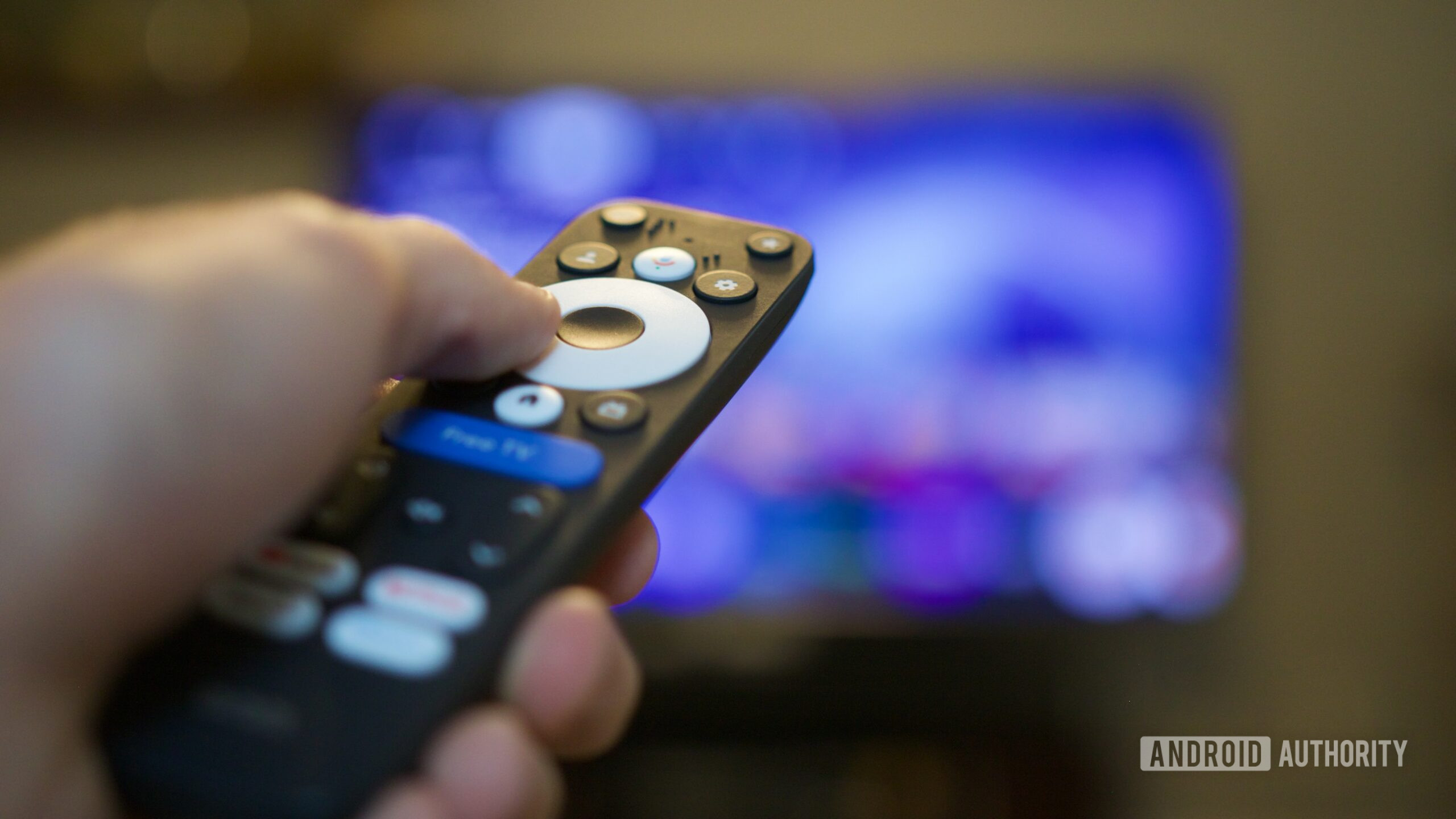
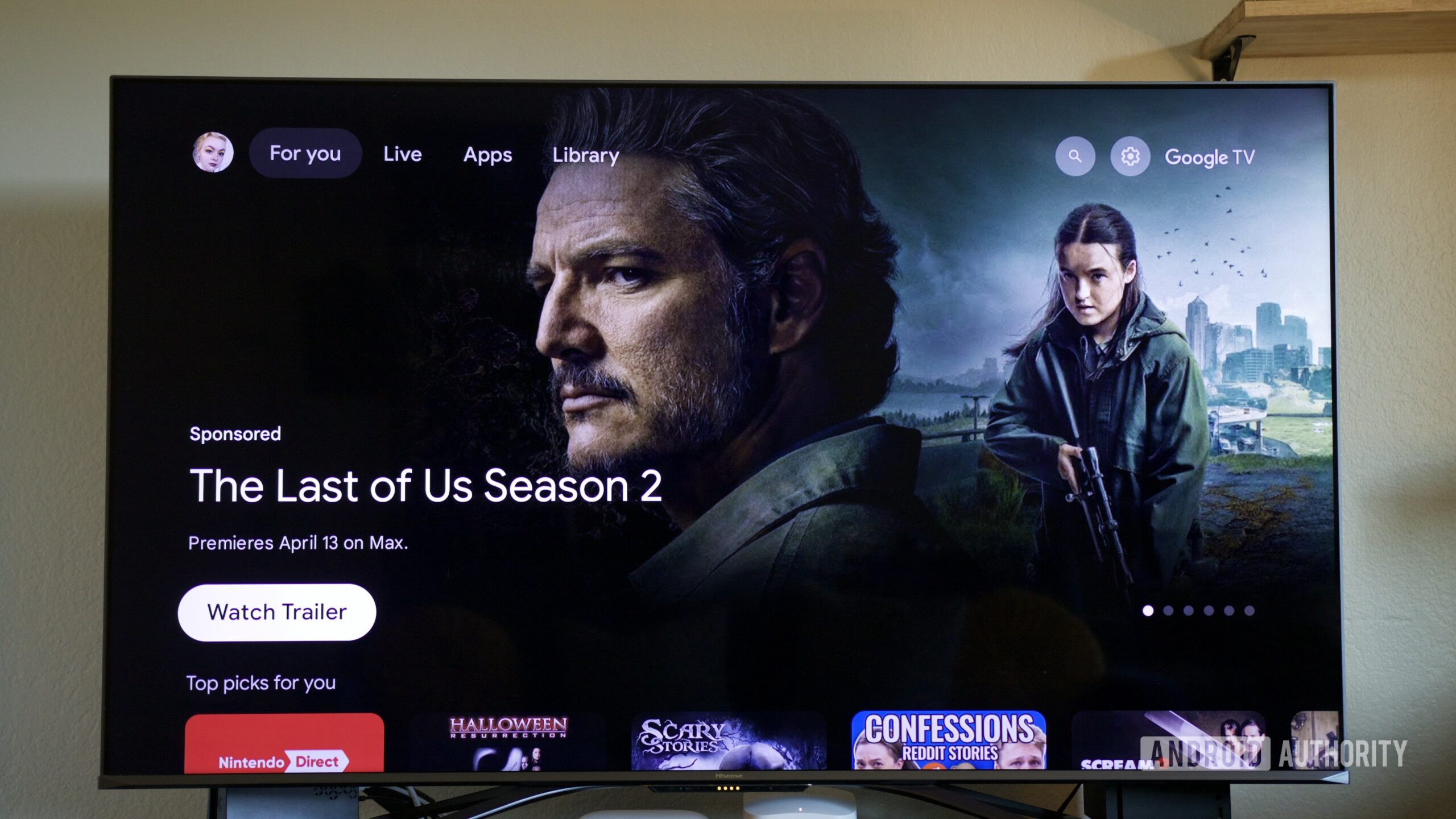
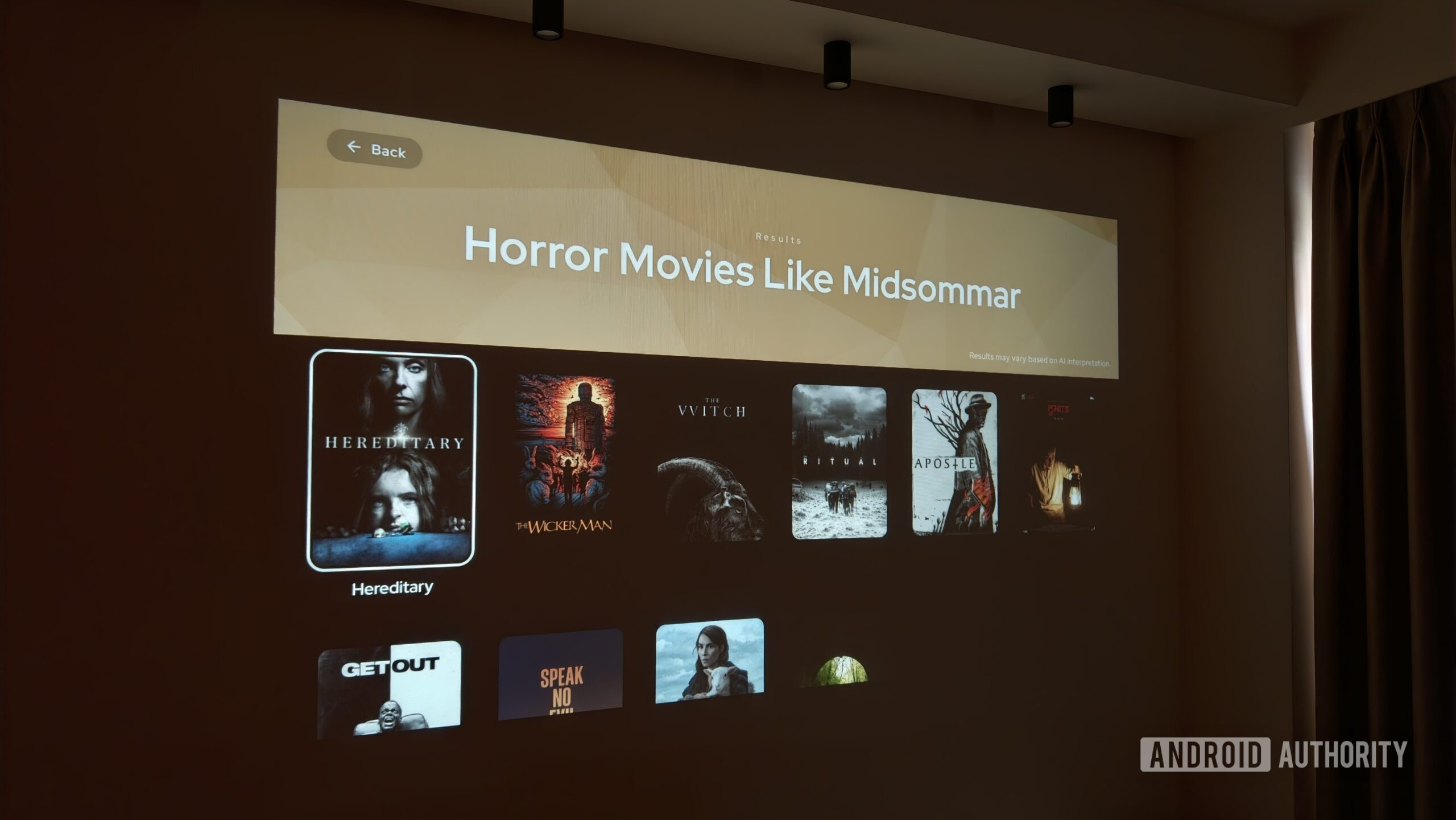
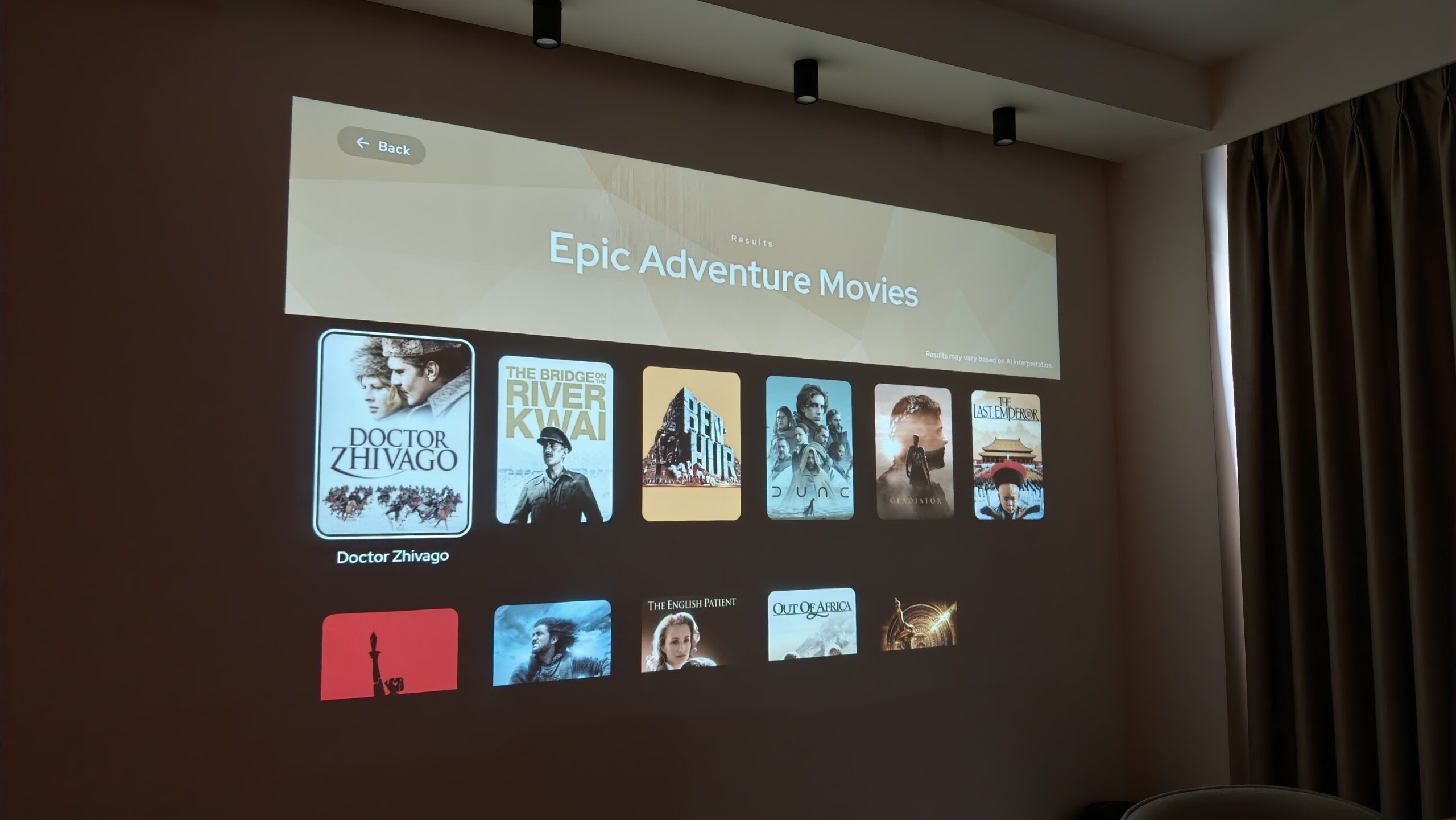
The recent case of Lumio’s Project Neo is a useful reminder. Android Authority spent a week using the agent for Google TV, controlled from a phone through WhatsApp and, optionally, Instagram. The report is valuable because it describes the workflow, mentions occasional slowness and notes that some apps still need to be opened manually. It does not justify saying that the feature “works for everyone”: the product is in beta, tied to the TLDR app and Lumio hardware, and its official page lists specific operating requirements.
This is not a dismissal of the project. It is the correct way to read it. Good tech coverage must separate what a manufacturer promises, what a test actually observed and what still needs verification. AI makes that separation more important, not less: a fluent answer can hide availability, pairing, permission, latency or third-party integration limits.
Four levels that should not be mixed
When a new AI feature reaches Android, Google TV, a wearable or a connected app, label the information before writing the headline.
- Promise: what the manufacturer says. Neo, for example, presents conversational search, voice notes, Reel sharing and a saved collection on the TV.
- Observed behaviour: what a reviewer or independent source actually saw in one specific configuration.
- Conditions: country, hardware, account, app version, network, compatible apps and rollout status. Lumio’s official page publicly lists the beta status, compatible TVs or projectors and the TLDR app running on the television.
- Unknowns: what is not documented well enough, including app coverage, ambiguous requests, response times, data retention and fallback behaviour when a connection fails.
The editorial shortcut is to turn the first level into the second. That is how “it may find a film from a Reel” becomes “AI solves search on Google TV”, skipping compatibility, reliability and context. The reader gets a promise formatted as news. The manufacturer will survive the disappointment; the blog may not.
What really changes
Useful AI features are no longer measured only by whether they produce a correct answer. Project Neo moves input from the remote control to the phone and connects a chat request to the large screen. That is interesting because it removes real steps. It also adds a real chain that must be checked: pairing QR code, account, bot, network, TV app, deep links and the catalogues of individual services.
For Android users, the practical test is simple: the value is not that “AI understands natural language”, but how many steps it removes without replacing them with more fragile ones. A feature that finds a title but cannot open it, works only with selected apps or needs the whole connection set up again after an error should be described exactly that way. That is not cynicism; it is a more useful description of compatibility.
The same rule applies to publishers. AndroidLab has already argued that a tech blog should choose better rather than publish more. Applied to AI demos, that means dropping the dramatic claim when the documentation does not support it. A beta feature is not worthless. It simply deserves beta-level language.
The seven-question checklist
Before calling a new AI feature useful, a newsroom can run this short, repeatable check:
- What is the concrete action? Not “it uses AI”, but whether it searches, summarises, launches, fills in, translates or connects a service.
- Where does it work? State the device, country, version, account and beta or rollout status.
- Which step does it remove? If it removes none, it may be a decorative demo with good manners.
- What dependency does it add? Consider accounts, permissions, network access, partner apps, proprietary hardware and subscriptions.
- What did the source actually verify? Keep a direct test separate from a technical sheet and corporate claims.
- What is the fallback? Explain what happens when the AI misunderstands, becomes slow or cannot complete the action.
- Which personal data enters the flow? Before connecting chats, social accounts, history or other services, readers should know which privacy notices and settings to check.
You do not need to pretend that the newsroom tested everything to use this grid. Be explicit instead: “the source observed this”, “the manufacturer documents that” and “this point remains to be tested”. It is less theatrical than a superlative, but it avoids selling packaged certainty wrapped in launch-video bubble wrap.
A demo is the beginning, not the conclusion
Demos remain valuable. They show an idea, make an interface visible and help establish whether a novelty deserves attention. Their job ends there. Editorial work starts afterwards, when requirements, limits and failure conditions have to be reconstructed — the points where the same idea stops looking as smooth as it did in the launch video.
In Neo’s case, the direction makes sense: using a smartphone and natural language to reduce friction when searching on a TV. Everyday usefulness will depend on the robustness of those connections and on actual compatibility, not on whether a chatbot can suggest a 1990s thriller. For a tech blog, that is the rule worth keeping: explain the potential, but also publish the points where that potential still has to survive contact with reality.
In brief
- An AI demo proves a possibility; it does not certify general availability, reliability or compatibility.
- Project Neo on Google TV is an interesting workflow, but it is currently presented as a beta with specific requirements.
- Manufacturer promises, observed tests, operating conditions and unknowns must remain separate.
- Seven practical questions can turn an AI novelty into verifiable information instead of press-release soup.
Sources
- Android Authority — I let an AI take over my Google TV for a week (July 18, 2026)
- Lumio — Project Neo: availability, compatibility and pairing instructions (accessed July 19, 2026)