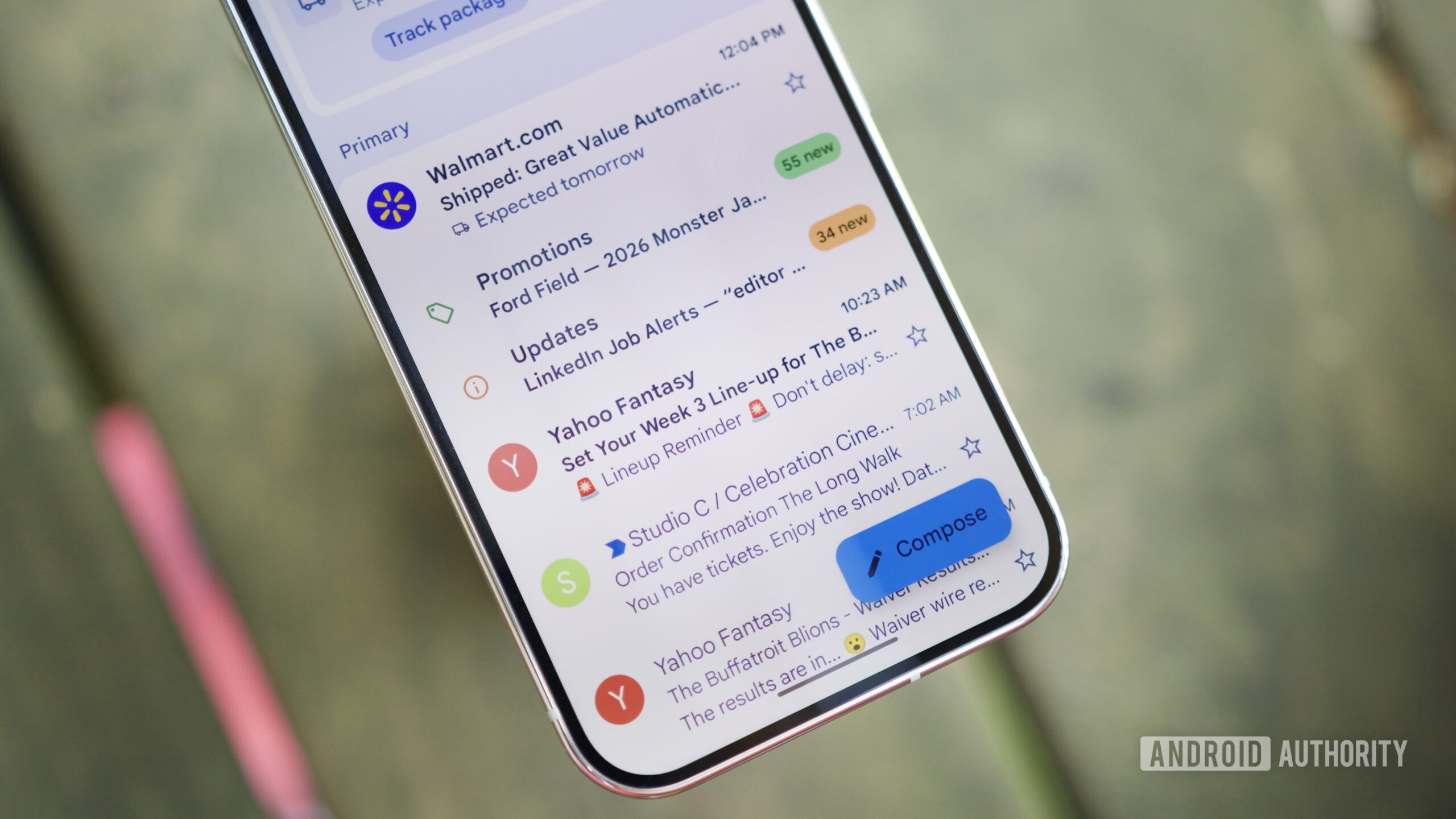
Most online sign-ups made from a phone feel harmless: a newsletter, a trial, a delivery app, hotel Wi-Fi, a service that “only needs an email.” The problem is that your primary address slowly becomes a digital identifier you hand to everyone. Once it lands in a marketing database or a leak, you rarely know where the damage started. Android Authority’s fresh look at email aliases is useful because it turns a vague privacy idea into a practical Android habit: stop giving every app and website the same address.
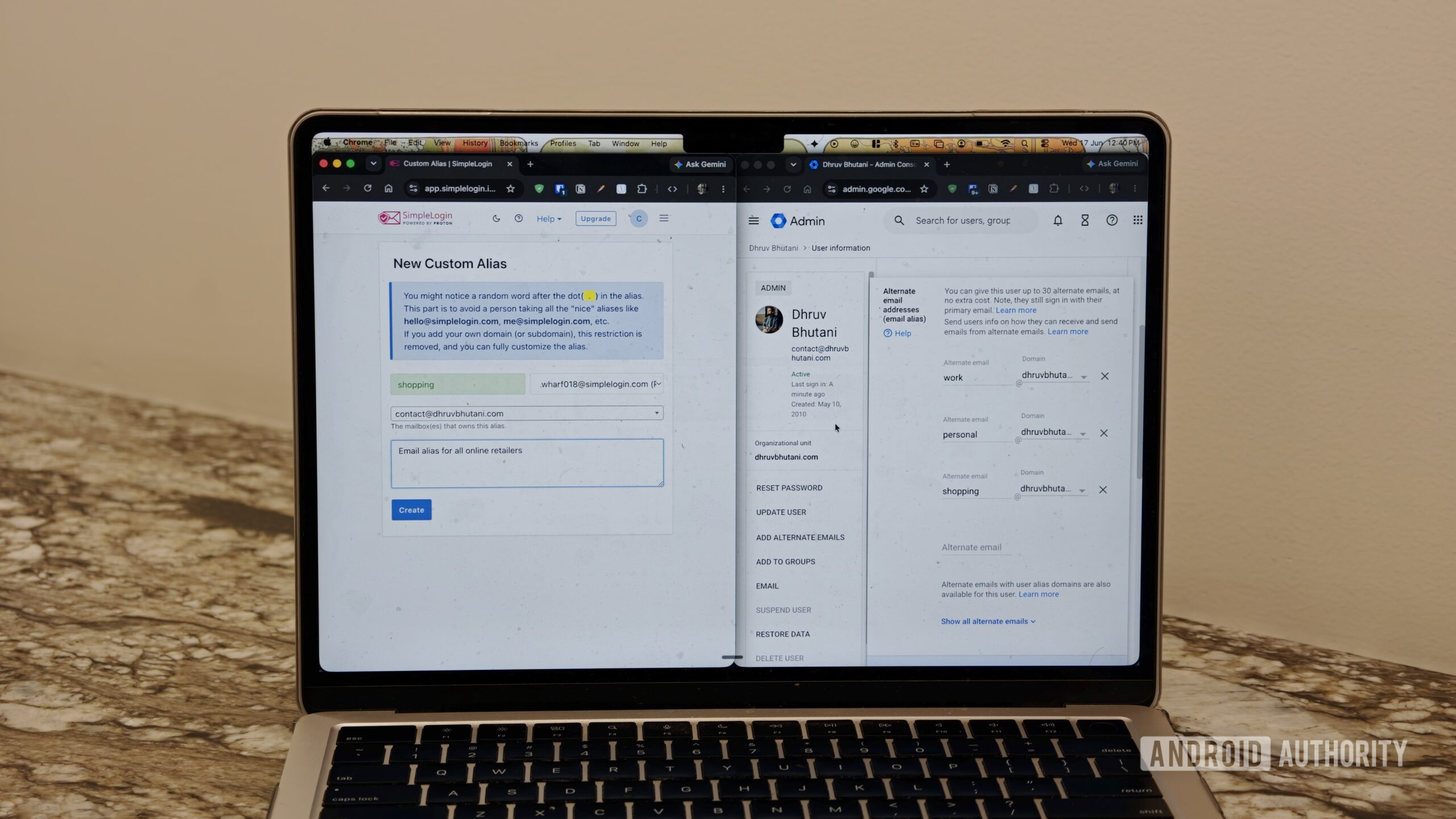
An email alias is a separate address that forwards messages to your real inbox. It can be permanent, such as one address for shopping and one for travel, or disposable for low-trust registrations. Services like DuckDuckGo Email Protection and SimpleLogin are built around that buffer: if one alias starts receiving junk, you can disable it without burning your main inbox.
The AndroidLab angle is not “install another privacy tool and feel magically protected.” The useful part is operational. When you create an account from Chrome, an app WebView, or a mobile checkout page, ask whether that service truly deserves your main email address. If it does not, use an alias. It is a small routine, but it reduces everyday tracking more reliably than many privacy settings people enable once and never revisit.
What actually changes on Android
Android is where this matters because many sign-ups happen quickly, inside apps or mobile browser sessions. If your alias manager is easy to reach from the phone, you avoid the usual compromise: using the real address “just this once” and promising to clean things up later. That cleanup almost never happens, because modern account sprawl is basically entropy with a nicer icon.
A simple rule works better than a complicated privacy doctrine. Keep the real address for work, banking, health, identity services, and truly central accounts. Use aliases for ecommerce, trials, communities, coupon sites, travel portals, and services you may abandon in three weeks. If a service offers Google sign-in but you do not fully trust it, consider an alias anyway: single sign-on is convenient, but it also concentrates account recovery and tracking around one identity.
A practical setup routine
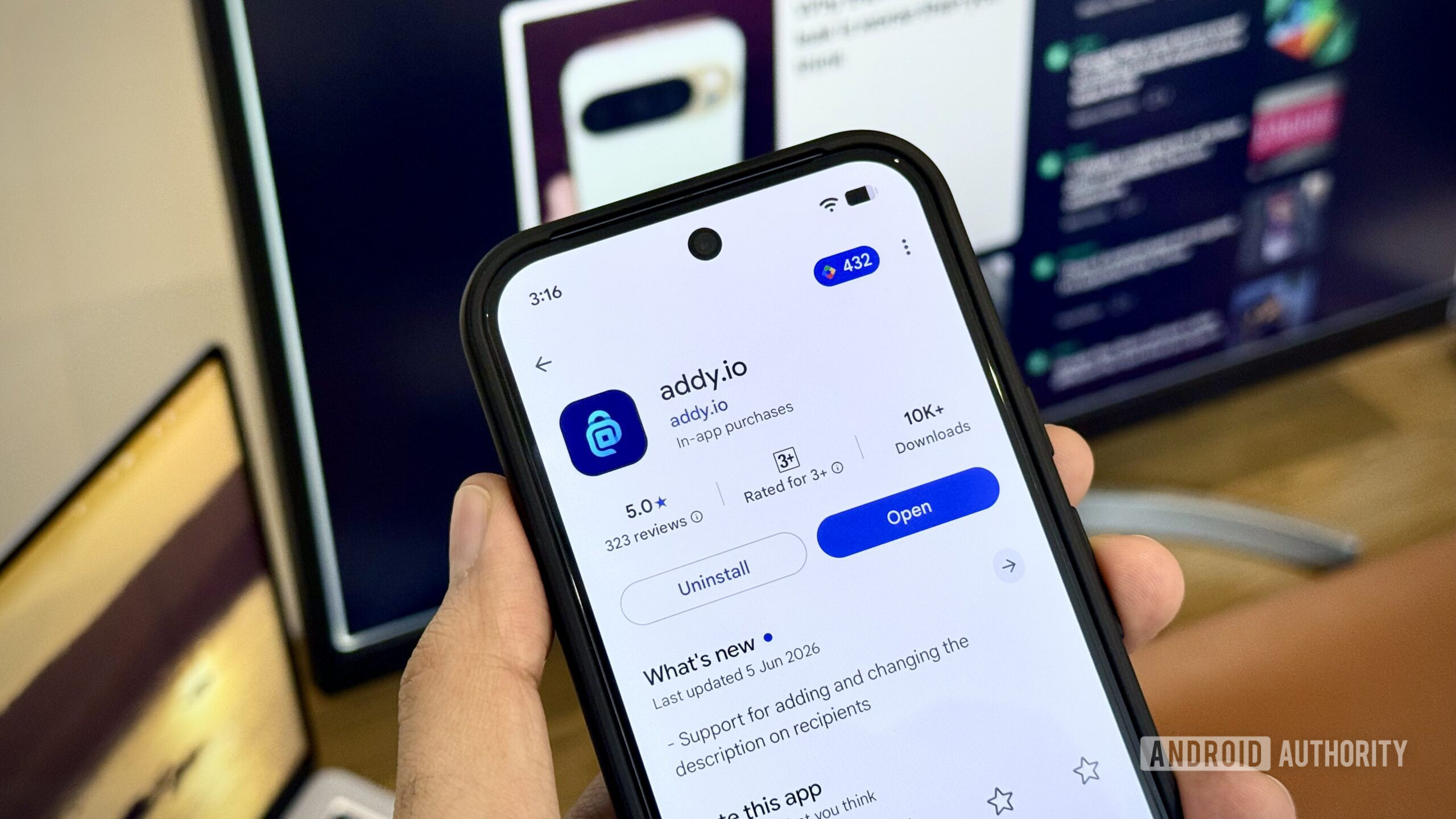
First, pick a provider based on trust, portability, and limits, not only on price. SimpleLogin, now part of the Proton ecosystem, is strong for people who want more granular alias control. DuckDuckGo is attractive if you want a lighter workflow with an official Android app and a public download page. The official Android route is the DuckDuckGo Private Browser listing on Google Play; random APK mirrors are not a clever shortcut here, they are just unnecessary risk wearing sunglasses.
Second, name aliases so future-you can understand them. Random labels may be private, but they become annoying when you need to audit an inbox months later. Categories such as shopping, travel, forums, newsletters, and trials are usually enough. Third, treat spam as a signal. If one alias starts receiving junk, do not only delete the messages. Check which service used that alias, then disable or replace it.
Fourth, do not use aliases blindly for everything. Some sensitive services may reject alias domains or make account recovery harder. For banking, government identity, legal documents, work accounts, and critical backups, a conservative setup is safer. Privacy is not a contest to hide every trace; it is about reducing exposure without building a fragile account maze that breaks during the first password reset.
Limits to check before choosing a service
Before committing, check how many aliases are included in the free plan, whether you can reply from an alias instead of only receiving mail, whether custom domains are supported, what logs the provider keeps, and how easy it is to export or migrate. The “reply from alias” feature matters: if you receive a message through an alias and answer from your real address, you have politely punched a hole through your own filter.
Closed ecosystems also deserve attention. Built-in “hide my email” features can be convenient, but they live inside the platform that provides them. If you change phone, browser, or primary account, you need to know where your aliases live and how to recover them. The goal is to depend less on one exposed email address, not to move all dependency into another opaque dashboard.
In short, email aliases do not eliminate spam, data brokers, or aggressive marketing. They do something more realistic: they turn one vulnerable inbox into a set of controllable addresses. For Android users, that is one of the most practical defenses against silent profiling, leaks, and newsletters nobody remembers asking for.
In brief
- Keep your main email address for essential and high-trust accounts.
- Use separate aliases for shopping, trials, travel, forums, and occasional services.
- Prefer providers with clear mobile access, export options, and reply-from-alias support.
- If an alias receives spam, disable it and identify which service exposed it.
- For Android apps, use official pages or the Google Play Store, not random APK mirrors.