Google Images is not getting a minor coat of paint. Google is preparing a browsable home page with a dynamic gallery built around account interests and saved items, while also bringing image generation into AI Overviews. The useful, unglamorous detail is that this is a server-side rollout, not an APK to hunt down in the Play Store. If it is not visible today, clearing Chrome’s cache will not enable a feature Google has not yet switched on for that account or region.
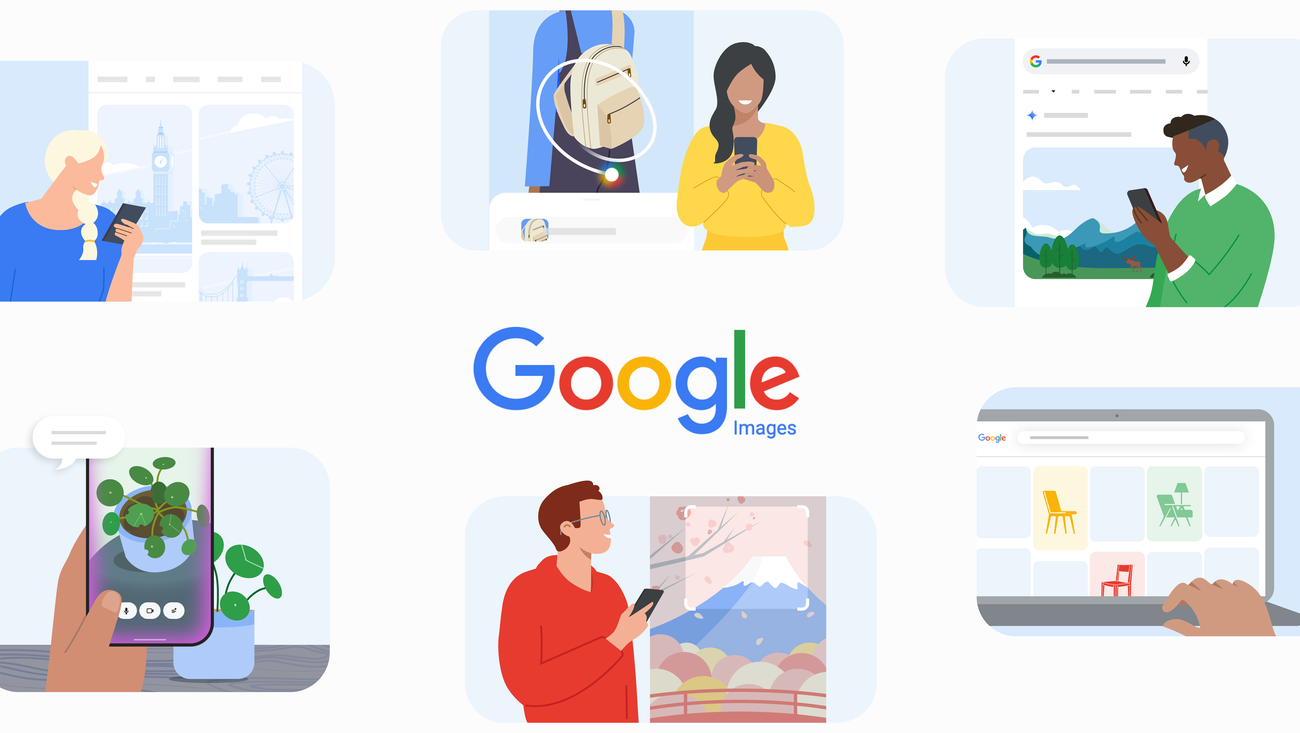
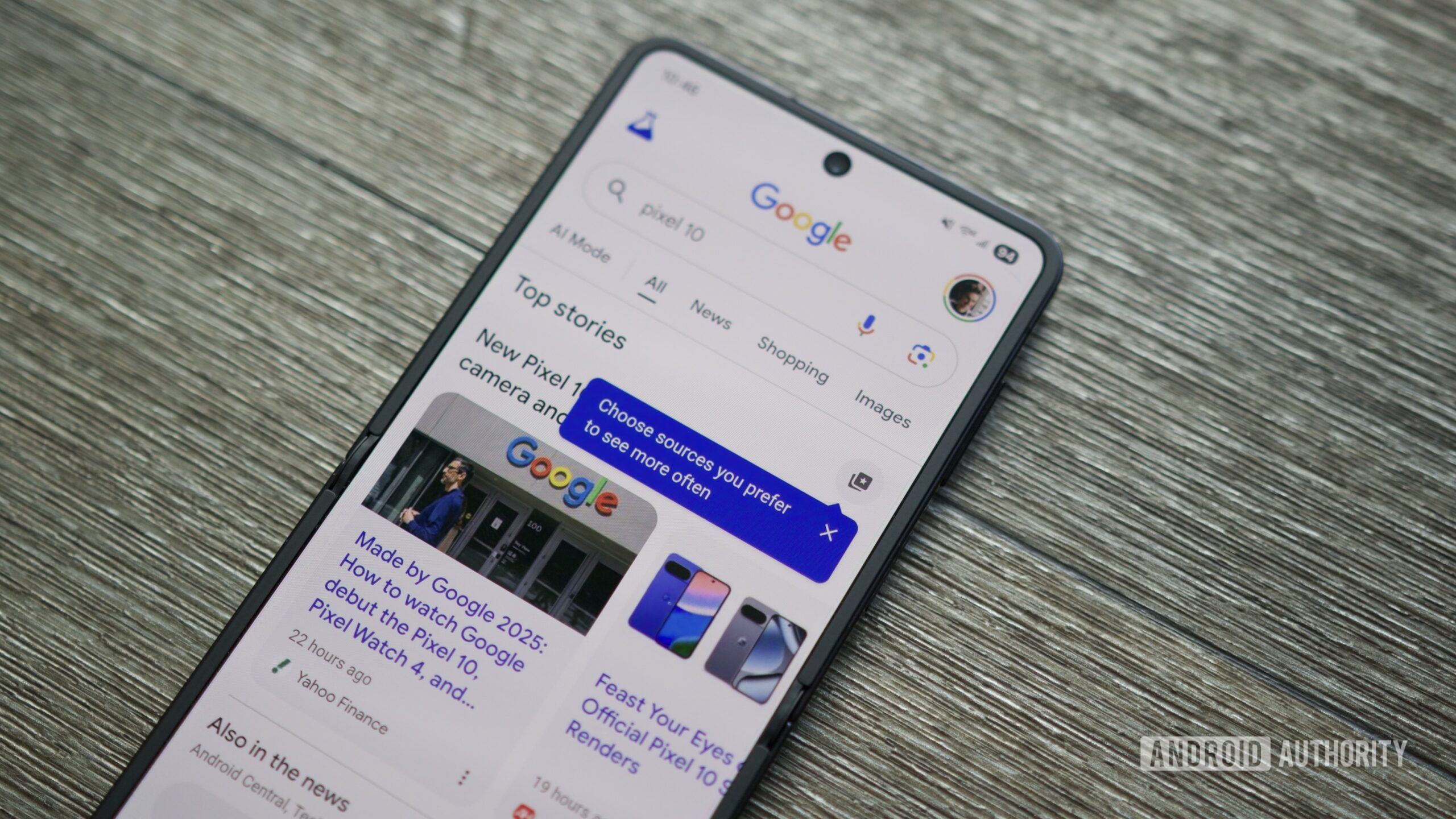
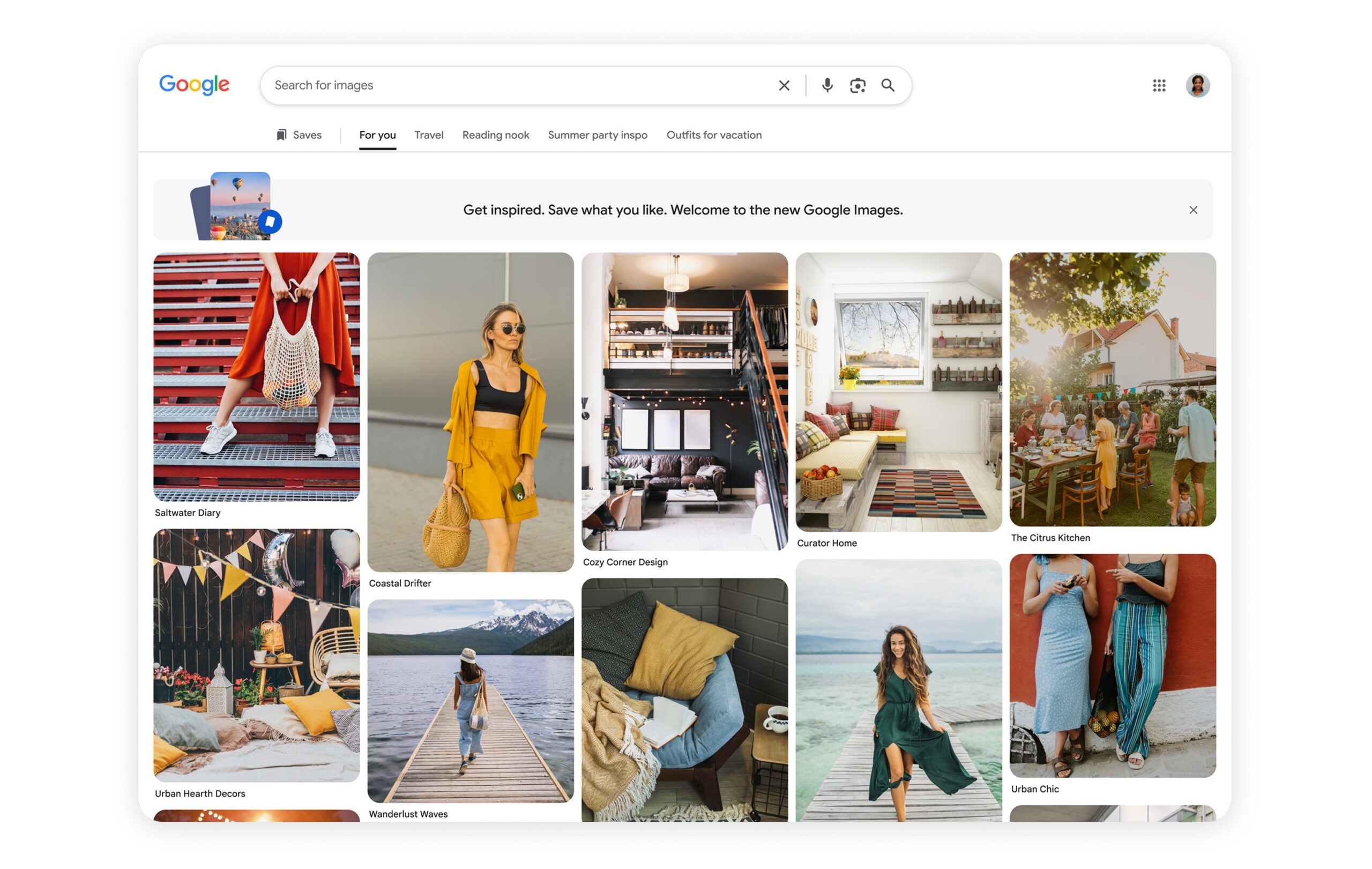
Google’s primary announcement describes two separate features. First comes a new Google Images home page that refreshes recommendations in real time and turns saved collections into topic shortcuts. Second is prompt-based generation in AI Overviews, powered by Nano Banana. Android Authority adds the initial rollout boundaries: the gallery is expected over the coming weeks for signed-in US desktop users in English, while generation will arrive gradually in English where AI Mode already supports image creation.
First, identify which feature you are looking for
Mixing them up is the quickest way to decide that a rollout is broken when it is not. The gallery is for browsing and saving inspiration. Generation is meant to appear in the AI Overview path when Google can make an image that does not exist on the web. It does not replace Lens, and it does not turn every image search into a generator.
A practical access check
- Open Google Images in a desktop browser and sign in with your Google account. For the gallery, that is the most important stated requirement; Android app parity should not be assumed.
- Look for a recommendation grid and tabs tied to collections or themes you have saved. If the familiar search page is still there, label it “not enabled yet,” not “my phone is unsupported.”
- For the AI portion, use Google Search in English in a region where AI Mode is available, then try a genuinely specific visual request. Look for the image-making option offered by the AI Overview; there is no universal Android or Chrome toggle for it.
- Keep any output you want to reuse separate from web results. A prompt-generated image is not a photograph found online, and it does not inherit editorial provenance, licensing, or factual reliability.
- If the interface appears but fails, record the country, account language, browser, and error before blaming the handset. The deciding component runs on Google’s servers, not on the phone’s GPU.
What changes in practice
Google is moving search, saving, and generation closer together. That is convenient for inspiration, but it makes one distinction easier to overlook: a result retrieved from the web can be checked at its source; an AI-made visual should be handled as synthetic material. For research, shopping, or editorial work, that difference matters more than the new layout. Our related AndroidLab guide to checking sources in Google AI Search remains relevant: a smoother answer is not necessarily a more auditable one.
There is a second operational limit. The gallery’s personalization starts with account interests, saved collections, and activity. Before turning it into a personal mood board, check what is being saved and remember that availability is selective. Changing language or using a VPN may change what the interface shows, but it does not make a feature officially available. In a distributed system, forcing the UI is often just an efficient way to create inconsistent results.
In brief
- The new Google Images home and AI Overview generation are different features.
- The rollout begins in English and does not yet guarantee uniform access on Android or outside the US.
- The gallery needs a signed-in desktop browser; AI generation also depends on country and AI Mode availability.
- Do not look for an app update: activation is mainly server-side.
- Treat generated images as synthetic output, not as verifiable sources or photographs.