On this page
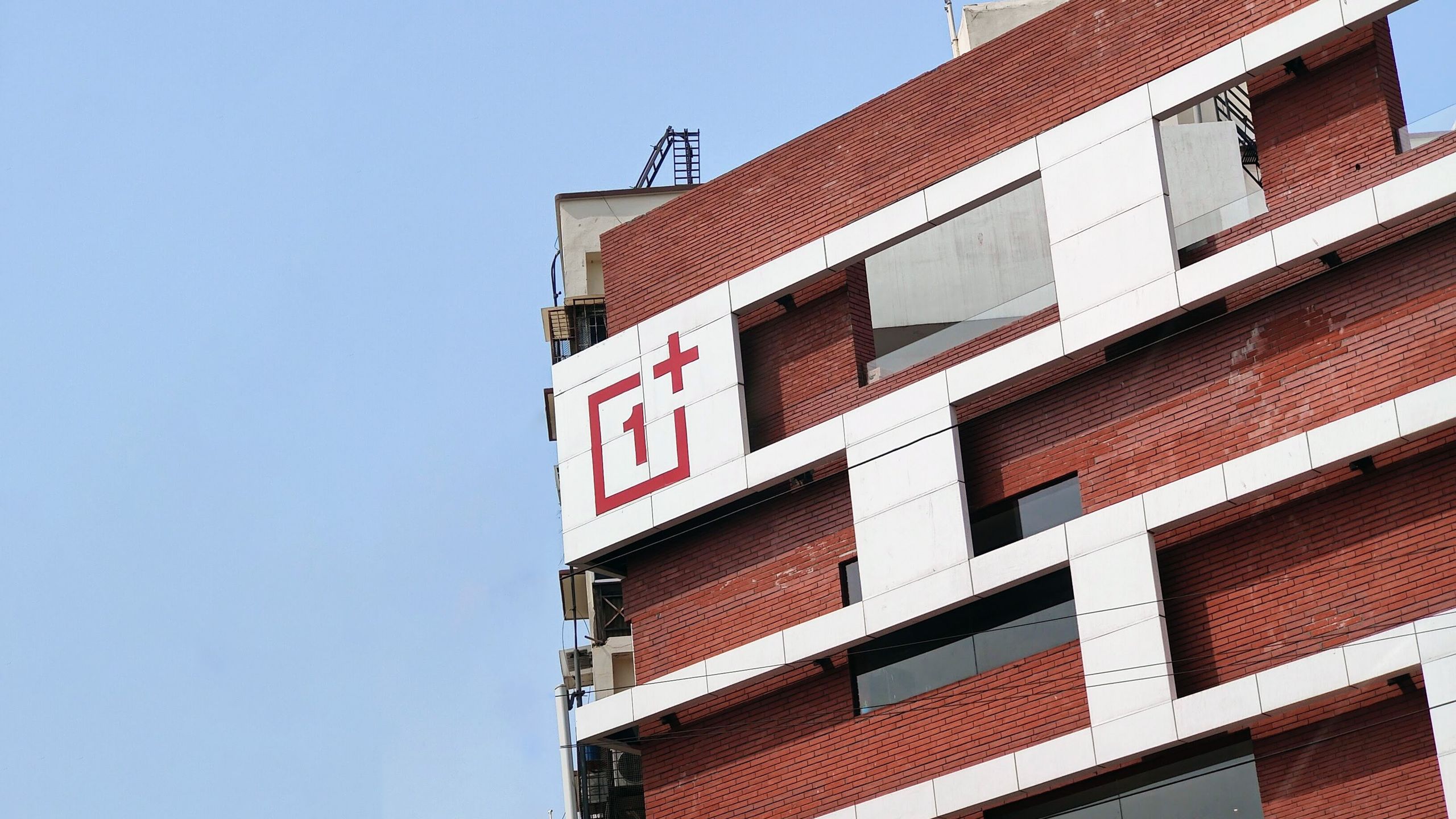
OnePlus is leaving the US and Europe by the end of this week. For people who already own one of its phones, the useful response is not panic-buying or doomscrolling: it is getting the essentials in order when a manufacturer changes its commercial presence, support chain and software identity. Oppo says existing devices will keep receiving updates and support within their originally committed support periods; in Europe, it is also expected to take over warranty agreements. The move from OxygenOS to ColorOS, however, deserves more attention than an ordinary system notification.
This is not an ordinary update
Android Central and The Verge report two connected changes: OnePlus will stop launching products in the US and European markets, while existing devices will transition to ColorOS in the coming months. In Europe, Oppo says it will assume after-sales and warranty agreements. The practical path is less clear in the US, where OnePlus will no longer have a direct presence.
That does not mean a phone becomes unusable overnight. It does mean that software, support channels and the product’s identity are changing hands. OxygenOS and ColorOS have shared much of their technical base for years, but a platform migration is still the moment to have data, proof of purchase and settings under control. For a broader update-checking routine, see AndroidLab’s Italian Android 17 QPR1 checklist; the menus differ, but the discipline is the same.
Six checks before moving to ColorOS
- Record your current build and security patch. In Settings > About device, save screenshots of the OxygenOS version, build number and security patch. They are useful if you later need to explain a problem to support.
- Make a verifiable backup. Pressing “back up” is not enough: make sure you can actually see photos, documents and app data in the storage you selected. For WhatsApp, check the date and size of its last backup separately.
- Keep the IMEI, invoice and repair records. In Europe, warranty handling is expected to move to Oppo, but procedures can vary by country and retailer. Do not wait until the phone has failed to reconstruct the paperwork.
- Check the support horizon for your exact model. The commitment applies to the original promise for each device, not to an automatic extension. Check the official model page and do not mistake an interface update for extra months of security patches.
- Review eSIM, banking apps and authentication. These are the places where a major update can ask for access or permissions again. Keep recovery codes and an alternative sign-in method available before updating.
- Do not choose rollback by reflex. Oppo has indicated that owners may be able to return to OxygenOS, but The Verge notes that this would presumably mean giving up future updates. Read the release notes and wait for feedback on your model before deciding from a single interface screenshot.
What changes in real life
For the European Android market, this removes a distinct choice rather than just a logo from store shelves. For current owners, the immediate issue is trust in support: who answers, through which channel, on what timetable and with what software commitment. Public pledges to continue updates are a welcome starting point, but they do not replace a per-model support page or transparent repair and personal-data handling.
AndroidLab’s practical view is simple: there is no reason to replace a phone out of panic, and no reason to pretend that a platform change is merely cosmetic. A verifiable backup and a small folder containing device details are the kind of household automation worth doing before the migration, not after it turns into a support ticket.
In brief
- OnePlus is leaving the US and Europe, while sold devices remain within their promised support window.
- Existing phones are expected to move from OxygenOS to ColorOS in the coming months.
- Oppo is expected to handle European warranty agreements; keep proof of purchase and the IMEI now.
- Before a major migration, check backups, authentication and the support end date for your own model.