On this page
Android 17 QPR1 Beta 7 is not an update to chase just to put a newer number in Settings. For Pixel users already in the beta program, though, it fixes a small but irritating cluster of Quick Settings bugs. Google lists build CP31.260623.005 and explicitly calls out fixes for Battery Share, the Wi-Fi layout, and the text-size controller. The practical rule is straightforward: first confirm that your problem is actually on that list, then decide whether the beta risk is justified.
It is not a beta for fixing an icon
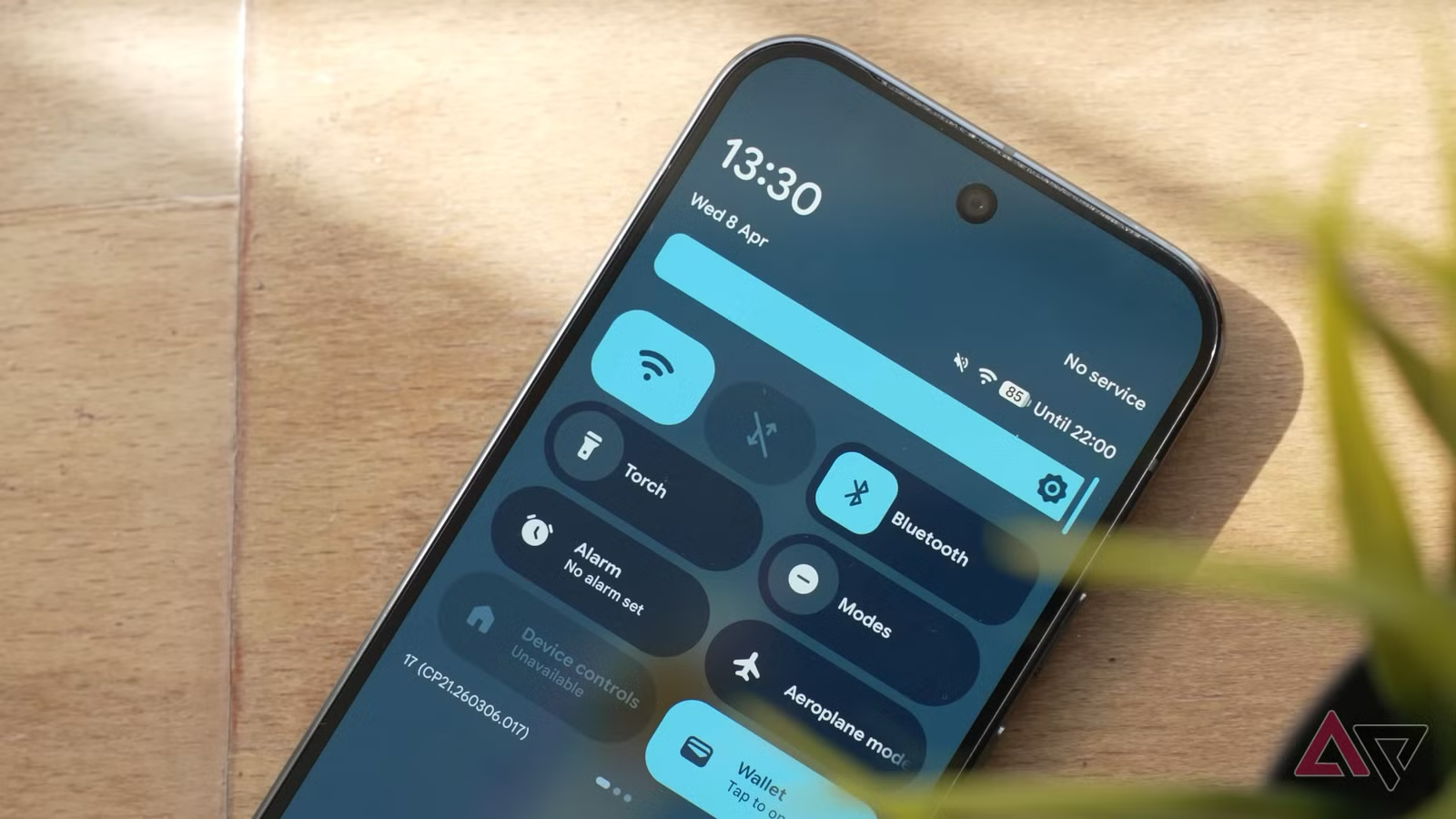
The official release notes describe three precise fixes: Battery Share started from Quick Settings could fail to charge or loop its animation; turning Wi-Fi off could leave an empty gap between the battery and mobile-data icons; and the text-size control in the quick panel could crash. Google also addresses visual glitches in the media carousel when it is swiped quickly. Android Police reports the rollout to compatible Pixels, starting with the Pixel 6 generation.
That specificity matters. If a Pixel has general slowdowns, unusual battery drain, or unstable Wi-Fi, installing a preview because it contains “a Quick Settings fix” is a fine way to mix up cause and remedy. A QPR beta is still pre-release software: it fixes some bugs and can create others, especially around less common combinations of apps, carriers, and accessories.
OTA checklist before installing
- Check the model and release channel. In Settings > About phone, confirm that the Pixel is eligible; then use System > Software update to confirm that it is actually enrolled in the QPR beta channel. This build will not appear as an ordinary stable update for an unenrolled phone.
- Back up what you cannot casually rebuild. Backup data, 2FA recovery codes, the authenticator, and work data deserve separate checks. It is not glamorous, but it prevents a Quick Settings experiment from becoming an evening of disaster recovery.
- Record the symptom before updating. Save a screenshot or short video, the current build, and the exact reproduction steps. Without a verifiable “before,” it is impossible to tell whether Beta 7 fixed the issue or merely moved it.
- Test Battery Share with a real device. After the reboot, enable it from Quick Settings and check that charging actually begins rather than just showing its animation. Thick cases, temperature, and alignment remain physical constraints; the patch cannot negotiate with thermodynamics.
- Run Google’s three stated checks. Turn Wi-Fi off, change text size from the quick panel, and swipe through the media player quickly. Those are two-minute tests, and far more useful than a vague feeling that everything is “a bit smoother.”
- Keep the exit path conservative. If the beta creates a blocking problem, do not improvise a downgrade or factory reset. Read our related AndroidLab guide on leaving the Android 17 beta without a wipe first.
What actually changes
For people who use Battery Share daily or frequently alter text size and connectivity, Beta 7 is a sensible update only when they are already in the testing channel. For everyone else, it is mainly a signal about the QPR’s maturity: Google is closing very tangible UI bugs before the public release. There is no need to turn a primary phone into an involuntary lab just to remove a misplaced margin.
If you are already on Beta 6, see AndroidLab’s earlier Android 17 QPR1 Beta 6 installation guide before proceeding. Updates are safer when the model, build, and escape plan are all explicit.
In brief
- Android 17 QPR1 Beta 7 ships as build CP31.260623.005.
- It addresses specific Battery Share, Wi-Fi, text-size, and media-carousel issues in Quick Settings.
- It is for eligible Pixels already in the beta program, not a universal cure for every phone problem.
- Before the OTA: back up, document the bug, and run repeatable checks after installation.