
On this page
Samsung opened the One UI 9.5 beta this week, and the invitation is narrower than the excitement around it suggests. Samsung’s own announcement says the program is available from November 17 on the Galaxy S26 series, with enrollment through the Samsung Members app. Three phones, six markets, limited seats. If you qualify, joining takes a few taps. Leaving costs you a factory reset, and that is the part to plan for before you start.

Who can join right now
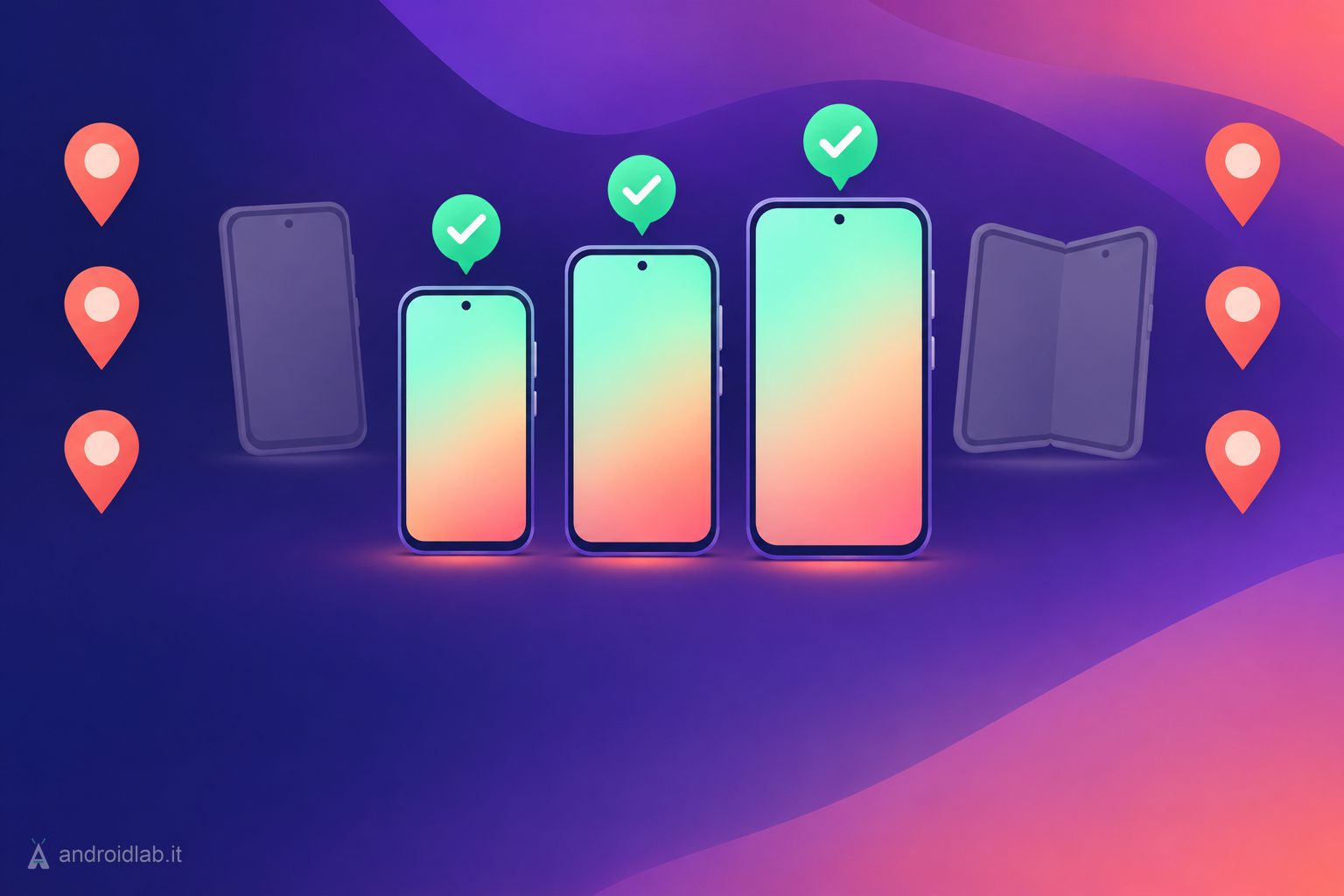
Samsung’s newsroom post names the Galaxy S26 series and nothing else. According to 9to5Google, Android Authority and SamMobile, that means the Galaxy S26, Galaxy S26+ and Galaxy S26 Ultra, in these markets:
- Germany
- India
- Poland
- South Korea
- United Kingdom
- United States
The Galaxy Z Fold 8 family is not on the list, and neither are older S-series phones. SamMobile notes that this is the first One UI beta to open in every eligible market on the same day, and expects more devices to be added later. Samsung has not published a schedule for that, so treat any date you see for other models as a guess.
Two more conditions apply even if your phone and country match. Seats are limited: SamMobile and Android Authority both point out that Samsung stops accepting testers once enough people have joined, and that the banner can appear in waves. And 9to5Google reports that this is a new program, so having been in the One UI 9 beta does not carry you over.
Before you install: back up
This is a first beta. Android Authority reports that Samsung itself warns of unexpected issues and recommends a backup before installing. A full backup matters here for a specific reason: the only supported way back to stable One UI 9 wipes the phone, as explained below.
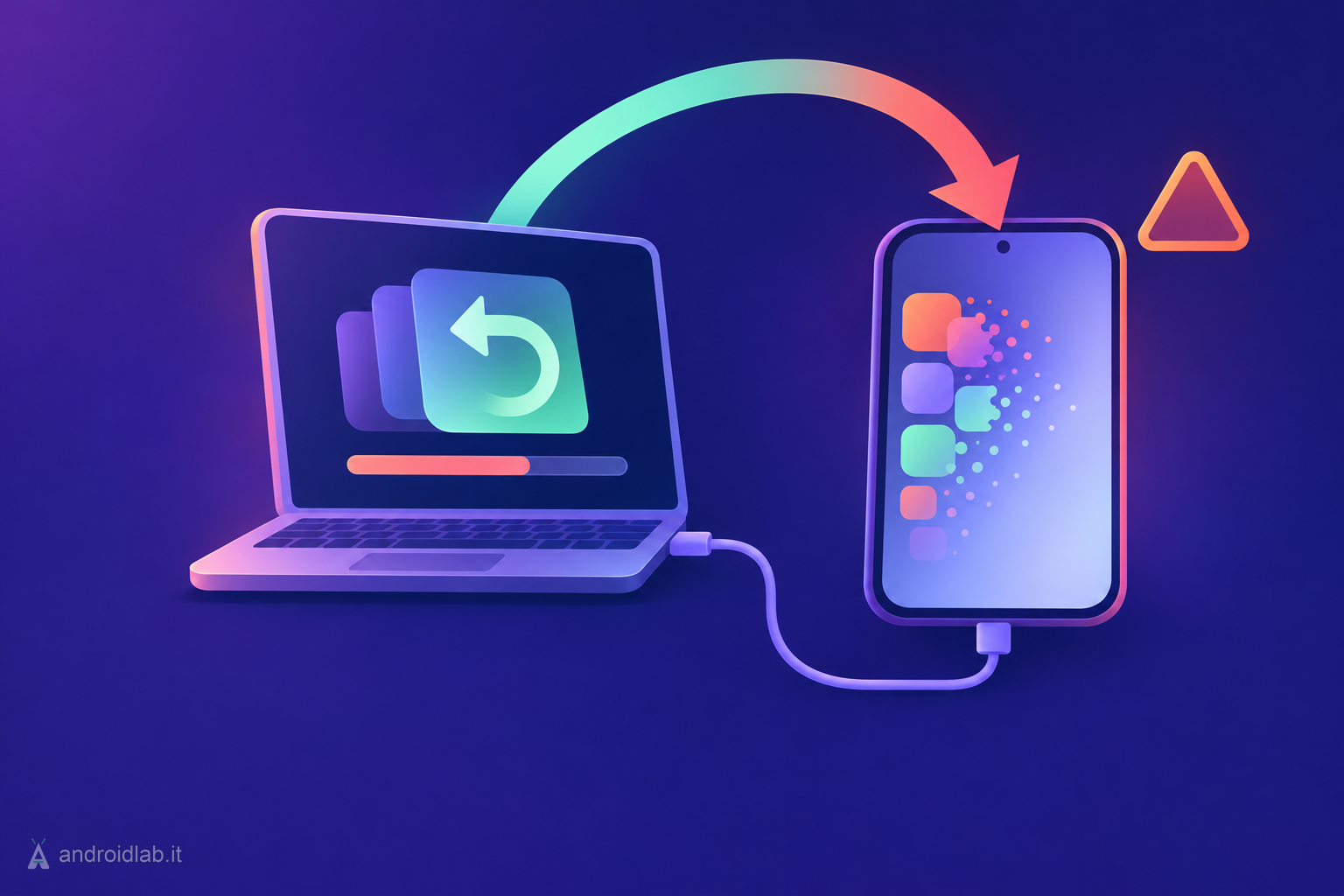
The route Android Authority documents is Smart Switch on a computer:
- Install Smart Switch on a Windows PC or a Mac.
- Connect the Galaxy S26 with a USB-C cable and tap Connect on the phone.
- Select Backup in Smart Switch, choose what to include, and start it.
Check that the backup finished and that you know your Samsung account and Google account passwords. If the phone is the one you rely on for work, payments or two-factor codes, the honest advice is to sit this round out. A beta on a spare or secondary device is a hobby. A beta on your only phone is a risk you carry every day until the stable release.
How to install the One UI 9.5 beta
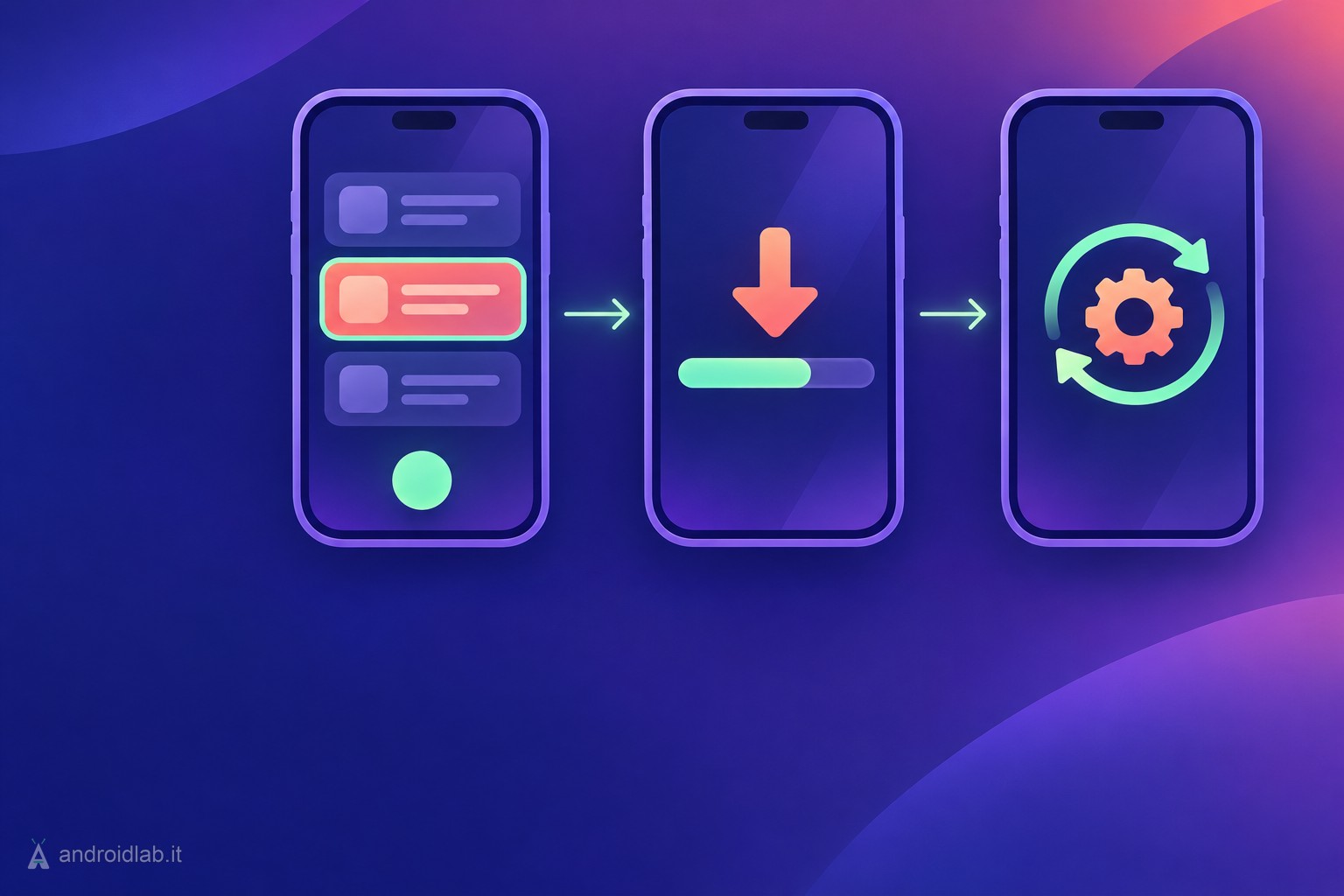
- Open the Samsung Members app on your Galaxy S26. If you removed it, it is available from the Galaxy Store or the Play Store.
- Sign in with your Samsung account.
- Scroll to the Beta Program section and tap the One UI 9.5 beta card. Android Authority shows it labelled “One UI 9.5 S26 Beta”.
- Tap Join, accept the terms and complete the enrollment.
- Go to Settings > Software update and check for updates, or use the update check offered in Samsung Members.
- Download and install it like any other system update. Android Authority suggests at least 30% battery; more is better, and a charger is better still.
If the beta card is not there
- Wrong model or market. Only the three Galaxy S26 phones in the six listed markets are eligible at the moment.
- Rollout in waves. Android Authority advises checking again a few hours later before assuming you are excluded.
- Seats are gone. Registration closes when Samsung has enough testers. It may reopen with later beta builds, but nothing guarantees it.
- Outdated app. Update Samsung Members from the Galaxy Store and sign in again, since the card lives inside the app.
Firmware files posted on forums and file hosts are a different thing from the beta program. Installing them is at your own risk, and nothing in Samsung’s announcement covers that route.
What you get, and what you lose
Samsung’s announcement highlights five areas: Pro and Pro video modes with custom controls and presets, a Samsung Health journaling feature and a Medications tracker, a floating accessibility shortcut, hearing aid volume in the notification panel, and App Lock.
App Lock is the one most people will notice. Individual apps can be secured with biometrics or the screen lock, and Samsung says notification content and widgets stay hidden even when someone else is holding the unlocked phone. The changelog published with the update adds that on the Galaxy S26 Ultra, Privacy Display can switch on automatically for locked apps, Secret mode in Samsung Browser, private albums in Gallery and locked notes.
The same changelog, as reproduced by 9to5Google, lists smaller additions that are easy to miss: search inside the Quick panel editor, DOCX and PPTX files opening directly in My Files, an optional 10-second pause before a chosen app launches, and fingerprint and face recognition working at the same time.
There is also a removal. The changelog states that Audio brief and Moments will no longer be available in Now brief after the upgrade to One UI 9.5. If you use either, that alone may be a reason to wait.
How to roll back to stable One UI 9
Android Authority describes the return path in two stages, and the second one erases the phone.
- Open Samsung Members and go to the Beta Program section.
- Tap the One UI 9.5 beta entry, open the three-dot menu and choose the option to leave the beta.
- Pick a reason and submit.
- Connect the phone to a PC or Mac and open Smart Switch.
- Click Downgrade, then Continue, and leave the cable alone until the process ends.
The downgrade requires a factory reset. Whatever you created on the beta and did not back up again is gone, which is why the backup step deserves more attention than the install step. Restore from Smart Switch once the phone is back on One UI 9.
What it changes in practice
For most Galaxy owners, nothing yet. The beta covers one phone family in six countries, and the features will reach everyone else with the stable release. Android Authority expects that in 2027, and 9to5Google expects One UI 9.5 to ship on the Galaxy S27; Samsung has confirmed neither a date nor a device list.
For eligible S26 owners the trade is clear enough. You get App Lock and the camera changes months early. In exchange you accept first-beta bugs, the loss of two Now brief features, and an exit that wipes the device. Half-step One UI releases are usually where Samsung ships the practical features people asked for, so the temptation is real. It is still a test build, and One UI 9 itself had rough edges for some drivers, as covered in our guide to Android Auto connection problems on Galaxy phones after One UI 9.
In short
- One UI 9.5 beta: Galaxy S26, S26+ and S26 Ultra only, in Germany, India, Poland, South Korea, the UK and the US.
- Join in Samsung Members under Beta Program, then check Settings > Software update.
- Seats are limited and the card can appear in waves.
- Back up with Smart Switch first: leaving the beta means a downgrade with a factory reset.
- App Lock hides locked apps’ notification content and widgets; Audio brief and Moments leave Now brief.
- No confirmed date for the stable release or for other Galaxy models.
- Samsung Begins One UI 9.5 Beta Program, Samsung Newsroom U.S., November 2026
- How to install One UI 9.5 beta on your Galaxy S26 right now (and how to roll back), Android Authority, 2026-11-18
- One UI 9.5 Beta is out now for these Galaxy devices, how to install it, 9to5Google, 2026-11-18
- Every Galaxy smartphone that is getting the One UI 9.5 beta, SamMobile, 2026-11-18
- Samsung brings native app lock to Galaxy phones with One UI 9.5, Android Authority, 2026-11-18