Editorial update – 17 July 2026. The cloud-transcription details reported on 10 July describe an evolving One UI 9 feature set. Availability can depend on Galaxy model, firmware, language, region and Samsung account, so a preview menu is not proof that the feature is live on every phone.
What to check before acting
- Separate confirmed product documentation from reports, previews and leaks.
- Check device, account, region, firmware and app version before assuming the feature is available.
- Use official update and download channels, and keep a reversible backup before changing data or integrations.
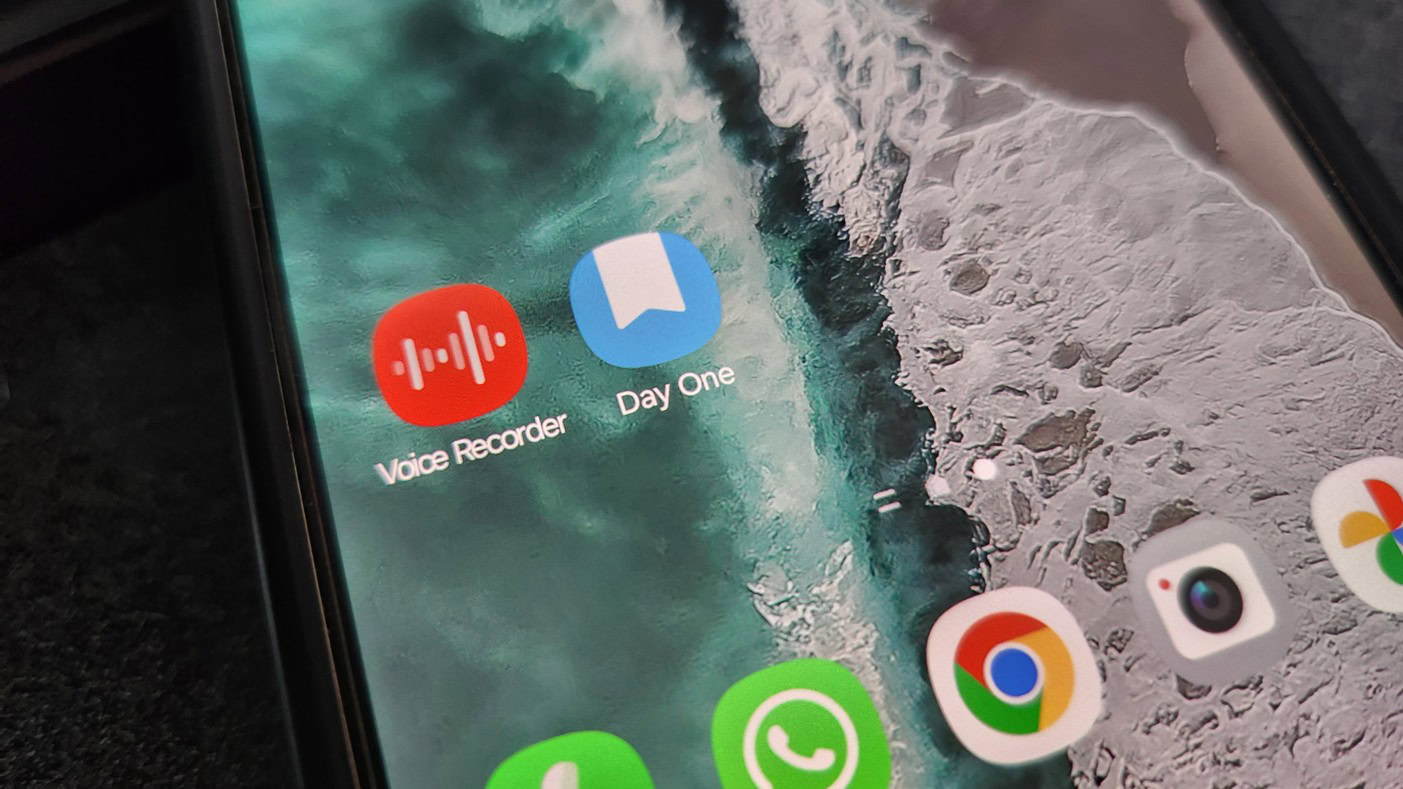
Samsung Voice Recorder is becoming more than a simple audio notebook. Fresh reports from Android Authority and SamMobile point to a One UI 9 update that moves transcription into the cloud, adds more accurate speech-to-text processing, improves storage controls and brings MP3 export options. On paper, that is a useful upgrade for anyone recording meetings, lectures, interviews or quick voice notes on a Galaxy phone.
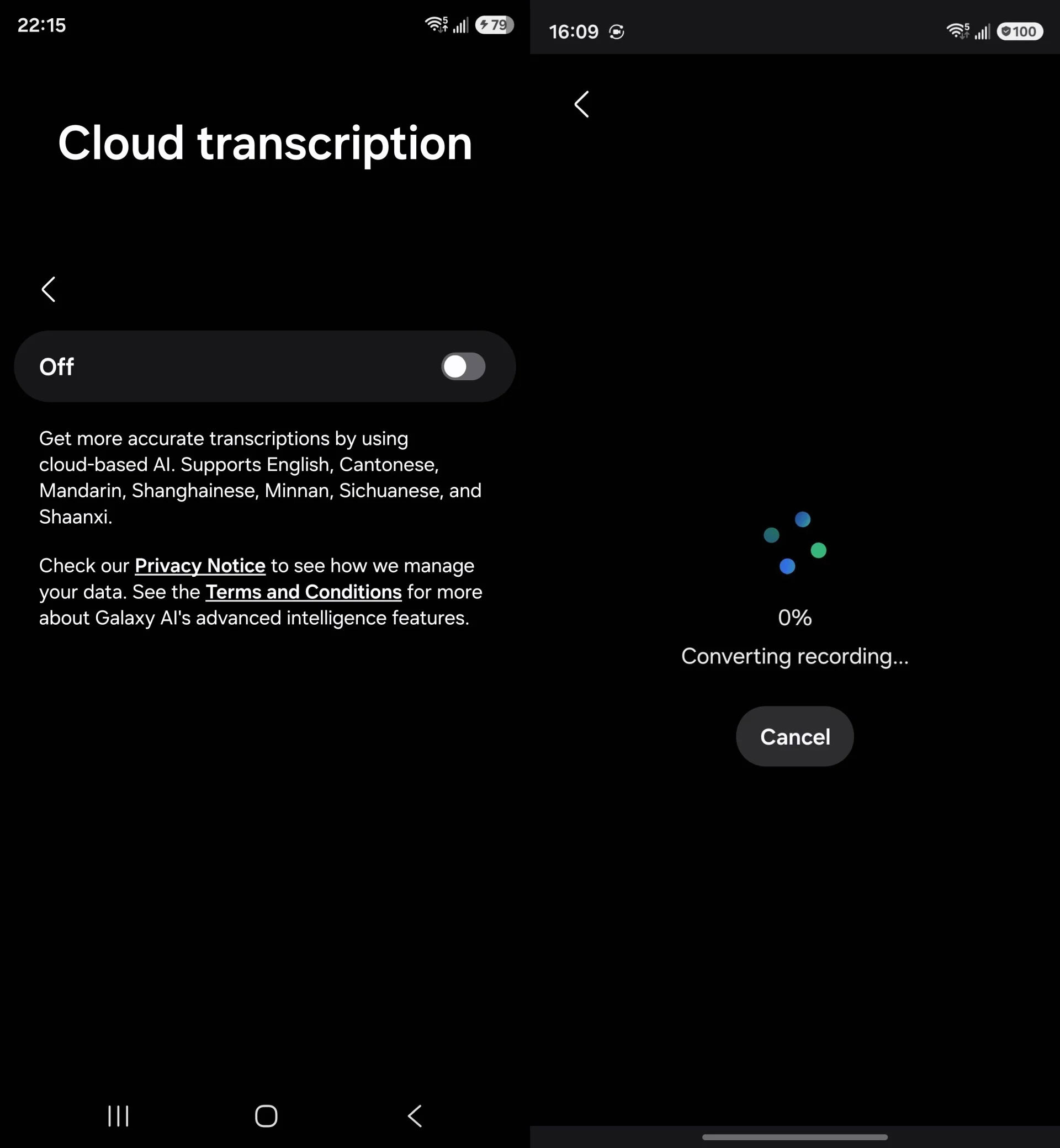
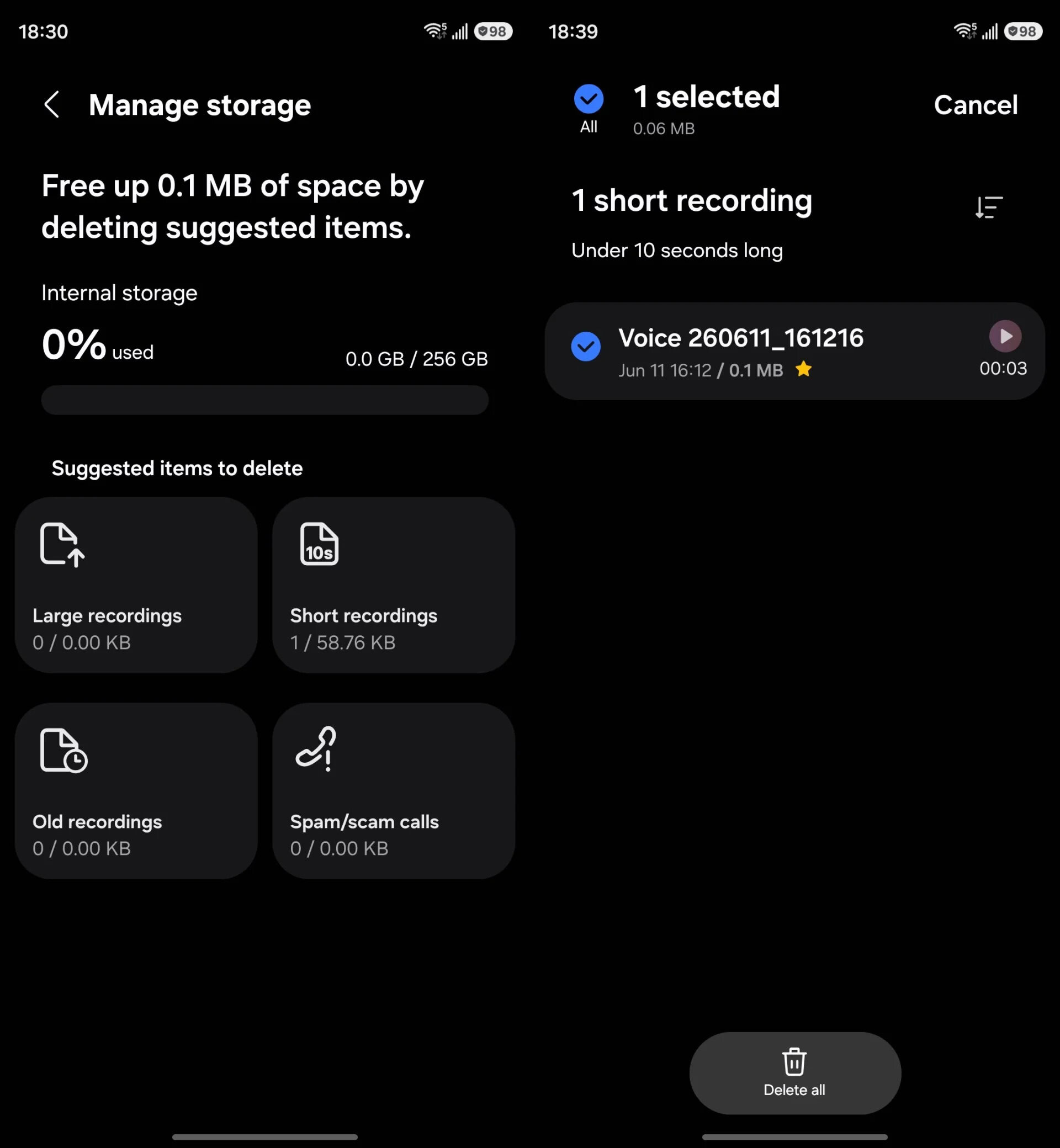
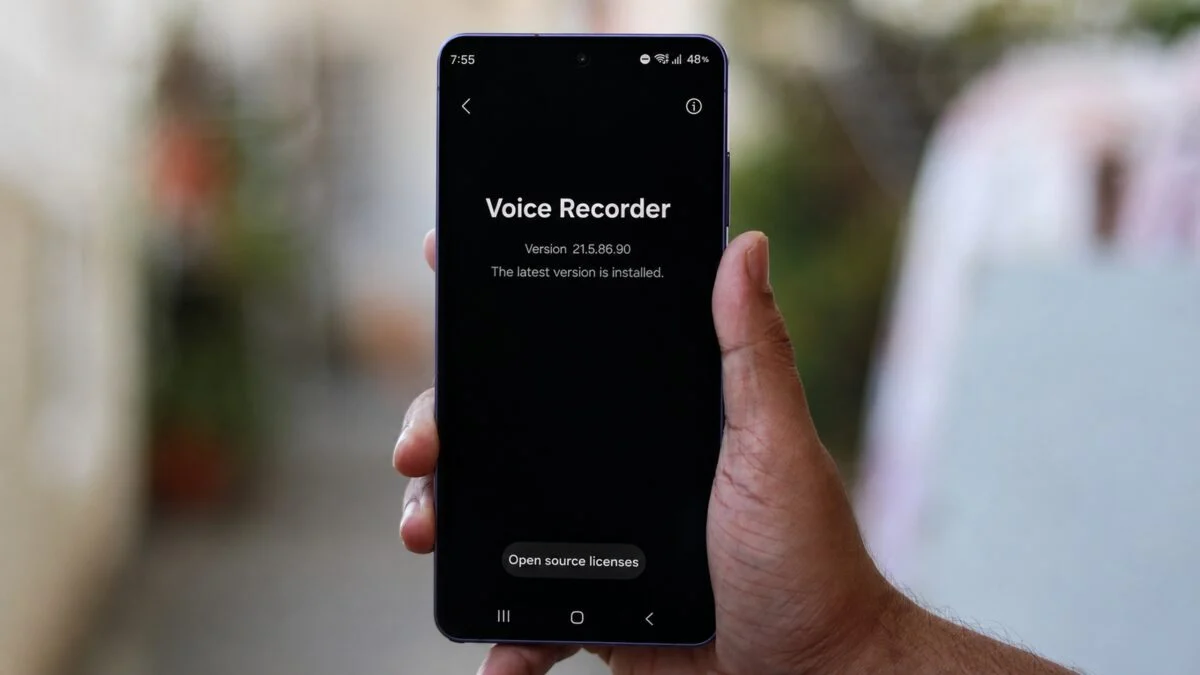
The practical question is not whether cloud transcription sounds impressive. Of course it does. The real question is what changes when a recording that used to stay mostly local can be processed by a remote service, and what Galaxy users should check before relying on it for work or sensitive notes.
According to Android Authority, Samsung is preparing cloud-based transcriptions for its Voice Recorder app, with the aim of improving accuracy compared with current on-device handling. SamMobile reports the same direction for the One UI 9 version of the app, including interface tweaks, storage-related improvements and more flexible export options.
For everyday use, this could make Samsung Voice Recorder much more useful. Cloud transcription usually means heavier language models, better punctuation, improved handling of longer recordings and fewer “what did it think I said?” moments. That matters if you use a Galaxy phone as a work recorder rather than as a glorified dictaphone from 2004.
What actually changes
The biggest change is operational: transcription stops being just a device feature and becomes a service workflow. That can improve quality, but it also adds dependencies. You may need a Samsung account, a supported region, a compatible One UI build, a network connection and enough trust in the data path to upload audio for processing.
That is not automatically bad. Cloud processing is how many modern transcription tools achieve acceptable accuracy. But AndroidLab’s boring, useful point is this: recordings are often more sensitive than photos. A voice memo can contain names, medical details, passwords spoken out loud during a panic session, business information, school data or family matters. Treat the setting accordingly.
Checks before you enable cloud transcription
When the update reaches your device, open Samsung Voice Recorder and check the transcription settings before using it for anything important. Look for any option that explains whether audio is uploaded, how long it is retained, which account is used and whether cloud transcription can be disabled.
Then do a boring test recording. Ten seconds are enough: speak normally, include a name, a number and a short phrase with punctuation. Transcribe it, export it, delete it and confirm where the generated text is stored. If you cannot find the exported transcript later, you have discovered the bug while nothing matters. Elegant? No. Useful? Absolutely.
If you record work meetings, check your company rules before enabling cloud transcription. Some organizations allow local recording but forbid uploading meeting audio to third-party services. The fact that the button lives inside a Samsung app does not magically turn policy into vapor. Sadly, lawyers remain immune to UI polish.
MP3 export matters too
The reported MP3 export option is less flashy, but it may be the more useful change for many users. MP3 is easier to share, archive and import into editing or transcription workflows than app-specific formats. If Samsung exposes a clean export path, Voice Recorder becomes easier to fit into a normal Android workflow: record, rename, export, back up, send or process elsewhere.
That said, MP3 export also makes accidental oversharing easier. Before sending a file, check whether the exported audio includes only the intended clip, whether the filename exposes private context and whether your sharing target compresses or republishes files in ways you did not expect.
Availability and the official app route
Samsung Voice Recorder is distributed through Samsung’s own Galaxy ecosystem and is normally preinstalled or available through the Galaxy Store on supported devices. If the cloud transcription feature is tied to One UI 9, expect a staged rollout by device, region and app version. Do not chase random APK mirrors for a recorder that may handle private audio. That is how “productivity” turns into a small forensic exercise.
If you do not see the feature immediately after updating One UI, check Galaxy Store app updates, Samsung account status, language support and regional availability. Features like transcription often arrive as a mix of firmware, app update and server-side rollout.
What Android users should take away
Samsung’s move makes sense: Google Recorder has trained users to expect searchable, useful transcripts, and Galaxy phones need a stronger built-in answer. The cloud route may give Samsung better accuracy and faster improvements, but it shifts the trust model. The feature is not just “Voice Recorder got smarter”; it is “Voice Recorder may now involve remote processing”. That distinction is the whole game.
For casual notes, this could be a welcome upgrade. For sensitive work, interviews, school recordings or health-related audio, the right move is to verify the privacy controls first, then decide whether cloud transcription belongs in your workflow.
In brief
- Samsung is reportedly preparing cloud transcription for Voice Recorder in One UI 9.
- The feature could improve accuracy, punctuation and long-recording handling.
- Cloud processing also means users should check upload, retention, account and region settings.
- MP3 export could make recordings easier to archive and share, but also easier to overshare.
- Use official Samsung app update channels only, especially for an app that may handle private audio.
- Android Authority – Samsung could soon move voice transcriptions to the cloud – published July 10, 2026 18:54 UTC.
- SamMobile – Samsung Voice Recorder app to get cloud transcription, UI tweaks in future update – published July 10, 2026 14:52 UTC.