On this page
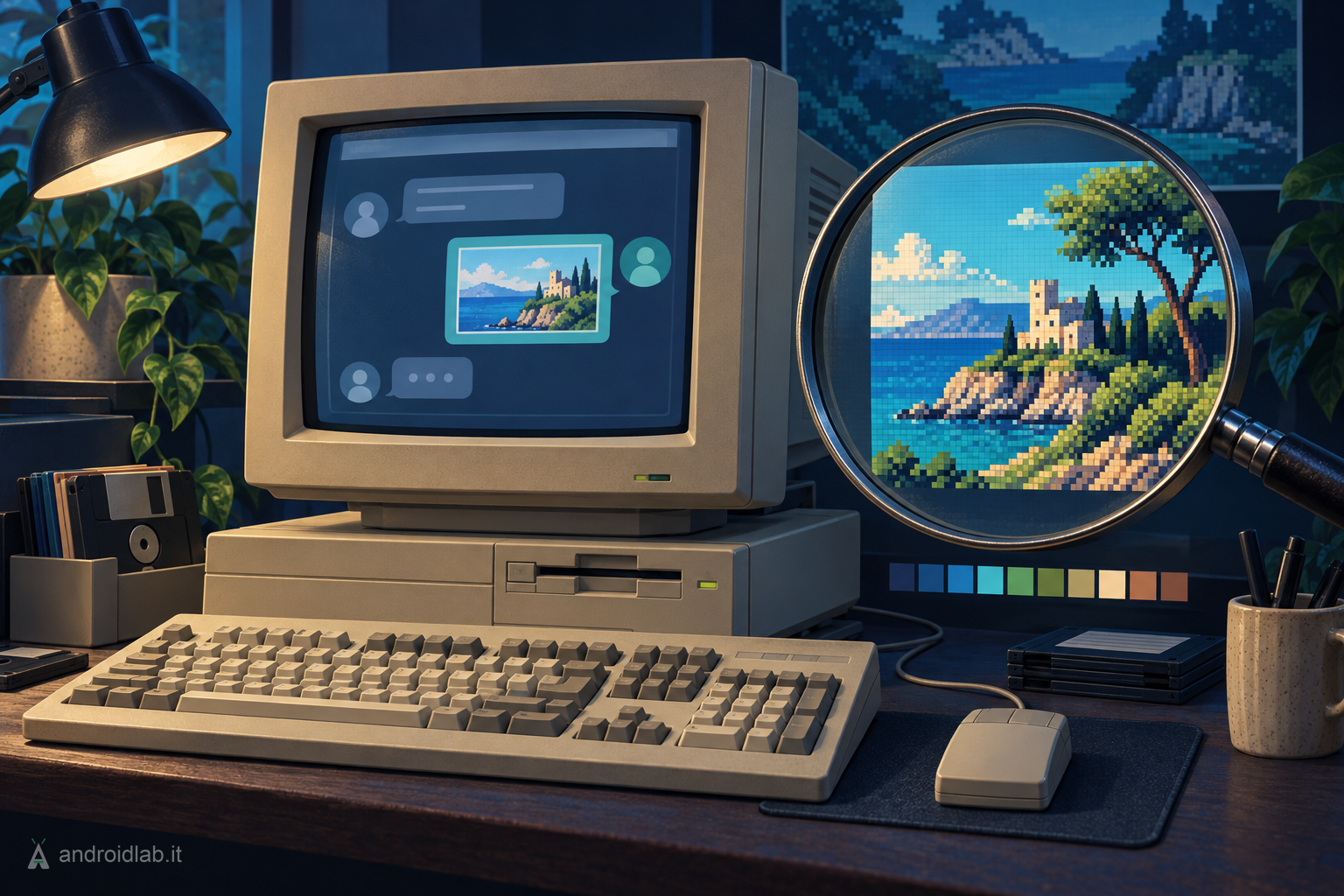
Telegram Amiga alpha 0.0.9 was released on August 7, 2026 for AmigaOS 3.x, AmigaOS 4.x, MorphOS, AROS i386 and AROS x86_64. This is the release where the client starts seeing photos: it receives them inline, shows them in a dedicated viewer, saves them to disk, sends them as native JPEGs and forwards them to other chats. It is no longer only text and files: Telegram Amiga is becoming a client that handles visual content on machines where 256-colour graphics are already a luxury.
The 0.0.9 journey has been the most demanding so far. Every photo entering a GUI bubble goes through six stages: receiving the stripped thumbnail, fetching a bounded JPEG, progressive decode in three quality passes, palette dithering, canonical RGB888 cache, and redisplay without touching the decode again. All of this without blocking the GUI, on CPUs ranging from a 14 MHz 68020 to PowerPC G4 and modern x86_64 cores, on screens from 16-colour AGA to true-colour RTG.
The project remains a native MTProto client written in C, with an Intuition/GadTools GUI and a TUI sharing the same engine. It is not a web wrapper, it is not a Telegram Desktop port: it is code implementing the Telegram protocol from the ground up on five Amiga-family platforms with very different ABIs, runtimes and hardware limits.
Inline photos: when a bubble becomes an image
The most visible new feature is inline photos. When a chat receives a photo, the client no longer stops at a [Photo] label: it downloads a bounded Telegram thumbnail, decodes it with the embedded JPEG decoder (the same one already used for avatars and the photo cache), scales it to the bubble width and shows it in the transcript. No system datatypes are involved: the decoder lives in the binary, zero additional installations.
The pipeline is designed not to take over the machine. As soon as a photo arrives, Telegram Amiga uses Telegram’s embedded stripped thumbnail as an instant blurred preview. Then, during idle cycles, it downloads a bounded JPEG (chosen per platform: roughly 800 pixels on non-68k, smaller on 68k targets) and decodes it in three quality passes: a coarse 1/8 image appears first, then it is replaced atomically by 1/4, and finally by full detail. Input, scrolling and resize keep priority: if the user interacts, decoding pauses and resumes later.
The final result is kept in a versioned canonical RGB888 cache on disk, alongside the original JPEG. Reopening a previously viewed chat loads photos from the RGB888 cache in bounded chunks without re-decoding the JPEG. Corrupt or stale cache entries are discarded and rebuilt automatically.
The pipeline under constraint: measured budgets and explicit priorities
Photo decoding and canonical cache reads no longer use a fixed CPU-family estimate. Each phase measures real execution time: slow 68k machines keep a conservative floor, while fast 68k accelerators can ramp up to roughly 120 ms of work budget before yielding control. JPEG decode, cache reads and photo replay have independent measured budgets, so slow palette mapping can no longer throttle entropy decode on accelerated 68k systems, and diagnostics identify the cost centre for every pacing adjustment.
Decoding follows the visible viewport. The topmost visible photo is advanced first, off-screen partial decoders wait, and idle periods use larger bounded slices without taking priority over queued GUI events. The canonical cache holds four slots on 68k and six on wider targets, with true LRU eviction that skips active and currently visible photos: a third visible image no longer makes an earlier one disappear.
On AmigaOS 3 with an RTG screen, RGB888 pixels are sent directly to the cybergraphics driver. On AGA and systems without a validated CyberGraphX target, the zero-dependency pen-grid renderer remains, using ordered dithering to simulate colour on reduced palettes. MorphOS RTG uses the RGB888 path, but when the driver is incompatible it falls back to the proven pen-grid. A bitmap destination self-check prevents grey photos on drivers that cannot replay RGB888 reliably.
Photo viewer and saving
Clicking a photo (including the [Photo] label when inline photos are disabled) opens one reusable fixed-size viewer window. The viewer requests a larger bounded Telegram image and reveals it progressively, with its own -l.jpg disk cache. The S key in the viewer saves the original photo through a requester, preferring the best cached JPEG or fetching one on demand.
From the bubble context menu, Save photo as... does the same operation. Saving asks for confirmation before overwriting an existing file, and works both with visible inline photos and with [Photo] labels when inline display is disabled.
Photo cache settings
The Telegram menu now has a Settings section that groups persistent preferences: download drawer, inline photos, Photo dithering (Full, Light, Off) and Photo cache limit (10, 50, 200 MiB or Unlimited, default 50 MiB). The client catalogs photos/ incrementally during idle time, prunes the oldest files without evicting photos currently on screen, and never touches the separate avatar cache.
The Inline photos toggle is persistent. On AmigaOS 3, the first-run default is chosen from the active screen and CPU: it starts disabled without RTG or below a 68040. This automatic value is never written to disk, so hardware upgrades are detected; an explicit user choice remains persistent in either direction.
Sending photos: GUI, Workbench and TUI
JPEG files can now be sent as native Telegram photos. From the GUI, the JPEG drop requester offers three distinct actions: Photo, File and Cancel. The proven non-blocking upload engine is reused; photos above 10 MiB are sent as documents with explicit status feedback.
Workbench drag-and-drop onto the open chat window works the same way, with the Photo/File/Cancel requester. The TUI offers the /photo <path> command for direct sending.
Forwarding: to Saved Messages and to other chats
Alpha 0.0.9 adds message forwarding. From the GUI context menu, a message can be forwarded to Saved Messages (your own Telegram cloud) or, via Forward to..., to another chat using the local-first search as a destination picker, including browse and online results.
The TUI provides /forward for the latest message, /forward <id> for an explicit Telegram message ID, and /forwardto <chat-number> [message-id] for peer-to-peer forwarding. The operation uses the layer-214 messages.forwardMessages method and reports Telegram RPC failures by name.
Hidden chats in local search
Hidden chats (removed from the sidebar by the user) now remain in the local peer cache. They stay out of the normal sidebar, appear immediately in local search with a (hidden) marker, and return to the sidebar when opened, without an online search or cache reload.
Platform work: RTG, MorphOS, AfA_OS and resize
AmigaOS 3 now discovers cybergraphics.library at runtime and sends inline-photo and viewer RGB888 rows directly to compatible true-colour RTG screens. Richer colours and zero palette overhead. AGA and systems without a validated CyberGraphX target keep the existing pen-grid renderer.
MorphOS received specific attention for photos. Photos on MorphOS RTG screens were kept in RGB888 but could appear grey on some drivers: 0.0.9 uses the proven pen-grid renderer on MorphOS too, with a bitmap destination self-check that triggers the fallback for the whole session when the driver cannot replay RGB888 reliably.
On AfA_OS, the compatibility renderer now composes complete bitmap-font runs in memory and submits one BltTemplate per run instead of one per glyph. Native text rendering on systems without AfA_OS is unchanged.
Live resize now paints only the window background while intermediate sizes are arriving. On AfA_OS it also clears the current client area at the first size event, so the system’s opaque resize stretches only blank background; the complete frame is rebuilt once after release. Crash-safe diagnostics mark resize begin, rebuild, repaint and end without changing the final layout.
The fixes: from TUI to logs, stacks to JPEGs
The release fixes many problems that only surface when the client is genuinely used on diverse hardware. The TUI now word-wraps transcript messages on narrow consoles, with indented continuation lines and hard breaks for overlong words. The composer grows from one to three screen rows before reverting to a bounded tail view, and threshold crossings repaint only the separator and composer rows, not the entire window.
Temporary quiet-log files no longer litter the program drawer: they live in T: and are cleaned up at startup and exit. Shell launches carry the same 1 MiB minimum-stack contract as Workbench icons; AROS also swaps to a private safe stack when a launcher supplies less, while OS3 and OS4 reject unsafe bounds.
Photo source selection now prefers baseline JPEG sizes that the bundled decoder supports. If a downloaded size is rejected, the client retries a smaller untried baseline size instead of rejecting the whole photo for the rest of the session. Final photo-quality upscales derive fixed-point coordinates without a 32-bit overflow, preventing large images from repeating rows or tiles when the detailed frame replaces a stripped or coarse preview.
Documents with a caption now keep the caption and append the downloadable file label on a new line instead of hiding the attachment name. The JPEG drop requester offers Photo, File and Cancel as distinct actions; Cancel and the Escape key leave the file untouched.
Inline-photo cache downloads no longer become permanently suppressed after a transient network, datacenter or filesystem failure. Opt-in live diagnostics identify each fetch and render stage without logging chat content. MorphOS photos no longer remain grey: they use the proven pen-grid renderer instead of an RGB888 path that could leave them grey.
Photo fetch, decode and partial replay now remain suspended for the complete resize cycle. A stable placeholder frame is built first and cached images are restored on the next idle paint, avoiding buffer access during reallocation.
Official downloads: GitHub and Aminet
GitHub archives contain both the GUI and TUI clients, icons, IT/EN manuals, the public API file and the CHANGELOG. They do not contain Telegram sessions, personal tokens or other private files. Aminet provides the 0.0.9 packages through the five corresponding official pages.
- AmigaOS 3.x alpha 0.0.9, m68k build for 68020 or better; Aminet m68k package;
- AmigaOS 4.x alpha 0.0.9, PowerPC build; Aminet AmigaOS 4 package;
- MorphOS alpha 0.0.9, PowerPC build; Aminet MorphOS package;
- AROS i386 ABIv0 alpha 0.0.9; Aminet AROS i386 package;
- AROS x86_64 alpha 0.0.9; Aminet AROS x86_64 package.
The official GitHub repository remains the source for code, issues, documentation and current status. The full journey is collected in the Telegram Amiga development diary; the Italian version is available in the Italian diary.
What actually changes
Alpha 0.0.9 is not a decorative release. Inline photos transform the client from a text tool to something that can stay in a modern conversation without asking the user to pull out another phone to see what was sent. Forwarding closes a sharing path that was previously blocked. Persistent settings, a configurable cache and selectable dithering give the user control over how the client uses precious system resources.
But what matters most is the infrastructure: measured decode, canonical cache, viewport priority, independent budgets for each phase, the MorphOS workaround, the CyberGraphX self-check. These are choices that make photos possible even on hardware that was not designed to decode JPEGs in real time while chatting.
The project is still alpha. Reactions, link previews, full contact management, Telegram CDN files and the updates/differences loop that turns the client from polling to reactive are still missing. But the boundary has shifted again: today Telegram Amiga not only chats and transfers files, it sees photos.
In short
- Inline photos in GUI bubbles: stripped thumbnail, bounded fetch, progressive decode (1/8 → 1/4 → final), canonical RGB888 cache on disk.
- Fixed-size photo viewer, S key to save, context-menu save with requester.
- Persistent settings: photo cache (10/50/200 MiB or Unlimited), dithering (Full/Light/Off), inline photos toggle.
- Native JPEG photo sending from GUI, Workbench drop and TUI (
/photo); above 10 MiB sent as document. - Forwarding to Saved Messages and to another chat with local-search-based destination picker.
- Hidden chats in local cache:
(hidden)markers, return to sidebar on open without online search. - Measured decode budgets per phase, viewport priority, LRU canonical cache at 4/6 slots, decode independent of palette mapping.
- AmigaOS 3 RTG: direct RGB888 rows via cybergraphics; AGA and non-RTG: pen-grid renderer with ordered dithering.
- MorphOS: proven pen-grid instead of RGB888 that produced grey photos; bitmap self-check for session fallback.
- AfA_OS: BltTemplate per run instead of per glyph; live resize with background-only during sizing.
- TUI word-wrapping, clean T: logs, 1 MiB minimum stack, JPEG source selection with fallback, document caption+file, MorphOS grey photo fix.
- Official 0.0.9 packages for AmigaOS 3.x, AmigaOS 4.x, MorphOS, AROS i386 and AROS x86_64 on GitHub and Aminet.
Sources and materials
- GitHub AmigaOS 3.x alpha 0.0.9 release
- GitHub AmigaOS 4.x alpha 0.0.9 release
- GitHub MorphOS alpha 0.0.9 release
- GitHub AROS i386 alpha 0.0.9 release
- GitHub AROS x86_64 alpha 0.0.9 release
- Aminet TelegramAmiga 0.0.9
- Aminet TelegramAmiga-OS4 0.0.9
- Aminet TelegramAmiga-MOS 0.0.9
- Aminet TelegramAmiga-AROS 0.0.9
- Aminet TelegramAmiga-AROS64 0.0.9
- Official Telegram Amiga repository
- Official CHANGELOG 0.0.9
- Telegram Amiga development diary