Android Pulse may appear in your Google Play update list looking like a ghost app: little or no user-facing explanation, no useful launcher screen, and a name that says nothing about its purpose. The sensible response is not to hunt for an APK remover. It is to separate what the listing confirms from the speculation that a vague system-component description can attract.
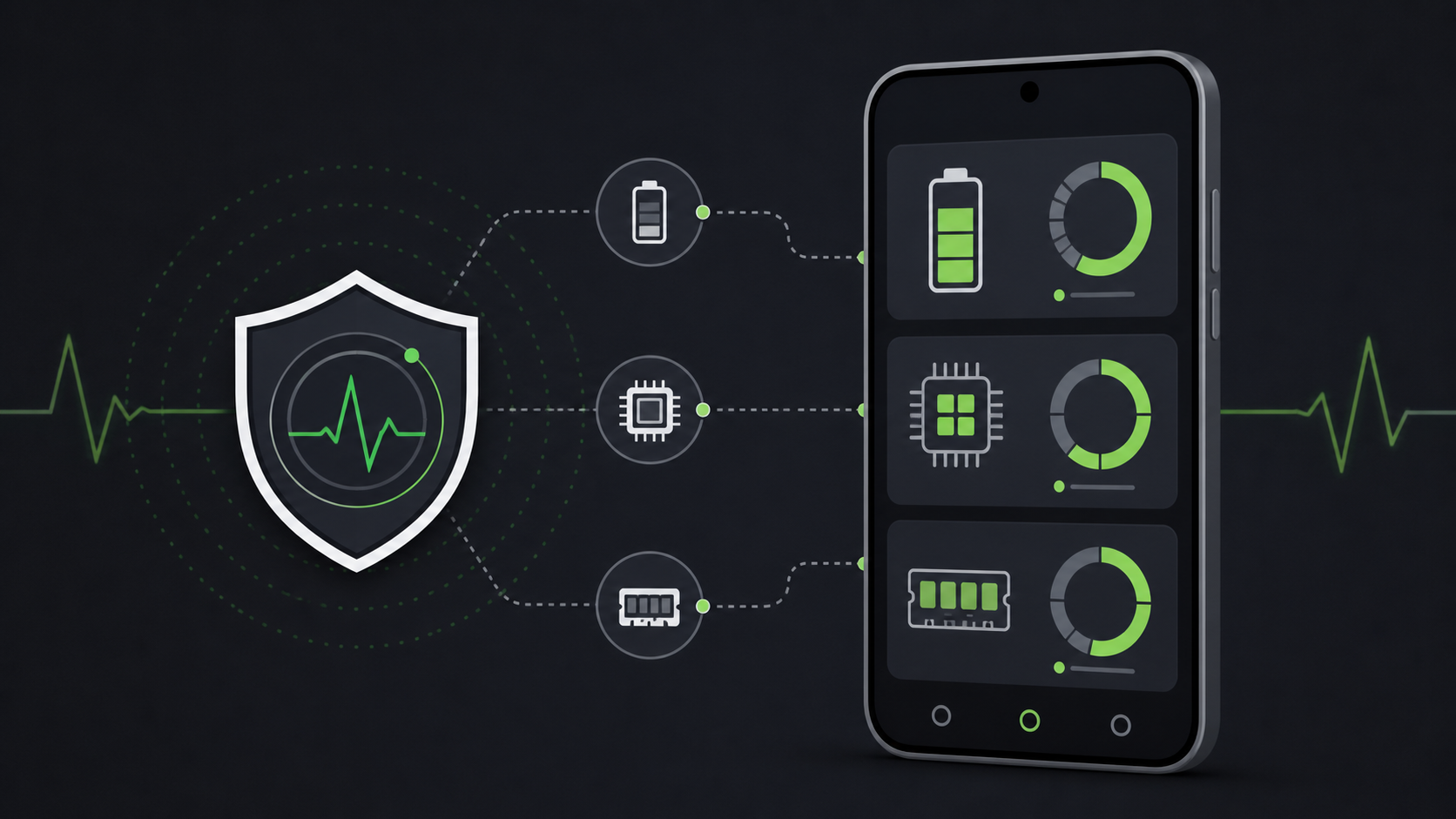
The official Google Play listing identifies Android Pulse as an app from Google LLC, updated on August 21, 2026. Its public description says that it “facilitates rule distribution for anomaly detection in critical system resource consumption” by Android and installed applications. In plainer language, it appears designed to help Android use updated rules when looking for unusual resource use. The listing itself does not describe a consumer feature to turn on or configure.
What the listing confirms
Three details are reasonably clear. Android Pulse is published through Google Play by Google LLC; it is labelled “Defining anomalies for debugging”; and its stated purpose concerns rules for detecting abnormal use of important system resources. The wording is consistent with a background diagnostic component, not with a new standalone app for measuring health, cleaning storage, or monitoring your personal activity.
That distinction matters because Android system components increasingly arrive through Play updates rather than a full operating-system update. A component can be visible in the update history while still having no icon, onboarding screen, or settings page intended for the phone owner.
What it does not prove
A short Play Store description is not a technical specification. It does not tell us which signals Android Pulse processes, whether it runs continuously, how Google aggregates diagnostics, or whether a particular battery issue is caused by it. It certainly is not evidence of a surveillance app. Those claims need documentation or reproducible evidence, neither of which is supplied by the listing.
9to5Google, which first noticed the update, describes Android Pulse as a component without an interface that supports OS and app diagnostics. Android Police independently reached the same practical conclusion: there is no normal user action to take when it appears. Both readings fit the public listing; neither turns the sparse description into a licence to invent extra capabilities.
What to do if it appears in your updates
- Open the Play Store entry and confirm that the developer is Google LLC and that the package is the official Android Pulse listing.
- Install it only through the Play Store. Do not download an APK called “Android Pulse” from a mirror or a message claiming to “fix” it.
- Do not disable or remove a Google system component merely because its description is vague. If the phone has a real battery, storage, or performance problem, diagnose that symptom first.
- Check Settings > Battery and Settings > Storage for an actual abnormal app or service, then update Android and Google Play system components before escalating.
For a broader, user-controlled review, see AndroidLab’s Android app permissions audit guide. Permissions, battery use, notifications, and installed apps are things you can inspect directly; a background system component with no consumer controls is not a useful target for ritual uninstallation.
What changes in practice
The useful news is modest: Android Pulse is a newly visible Google component, not a new app you need to learn. Its appearance illustrates how modular Android maintenance can look alarming when the package name and public copy are written for engineers. The practical rule is equally modest: verify the publisher, keep the update channel official, and investigate real symptoms rather than a mysterious-looking entry by itself.
In brief
- Android Pulse is a Google LLC app listing updated on August 21, 2026.
- Google describes it as distributing rules for anomaly detection in Android resource use.
- The public listing does not document a user-facing feature or prove surveillance claims.
- Keep it updated through Google Play and troubleshoot actual battery or performance symptoms separately.
Sources
- Google Play — Android Pulse by Google LLC (listing verified August 24, 2026; updated August 21, 2026)
- 9to5Google — What is the ‘Android Pulse’ app that just appeared in Google Play Store updates? (August 22, 2026)
- Android Police — Google pushed a mysterious app to the Play Store; here’s what it actually does (August 24, 2026)