On this page
Google announced Create My Widget on November 10 as part of the November Pixel Drop, with the usual caveat that it would arrive “over the next few weeks”. A week later, plenty of Pixel 10 and Pixel 11 owners still open the widget picker and find nothing new. There is now an official shortcut: the feature ships as its own app, and that app has a public beta on the Play Store. Join it, install the update, and the Create button appears. According to Android Authority, this works even on phones that have not received the November system update yet.
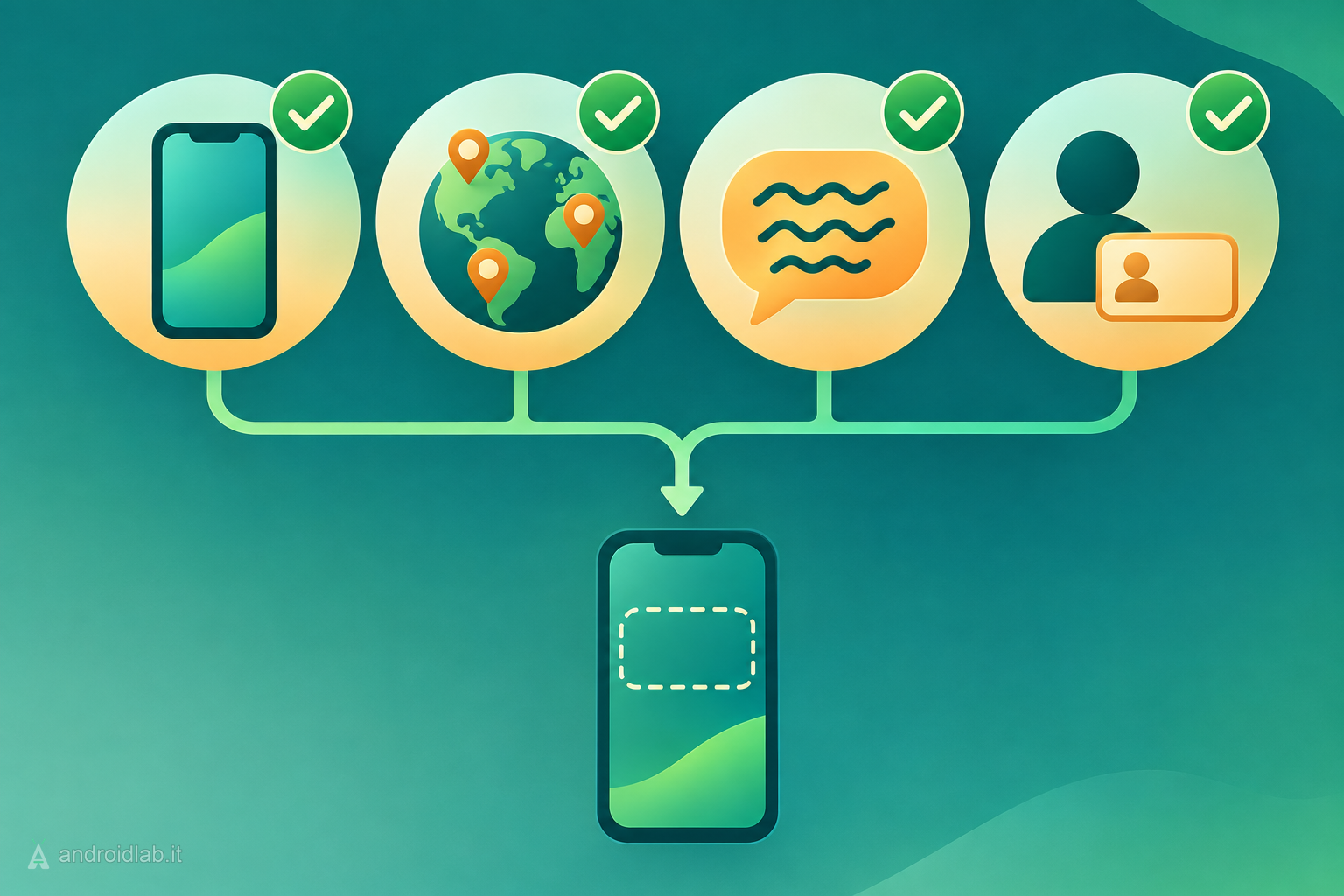
Check the requirements before you join
The beta does not widen the eligibility list. Google’s support page for the feature sets the same conditions either way:
- Phone: Pixel 10 or newer, except the Pixel 10a. In practice that means Pixel 10, 10 Pro, 10 Pro XL and 10 Pro Fold, plus the four Pixel 11 models.
- Country: Australia, Canada, India, the United Kingdom or the United States.
- Language: English.
- Age: 18 or over.
If one of these does not match, joining the beta will not make the feature appear. Readers elsewhere in Europe, or using their phone in another language, are still waiting, and Google has not given dates.
How to join the Create My Widget beta
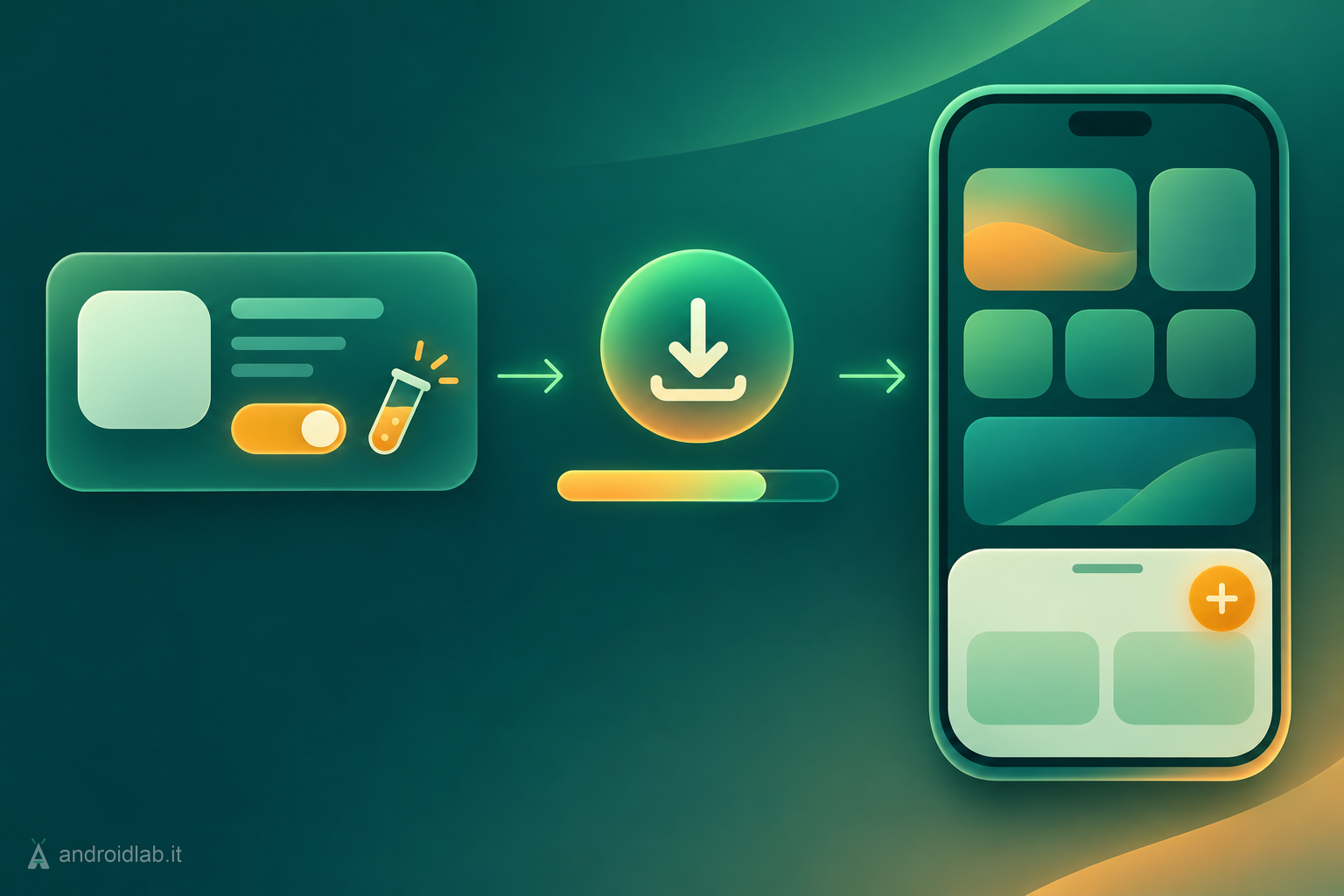
- On your Pixel, open the Create My Widget listing on Google Play.
- Scroll to the “Join the beta” card and tap Join. Android Authority also points to the direct testing link, which does the same thing from a browser.
- Wait a few minutes. 9to5Google notes that the update may not show up immediately after you sign up.
- Go back to the listing, or to the Play Store page that checks for updates, and install the new version of the app.
- Long-press an empty area of the home screen and tap Widgets. A Create button now sits in the top-right corner of the sheet.
The instructions come from a Reddit post that both 9to5Google and Android Authority attribute to Google. It is a beta, so expect rough edges, and you can leave the program from the same Play Store listing if you would rather go back to waiting for the stable rollout.
The one setup choice that matters
On first launch the app asks how much it may know about you. 9to5Google describes two options:
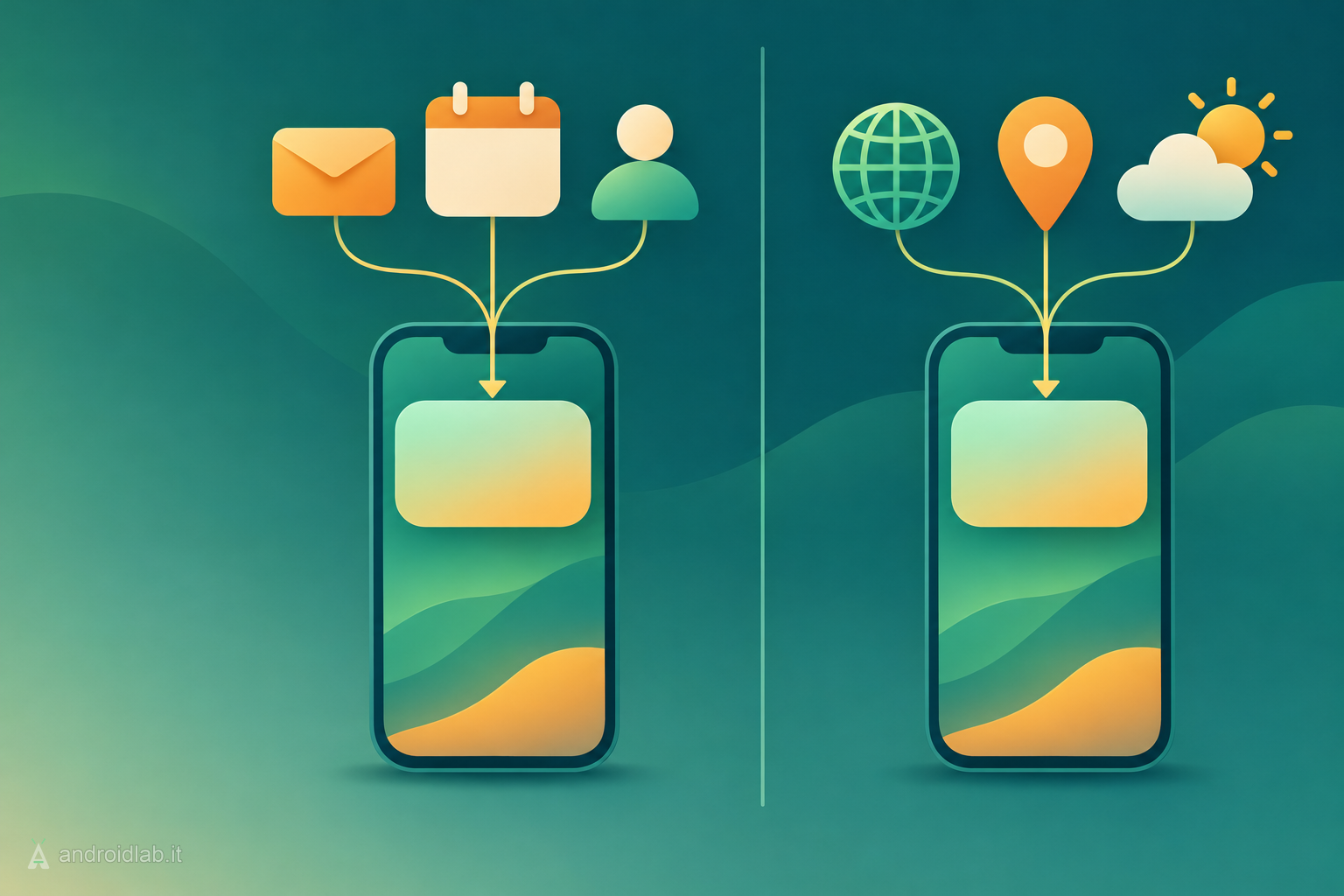
- Use Google apps connected to Gemini: widgets can draw on Calendar, Gmail and other connected services.
- Use web data and location only: widgets are limited to public information such as weather, news and stock prices.
The first option is what makes a “next bill due” or “my flights this month” widget possible. It also means content from your inbox can end up on a home screen that anyone glancing at your phone can read. If you only want a countdown or a sports score, the second option is enough, and Google’s help page says you can change the connection later from the Connected Apps entry in the Create My Widget app’s settings.
UK users do not get this choice for now: Google states that Gemini Connected Apps integration is not available there, so widgets built on personal data are off the table.
Building your first widget
Google documents two routes, both starting from Widgets, then Create:
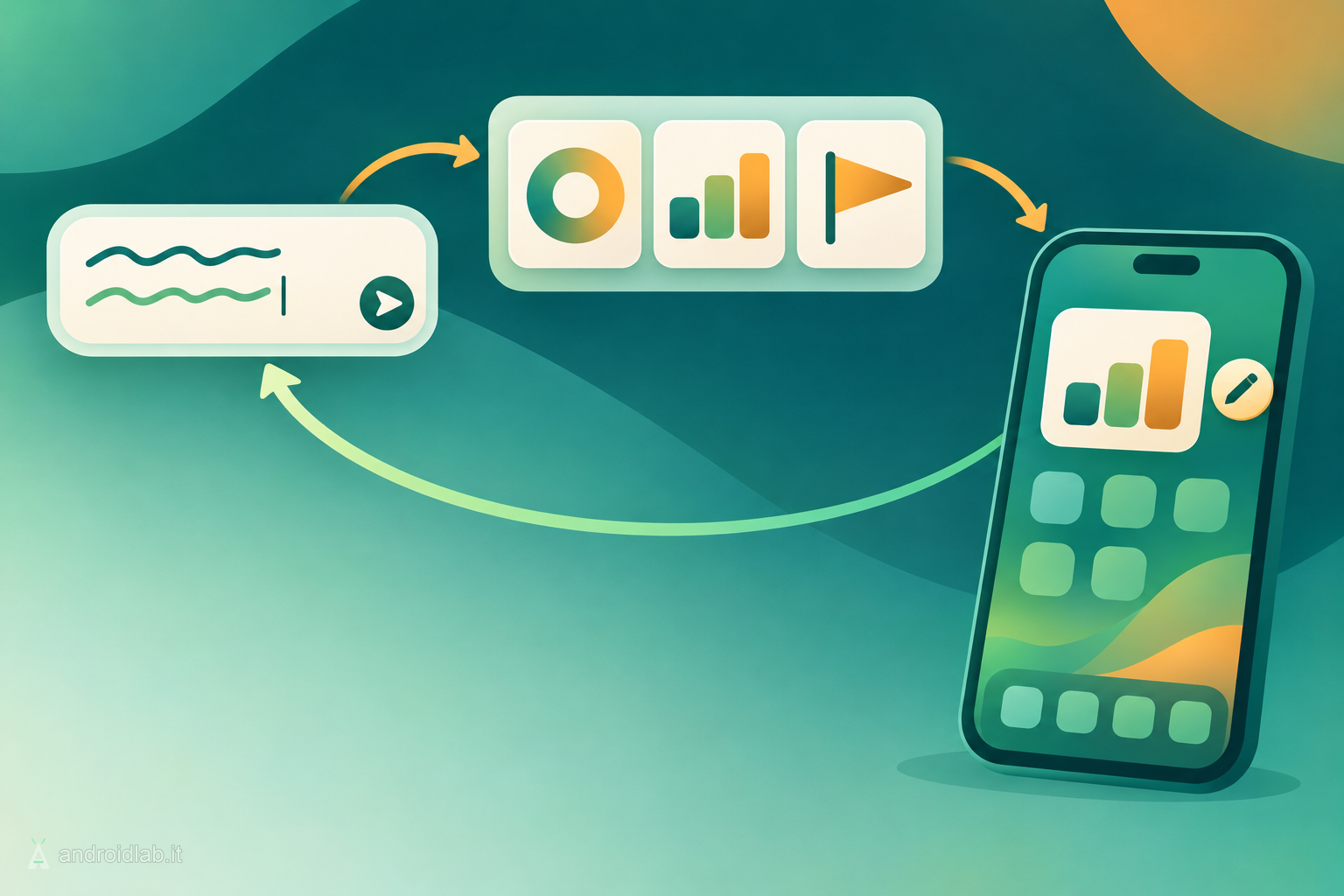
- Describe it: tap “Describe your widget”, type what you want and send. Google’s own examples are “Show me the next soccer game” and “Countdown to my vacation on July 15”. Review the preview, then tap Add.
- Start from a suggestion: pick a category such as Important dates, Sports and fitness or Finance, adjust the prompt if you like, then add it. 9to5Google saw suggestions including a birthday countdown, a daily snapshot, recipe inspiration, a stocks watchlist and weekend events nearby.
Each request returns several designs. If none is quite right, tap Edit on the preview and describe the change instead of starting over. The same works later: long-press a widget you already placed, tap Edit, type the update and send.
When a widget needs device or app data, Android shows a permission prompt and the widget only works after you tap Allow.
Still no Create button? What to check
- The beta has not reached your account yet. Give it a few minutes after joining, then check for the app update again.
- The update is not installed. Joining the beta is not enough; the newer version of the app has to be installed.
- Your phone is a Pixel 10a or older than the Pixel 10. Google lists Create My Widget among the Gemini Intelligence features, and its support page excludes those phones.
- System language or region. The feature is offered in English, in the five supported countries only.
- Account age. Users under 18 are excluded.
What actually changes
The shortcut says something about how Pixel Drops work. The system update lays the groundwork, while features like this one live in separate apps that Google updates and switches on at its own pace. That is why two identical phones on the same build can show different things, and why Android Authority warns that sideloading the OTA only gets you the system update. A public beta gives impatient owners a legitimate way in, which beats hunting for unofficial APKs.
Two lines in Google’s help page are worth keeping in mind once the novelty wears off. One says some features “may require subscription for higher usage”, without naming the limits. The other asks you to check custom widget responses to make sure they are correct. A widget that shows a wrong date or score looks just as confident as one that shows the right one, so anything you would act on deserves a second look at the source.
Google also says Create My Widget is coming to Pixel Watch in the next few weeks. For the rest of what arrived this month, see our November 2026 Pixel Drop overview.
In short
- Create My Widget has a Play Store beta: join it, install the app update, then look for Create in the widget picker.
- It reportedly works without the November system update, but only on Pixel 10 and Pixel 11 phones, not the Pixel 10a.
- English only, 18 or over, in Australia, Canada, India, the UK or the US.
- At setup you choose between widgets that use your Google apps and widgets limited to web data and location; UK users only get the latter.
- Widgets can be edited by describing the change, and Google asks you to verify what they show.
- Create custom widgets on Pixel, Pixel Phone Help
- Gemini Intelligence: New features, on more devices, Google, 2026-11-10
- Google beta lets you test Create My Widget on Pixel 10 and 11 now, 9to5Google, 2026-11-16
- Here’s how to get Create My Widget on your Pixel right now, Android Authority, 2026-11-16
- November Pixel Drop status: where the rollout stands, Android Authority, 2026-11