On this page
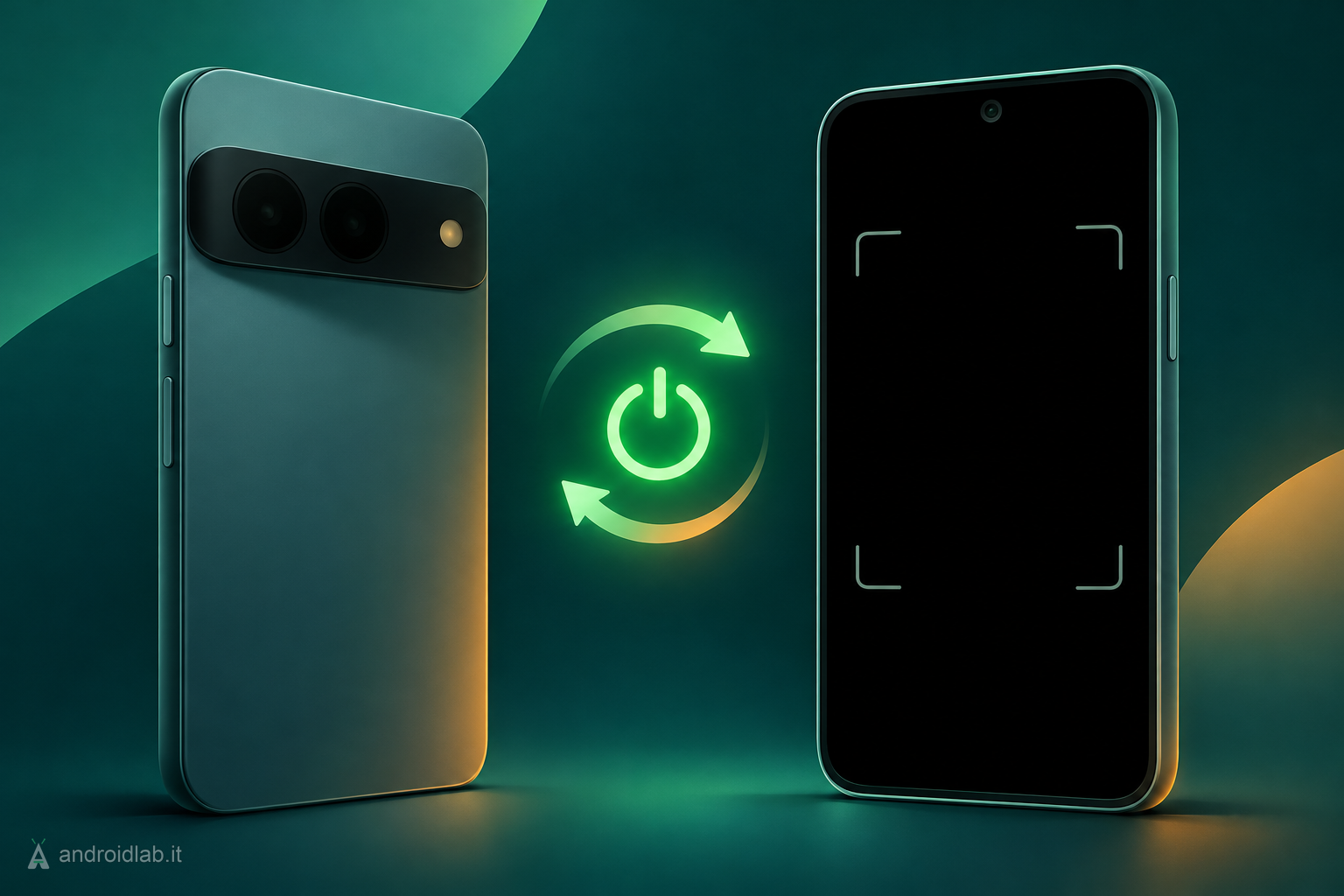
If your Pixel camera stopped working right after the November update, you are not alone, and the fix that is helping people is oddly simple: turn the phone completely off, leave it off for about five minutes, then power it back on. A normal restart does not seem to be enough.
What is going wrong
Android Authority reports that owners of Pixel 10 and Pixel 11 series phones are hitting dead cameras after installing the November 2026 update, the Android 17 QPR2 release that shipped alongside the latest Pixel Drop. The symptoms fall into two groups. Some people see the message “Something went wrong. Close and open the Camera app again.” Others can open Pixel Camera but get only a black preview, on both the front and rear cameras.
The complaints are visible on Google’s own Pixel community forum. One thread is titled “Camera stopped working after the November update”; in another, a user writes that the cameras worked the day before and now show “mostly black screen”, with the rare image that does appear refusing to save. So far the reports involve Pixel 10 and Pixel 11 models only. Older Pixels received the same update without similar complaints.
Third-party camera apps fail in the same way, which points away from the Pixel Camera app itself and toward something lower in the system. Google has not confirmed the bug or explained the cause. Android Authority says it has asked the company for comment.
The fix to try first
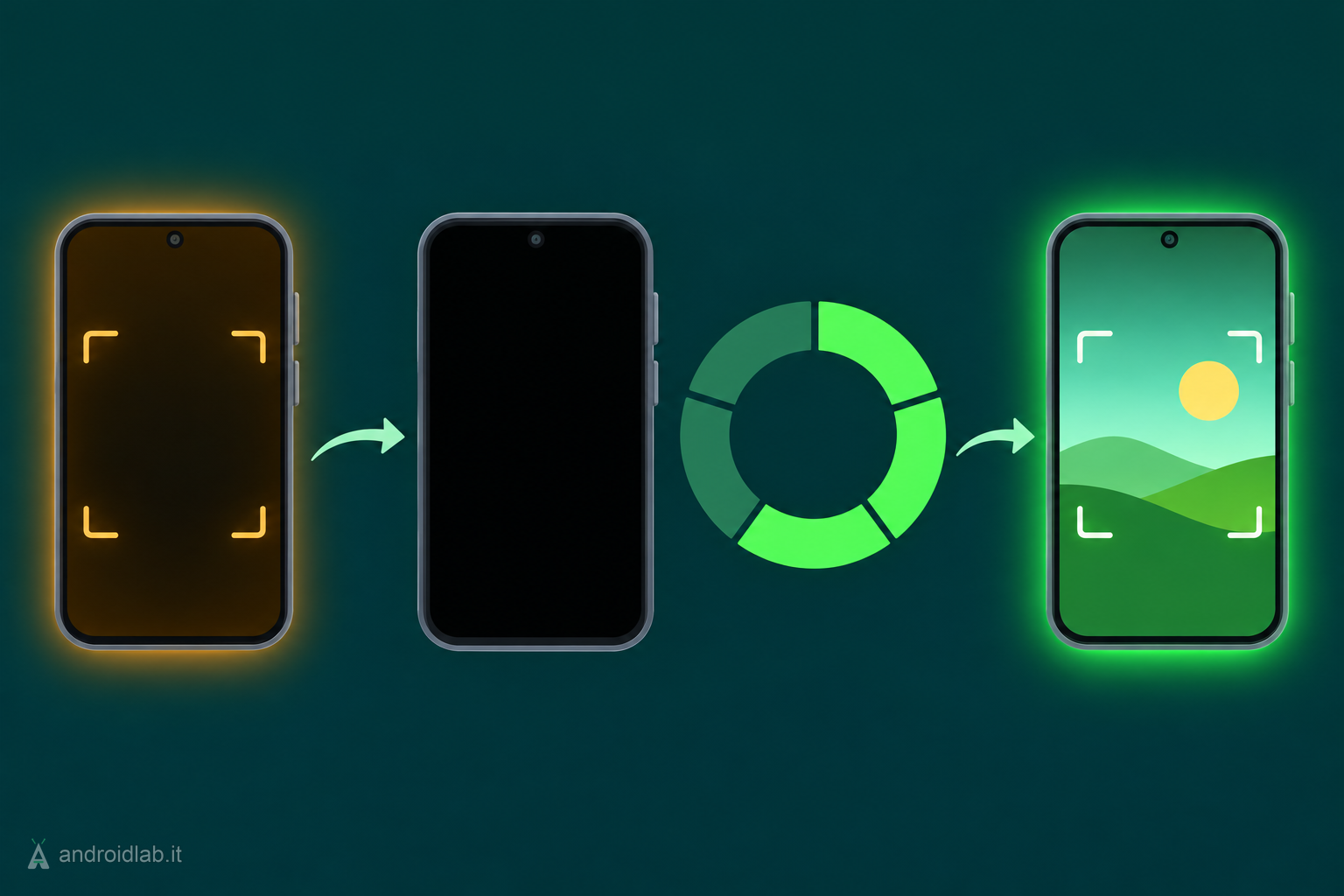
- Save anything you are working on and unplug the phone from its charger.
- Press the Power and Volume up buttons together, then tap Power off. Do not choose Restart.
- Leave the phone off for about five minutes.
- Hold the Power button until the phone starts, unlock it and open the Camera app.
According to Android Authority, this suggestion came from product experts on Google’s support forum and has brought the cameras back for several affected users. It is a community workaround, not an official Google fix, so treat it as likely to help but not guaranteed. Nobody has explained why a longer shutdown works where a quick reboot does not, and there is no word yet on whether the problem can return.
What does not seem to help
People in the threads report trying the usual list without success: restarting, clearing the Camera app’s cache and storage, uninstalling Camera app updates and booting into safe mode. At least one user says a factory reset did not bring the cameras back either. That is a strong reason not to wipe your phone over this. A reset costs you an evening of setup and, by these accounts, changes nothing.
If the camera is still dead
If five minutes powered off does not do it, work through Google’s official camera troubleshooting, which is short:
- Update Pixel Camera in the Play Store under Manage apps and devices.
- Check for a system update in Settings, System, Software updates. If Google ships a patch, this is where it will land.
- Clear the Camera cache: press and hold the Camera icon, tap App info, then Storage and cache, then Clear cache. It is harmless, even if it has not solved this particular bug for others.
- Test the selfie camera directly: press and hold the Camera icon and tap Take a selfie. Knowing whether one camera or all of them fail is useful if you end up talking to support.
Google’s help page says that when other apps also fail to reach the camera, a hardware fault is likely and a repair is the next step. In this case, be careful with that conclusion. If the cameras worked until the update and failed straight after it, on a phone with no drop or water damage, software is the more plausible suspect. Try the full shutdown before booking a repair, and if you do contact Pixel support, mention the update and your build number, found in Settings, About phone.
Which update is this
The November release carries build CP4A.261105.040.A1 on the Pixel 10 series and CP4A.261105.040.D1 on the Pixel 11 series, with a separate B2 build for Pixel 11 phones in Canada. Google’s changelog does list one camera item, a fix for photos occasionally failing to save on the Pixel 11 family, but nothing that describes the black preview. We covered the features in the same update in our November 2026 Pixel Drop overview.
The camera is not the only complaint. Android Authority also describes a smaller group of users whose Pixels show a charging indicator on Qi2 wireless chargers while the battery keeps dropping. There is no confirmed link to the update there, only timing and user reports, and no reliable workaround yet.
What this means in practice
This is an annoying bug with a cheap workaround, and that combination is the good scenario. Nothing in the reports suggests the camera modules themselves are damaged. What matters is the order in which you try things: a five-minute shutdown costs nothing, a factory reset costs a lot and has not helped, and a repair booking for a software fault leaves you without a phone for nothing. If you have not installed the November update yet and you depend on your camera for work, waiting a few days to see whether Google responds is reasonable, but keep in mind that the update also carries this month’s security patches, so do not postpone it indefinitely.
If you wear a Pixel Watch, a different recent issue had its own fix through app updates, explained in our Pixel Watch battery drain guide.
In short
- Some Pixel 10 and Pixel 11 phones lose both cameras after the November 2026 update, with a black preview or a “Something went wrong” error.
- Powering the phone fully off for about five minutes is restoring the camera for several users; a plain restart is not.
- Cache clearing, safe mode and even a factory reset are reported not to help, so do not wipe your phone.
- Google has not acknowledged the bug yet. Watch Settings, System, Software updates for a patch.
- Do not assume a hardware fault if the failure began right after the update.
- Fix your Camera app on your Pixel phone, Google Pixel Camera Help, checked 2026-11-12
- Google Pixel Update – November 2026, Google Pixel Community, 2026-11
- Camera stopped working after the November update, Google Pixel Community, 2026-11
- My cameras are not working, Google Pixel Community, 2026-11
- Google’s November update is breaking Pixel cameras, but there’s an easy fix, Android Authority, 2026-11-12
- Some Pixel users say Google’s November update broke wireless charging, Android Authority, 2026-11-12
- Android 17 QPR2 November Pixel update changelog and builds, 9to5Google, 2026-11-10