DuckDuckGo is pushing a very simple promise: watch YouTube with fewer ads, without installing random extensions and without routing your browsing through a questionable add-on. Android Authority tested the feature on July 11, 2026 and described it as already working in the DuckDuckGo browser. For Android users, the useful part is not the “no more ads” headline, but knowing where to enable it, what it actually covers and where the limits begin.
The practical point is this: on Android, this is not a universal blocker inside the YouTube app. The path runs through the DuckDuckGo browser and, when needed, Duck Player, the built-in player that uses stricter privacy settings for embedded YouTube videos. That is less spectacular than a system-wide magic switch, but also much clearer: it works within that perimeter and does not claim to modify the official YouTube app or other apps.
Before testing it, the first requirement is to install or update DuckDuckGo from the official channel. On Android, the right link is DuckDuckGo Private Browser on Google Play. Avoid random APK shortcuts: when a feature touches browsing, advertising and privacy, starting from an unverified package is a tidy way to solve one problem and create three more.
How to check whether the feature is available
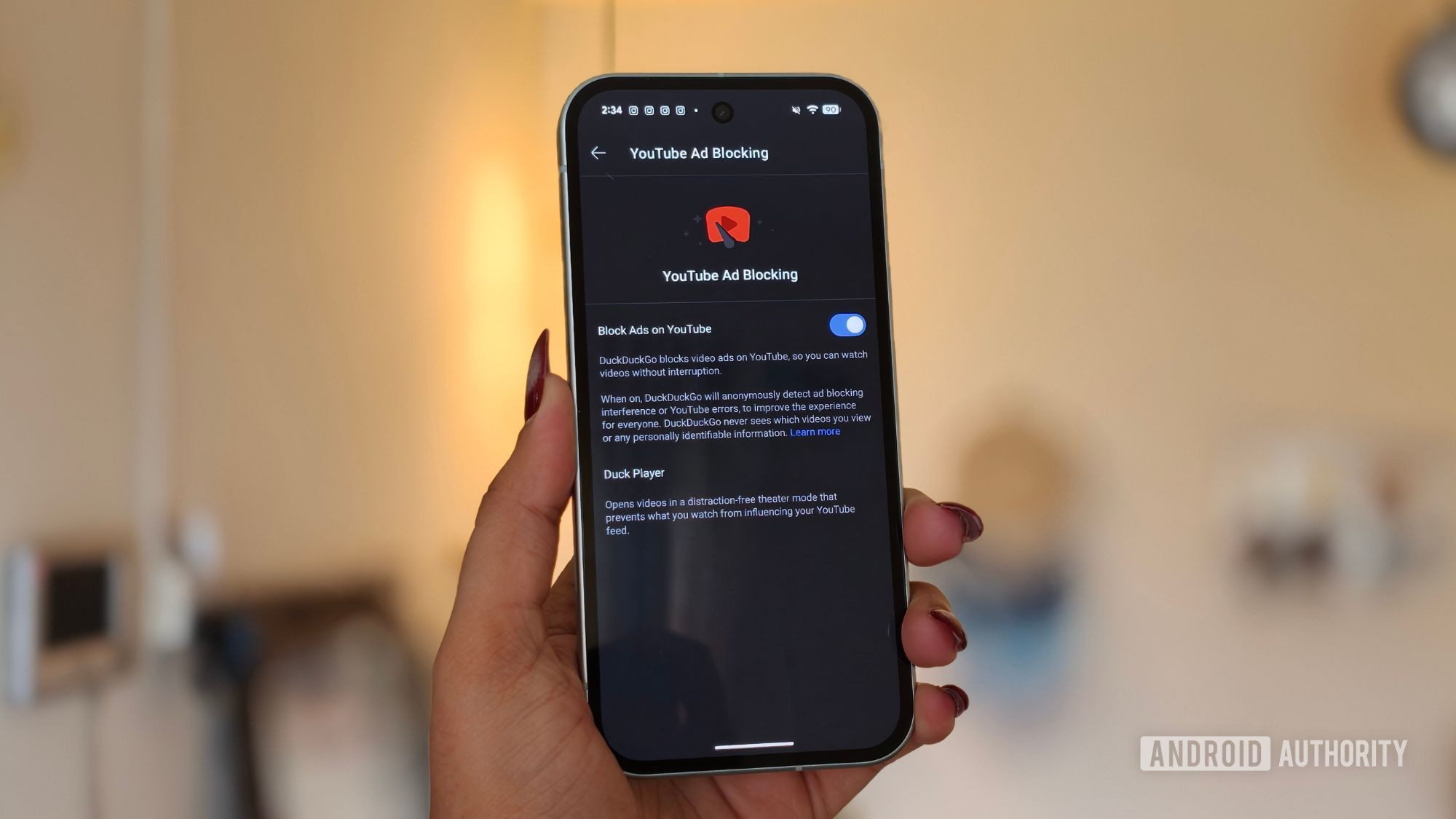
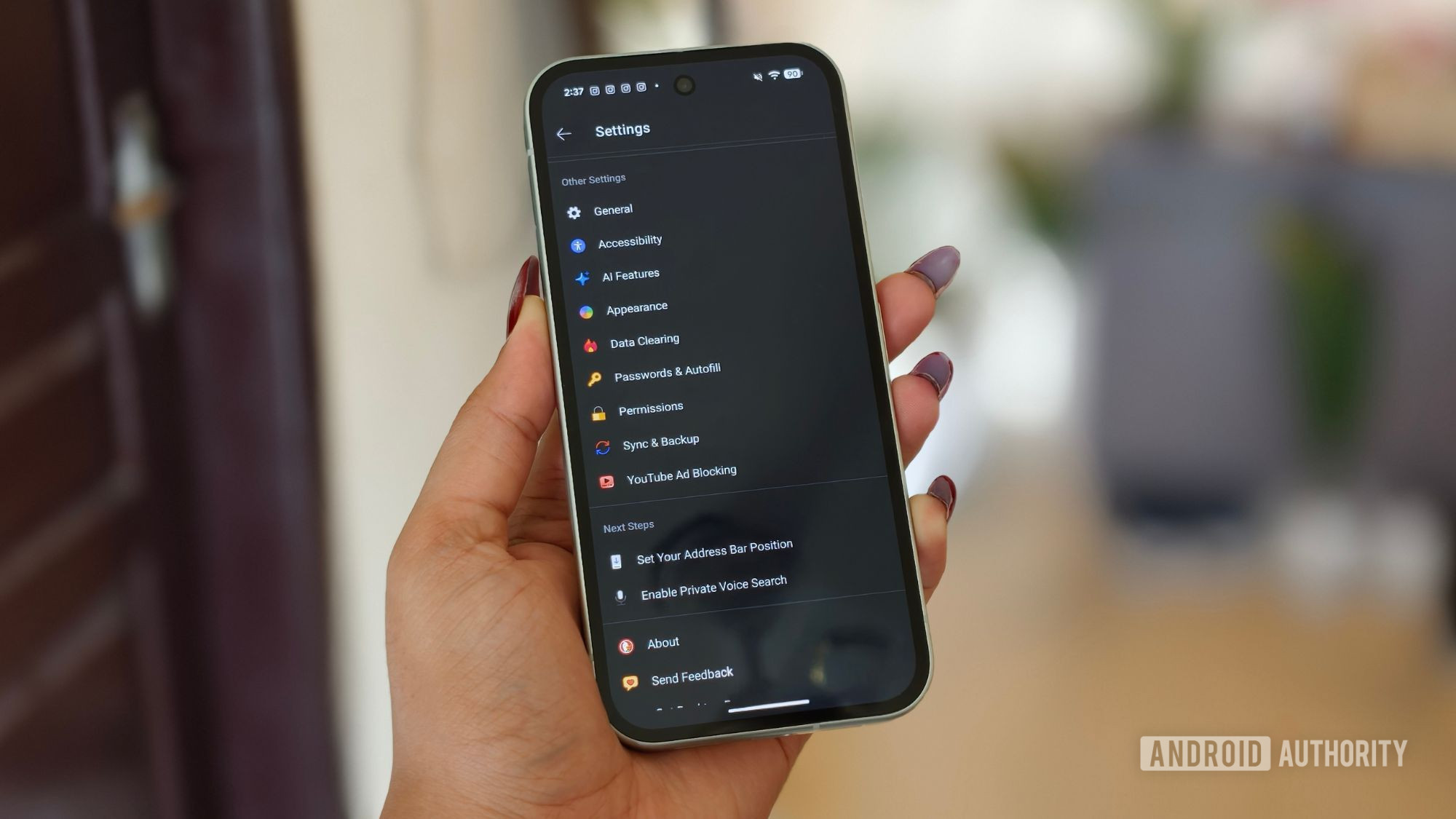
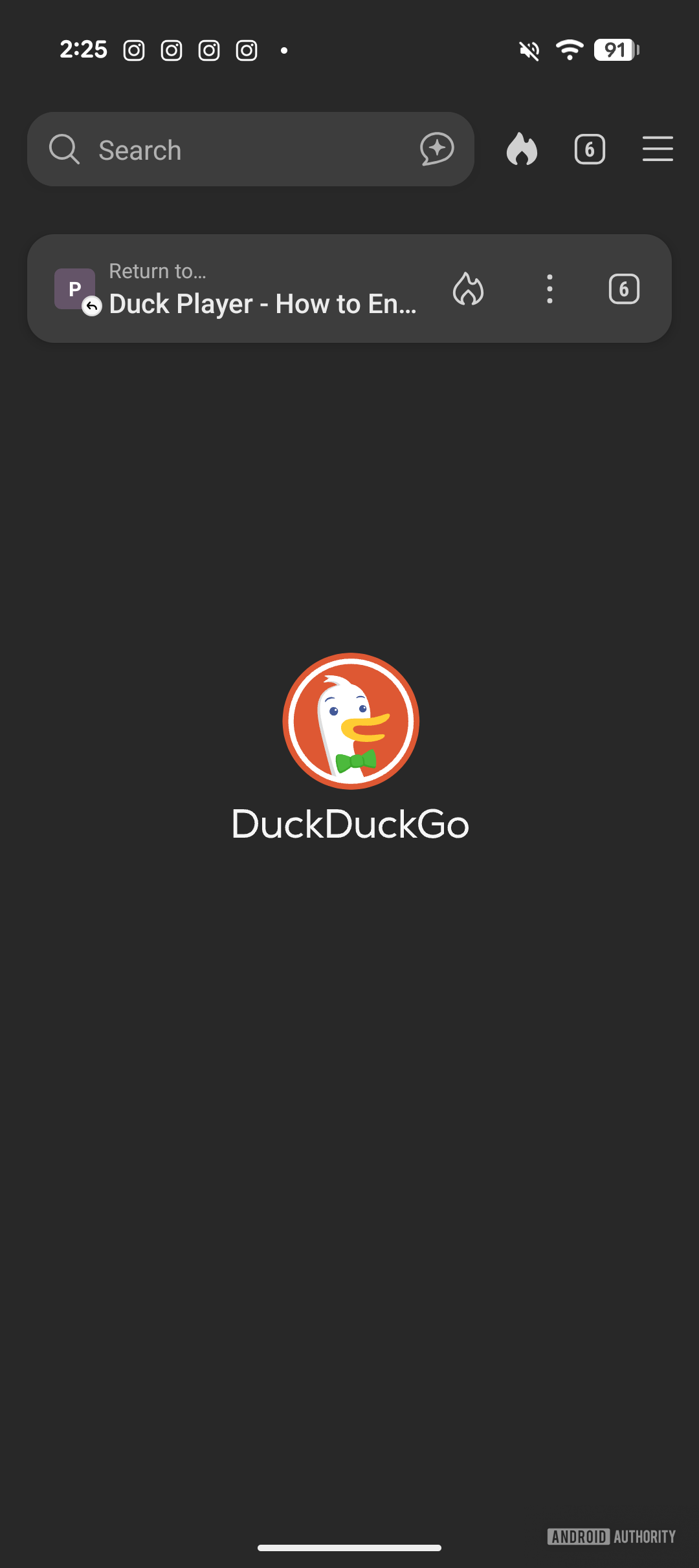
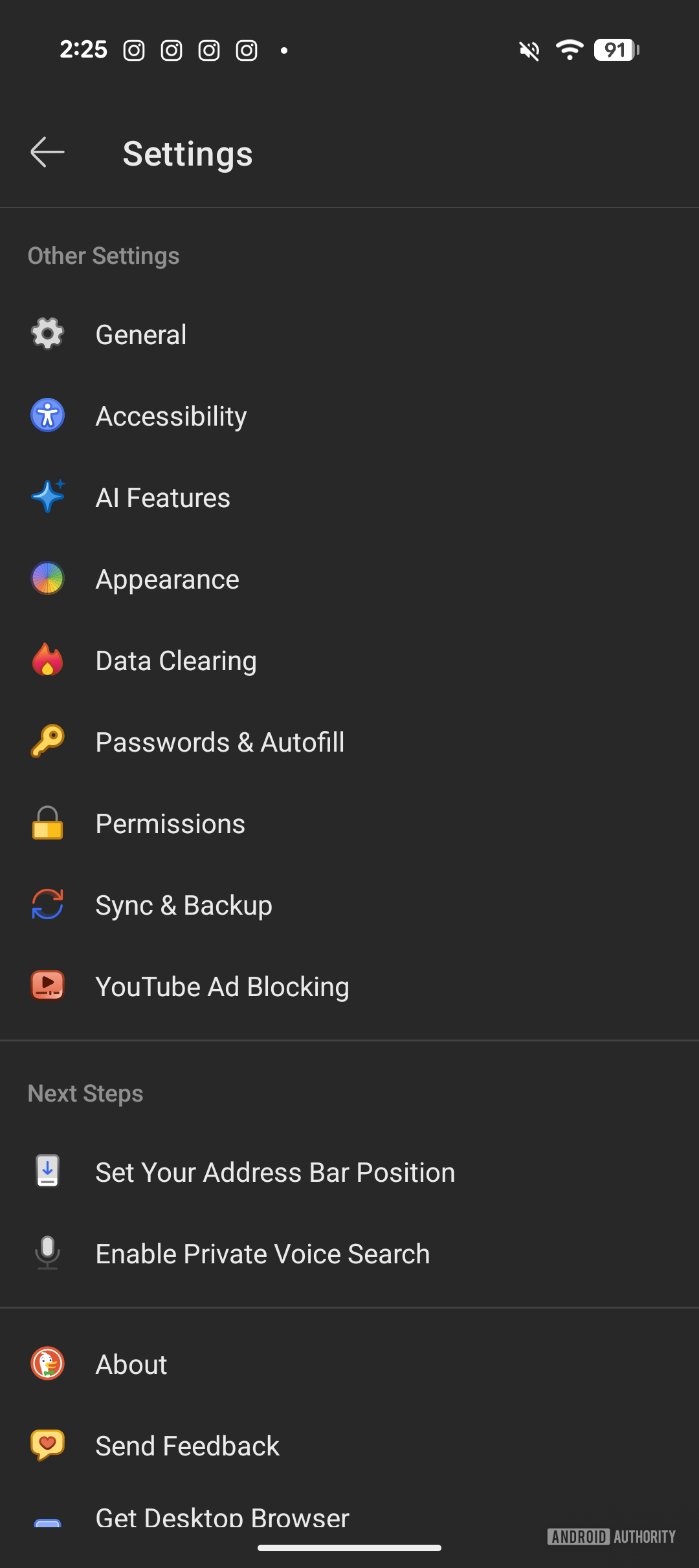
The safest check is to start from the current app, not from a screenshot you remember seeing months ago. Open DuckDuckGo, go into the browser settings and look for options related to YouTube ad blocking or Duck Player. The exact location can change across versions and server-side rollouts, so the check has to happen on the actual device.
- Update DuckDuckGo from the Play Store and restart the app.
- Open the browser menu and check the privacy, protection or video playback settings.
- Enable YouTube ad blocking if the option is present.
- Open a YouTube video inside the DuckDuckGo browser, not inside the YouTube app.
- If Duck Player appears, test both normal playback and the built-in player.
- Temporarily disable VPNs, filtered DNS or other ad blockers if results are inconsistent.
If the option is missing, that does not automatically mean your phone is unsupported. It may be a staged rollout, an app version that has not received the feature yet, or a platform difference. Android Authority reports testing across multiple devices; DuckDuckGo’s own pages describe Duck Player as part of its browsers and document built-in ad and tracker protections. Lab translation: update first, verify second, judge third.
Limits to know before calling it magic
The first limit is the important one: this solution works in the browser. If you open links in the official YouTube app, or Android automatically forwards YouTube links to the app, the test no longer means much. In that case, open the video in the browser, use “open in new tab” where available, or adjust Android’s supported links settings for YouTube.
The second limit is durability. Blocking YouTube ads is a moving target involving filters, players, embeds and countermeasures. Android Authority notes that DuckDuckGo relies on community-maintained lists from the uBlock Origin ecosystem plus its own compatibility work. That is a good technical sign, but not a permanent guarantee: if YouTube changes how ads are served tomorrow, an update may be needed.
The third limit is functional. Duck Player can reduce tracking, personalized ads and influence on your YouTube history, but some conveniences may change too: recommendations may become less connected, playlists may behave differently, and watch continuity may not feel identical. It is the usual trade-off: less profiling, less tailored convenience. Marketing calls it privacy; in lab terms, it means paying with less data instead of more recorded habits.
What actually changes
For Android users, the feature is most useful as a clean procedure for watching videos in the browser without turning the phone into a collection of extensions, APKs and magic DNS settings. It does not replace YouTube Premium, does not remove every possible ad in every context and does not modify the YouTube app. But it gives you a controllable path: official app, visible option, repeatable test and instant rollback if something breaks.
It is also a useful reminder about privacy on Android: browsers and keyboards are sensitive places because they see a lot of what we do. We made the same point in our guide to Gboard privacy checks on Android: paranoia is not required, but knowing which tools see which habits and which toggles actually exist is very useful.
Common problems and quick fixes
- The option is missing: update the app, fully close it, reopen it and check again later if the rollout is staged.
- The video opens in the YouTube app: use the share menu or adjust Android’s supported link settings for YouTube.
- Ads still appear: try a different video, clear the browser cache and make sure you are still inside DuckDuckGo.
- Duck Player does not keep history or playlist state: that can be part of the privacy trade-off, not necessarily a bug.
- The site behaves strangely: disable extra filters, VPNs or private DNS temporarily to isolate the layer causing the conflict.
In brief
- The fresh feature concerns the DuckDuckGo browser, not a global blocker inside the YouTube app.
- On Android, start from the official Play Store app and check the option after updating.
- Duck Player can improve privacy and reduce ads, but it may also change history and recommendations.
- If the feature is missing, it may be a staged rollout: do not chase miracle APKs.
- The proper test is repeatable: same browser, same type of link, external filters temporarily disabled.
Sources and notes
- Android Authority: “I tried DuckDuckGo’s new and free YouTube ad blocker. Here’s how it works”
- DuckDuckGo Help: Duck Player
- DuckDuckGo: private browser and built-in protections
- Google Play: DuckDuckGo Private Browser
If your issue is YouTube opening in the wrong app, see our guide to Duck Player and Android app-link handling.