On this page
Since November 13, every Gemini app user in the US can connect Google Wallet and ask things like how much went on groceries last month or which subscriptions quietly got more expensive. Google presents it as the next piece of Personal Intelligence, after Gmail, Photos, YouTube and Search. The connection is optional and read-only. It also places one of the most revealing records a person has, the list of what they pay for, inside a chatbot whose activity log can feed model training and human review. Both statements are true, and the second one deserves five minutes before you tap Connect.
What Google launched
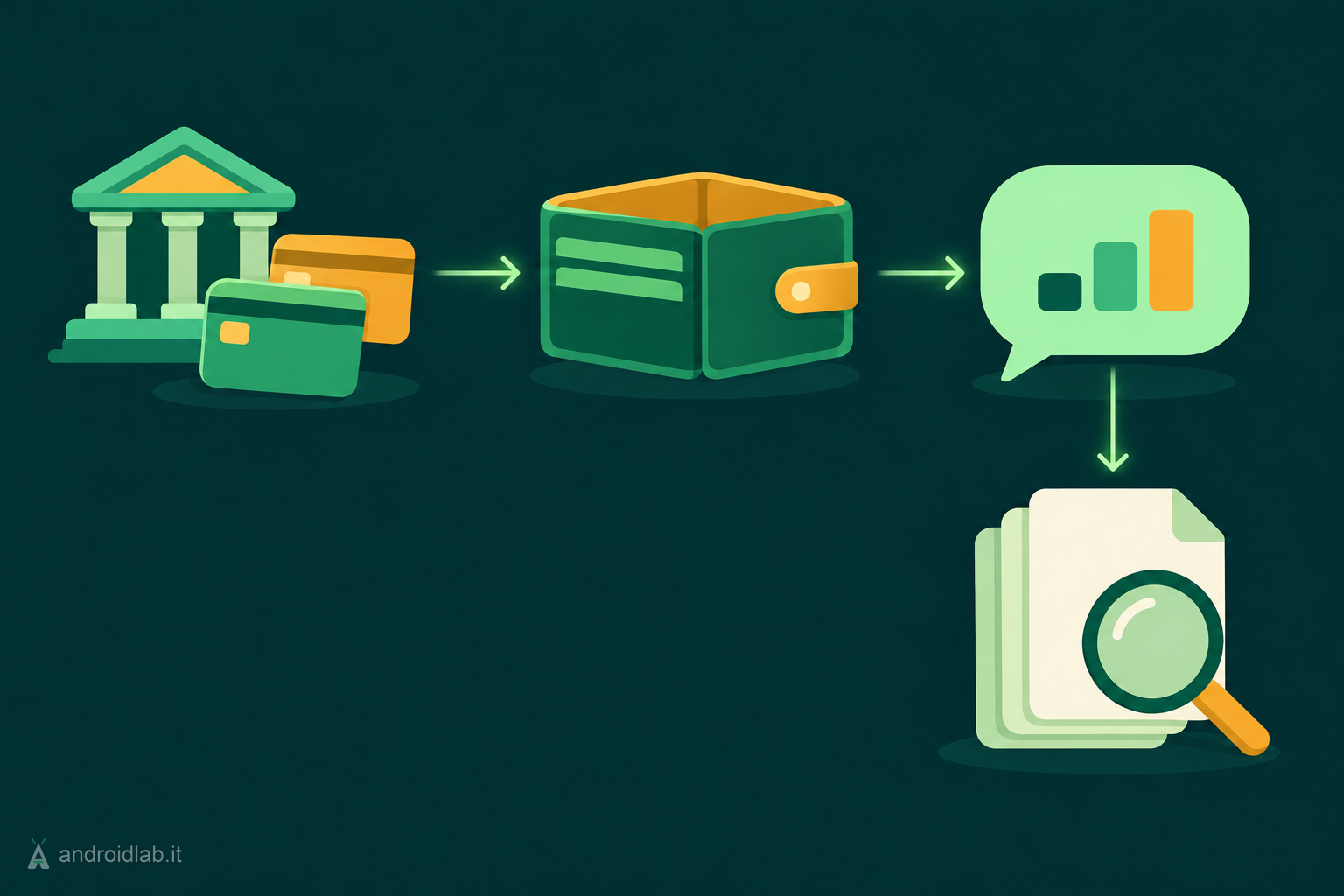
In the Gemini app you tag @Google Wallet in a prompt and ask about your money. Google’s announcement gives three examples: charts of cash flow and budgets built from last quarter’s spending, a list of recurring charges with price increases flagged, and a holiday budget based on what you spent on gifts and travel a year ago. On top of what Wallet already holds, you can link bank and credit card accounts through Plaid, which Google describes as an option “to unlock deeper insights”.
The feature works on Android, iOS and the web. Google’s help page sets the conditions: you must be 18 or over and in the US, signed in with a personal Google Account (work and school accounts are excluded for now), and using Gemini in English. It does not work inside Gems or Gemini Live. The same page still says availability is gradual, so the option may take a while to appear.
What Gemini can see once Wallet is connected
Google’s Connected Apps documentation lists the Wallet data in one line: payment methods, data from Google services saved in Wallet, and financial account info linked with services such as Plaid. Passes count too, since boarding passes and airline loyalty numbers are among Google’s own example prompts.
Two details on that page matter more than the list. The first is that the connection is not a snapshot: “if new data is added to these apps in the future, Gemini will have access to that data.” The second is Google’s warning that shared data may relate to topics you find sensitive, such as health or religion. A transaction history is where that warning becomes concrete. A pharmacy, a clinic, a donation, a therapist’s invoice: none of these needs a diagnosis attached to say something about you.
What it cannot do
The access is read-only. Gemini cannot pay with the cards in your Wallet, cannot move, manage or invest money, and cannot update or delete the financial accounts you linked. Google also adds a line that is easy to skip: do not rely on Gemini’s output for financial advice.
The condition that is easy to miss: Keep Activity
To connect Wallet, the Keep Activity setting in Gemini has to be on. The help page is explicit that Gemini cannot connect to Google Wallet when it is off. Keep Activity is also the setting that lets Google use your Gemini Apps activity, including data from connected apps, to improve its services and train generative AI models. So there is no way to get spending insights while keeping those conversations out of that pipeline.
Google draws a line here, and it is worth reading closely. It says Gemini does not train models directly on your Google Wallet and payments services. What can be used are the summaries, excerpts and inferences produced when Gemini answers you, together with your prompts and its responses. The same goes for human review: the list of what reviewers may see includes “interactions, summaries, excerpts, and inferences from your Google Wallet and payment services information”. Google says it disconnects these interactions from your account and reduces personal information before review, and applies techniques such as differential privacy before training. Its own advice is blunt: do not connect apps that contain confidential information you would not want a reviewer to see.
Put simply, the raw bank feed is not the training material. A question like “what did I spend at the pharmacy this year”, and the answer to it, is exactly the kind of summary that ends up in your activity.
Where to turn it on, and where to turn it off
- Connect: Google’s announcement puts the switch under Connected Apps in the Personal Intelligence settings; 9to5Google reports the path Customize, then Connectors, in the app. Gemini may also offer to connect the first time you mention Google Wallet in a prompt.
- Disconnect Gemini from Wallet: open Connected Apps settings and switch Google Wallet off. Google says you can do this at any time.
- Unlink the bank accounts: this is managed in a different place. Accounts linked through Plaid are removed from the Google Wallet settings, and Gemini itself cannot change them.
- Delete what you already asked: disconnecting an app does not delete anything from Gemini Apps Activity. Open your Gemini activity and remove the conversations about your finances. Google notes that changes in a connected app may take days to be reflected in Gemini.
What actually changes
Budgeting apps that read bank data through Plaid are nothing new in the US. What is new is where the data lands: in the same assistant that can already read your email, your photos and your search history. The usefulness comes from that cross-referencing, and so does the weight of the decision, because a profile that joins what you write, where you go and what you pay for is more than the sum of its parts.
A practical way to decide is to ask a narrower question than “do I trust Google”. Would you hand this list of transactions to a stranger who promises not to know your name? If the answer is yes for card rewards and boarding passes but no for a full bank feed, there is a middle setting: connect Wallet and skip Plaid, since Google presents the bank link as an extra step. If the answer is no for all of it, leaving the connection off costs you nothing else in Gemini.
Outside the US there is nothing to switch off today. Google has not given dates for other countries or languages.
Related AndroidLab coverage: privacy checks for Connected Apps in Google AI Mode.
In short
- Gemini can connect to Google Wallet for all US users aged 18 or over with a personal account, in English.
- It can read payment methods, passes and, if you link them through Plaid, bank and card transactions. It cannot pay or move money.
- Keep Activity must be on, so prompts, answers and the summaries drawn from your Wallet data can be used for training and seen by reviewers.
- Disconnect in Connected Apps, unlink banks in Wallet settings, and delete past chats in Gemini activity: three separate steps.
- You can connect Wallet without linking a bank account.
- Google Wallet comes to Personal Intelligence in the Gemini app, Google, 2026-11-13
- Get info and personalized insights from Google Wallet with Gemini Apps, Gemini Apps Help
- About personalization with Connected Apps, Gemini Apps Help
- You can now set up Gemini’s Google Wallet integration for personal finance insights, 9to5Google, 2026-11-13
- Google Wallet now lets Gemini analyze your spending and suggest ways to save, Android Authority, 2026-11-13