On this page
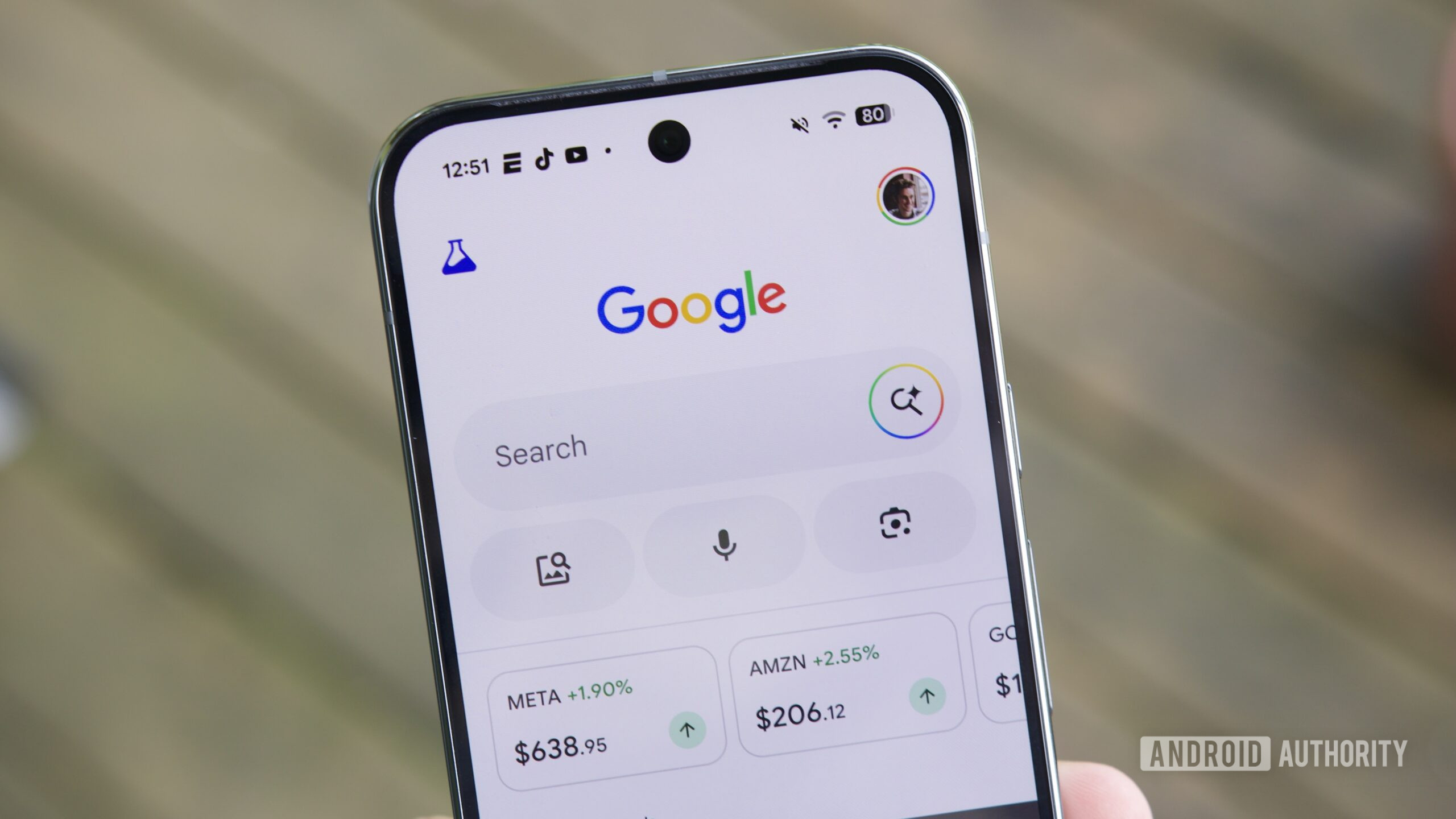
Google is turning AI Mode from a search surface that answers questions into one that can hand work to connected services. The latest US rollout adds YouTube Music, Canva and Instacart, so a prompt can suggest a playlist, surface design templates or build a grocery cart. That can be convenient on an Android phone; it also means a query can now cross the boundary between Search and an account-based service. The sensible response is neither panic nor blind acceptance: check the connection before you make it routine.
What changed in Google AI Mode
According to reports from 9to5Google, Android Authority and Android Central, the connected-app expansion is beginning to roll out in the US this week. YouTube Music is the least surprising addition: AI Mode can help turn a description into music suggestions, while playback opens in YouTube Music. Canva can show template options for a task such as a flyer, and Instacart can move ingredients from a planning prompt into a shopping cart.
The useful distinction is between a recommendation and an action. Asking for dinner ideas is ordinary search. Connecting a shopping service gives that flow a path toward a real cart; connecting a media service can expose preferences that are much more personal than a single search query. The feature is still a rollout, not a promise that every account, device or country will see the same apps at once.
What changes in practice
Connected Apps reduce the familiar app-hopping loop: search, copy a title, open an app, search again, then build a list. On a small screen that can genuinely save time. The trade-off is that the assistant needs enough context to make a useful handoff, and its output can still be wrong, incomplete or oddly literal. A playlist based on a mood is easy to correct. A shopping cart, design choice or task that depends on personal data deserves a deliberate review before it becomes an order or a shareable file.
Four checks before you connect an app
- Read the consent screen, not just the app name. Check which account is being linked and what the connection says it can read or do. Permission wording may change as the rollout expands, so use the screen shown to your account as the source of truth.
- Start with the least sensitive workflow. Trying a YouTube Music request is a lower-stakes test than linking a service tied to purchases, addresses or shared household lists. You can decide whether the convenience is worth the additional connection after seeing the actual result.
- Review every handoff. Treat AI Mode’s output as a draft. Confirm the tracks before saving a playlist, the items and quantities before checkout, and the template or copy before publishing it. “Connected” does not mean “verified.”
- Know how to undo it. Find the disconnect or remove option during setup and revisit the Connected Apps controls if you stop using the service. Uninstalling the Google app is not a reliable substitute for revoking an account connection.
Android checks that are easy to miss
On a shared phone or a family Google account, verify which profile is active before linking anything. A useful prompt can reveal listening habits, planned purchases or other context to the wrong account simply because Android switched profiles earlier in the day. Keep the Google app, the connected service and Android itself updated, but do not mistake an update for a privacy review: the important decision is the account connection and the action you allow it to perform.
Availability also matters. The reports describe a US rollout, so readers elsewhere should not sideload an APK or change their region merely to force an early feature. That is a fine way to add account confusion to a feature meant to remove friction. Wait for the supported rollout, then inspect the exact controls Google presents.
For a more conventional Google workflow, see our related AndroidLab coverage on finding files in Google Drive on Android. The same principle applies: automation is most useful when you still know where the data came from and where it is going.
In brief
- Google AI Mode is adding connected services including YouTube Music, Canva and Instacart in a US rollout.
- Read the live consent screen for your account before linking any service.
- Verify playlists, carts and designs before saving, sharing or buying.
- Use the connection’s own remove control when you no longer need it.