On this page
If a rectangular red patch has appeared in the middle of your Galaxy S26 Ultra display, the obvious fear is OLED burn-in — and an expensive repair visit. Reporting published today points to a different explanation: Samsung attributes the issue to a software-optimization problem and says it has a fix. The practical catch is that the update does not yet appear to be broadly available over the air.
That is not a reason to ignore a screen changing colour. It is a reason to collect the right evidence, update carefully, and avoid turning a contained display problem into a full-phone reset. This guide helps distinguish the reported case from faults that need immediate service.
First distinction: do not assume burn-in
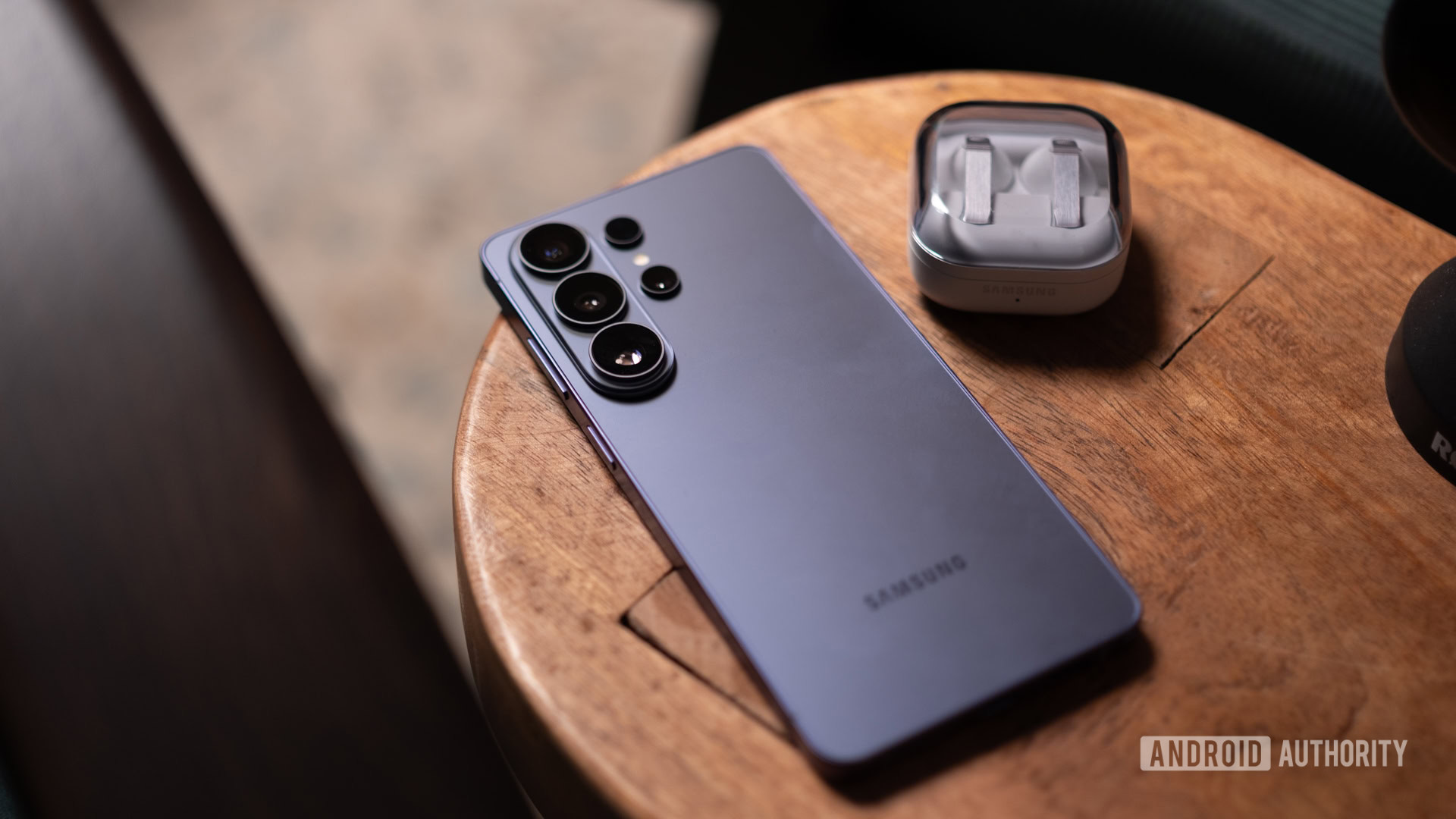
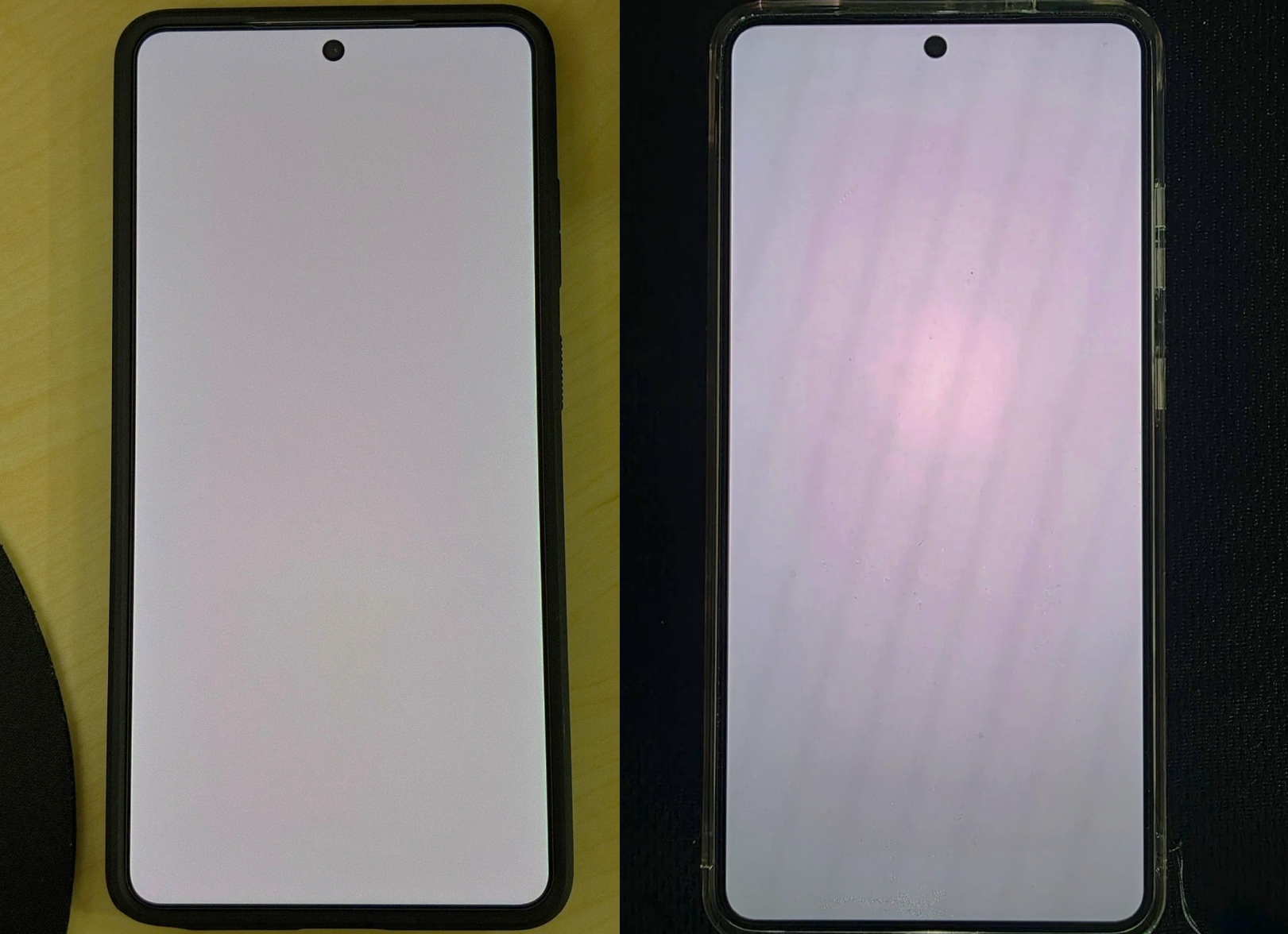
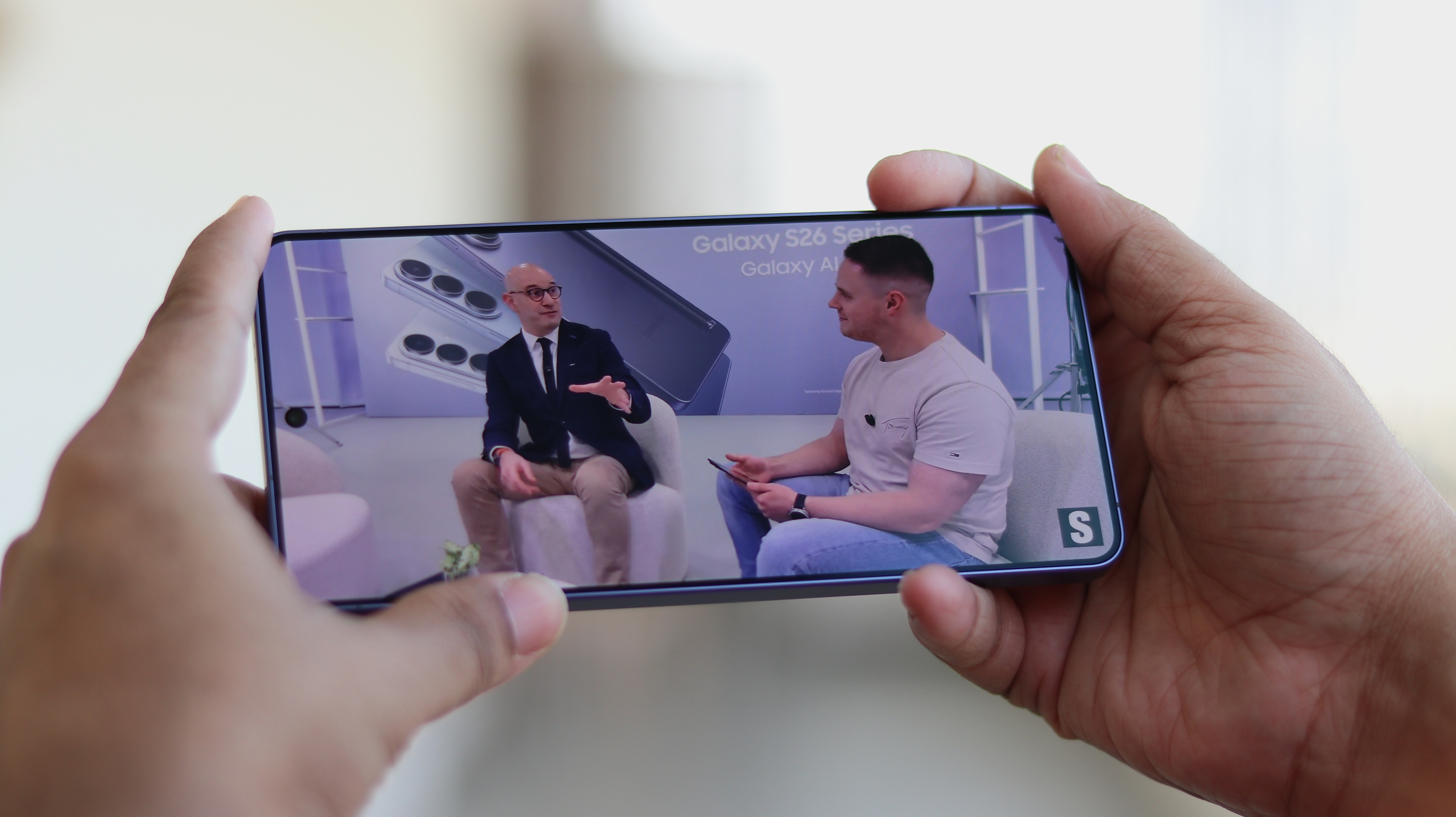
Android Authority and SamMobile report that some units developed a faint red central stain or rectangle after a few months of use. Samsung reportedly traced it to software rather than panel deterioration, so it should not be permanent OLED damage. That distinction matters, but it applies only to the described symptom — not to every red tint, line, or bad pixel.
There are two unhelpful reactions to avoid: do not factory-reset first, because that removes useful diagnostic context, and do not start applying random display-calibration apps or colour tweaks. They can hide the symptom without fixing it, or change the test conditions.
Galaxy S26 Ultra checklist: what to verify
- Photograph the issue with another phone against white, grey, and black backgrounds. Note the brightness level and time. A screenshot alone is not conclusive: it captures system-rendered content, not always the final result of the panel’s display pipeline.
- Restart the phone and repeat the check under the same conditions. If the rectangle remains identical, keep the photos; they are more useful than a description from memory.
- Open Settings > Software update and check both the installed version and available updates. Do not flash another region’s firmware or packages found online. An official software update is the sensible route, not late-night Odin archaeology.
- Temporarily check Screen mode, Eye comfort shield, Colour correction, and Extra dim. These settings can alter the overall image but should not create a sharp central rectangle. If the mark disappears when one changes, record that before restoring your normal setting.
- If the patch is not available and the mark persists, contact a Samsung service centre. The reports say an affected user may be able to receive the fix before the wider rollout. Availability and the process may differ by country, so mention the Galaxy S26 Ultra software display issue and bring photos, firmware version, and the date you first saw it.
When not to wait for the rollout
Do not wait for a patch if you see lines, flickering, black areas, ghost touches, cracks, or a rapidly changing fault. Those symptoms do not automatically match the reported issue and need a panel assessment. The same applies after a drop or moisture exposure: the device history is more useful than changelog optimism.
What actually changes
The useful part of this news is not merely that “a patch is coming.” A fault that looks a lot like burn-in can have a software cause, so the right response is conservative diagnosis. For Galaxy S26 Ultra owners, the order is: document it, check updates, do not erase everything, and use support if the rollout has not reached the phone. For a broader update-check routine, see AndroidLab’s Galaxy update rollout guide.
In brief
- Samsung attributes the reported Galaxy S26 Ultra red patch to software, not OLED burn-in.
- A fix exists, but it does not appear to be available to every device through OTA yet.
- Before contacting support, take photos with a second device and note the firmware version and colour settings used.
- Avoid factory resets and unofficial firmware; if the mark remains, ask Samsung about the software fix.