Google is still turning the old Fitbit experience into a broader Google Health app, and the July update is useful precisely because it is not a flashy AI trick. According to Android Central, the latest update adds more visible tiles and easier access to key stats on Android; 9to5Google reports that version 5.03 also expands the Today view and counts naps inside the sleep total. Small changes, yes. But health apps live or die on whether the data is visible at the right moment, not on whether the changelog sounds heroic.
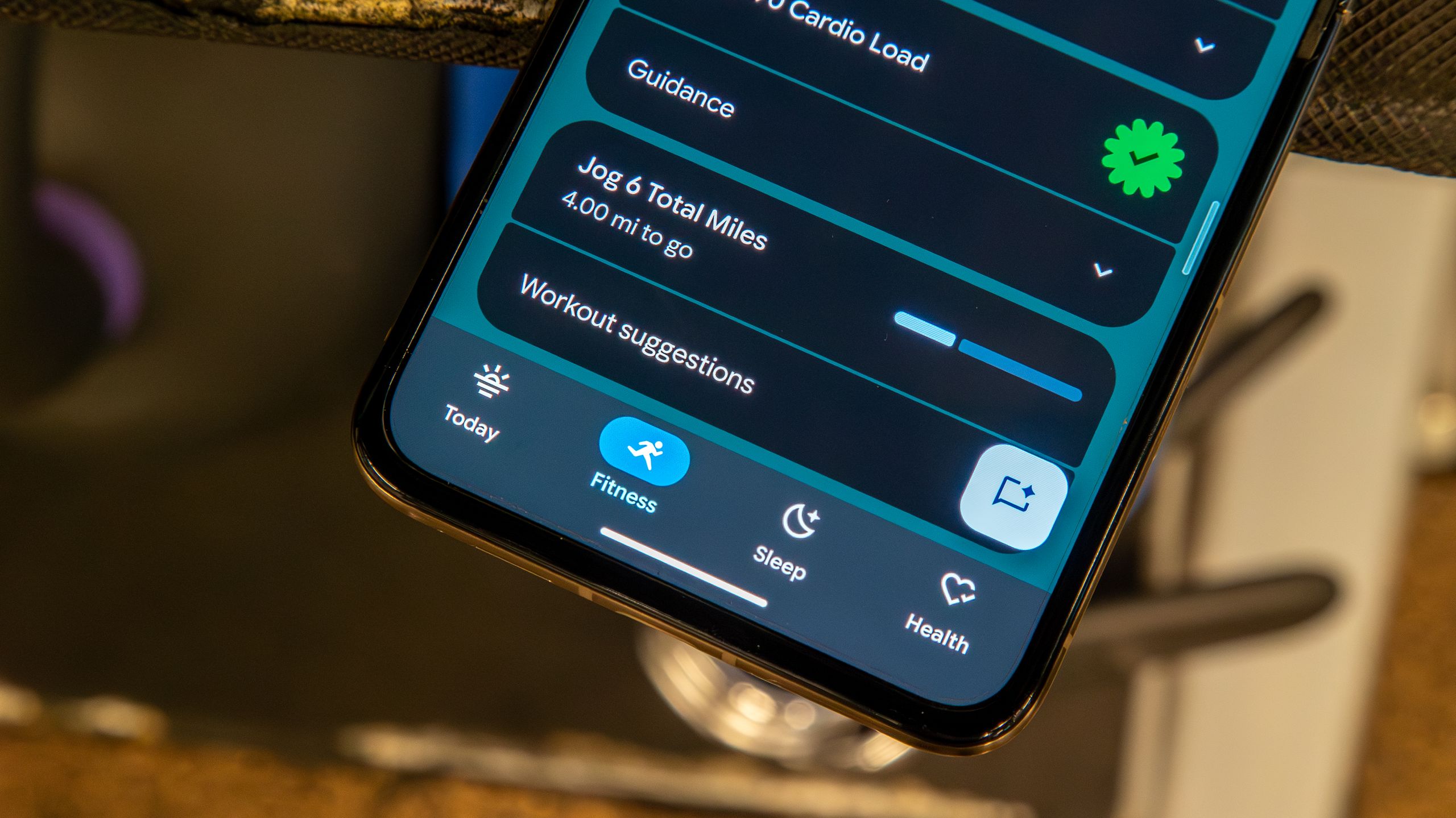
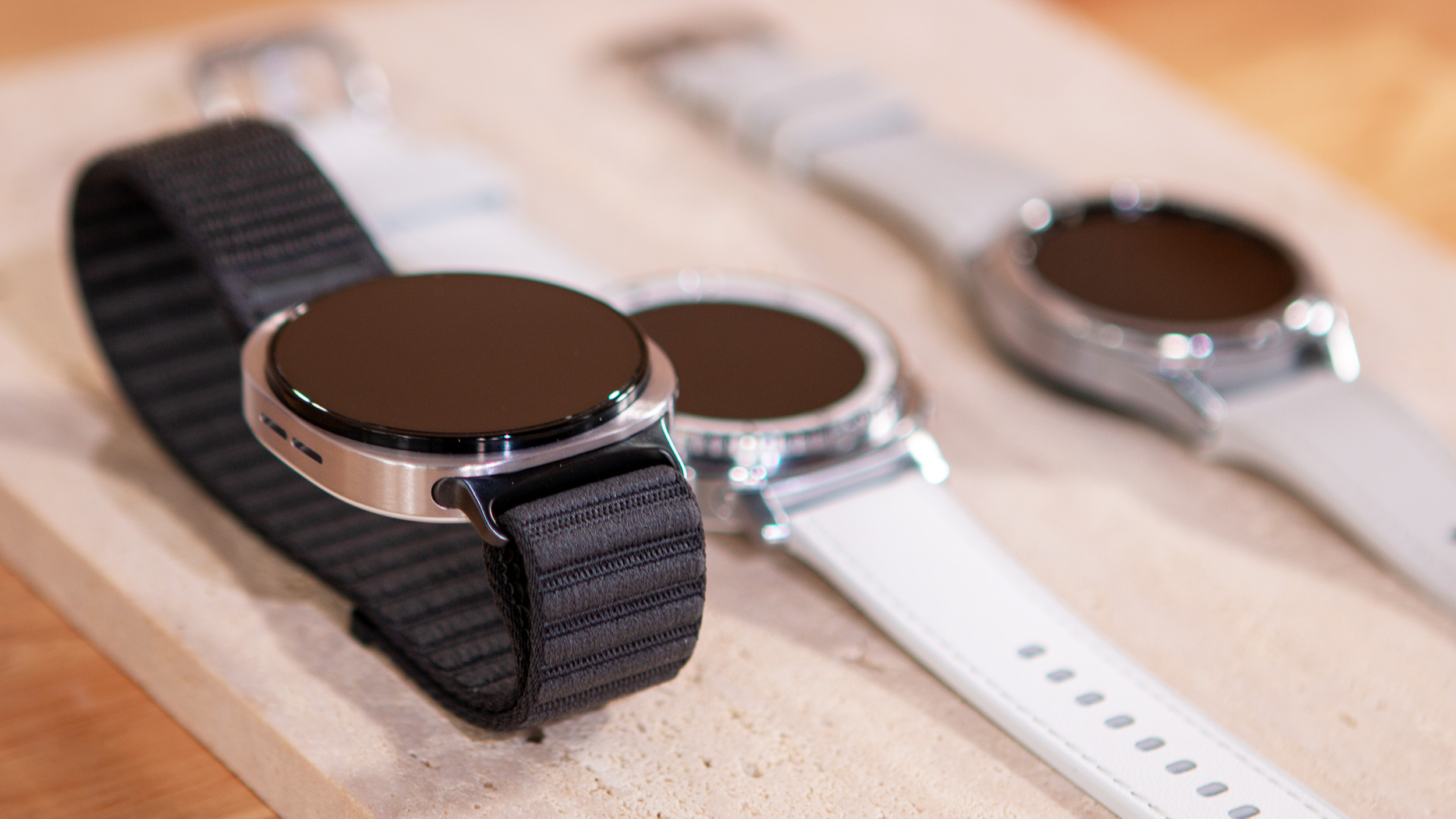
The practical angle is simple: if you use a Pixel Watch, Fitbit tracker, Wear OS watch or just the Android app to follow sleep, activity and recovery, the dashboard should now expose more of the numbers people actually check every day. That can reduce the usual ritual of opening three screens, wondering where Google moved a metric, and then blaming the watch. Sometimes the watch deserves it; sometimes the app just needed a better front page.
What changed in the July update
The fresh reports point to two connected changes. First, Google Health is showing more tiles and more prominent daily stats, which should make the Android home screen of the app less sparse. Second, version 5.03 improves the Today area and treats naps as part of the sleep total. That last detail matters because sleep tracking becomes much less useful when a short daytime sleep is treated like an inconvenient side quest instead of part of the real day.
This is also a reminder that Google Health is now the app to watch for many Fitbit users. The official Android download is Google Health (Fitbit) on the Play Store. If you still think in terms of the old Fitbit app name, the branding may be confusing, but the package and account data are part of the same migration path.
Checks before assuming the feature is missing
If the new tiles or sleep behavior are not visible yet, start with the boring checks before reinstalling anything. Update Google Health from the Play Store, reopen the app, and give the account a few minutes to sync. If you use a wearable, force a sync from the device screen and confirm that recent sleep or activity data is actually arriving. A dashboard cannot display fresh stats if the watch spent the afternoon sulking offline.
Then check whether your region, account and app version have the rollout. Google often enables health features gradually, even when the APK version is already installed. That means two phones on the same day can behave differently without either being broken. If Health Connect is part of your setup, open Android settings and verify that the relevant permissions are still enabled for health data, sleep and activity. After major app updates, permissions rarely vanish, but account migrations and clean installs can leave holes.
What really changes
The real improvement is not that Google added more rectangles to a screen. It is that health tracking becomes less fragile when the first view answers the daily questions: how did I sleep, did I move enough, what changed compared with yesterday, and is the wearable syncing correctly? For casual users this lowers friction. For power users it makes anomalies easier to spot before they become a week of bad data.
There is still a limit: a better dashboard does not make the sensors more accurate, does not fix a badly worn watch, and does not magically reconcile data coming from several apps with different assumptions. Treat the new tiles as a faster control panel, not as medical truth. For a related wearable-data example, AndroidLab recently looked at Google Wallet payment history on Wear OS, another case where the useful part is not the feature headline but where the information appears when you need it.
In brief
- Google Health 5.03 is rolling out with more Today stats and nap handling inside sleep totals.
- Android Central also reports a July update with more visible tiles for key health stats on Android.
- Use the Play Store, wearable sync and Health Connect permissions as the first troubleshooting checklist.
- If the feature is absent, it may be a staged rollout rather than a broken install.
- The update is useful because it makes daily health data easier to inspect, not because it replaces proper sensor judgment.