On this page
Kaffeine’s JIT has moved beyond small test programs. On AROS ARM64 in a QEMU environment modelling a Raspberry Pi 3, original Amiga 68k applications are performing useful operations: Personal Paint draws, saves and reloads an image; Directory Opus copies and finds files again; TurboText opens a document and accepts input. This advances the previous project milestone, without claiming complete compatibility.
This laboratory update describes results documented in the public repository and original captures. Emulated target runs are not physical-hardware benchmarks, and a recording made with another backend is not presented as JIT footage.
What I’m building with Kaffeine
Kaffeine is open-source infrastructure for running Amiga 68k software alongside native AROS applications. It builds on AROS’s m68kemu.library, developed in the project as kaffeine.library. The aim is not to boot a complete virtual Amiga inside a window, but to run the 68k program while bridging its operating-system calls to native host APIs.
Translating instructions is only part of the work: the bridge converts structures and handles libraries, windows, messages, callbacks and processes whose representations differ between 68k and ARM64. Moira remains the default interpreter and comparison reference; the JIT backend translates 68k code blocks for AArch64. Each application selects its backend when it starts. It does not automatically switch between them during execution.
Personal Paint: drawing, saving and loading again
Personal Paint 7.2.1.0 reaches its editor with the JIT using its original 68k executable and the CPU-blitting preferences from the earlier demonstration. Both Shell and Run sessions exited normally with return code zero. Diagnostic counters identify the JIT and translated blocks; they are not speed measurements.
The key check is a save/reload cycle with a 320×200 image, eight planes and 256 palette entries. A rectangle and line are drawn and saved as IFF/ILBM. Another visible rectangle is added before loading the saved file, which restores the original drawing.
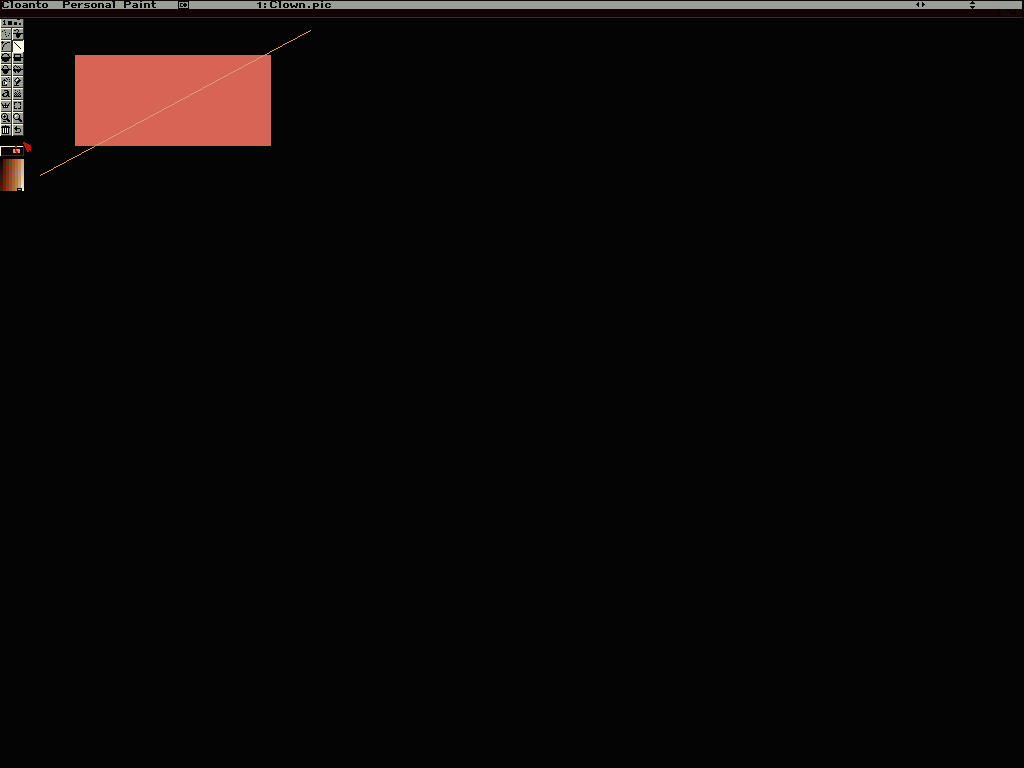
The saved file is 9,386 bytes. Independent FFmpeg decoding and a comparison of the drawing area confirm matching pixels against the canvas captured before saving and after reloading. The toolbar, title and mouse pointer are excluded. This does not validate every image format or editor function.
Directory Opus and TurboText: different checks and limits
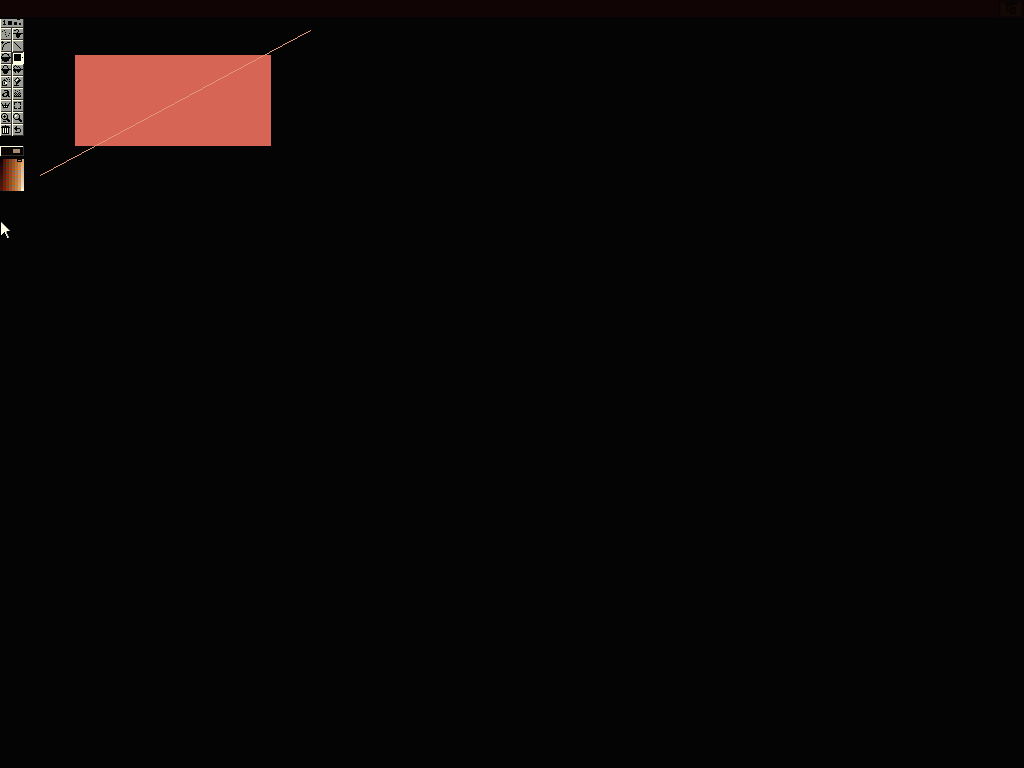
Directory Opus 4.12 JR opens with the JIT, copies a 73-byte text file and a 1,024-byte binary, renames the text, quits, and lists both files after reopening. Extracted bytes match the source files. This checks useful filesystem and interface paths, not the entire file manager: clock and date fields still show invalid values.
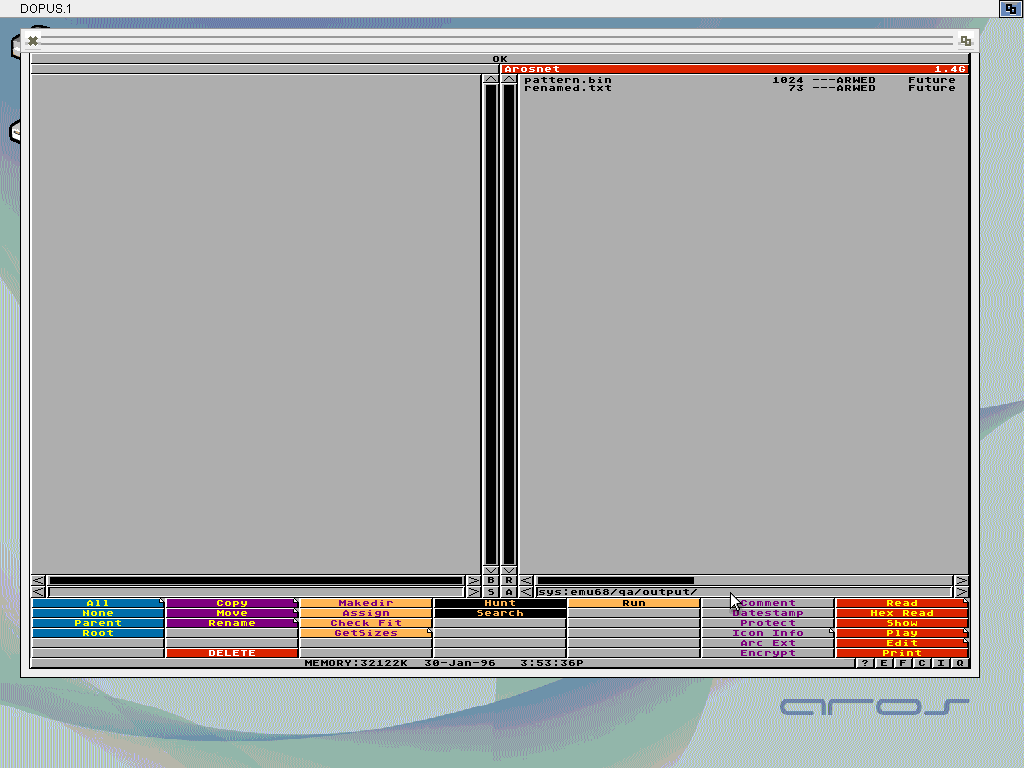
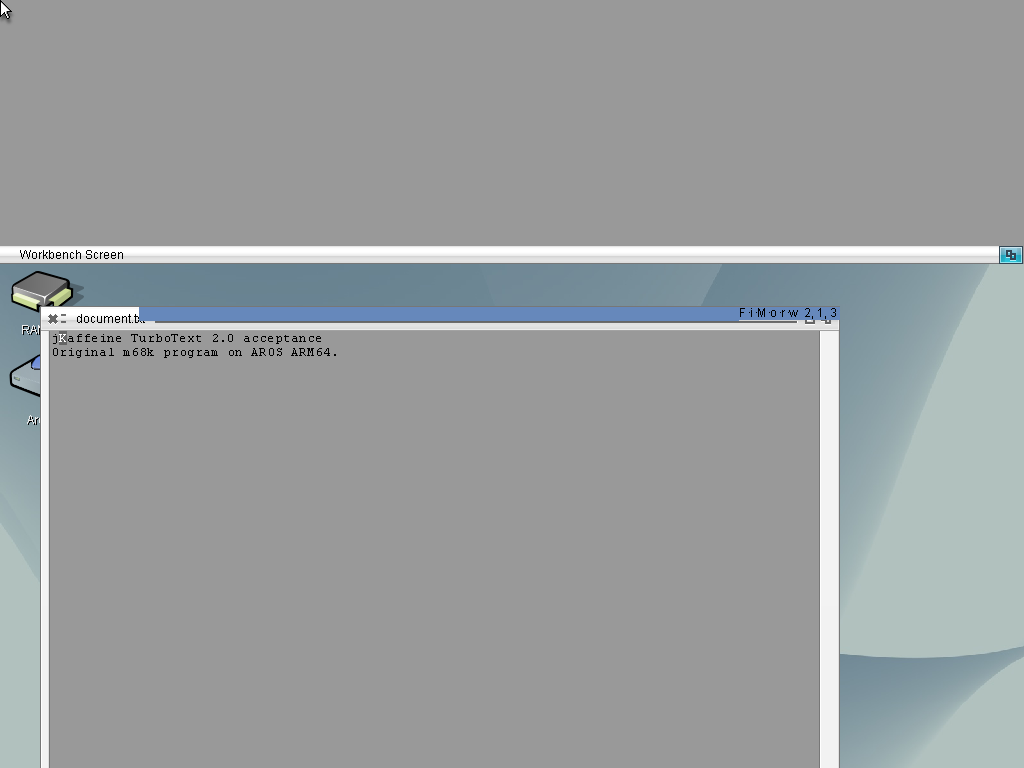
TurboText 2.0 passes a narrower opening, document-loading and single-character input check. Its original launcher and support libraries run through the JIT on a 24-bit Workbench; visible text and the modified indicator respond to input. Saving and reopening are not part of the accepted result in these captures. Native AROS screen-positioning and indexed-composition defects also remain, and the screenshot preserves the observed behavior.
The Personal Paint video, with its backend identified
The following 3-minute-41-second recording shows desktop-icon launch, drawing and saving. It is the earlier Moira demonstration, not a JIT video. It illustrates the application experience and bridge functionality; the newer JIT results are documented separately above.
Technical checks and remaining work
The backend documentation reports 11,364 hosted translator checks, comparison with Moira and focused ASan/UBSan coverage. On the ARM64 target, library, task, window and requester tests are kept distinct from application runs. Passing-check counts measure neither performance nor compatibility with every Amiga program.
The JIT remains experimental: instruction coverage is incomplete, exception delivery and FPU/MMU operations are unsupported, and there is no automatic runtime fallback to Moira. In the separately documented test, Personal Paint also saves a 1024×768 image, but reopening it still reports “The image is too large”; AROS screen switching was needed after the load dialog. Native performance and cache behavior on a physical Raspberry Pi remain unverified.
The goal is to make Amiga’s software heritage usable without tying it to a single CPU. The credible next step is broader repeatable operations and coverage, preserving original artifacts and comparable results. Code, backend instructions and current limits are in the public Kaffeine repository. This article captures the documented state as of October 31, 2026; it does not announce a generally compatible release.
Cover: conceptual illustration generated with OpenAI. Body screenshots and video are authentic captures, not generated imagery.