On this page
Google has spent most of 2026 teaching AI Mode to know you better: it can draw on your past searches, and, if you connect them, on Gmail, Calendar and Google Photos. On November 17 it added the opposite switch. A temporary thread is an AI Mode conversation that, in Google’s words, is “completely detached from your account”. It is rolling out globally, and it takes one tap to use. What “temporary” covers is narrower than the name suggests, so it is worth reading the announcement closely before trusting it with something sensitive.


How to start a temporary thread
- Open AI Mode in Google Search, in a desktop or mobile browser.
- Look at the top-right corner for the temporary threads icon. 9to5Google describes it as a pen with a dotted border, the same symbol the Gemini app uses for temporary chats.
- Tap it. The greeting above the prompt box changes to “Welcome, stranger”, which is the quickest way to confirm you are in the right place.
- Ask your questions, including follow-ups, as you would in any AI Mode conversation.
- Close the thread when you are done. Regular AI Mode comes back with your usual personalization.
There is nothing to change in your account settings first. Google’s announcement says the feature is rolling out “on desktop and mobile browsers across all languages supported in AI Mode”, so if the icon is missing today, it may simply not have reached you yet.
What a temporary thread leaves out
Google’s post makes three specific promises about a temporary thread:
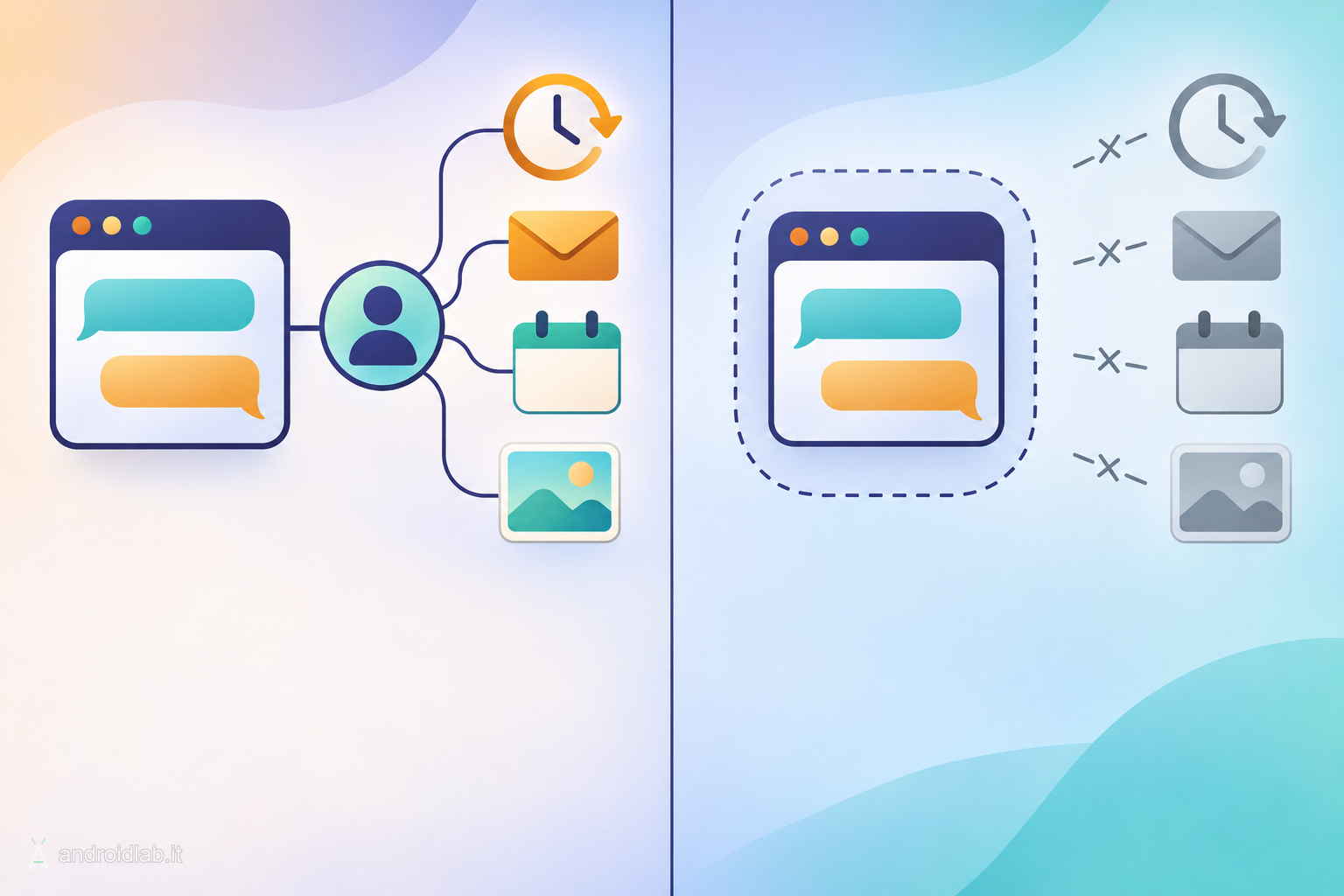
- No past context. Responses “won’t be informed by past preferences”. AI Mode answers as it would for someone it has never met.
- No future influence. The conversation will not “affect future personalization”, so the topic should not come back in recommendations.
- No history entry. The thread is not saved to your history, and once you close it, “it’s gone”. 9to5Google reports there is no way to reopen it afterwards.
Google’s own examples are a surprise gift and “looking something up you don’t want resurfaced later”. That framing is accurate, and modest. The feature is about what your account remembers and shows back to you: a health question that will not shape tomorrow’s suggestions, or a search that will not sit in your account history where anyone using your signed-in profile could scroll past it.
What Google has not said
The announcement is a single short paragraph, and several things a careful reader would want to know are not in it.
- How long Google keeps the conversation on its side. “Not saved to your history” describes your account. The post gives no retention period for server-side processing. Treat a temporary thread as unsaved, and not as proof of instant deletion.
- Whether the content can be used to improve models. Google’s help page on Search Services History states that when that history is off, future activity is not used to train its generative AI models unless you send feedback. The announcement does not say in so many words that temporary threads follow the same rule.
- Anything outside your Google Account. The post talks about your account history only. Your browser keeps its own record of visited pages unless you are in a private window, and your employer, school or network operator can still see that you used Google. A temporary thread is not designed to change that.
- Apps. The rollout is described for browsers. The post does not mention the Google app on Android or iOS.
None of this makes the feature misleading. The name describes one layer of privacy, and that layer is your personalization profile.
Temporary thread, Incognito or history off?
Three tools now overlap, and they solve different problems.
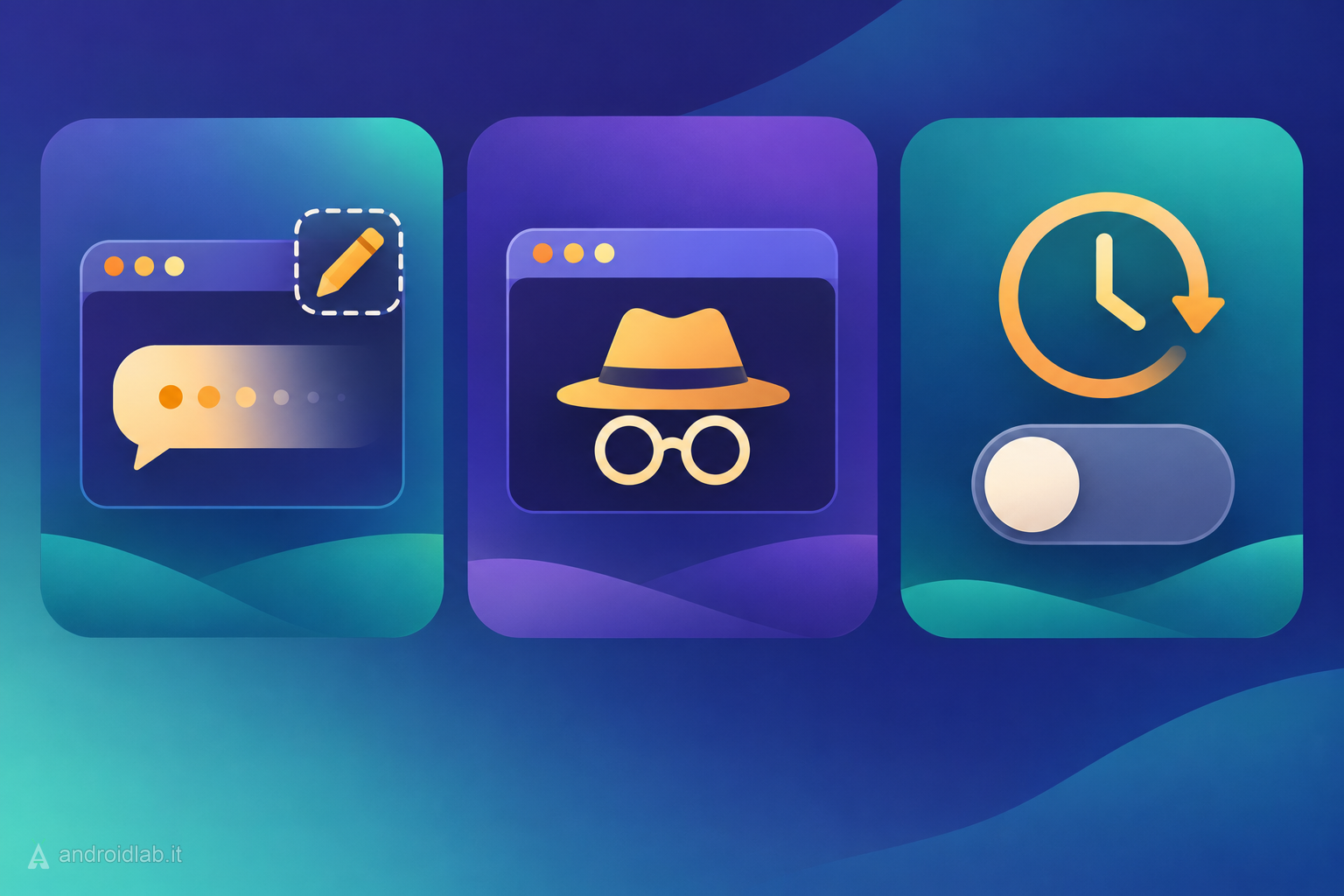
- Temporary thread: you keep the full AI Mode interface. 9to5Google notes you can still use the model picker, which is the practical advantage over opening google.com in a private window. Suited to a single question you do not want remembered.
- Incognito or private window: also keeps the visit out of the browser history on that device. Suited to a shared computer.
- Turning off Search Services History: a standing choice, made in your Google Account. Google’s help page says that with history off you can still use AI Mode but cannot pick up where you left off with previous searches. Suited to people who do not want any of it saved by default.
Nothing in Google’s description stops you from combining them, for example a temporary thread opened on a device where you also clear the browser history.
What actually changes
Until now, keeping one AI Mode question out of your profile meant switching history or personalization off for everything, deleting the entry afterwards from My Activity, or leaving your signed-in session. The first is heavy-handed, the second is easy to forget, and the third gives up part of the interface. Temporary threads make the exception cheap: one tap, one conversation, back to normal.
The quieter effect is on the default. As AI Mode gains memory and access to your mail and photos, an ordinary thread carries more of you into every answer. A visible “stranger” button is a reminder that personalization is a setting you can step out of. It is also worth trying when you want to see what AI Mode says without your history tilting the answer, for instance when comparing products or reading up on a contested topic.
If the same question about assistants and saved data interests you on the Gemini side, we looked at what Gemini can see in Google Wallet and how to disconnect it.
In brief
- Temporary threads in AI Mode were announced on November 17, 2026 and are rolling out globally in browsers, in every AI Mode language.
- Tap the dotted pen icon in the top-right corner; “Welcome, stranger” confirms the mode.
- The thread ignores your past preferences, does not feed personalization and is not saved to your history. Closing it is final.
- Google has not published a server-side retention period for these threads, and its post only addresses your account history.
- On a shared device, a private window also covers the browser history; for a permanent choice, turn off Search Services History.
- Temporary threads are now available in AI Mode in Search, Google, 2026-11-17
- Manage Search Services History and Personalized Recommendations, Google Search Help
- Get AI-powered responses with AI Mode in Google Search, Google Search Help
- Google AI Mode rolling out temporary threads, 9to5Google, 2026-11-17
- Google AI Mode gets temporary threads for searches you don’t want saved, Android Authority, 2026-11-17
- Google now offers AI Mode searches that don’t show up in your history, The Verge, 2026-11-17