On this page
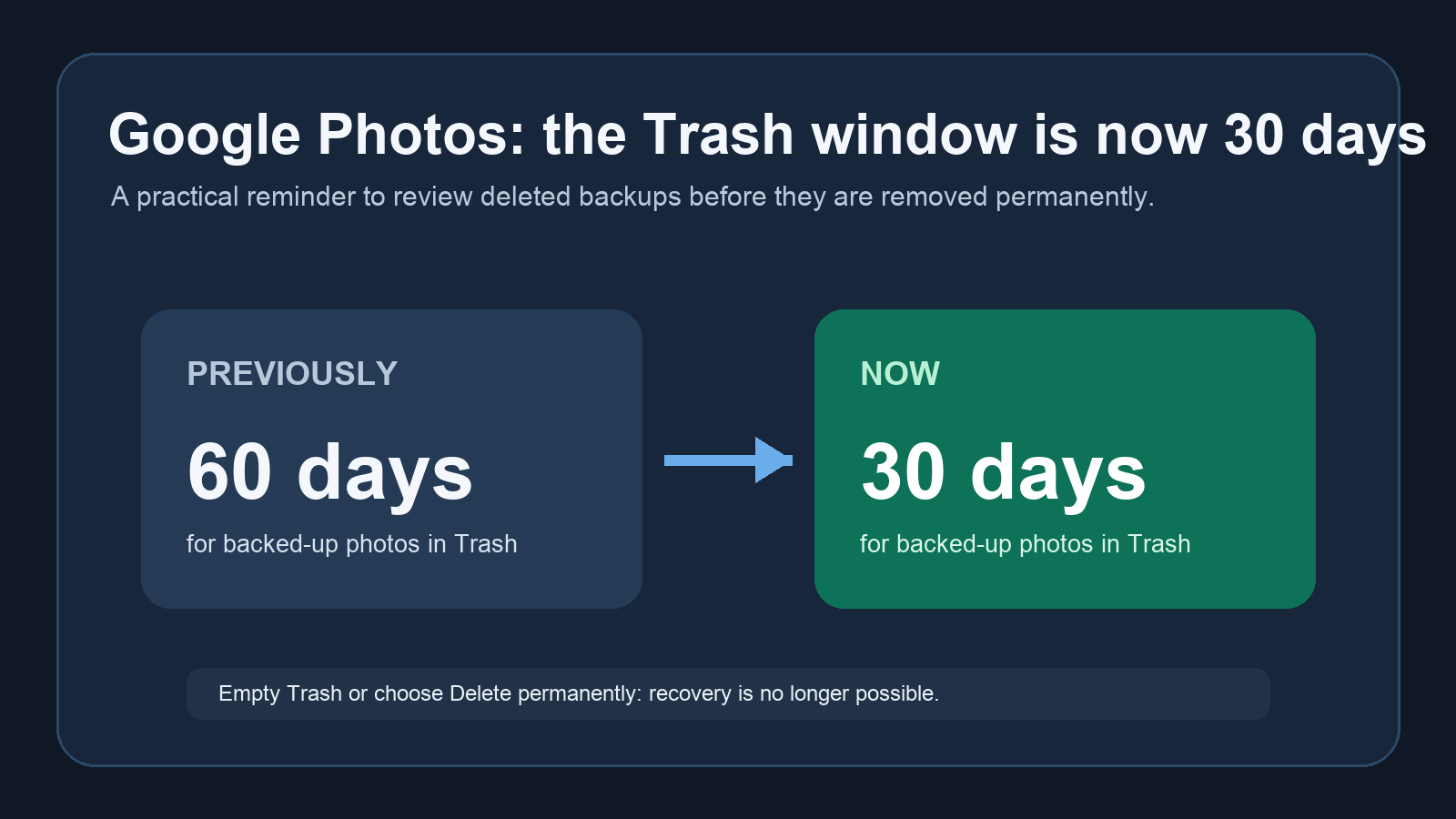
Google Photos is shortening the safety window for deleted cloud backups. Its current help page says photos and videos moved to Trash are permanently deleted after 30 days. Fresh reports from Android Authority and Android Police identify the practical change: backed-up items previously had a 60-day grace period.
What the 30-day rule covers
The change is easy to misread as a new automatic cleanup of an entire library. It is not. It applies after an item has been moved to Trash. A backed-up photo or video now has 30 days before permanent deletion. On Android 11 and later, an item deleted from a device without being backed up also remains in Trash for 30 days.
- Backed-up photos and videos: the recovery window is now 30 days.
- Local, unbacked items on Android 11 and later: Google says the Trash window is also 30 days.
- Empty Trash or Delete permanently: that removes the item immediately and it cannot be restored.
How to check your Trash before it is too late
- Open the Google Photos app on your Android phone or tablet.
- Tap Collections, then Trash.
- Review anything you may want back, especially recent screenshots, documents, and photos moved during a storage cleanup.
- Select an item and choose Restore if it belongs back in your library.
If you prefer a browser, Google also provides a direct Google Photos Trash page. The important habit is to check it before clearing storage or resetting a phone, not after. A full Trash is not a backup tier.
What changes in practice
Thirty days is still a reasonable recovery period, but it changes the margin for error. The old 60-day window made Trash feel like a quiet second chance for cloud backups. Now it is closer to a monthly review queue. If a family member uses Google Photos as the only copy of important images, move the keepers into an album or make an additional backup before experimenting with deletion.
This is also a useful reminder that a delete action can have a different effect depending on whether a file is backed up, merely local, or already in Trash. For another AndroidLab look at reviewing what a Google feature can access and share, see our privacy checks for Gemini in Chrome on Android.
In brief
- Google Photos now documents a 30-day Trash period for deleted photos and videos.
- The reported change cuts the recovery period for backed-up items from 60 days to 30.
- Emptying Trash or choosing permanent deletion still removes items immediately.
Sources
- Google Photos Help: Delete photos and videos, checked September 7, 2026.
- Android Authority: Google Photos has a tighter new limit on restoring trashed pictures, published September 7, 2026.
- Android Police: Google Photos now clears backed-up photos after 30 days, published September 7, 2026.