Android lets you choose a default browser, but many links do not really land there. They open inside the app’s own browser layer, often through Custom Tabs or a webview controlled by the app. That sounds minor until history, sessions, extensions, tracking protection and reading habits stop following the same path.
The issue resurfaced in an Android Police article published on July 6, 2026, where disabling in-app browsers in some Android apps is framed as a small change that can make daily link handling feel sane again. The technical foundation is not mysterious: Chrome Developers documents Android Custom Tabs as a way for apps to open web pages quickly without sending the user straight into the full browser interface.
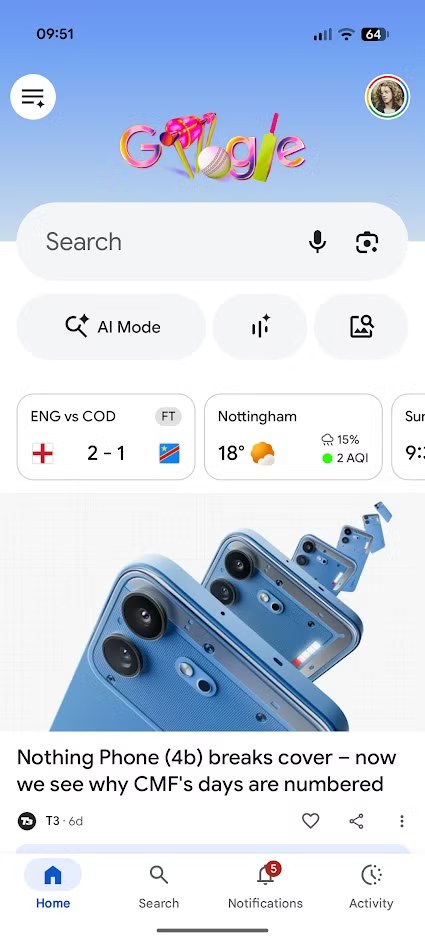
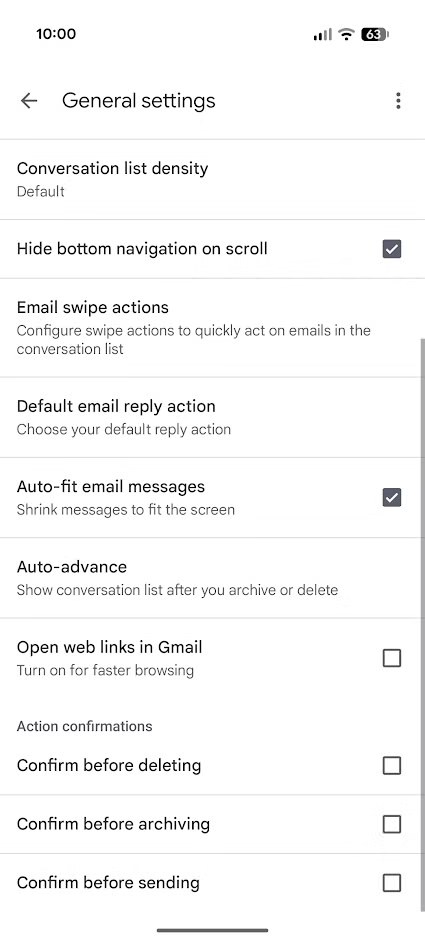
That design is not automatically bad. Payments, temporary logins, support pages or articles opened from inside an app can load faster and feel more integrated. The problem starts when the convenience becomes invisible: the user thinks they are using Firefox, Brave, Chrome or another browser they deliberately chose, while the page is actually running in a container selected by the app.
Why this is not just a preference toggle
The default browser is not just an icon you set once and forget. It is where passwords, history, privacy settings, popup blocking, cookies, translation, reader mode and accessibility tools live. When an app pushes its own internal browser, it breaks that continuity.
The AndroidLab reading is simple: an in-app browser is not automatically hostile, but it is a trust boundary. If you can see it, you can decide case by case; if you cannot, you are accepting a design decision made somewhere else. This is where the issue becomes less technical and more ordinary: not everyone wants to dismantle Android, but everyone should know where tapped links actually go.
What to check on your phone
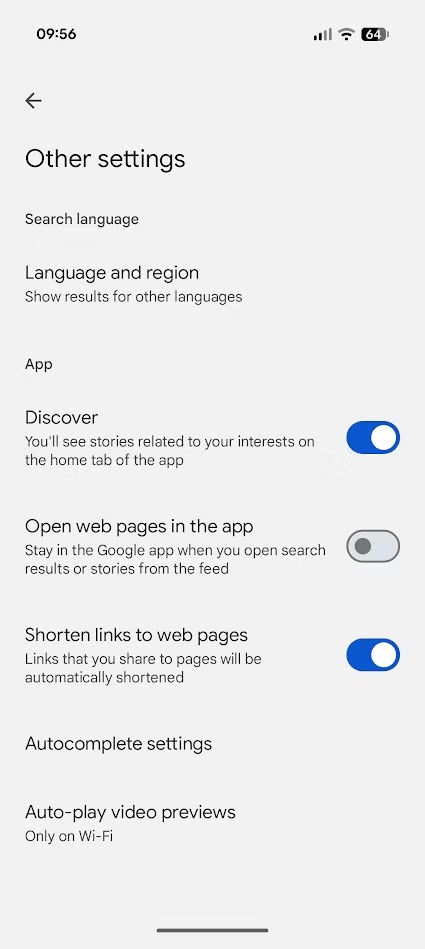
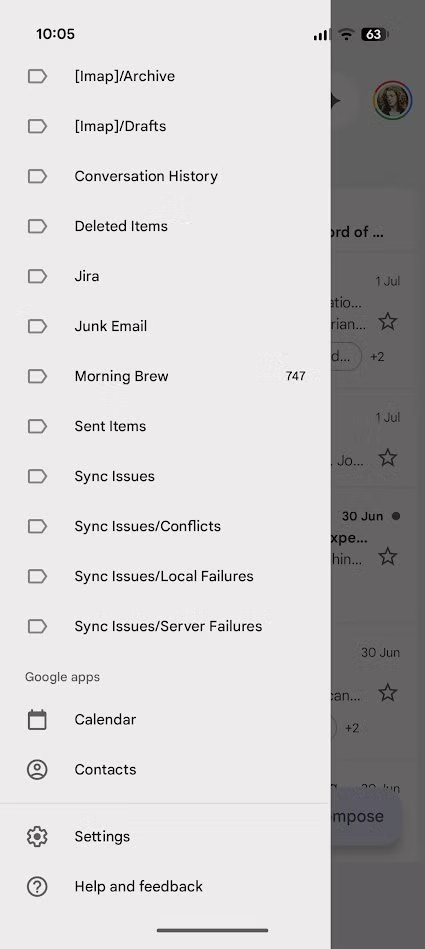
There is no universal Android switch that disables every in-app browser. Some apps expose an option such as “open links externally”, “use external browser” or “disable in-app browser”; others bury it in advanced settings; some do not offer it at all. Start with apps that open links all the time: social networks, email, messaging, news readers and work apps.
A practical check takes a few minutes:
- check which browser is set as the Android default;
- open the settings of your most-used apps and look for link, browser or external-opening options;
- when a page opens inside an app, look for “open in browser” in the menu;
- if you use a browser for privacy or sync, test the same link from different apps and see where it really opens;
- on work profiles or managed phones, remember that some behavior may be enforced by an administrator.
This does not make every internal browser a trap. In many cases Custom Tabs rely on installed browser components and provide a fairly clean handoff. But from the user’s side the practical question remains: who decides the context I am reading in, me or the app?
What actually changes
For regular Android users, the real change is control. Disabling in-app browsers where possible can make history, logins, anti-tracking protections and link handling more consistent. For people who also use Android for work, it reduces the chance that important pages end up scattered across temporary windows that are hard to find, save or share properly.
The limit is that the fix depends on individual apps. Google can document Custom Tabs well, Android can offer a default browser setting, but if an app decides to keep the user inside its own container, the operating system does not always get the final word. Android freedom is real here, but it sits behind small interface details you still have to hunt down. Progress, with a hidden switch.
For the broader system-level choice, see our related guide: Default browser on Android: Chrome, Brave and Firefox checks before you switch.
In brief
- Android’s default browser setting does not guarantee that every link opens in the full browser you chose.
- In-app browsers can be convenient, but they change browsing context, privacy and workflow continuity.
- Android Custom Tabs are a legitimate technology, not a trick: the real issue is transparency.
- Social, email, messaging and work apps are the first places worth checking.
- When an app allows it, opening links in the external browser can make the workflow more consistent and easier to audit.