Changing the default browser on Android sounds like a cosmetic setting until you notice what it actually routes: links from chats, logins, searches, web notifications and a good part of your daily digital trail. Android Police brought the topic back with a practical angle: keeping Chrome as the baseline while using Brave and Firefox for heavier or more private browsing. The useful question is not which browser wins. It is when Android users should split browser duties instead of letting the phone’s original default make every decision.
Google’s Android Help explains the official route: open Android’s default app settings and choose which browser should open web links. The exact path changes across Pixel, Galaxy, Xiaomi, Motorola and other Android skins, but the principle is the same. Android does not force Chrome to be the only front door to the web. That freedom is worth using deliberately, not as another icon-based tribal war.
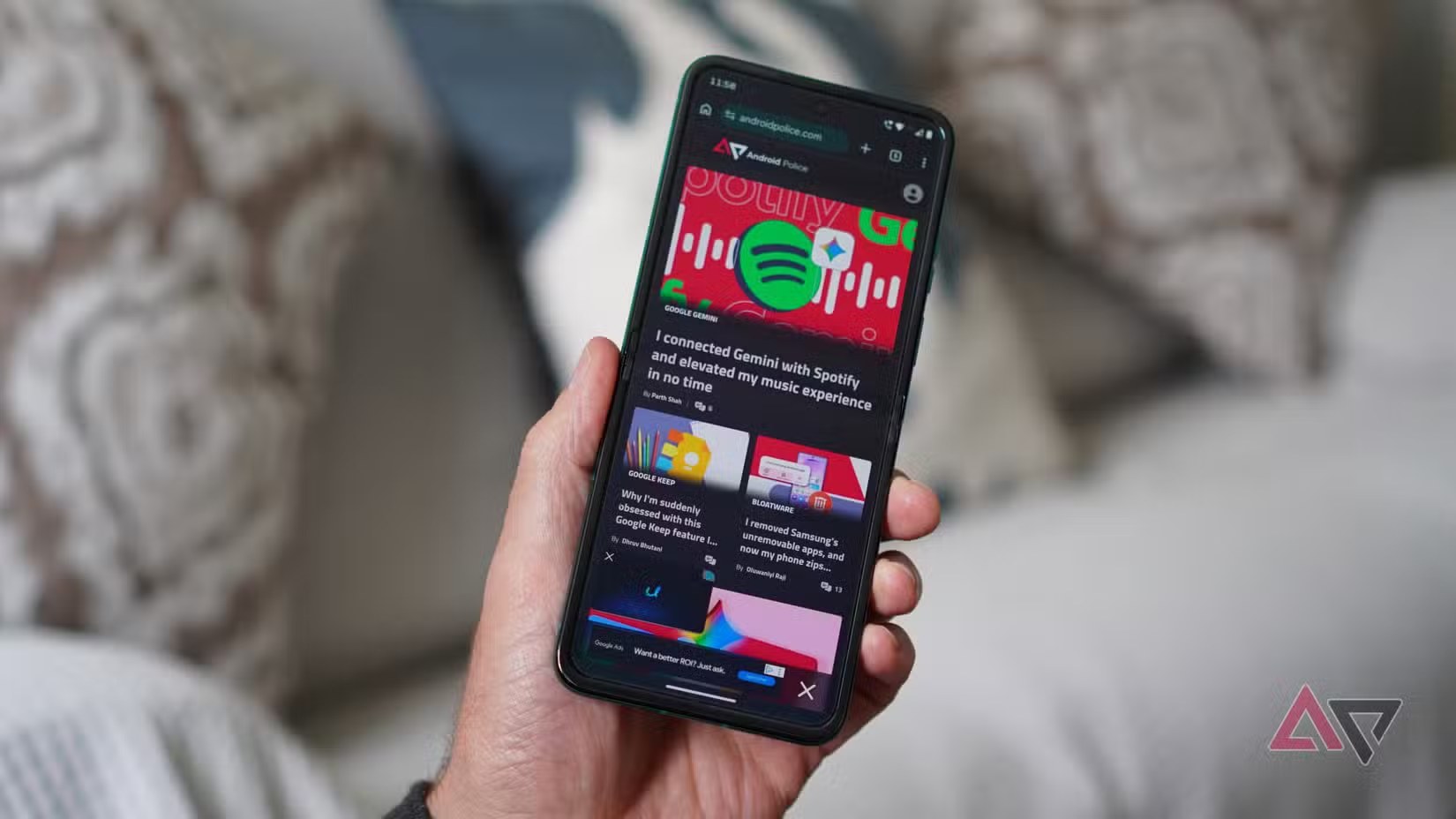
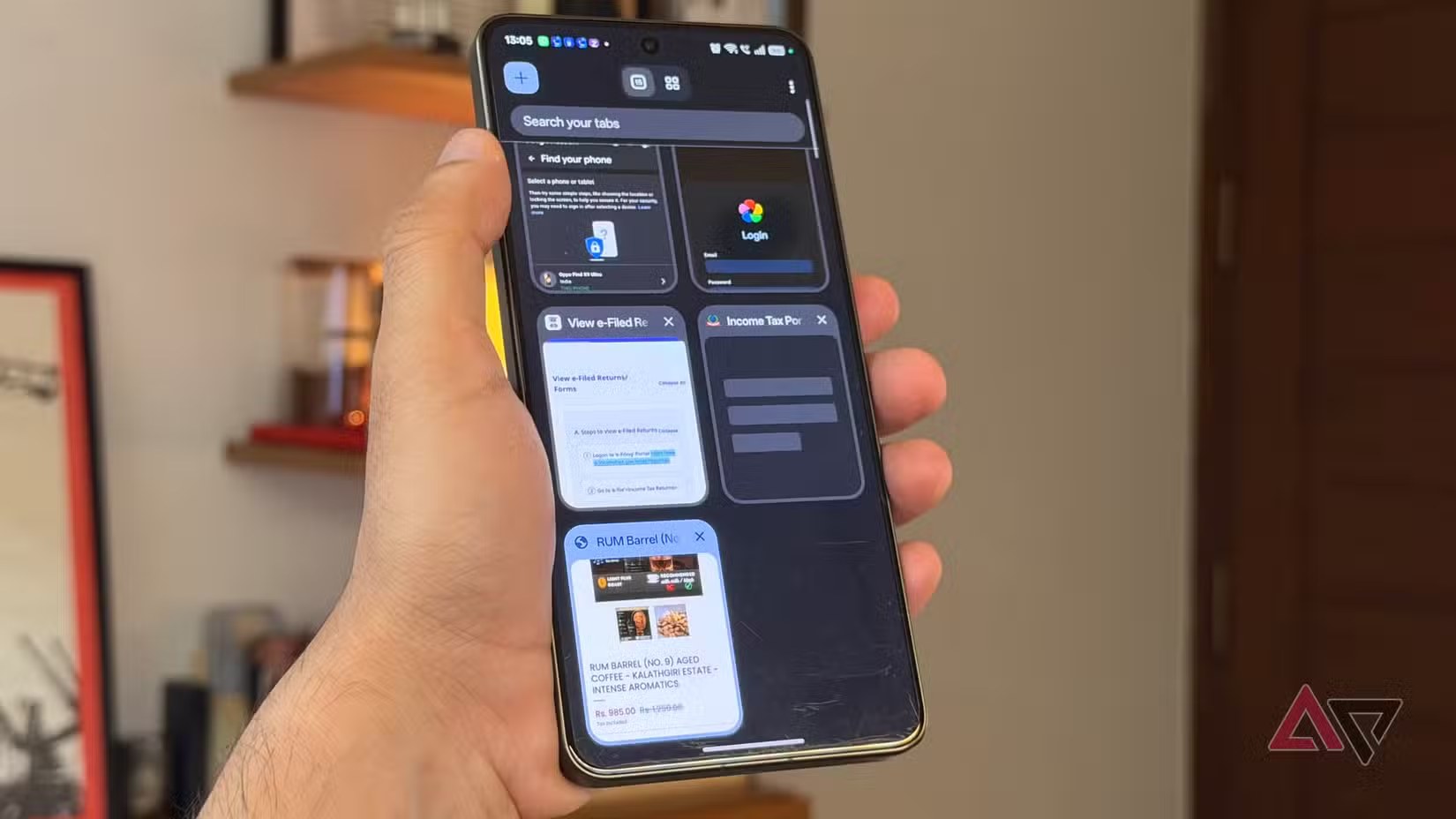
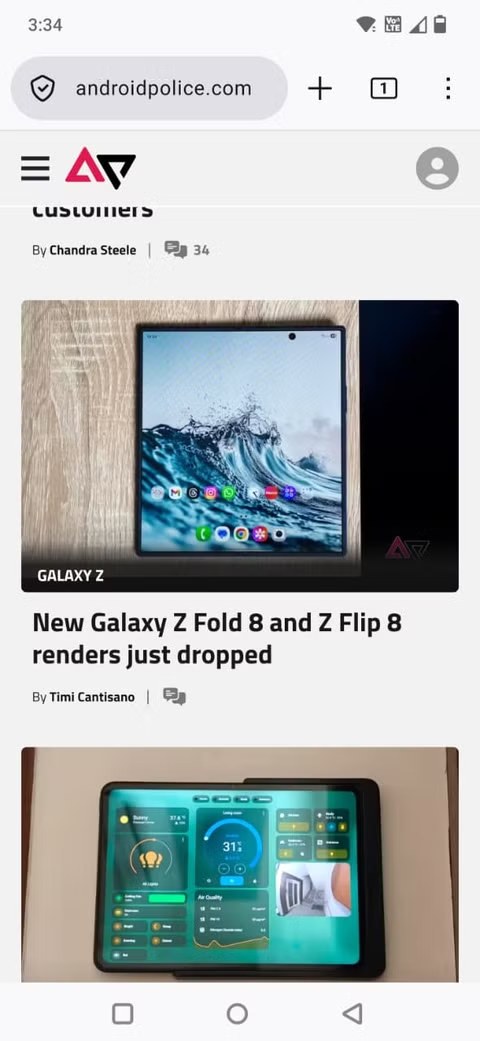
The first check is simple: your default browser does not have to be your only browser. Chrome can remain useful for Google account sync, saved passwords and translation. Firefox on Google Play can be a good fit for profiles, extensions and session separation. Brave on Google Play makes sense when the priority is reducing tracking and aggressive advertising. The practical setup is not exotic: choose the app that opens links automatically, then keep one or two secondary browsers for specific jobs.
Before You Switch
There are four things to check before changing the default. First, passwords: if your credential workflow lives inside Chrome or your Google Account, switching to Firefox or Brave without checking autofill can make everyday logins more annoying. Second, app links: many apps use embedded browsers or Custom Tabs, so changing the default browser does not remove every in-app web view from Instagram, Gmail, Telegram or banking apps. Third, site permissions: a site allowed to send notifications or use location in Chrome does not automatically inherit the same permission in Firefox or Brave. Fourth, sync: history, bookmarks and open tabs are convenient, but they are also data moving through an ecosystem.
If your Android phone is deeply tied to Google services, Chrome is still the frictionless route: the account is already there, saved passwords are ready, and sync usually works without drama. The trade-off is obvious: you stay in Google’s main corridor. If you want more distance between search, browsing and personal identity, a second browser can be more effective than hunting for obscure toggles. The healthier choice is not “Chrome or anti-Chrome”; it is Chrome when it helps and another browser when the context deserves separation.
This is the same practical lesson behind our earlier piece on Android openness in Europe and privacy checks: a more open platform does not automatically produce a freer user. If the interface keeps pushing the default path, technical choice stays buried under habit, speed and notifications. The browser is where that tension becomes visible. It is not only “which app opens a page”; it is “which company sees more of my path through the web”.
What Actually Changes
Changing the default browser mostly changes the normal route for links. When you tap a link in a message, document or app, Android tries to open it with the browser you selected. It does not control the entire mobile web experience. Apps with embedded browsers, WebView screens, sponsored links and some login flows may still use their own components. The practical test is quick: after switching, open three links from three different apps, check where they land, test passwords and passkeys, then review the permissions granted to the new browser. Not heroic, not glamorous, but useful.
AndroidLab Checklist
On Pixel and many stock Android builds, the usual path is Settings, Apps, Default apps, Browser app. On Samsung phones it may appear under Default apps or Choose default apps. After switching, run these checks:
- open a link from WhatsApp, Gmail or Telegram and verify which browser launches;
- try one important login and check whether passwords or passkeys still work;
- review site permissions for notifications, location, camera and microphone;
- decide whether to sync history and bookmarks or keep them separate;
- keep a fallback browser for broken sites, public portals and payment flows.
The perfect browser does not exist, and anyone selling it as a total fix is mostly doing marketing with better typography. A better Android setup does exist: a deliberate default, a second browser for sensitive or experimental tasks, and a periodic permissions check. That is the difference between choosing your browser and merely accepting the one that was already waiting.
In Brief
- Android lets you change the default browser from default app settings.
- Chrome remains convenient for Google Account sync, passwords and translation.
- Firefox and Brave can help separate sessions, tracking exposure and habits.
- The switch does not control every embedded browser or WebView inside apps.
- After switching, test links, logins, passkeys, notifications and site permissions.