
On this page
A to-do list and a personal budget usually end up in separate apps. Barriers puts them together. The question on Android is whether that makes it easier to keep track of what you need to do and what you spend, or just gives you another place to keep up to date.
IV Technologies provided three months of Family access to AndroidLab for testing, with no commitment to publish or give a positive review.

Getting started on Android
We installed Barriers from Google Play on an Android 17 emulator. The build we used for setup was 1.15.0. We skipped the tour after the welcome screens and reached the empty dashboard in Italian. The app still showed the Family plan in settings after we turned off renewal in Google Play. That confirms access to the plan; it does not tell us how well sharing works.
Putting a bill on the task list
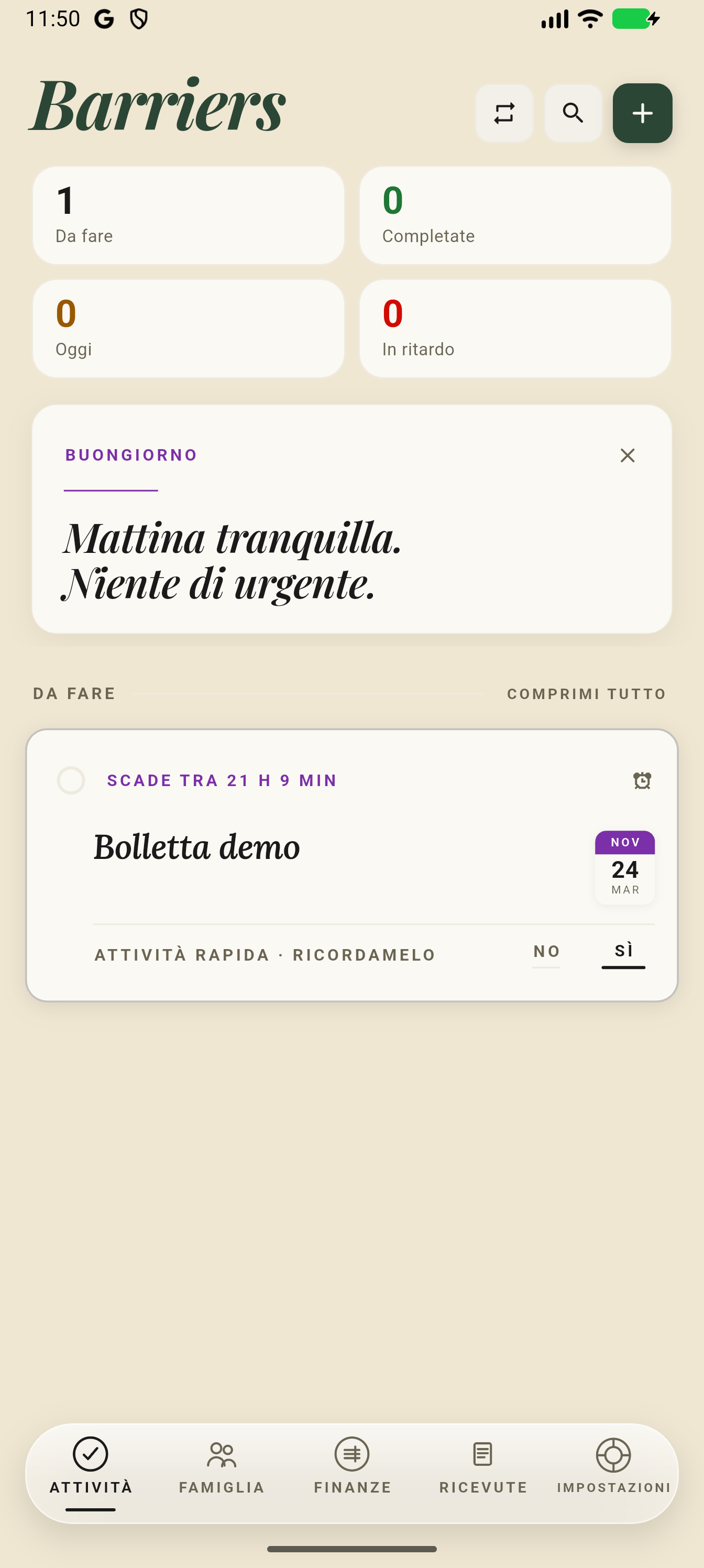
We created a test bill due at 9 the next morning. The to-do counter went from zero to one and the card showed the date and a countdown. That was the strongest part of the test: we could see how much time was left without reopening the task. The greeting, on the other hand, takes up a fair amount of space above a list of just one item.
We enabled Quick Task on the card. Barriers explained that it could bring the task back during the day while respecting quiet hours. We checked the control and its explanation, not whether notifications arrived. The editor also offers recurrence and a cost field linked to Finances; we did not verify repeated reminders or that the amount carried across to the ledger.
Finances and receipts have separate views
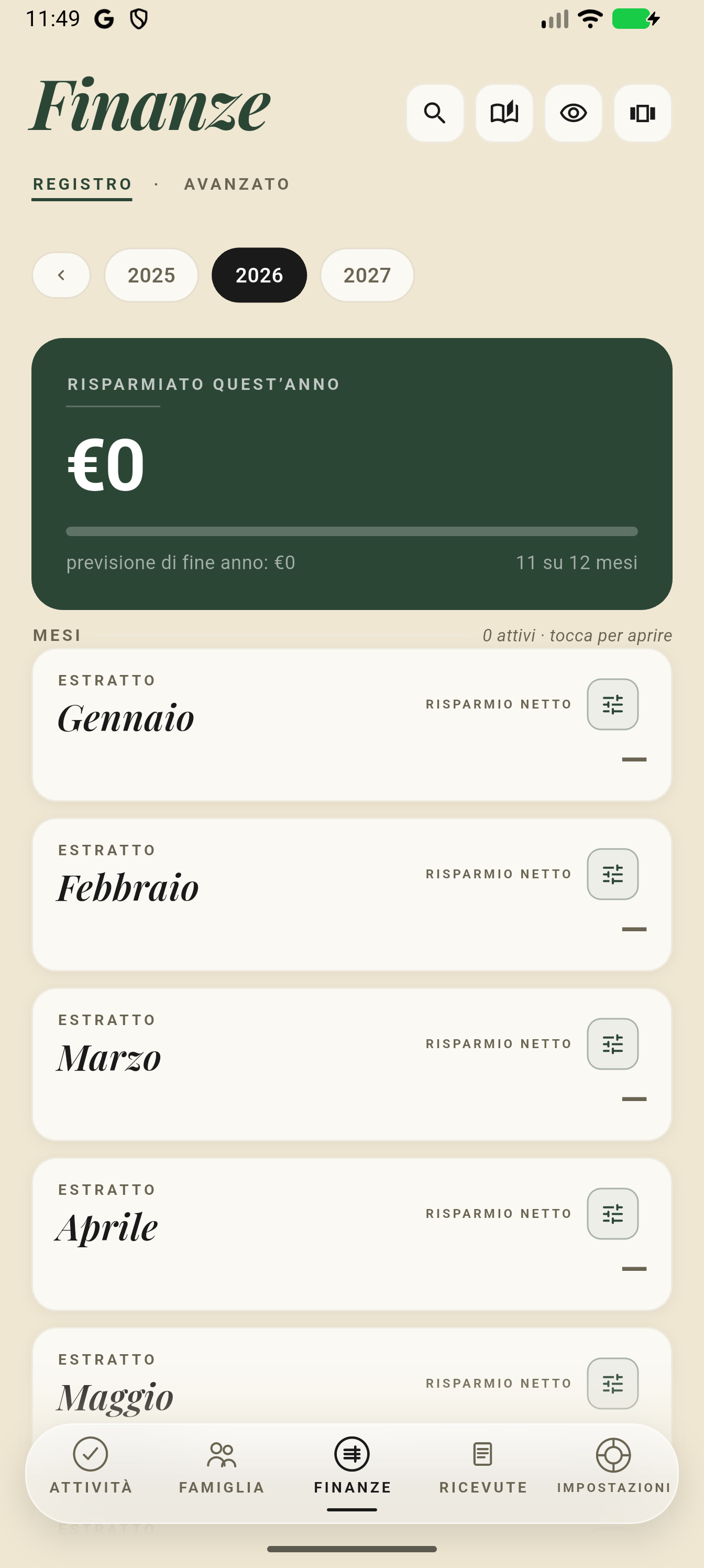
Finances opens an annual ledger with net savings and monthly cards. There is also a handy control for hiding amounts in the top bar. Our ledger was empty, so the screenshot shows the layout, not a test of its calculations against real transactions.
Receipts has its own tab, with search, an archive and day, week, month and year filters. The app offers to take a photo or import an image or PDF. We checked the screen and the available options, not scan quality or automatic filing.
What Family adds
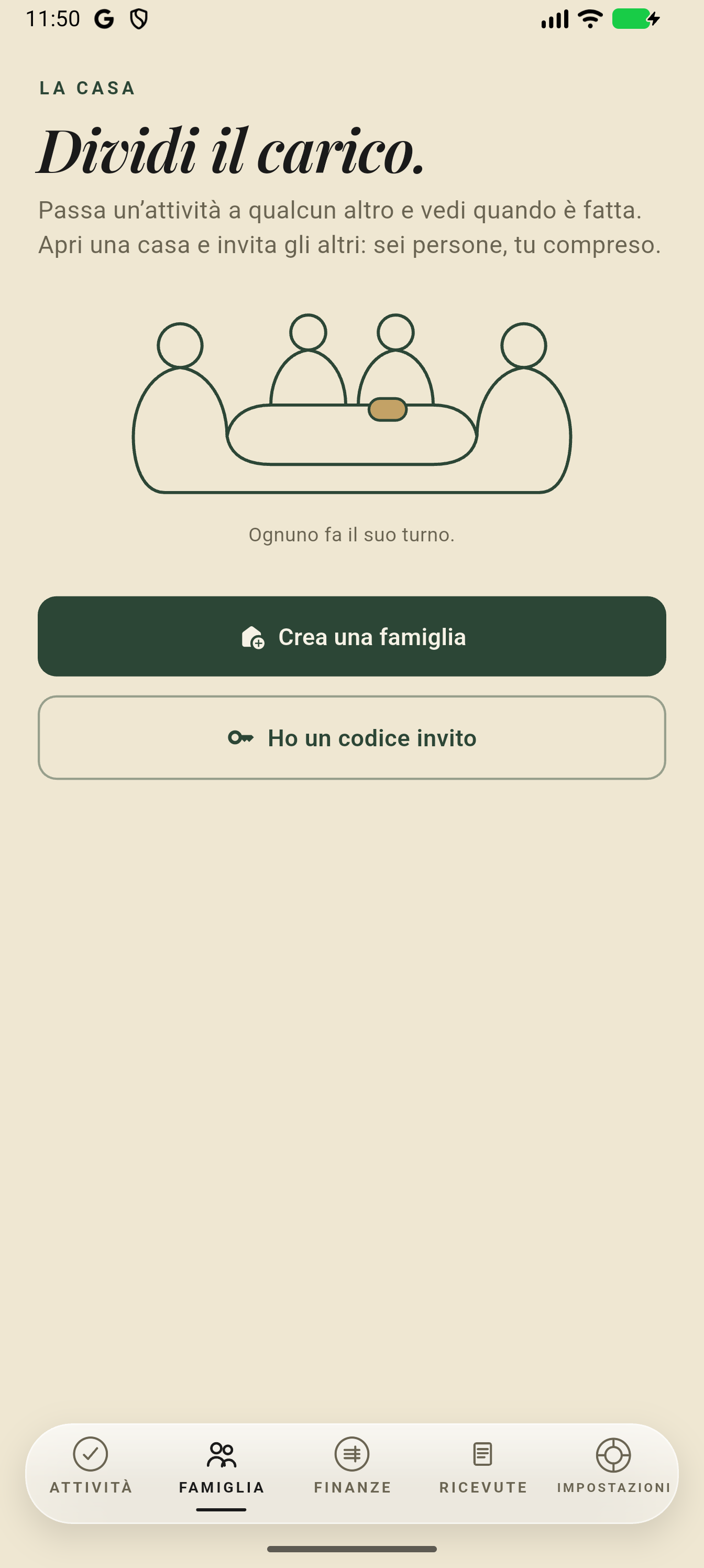
The Family tab lets you create a household or join one with an invite code. The app says it supports up to six people including the organiser. we did not invite any other accounts, so this test does not establish how well assignments, rotations or cross-device sync work.
Verdict so far
For a list with deadlines, I would start with the free tier. In our test, setting a deadline took a few taps and it stayed visible on the card. The case for paying is the link between tasks, expenses and receipts, not the list itself. I would want to see that connection save work and verify reminder reliability on a physical phone before recommending an upgrade.
The official website says task management is free.
Reader discount: App Store only
IV Technologies is offering AndroidLab readers 50% off the first year of the annual Barriers Family plan with ANDROIDLAB50. The first year costs £12.49 in the UK or $12.49 in the US, then renews at the full annual price (currently £25 or $25) unless cancelled. The code is valid through 31 January 2027, up to 500 redemptions, in countries where Barriers is available on the App Store. It is for readers without an active subscription and cannot be combined with a free trial.
It covers iPhone, iPad and Mac, not Android. On iPhone or iPad, enter it under Settings > Redeem a discount code or use the App Store link.