On this page
Google Health version 5.13 is rolling out to Android and iOS, bringing practical adjustments to workout tracking, swimming distance accuracy, meal logging, and profile settings. Alongside those improvements, Google’s changelog repeats an urgent cutoff for legacy Fitbit OS smartwatches: starting November 28, 2026, users can no longer install or update third-party apps and clock faces.
The update is available through the Google Health app on Google Play, with rollout spreading across devices over several days. While version 5.13 is a relatively compact release, two of its changes solve everyday friction points for Pixel Watch and Fitbit owners, and the November 28 deadline requires action this week if you still wear an older Fitbit Sense or Versa.
Exercise-in-progress card fixes a major Fitbit Air blind spot
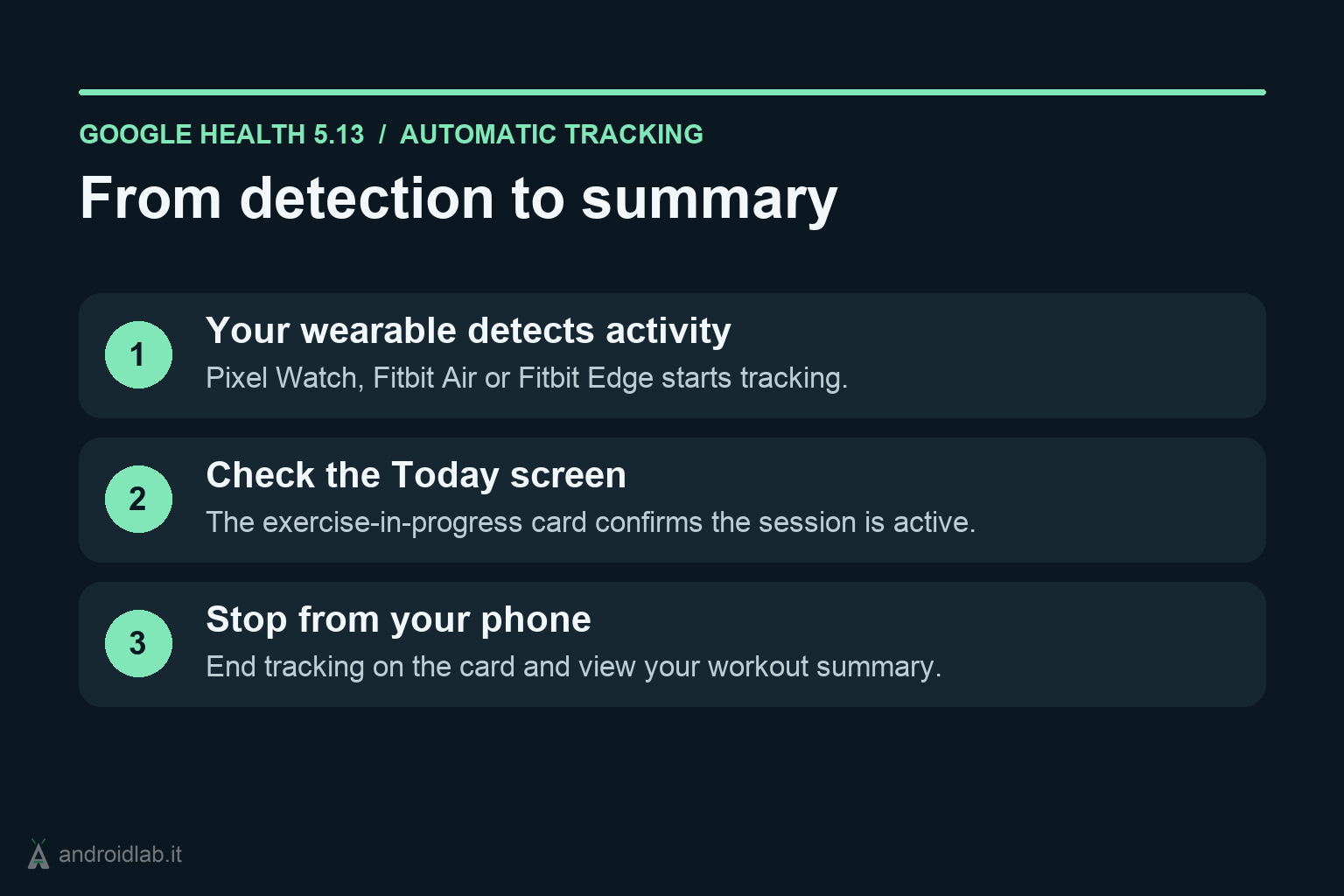
If you rely on automatic activity detection on a Pixel Watch, Fitbit Air, or Fitbit Edge, Google Health 5.13 adds an exercise-in-progress card directly on the mobile app’s Today screen. Whenever your wearable detects that you have started a workout, the card confirms active tracking and lets you stop the session manually to view your summary immediately.
For Pixel Watch and Fitbit Edge users, that card is a convenient secondary control. For Fitbit Air owners, it closes a much larger gap: without a full watch display showing live workout stats on the wrist, users previously had no clear way in the phone app to confirm an auto-detected walk or treadmill session was running or to close it on demand.
Pool length controls and Pixel Watch step-by-step workouts
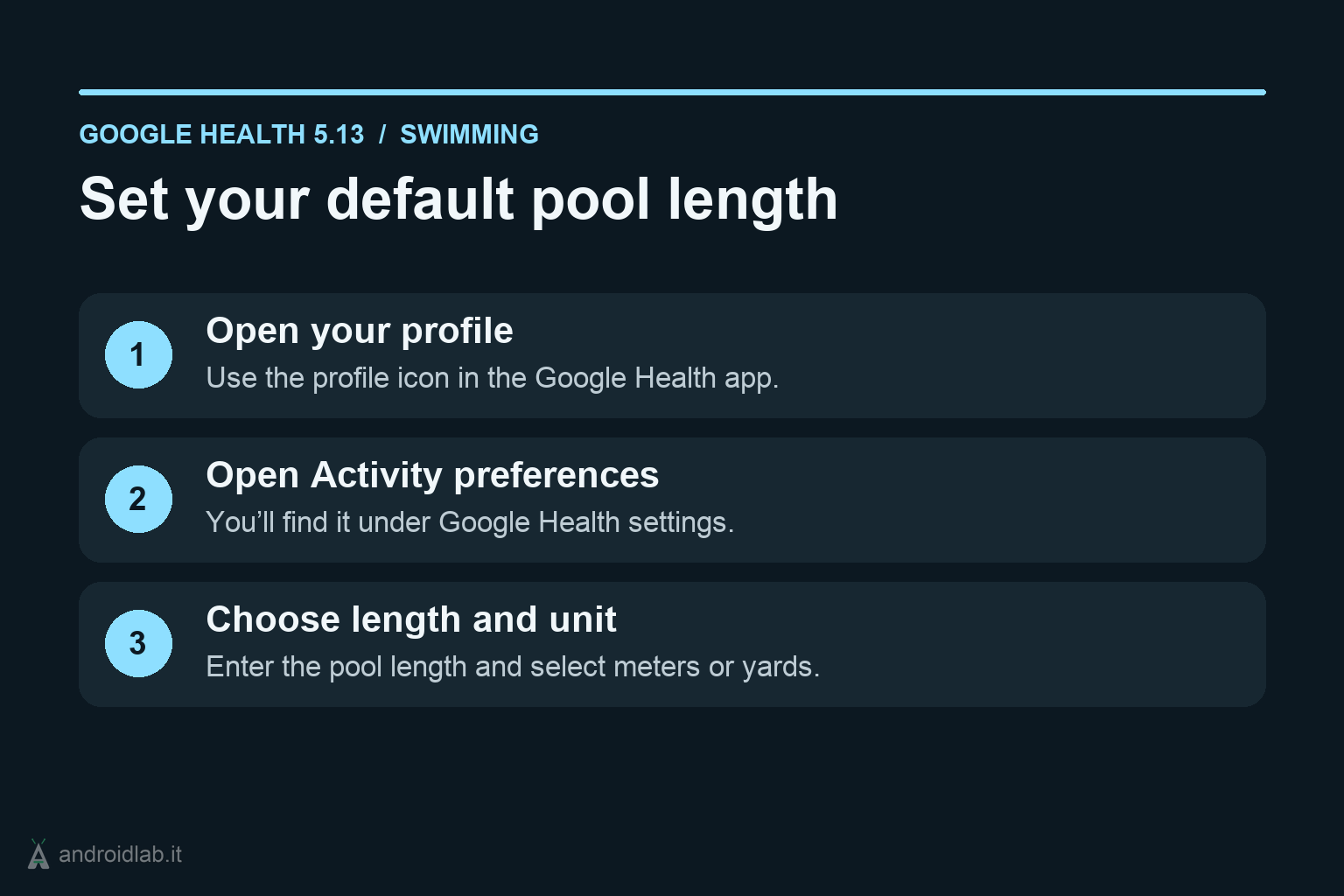
Swimmers get a straightforward but overdue calibration option. Version 5.13 lets you set a default pool length and switch between meters and yards so distance totals stay accurate without editing workouts afterward. To configure it once the update lands on your phone:
- Open the Google Health app and tap your Profile icon.
- Go to Google Health settings.
- Select Activity preferences and choose your default pool length and unit (meters or yards).
Google also highlights live step-by-step workout guidance on the Pixel Watch 3, Pixel Watch 4, and Pixel Watch 5, tied to the November 2026 Pixel Drop. The feature arrives through an on-watch Google Health app update rather than waiting for Wear OS 7.1, guiding you through each exercise stage directly on your wrist. If you recently updated your watch apps and noticed higher drain, our Pixel Watch battery drain checklist covers what to verify after a rollout.
Food search, inclusive profile settings, and Apple Health sync fix
Three smaller adjustments round out the 5.13 changelog:
- Improved food search: Google says meal logging now makes it easier to locate specific food items, though it did not publish details on database changes.
- Expanded sex and metric calculation settings: During onboarding, users can now pick “Prefer not to say” or “An option not listed” for sex, then explicitly choose whether health metrics should be calculated using reference studies of cisgender men or cisgender women. Existing users can update this anytime under the Health tab, scrolling to Personal info, tapping Profile, and editing Sex settings.
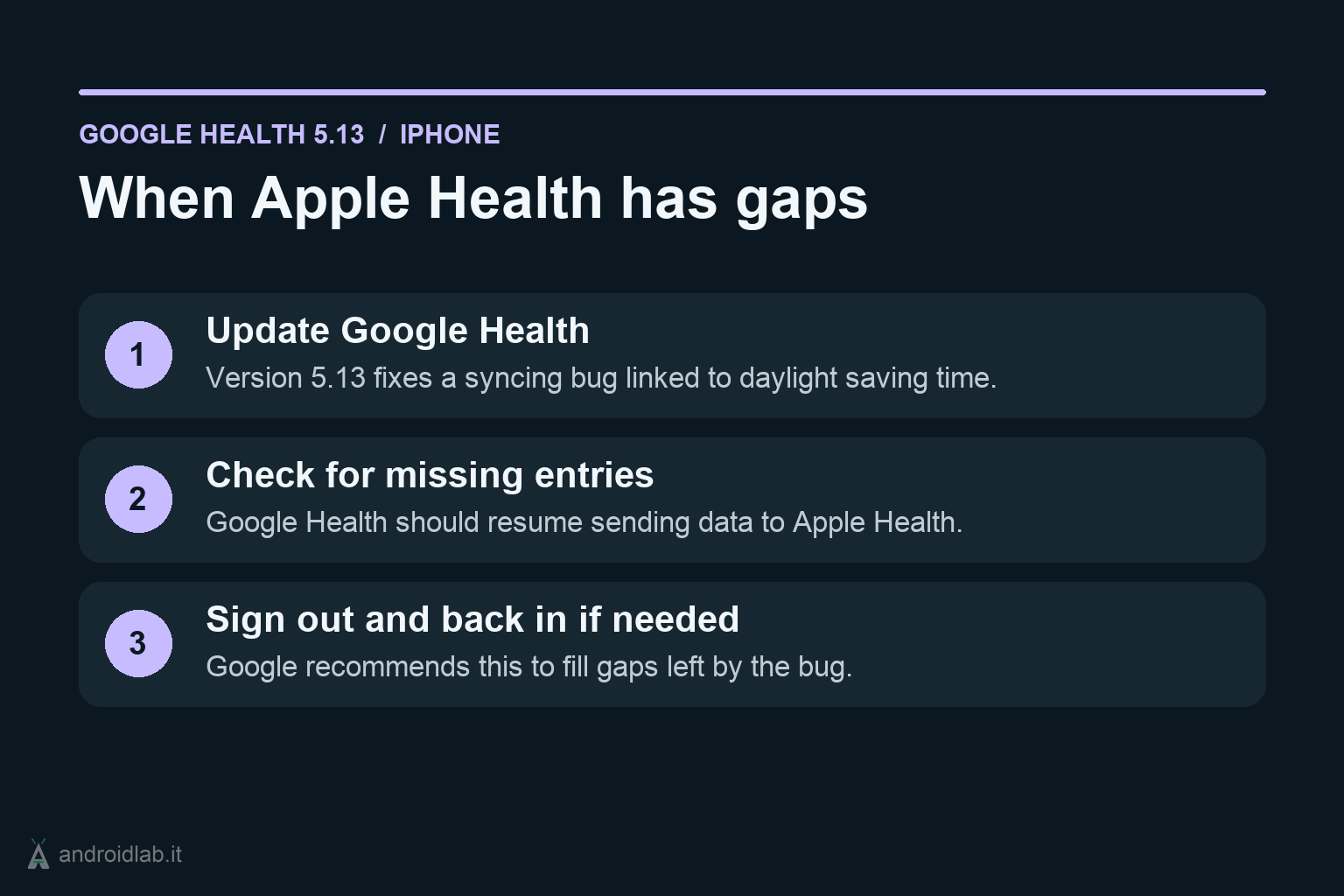
- Apple Health sync bug fix: On iOS, version 5.13 resolves a daylight saving time bug that caused Google Health to stop sending certain data to Apple Health. If your history still shows gaps after updating, Google advises signing out of the Google Health app and signing back in to trigger a backfill of missing records.
What actually changes on November 28 for Fitbit watches
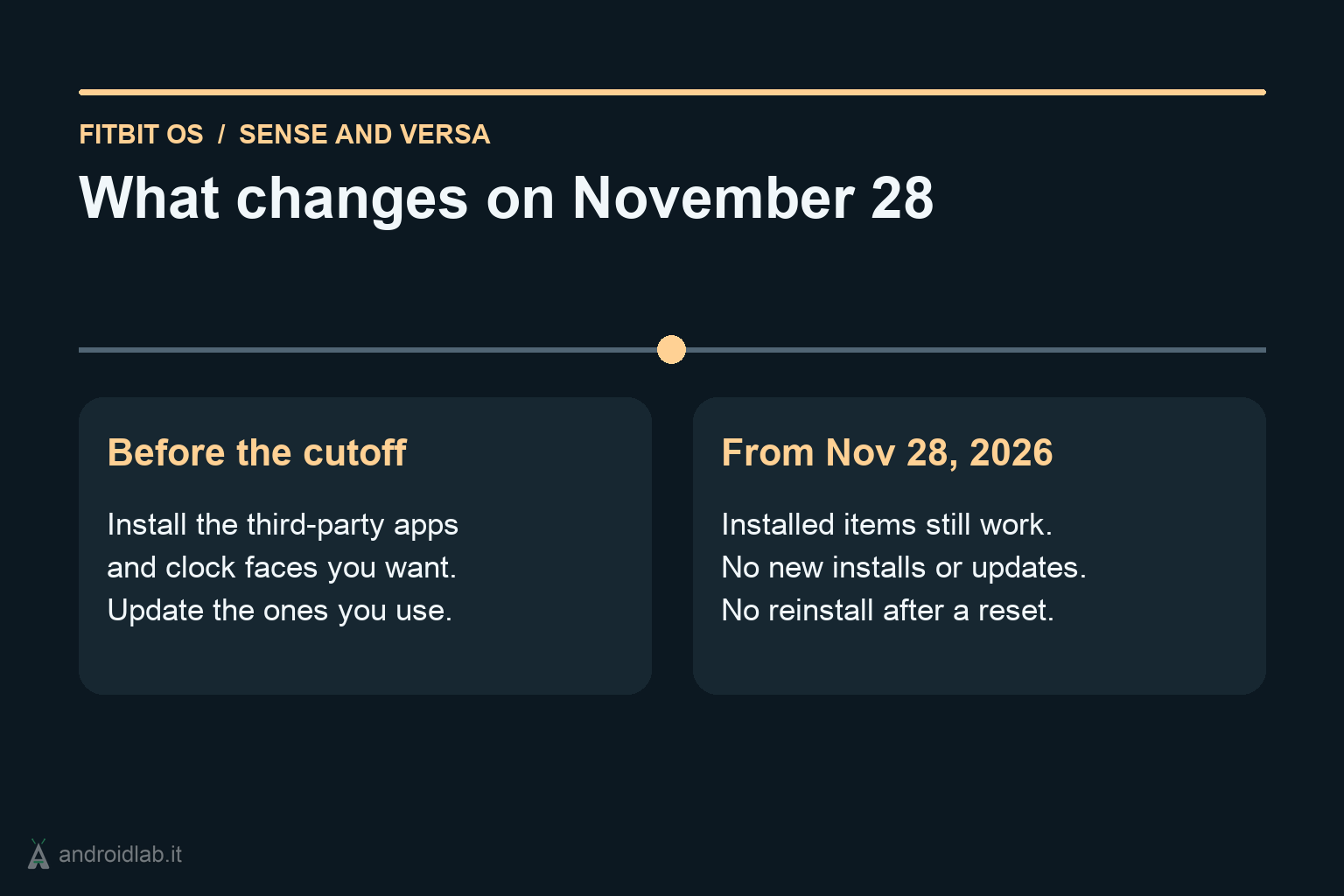
The most time-sensitive item in the 5.13 release notes is not a new feature, but a hard stop. Starting November 28, 2026, third-party apps and clock faces can no longer be installed or updated on the following Fitbit OS smartwatches:
- Fitbit Sense and Fitbit Sense 2
- Fitbit Versa, Fitbit Versa Lite, Fitbit Versa 2, Fitbit Versa 3, and Fitbit Versa 4
Third-party apps and clock faces that are already installed on your watch will keep working after November 28, and first-party apps and faces made by Fitbit and Google will remain available in the gallery. The catch is irreversible: if you uninstall a third-party app or clock face after the cutoff, or if you factory reset your watch, you will not be able to reinstall it.
In practical terms, Sense and Versa owners have one week to audit their watches. Install any third-party clock faces or utility apps you still care about before November 28, update everything currently on the device, and avoid unnecessary factory resets afterward unless you are ready to rely solely on Google and Fitbit’s built-in gallery.
In short
- Google Health 5.13 is rolling out on Android and iOS via Google Play and the App Store.
- Automatic activity tracking adds an exercise-in-progress card on the Today screen for Pixel Watch, Fitbit Air, and Fitbit Edge, with manual stop and instant summary access.
- Swimmers can now set default pool length and meters or yards under Profile > Google Health settings > Activity preferences.
- Pixel Watch 3, 4, and 5 gain live step-by-step workout guidance via the on-watch Google Health update; iOS users get a daylight saving time Apple Health sync fix.
- Fitbit Sense and Versa models lose the ability to install or update third-party apps and clock faces on November 28, 2026, though already-installed items remain usable unless deleted or wiped.
- Google Health Help Community – Google Health app 5.13 update (Nov 2026)
- Google Pixel Watch Help – Introducing Custom Step-by-Step Workouts on Pixel Watch 5
- Google Play Store – Google Health (Fitbit)
- 9to5Google – Google Health 5.13 rolling out: Improved food search, more swimming controls
- Android Authority – Google Health 5.13 update makes tracking workouts and meals easier