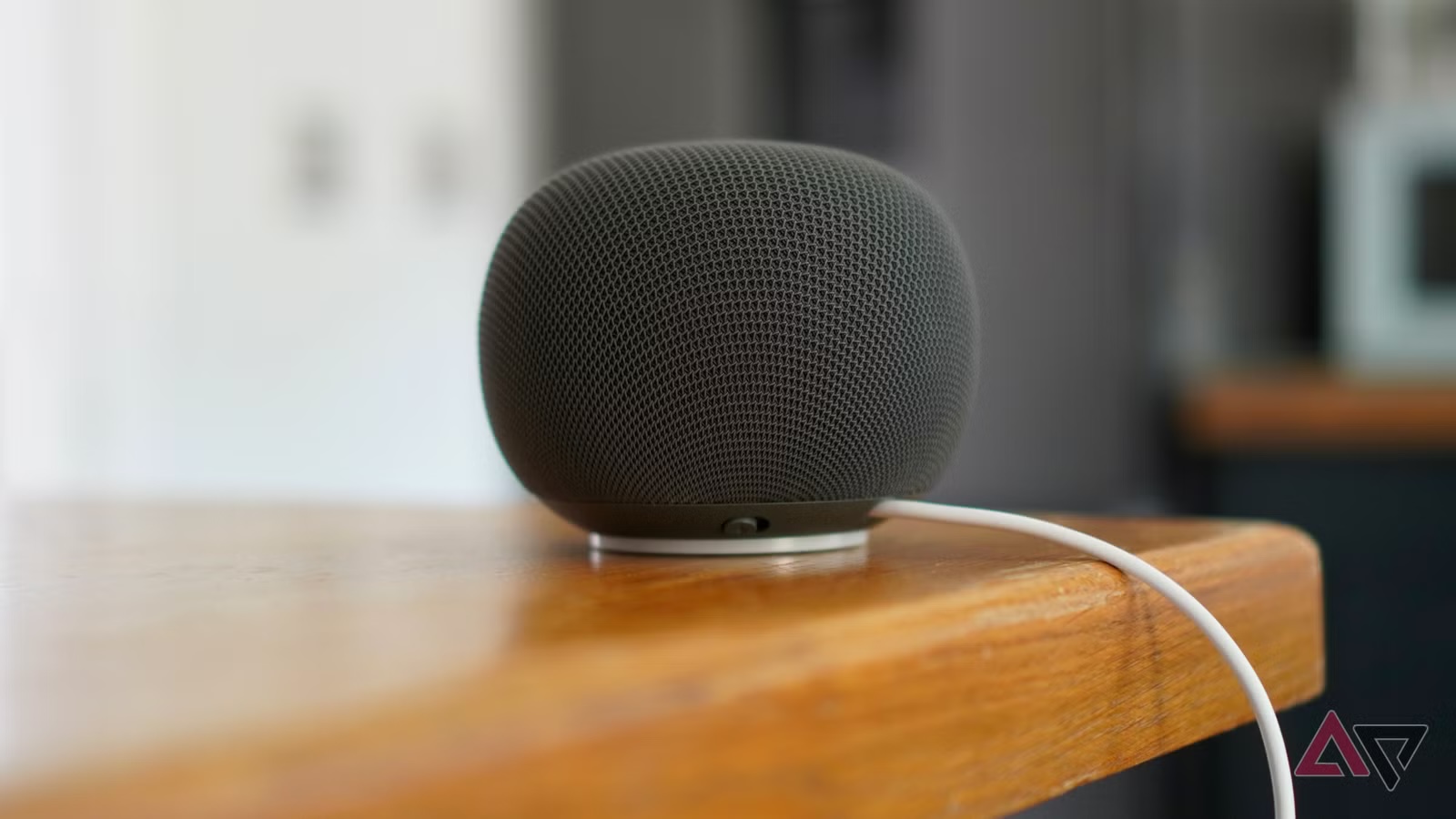
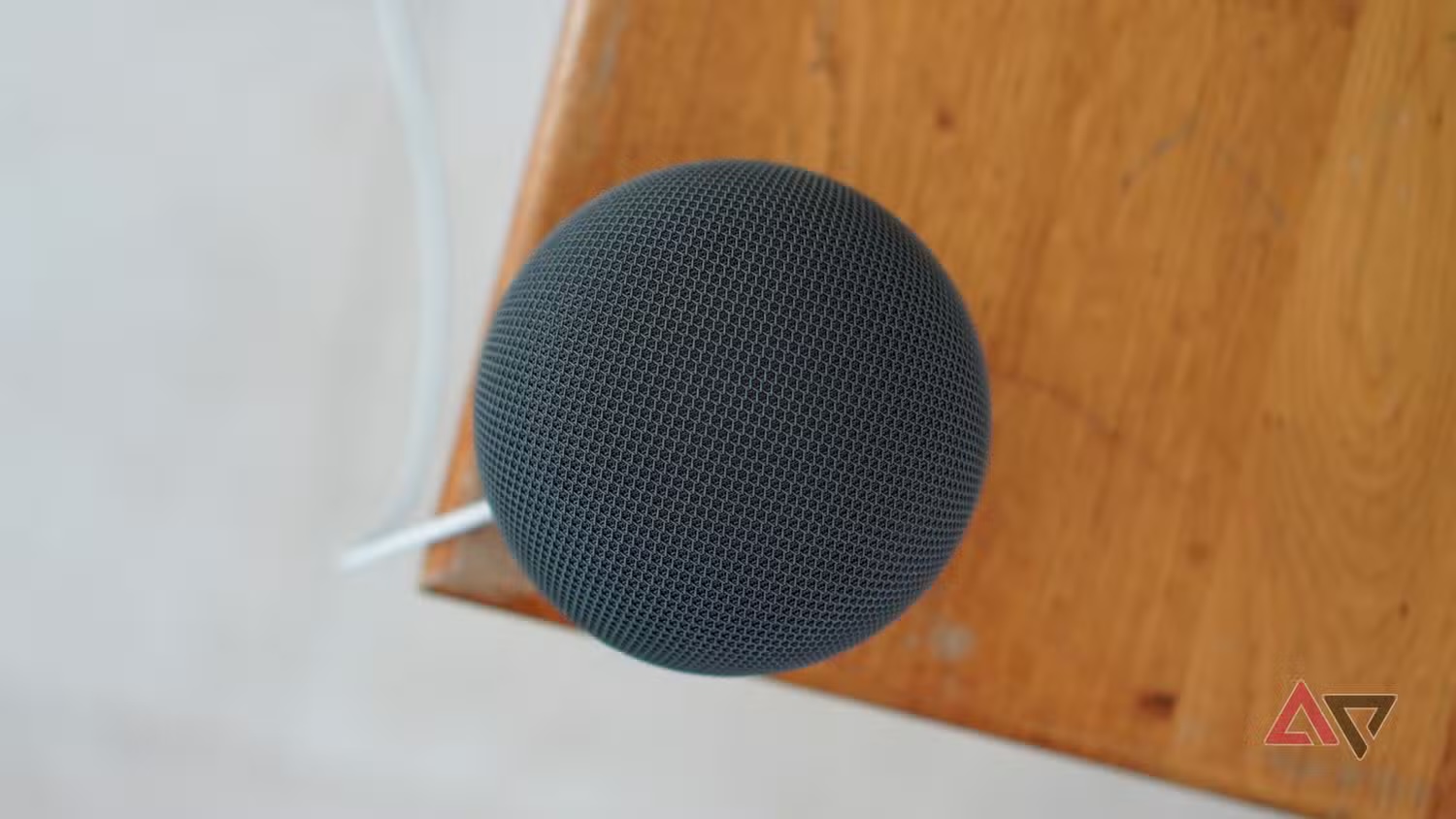
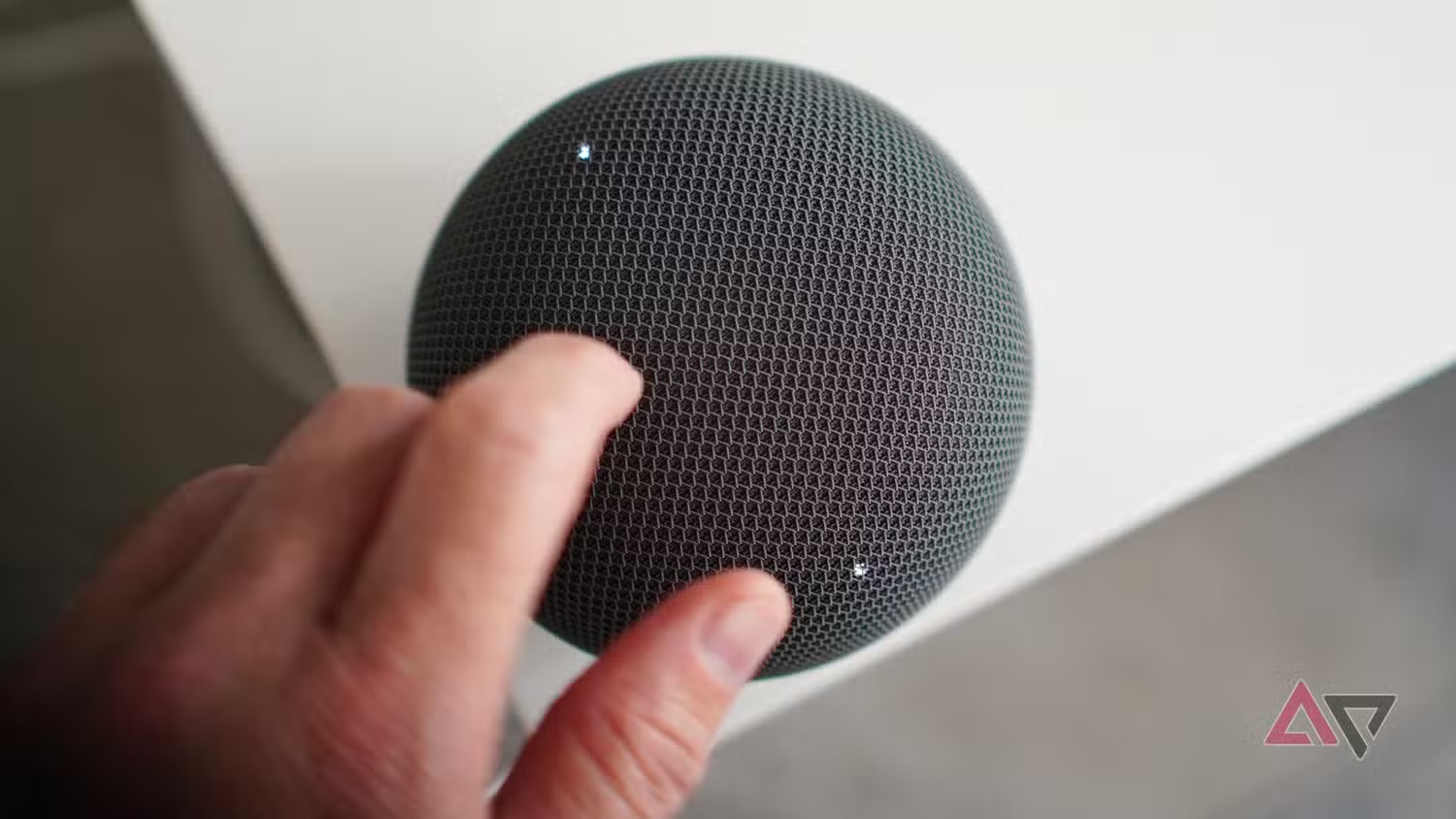
The issue looks minor only until it happens to a device you have just bought: some new Google Home Speaker owners are reporting that initial setup fails and asks them to reset the speaker. Android Police says Google has acknowledged the problem and pointed to a software update that should arrive automatically within 24 hours, while a power cycle can pull the fix sooner. The practical point is simple: before returning the speaker, run a clean checklist.
This also fits into a broader July Google Home update. Android Central reports improvements to Gemini, continued conversations, suggested automations and some setup flows. 9to5Google, used here as a supporting source, also notes firmware 3.78.5 40761 for the Home Speaker, Nest Audio, Nest Mini, Home Mini and the original Google Home, with release notes mentioning improved network traffic. Not dramatic, but exactly the kind of glitch that turns a smart device into an expensive desk ornament.
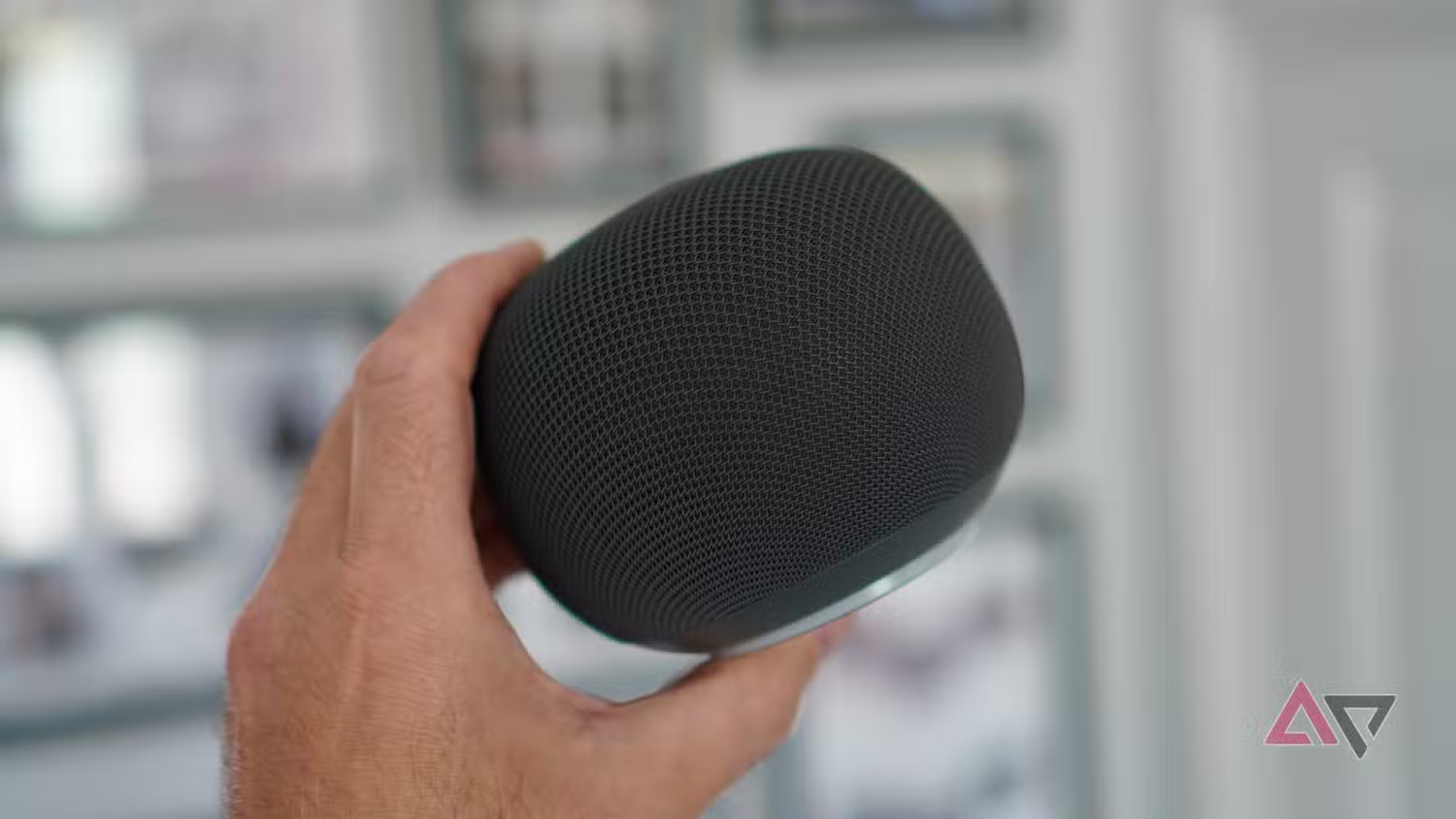
First, separate the cases. This guide is about initial speaker setup, not generic poor voice response, bad audio or flaky smart home commands after the speaker has already joined your account. If the speaker is already configured and behaves badly, the diagnostic path is different: network quality, firmware, microphone placement, room acoustics, Google account state and cloud service availability all matter.
Requirements to check first
You need an Android phone with the Google Home app from the Play Store, Bluetooth enabled, a stable 2.4GHz or 5GHz Wi-Fi network, access to the Google account you want to use for the home, and the permissions requested by the app. Google’s official Android setup page confirms that smart speakers and displays are configured through the Google Home app’s guided flow.
If you use mesh Wi-Fi, one SSID for both bands or an IoT VLAN, the useful question is not “does the internet work?” It is: can the phone and the speaker see each other during pairing? A heavily segmented home network can break setup even when web browsing works perfectly. In systems language: the light is on, but the packets are taking the scenic route.
Quick procedure when setup fails
- Close Google Home, reopen it and make sure you are using the right account.
- Disable VPNs, aggressive DNS filtering and battery saver mode on the phone.
- Check that Bluetooth, location and Wi-Fi are enabled: Android often uses them together during device discovery.
- Unplug the speaker, wait at least 10 seconds and plug it back in. Google points to this power cycle as the way to receive the fix immediately.
- Wait a few minutes before restarting setup: if firmware is downloading, repeated resets only add noise.
- If the app still asks for a reset, do it once and retry setup on a simple network, without unstable extenders or captive portals.
What actually changes
The useful part is not that Google released “an update”, which is the sleepiest possible sentence in consumer tech. The useful part is that this appears to be software-fixable and the rollout window is short. For a new owner, the sensible move is to wait for the update or force a power cycle, not to start an endless loop of resets, account switching and app reinstalls.
The weak spot remains serious: when a smart home device fails before it even joins the home, normal users do not see “firmware rollout”. They see “broken product”. Google Home should expose more state inside the app: firmware version, last update attempt, readable error and a clear next step instead of a vague retry prompt. In 2026, an AI speaker can sound clever; it should also explain why it cannot finish setup.
When to wait and when to intervene
Wait if the issue matches the first setup of the new Home Speaker and you have already tried a power cycle. Intervene if the phone never sees the device, if the network blocks local discovery, if Google Home lacks permissions or if your home network is unusually complex. In that case, try a simpler Wi-Fi setup temporarily, just to complete pairing and receive firmware.
Related: AndroidLab recently covered Google Home suggested automations, worth revisiting after setup because routines are exactly the kind of feature you should enable only once the base is stable.
In brief
- The issue affects Google Home Speaker during initial setup.
- Google points to a software fix rolling out within 24 hours or triggered sooner by unplugging and reconnecting the speaker.
- Before endless resets, check Google Home, account, Bluetooth, location, Wi-Fi and the local network.
- On mesh networks, IoT VLANs or filtered DNS setups, simplify the setup path before blaming the speaker.
- If the device is already configured but responds poorly, that is a different problem involving network, firmware and services.