Editorial update – 17 July 2026. Notesnook is worth evaluating as a privacy-focused alternative, not as a reason to migrate blindly. The official website, Google Play listing and the July 5 hands-on describe the product; test the current Android build before importing your archive.
What to check before acting
- Separate confirmed product documentation from reports, previews and leaks.
- Check device, account, region, firmware and app version before assuming the feature is available.
- Use official update and download channels, and keep a reversible backup before changing data or integrations.
Notes apps look harmless until they become the place where people dump recovery codes, work notes, medical reminders, travel plans, account details and half-formed ideas that should not be searchable by a random advertising stack. That is why the recent Android Authority hands-on with Notesnook is more interesting than the usual “I tried another productivity app” piece: it puts a privacy-first, open-source notes app back into a category where convenience usually wins by default.
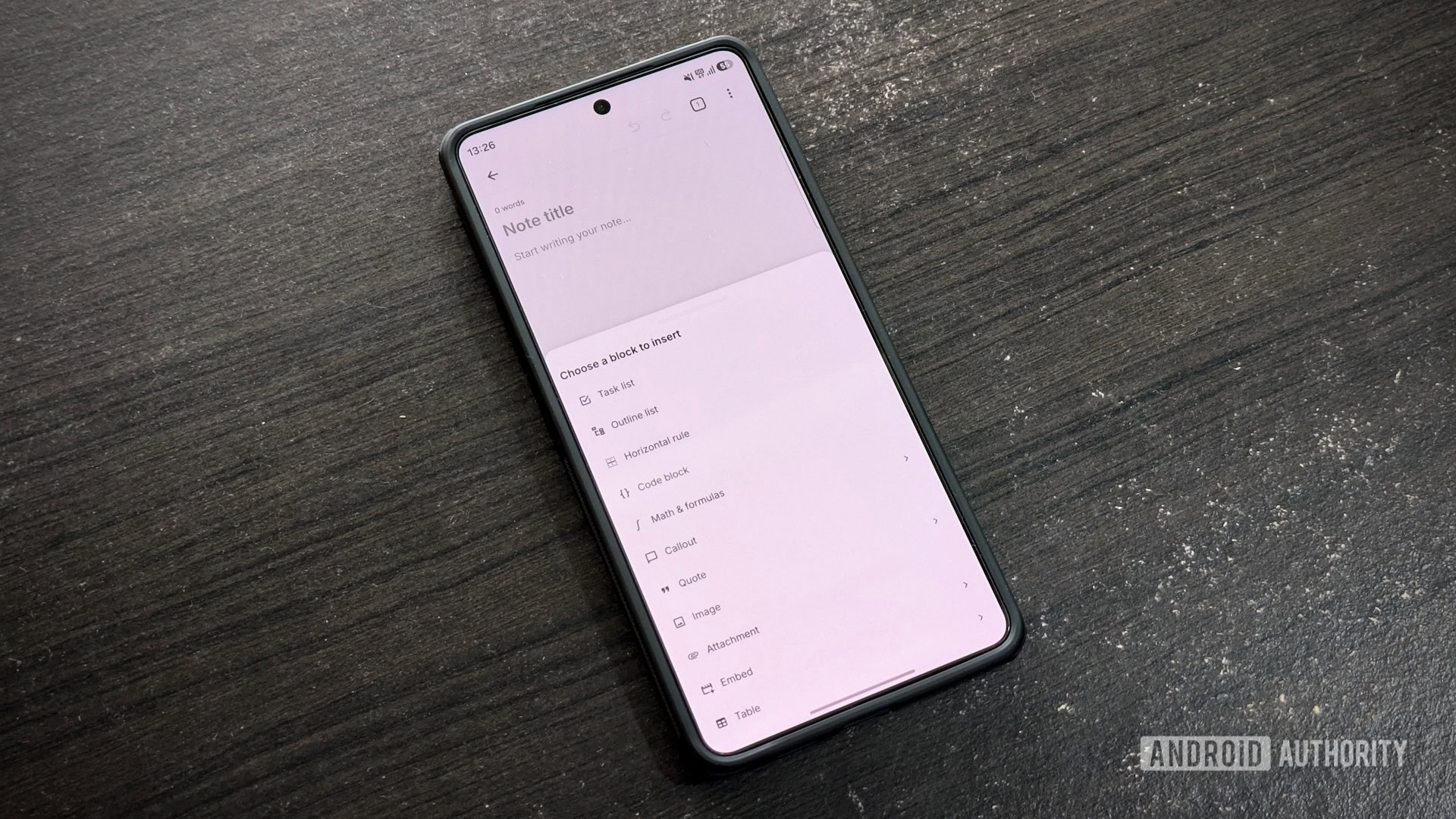
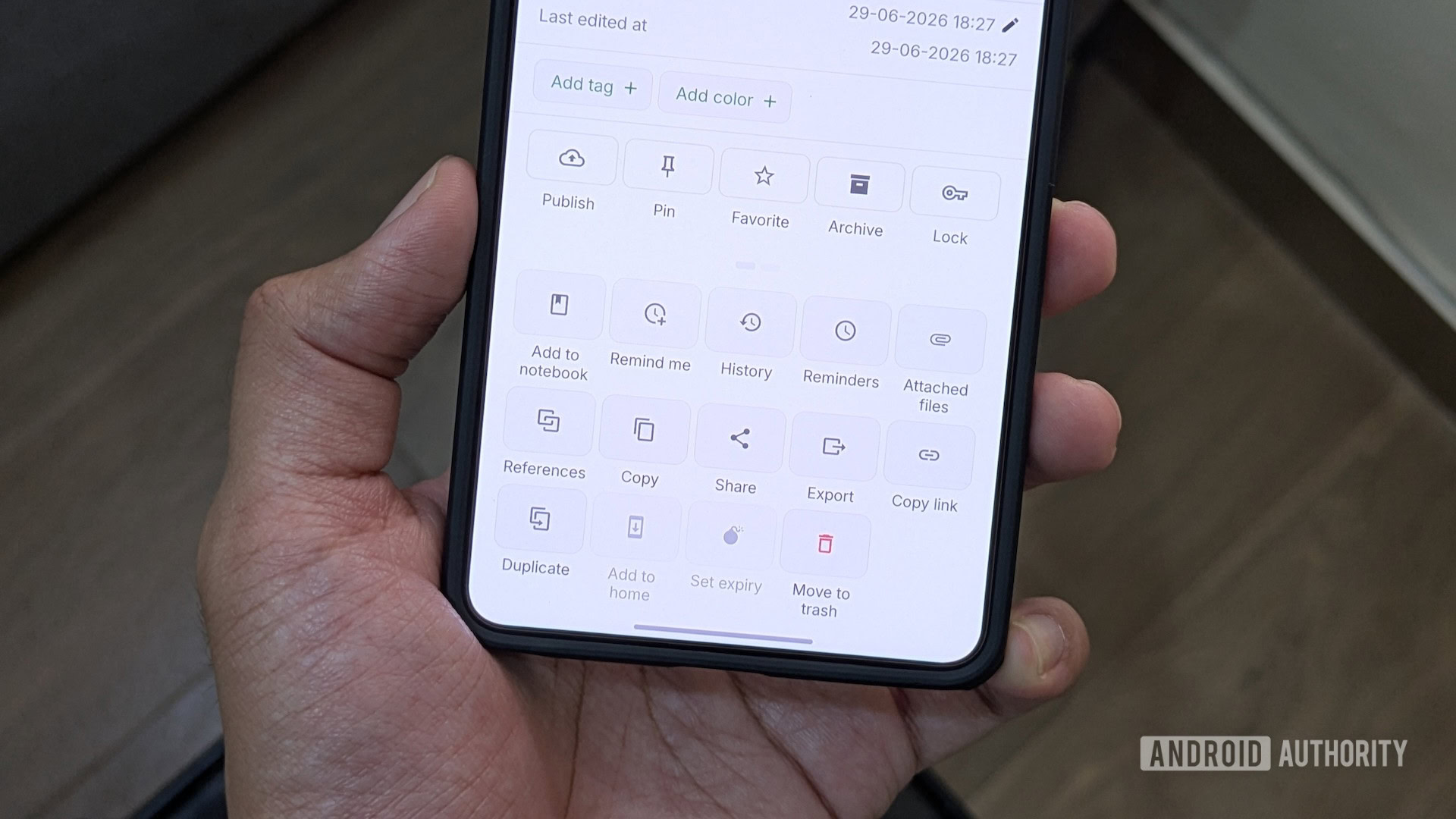
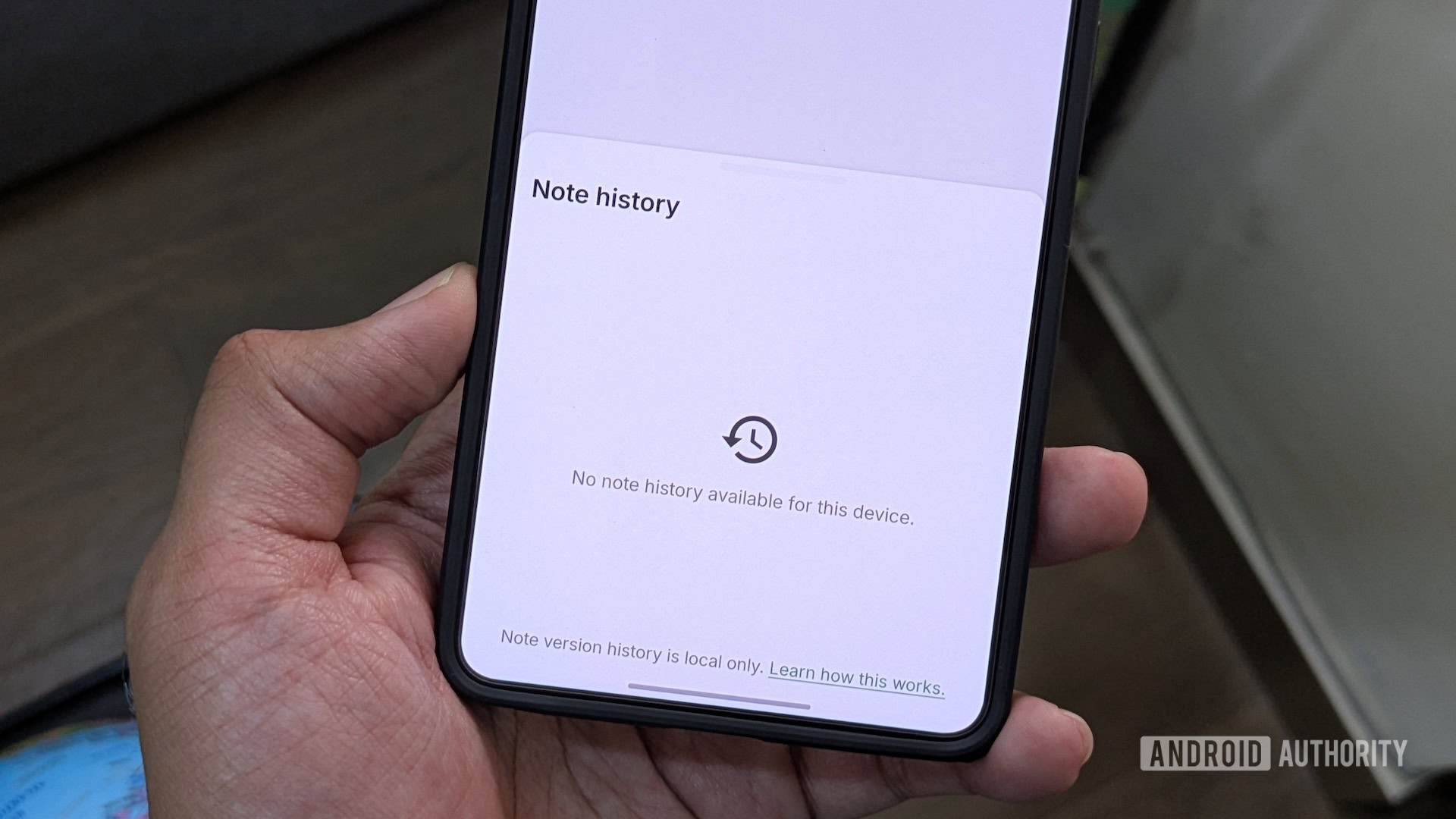
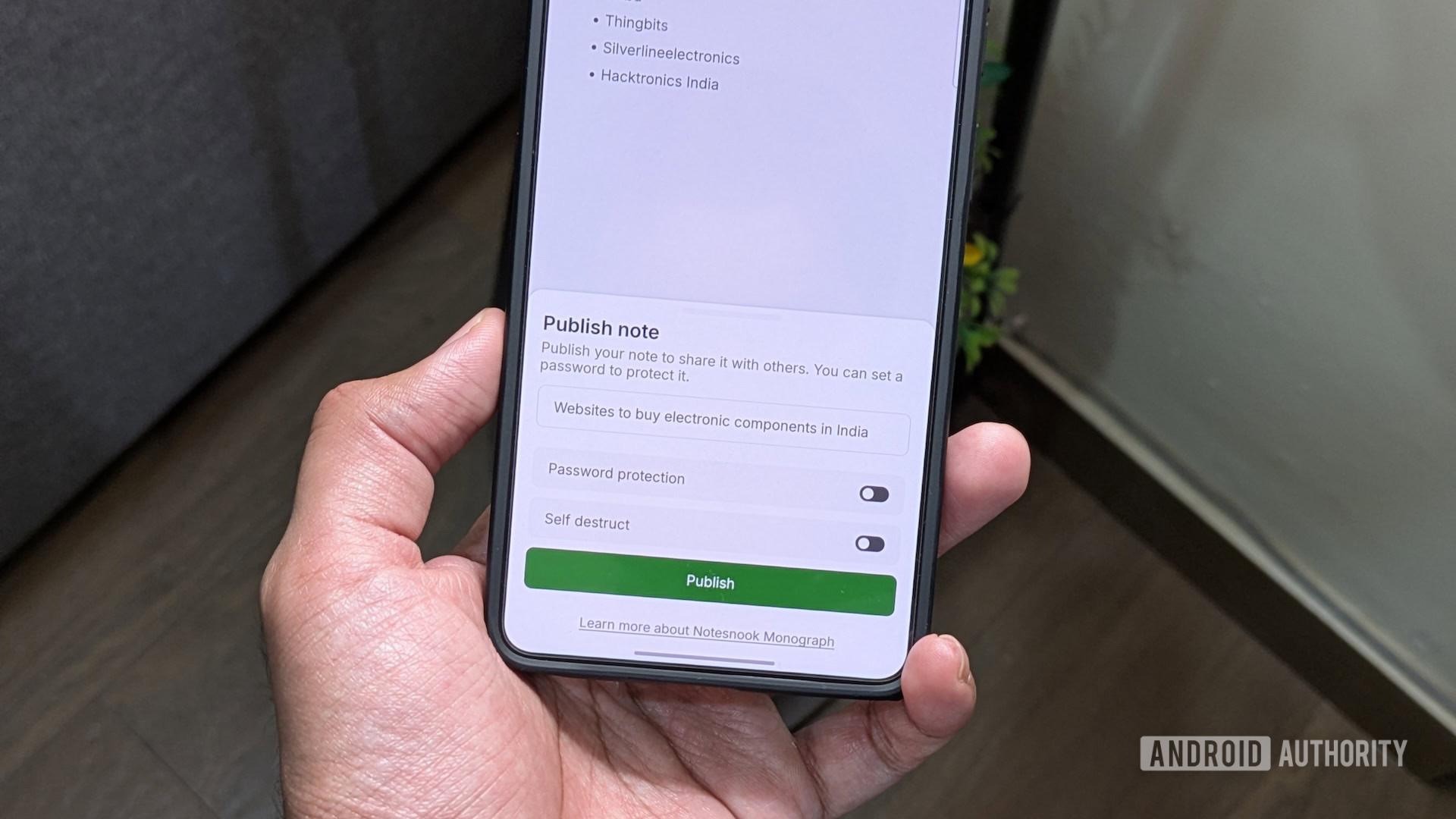
Notesnook is not a new toy, and that matters. The official site positions it as an open-source, zero-knowledge note-taking service, while the Android app is available through Google Play as “Notesnook Secure Private Notes”. The practical promise is simple: your notes are encrypted, the service provider should not be able to read them, and the same account works across Android and other platforms. On paper, that makes it a real alternative for users who want something more private than the default cloud notebook, but less self-managed than a full Obsidian vault, Syncthing setup or self-hosted notes server.
The Android Authority article, published on July 5, 2026, highlights the part ordinary users will notice first: Notesnook feels like a complete notes app, not just a privacy statement with a text box attached. It supports notebooks, sub-notebooks, rich formatting, file attachments and cross-platform access. That combination is important because privacy apps often lose people at the first friction point. If the app is slow, ugly or too austere, users drift back to whatever came preinstalled. Security that nobody keeps using is mainly decorative architecture.
What to check before moving your notes
The first check is the threat model, not the feature list. If your notes are mostly shopping lists and harmless drafts, Google Keep, Samsung Notes or OneNote may still be perfectly adequate. If your notes include personal journals, client information, private research, scanned documents or sensitive reminders, encryption and data portability become much more than checkbox features.
The second check is how you actually write. Notesnook gives you rich text, tables, attachments and structured notebooks, but the Android Authority hands-on also points out limits: raw Markdown is not the central workflow, some Markdown shortcuts require a paid plan, and collaboration is not the same kind of frictionless shared-note experience that people know from Simplenote or Google Docs. For a private personal notebook, that may be acceptable. For a shared family list or a fast team scratchpad, it can be the wrong compromise.
The third check is export and lock-in. A privacy-focused app should not only protect your notes today; it should let you leave tomorrow without performing a small archaeological excavation. Before migrating everything, test export options with a few real notes, including attachments and formatted content. Do the same on Android and desktop if you use both. If your knowledge base matters, migration must be boring. Exciting migrations are how people discover new swear words.
Android setup checklist
Install Notesnook from the official Google Play listing or from the developer’s official download page, not from random APK mirrors. Create a test account, add five or ten representative notes, then verify sync on another device before importing anything serious. If you plan to store private material, turn on the strongest account protection available, use a dedicated password stored in a real password manager, and write down recovery implications before you need them.
Also check Android’s own side of the bargain. Notes are only as private as the device around them: screen lock, biometric fallback, notification previews, backup settings, shared tablets and work profiles all matter. If a note title appears on the lock screen, encryption at rest is not going to save your dignity during a meeting. On Android, privacy is usually a stack, not a single heroic toggle.
What really changes
The useful shift is not that Notesnook magically makes every note safer. The useful shift is that Android users now have a polished, mainstream-enough option where privacy is part of the product architecture instead of an afterthought in a settings page. That is valuable for people who want encrypted notes without maintaining their own infrastructure, but it still requires discipline: test the workflow, understand the paid/free split, confirm export, and avoid treating “zero knowledge” as a spell that fixes weak account hygiene.
For AndroidLab readers, the sane recommendation is a staged migration. Use Notesnook for a private notebook first: journals, personal research, sensitive drafts, documents you do not want inside a general-purpose ad-funded ecosystem. Keep collaborative or extremely fast capture workflows where they already work until Notesnook fits them naturally. Privacy is good; forcing the wrong workflow in the name of purity is how good tools become shelfware.
The official Android download is available on Google Play. The developer also maintains the official Notesnook website with downloads, pricing and project links.
In brief
- Android Authority published a fresh hands-on with Notesnook on July 5, 2026.
- Notesnook is positioned by its developer as an open-source, zero-knowledge private notes app.
- It is worth testing for private notes, journals, sensitive drafts and personal knowledge management.
- Before migrating, check export, attachments, Markdown expectations, collaboration needs and account recovery.
- Install it from Google Play or the official Notesnook site, not from APK mirrors.
Sources
- Android Authority: “I switched to an open-source notes app for 2 weeks, and I wish I had done it sooner” — published July 5, 2026.
- Notesnook official website — checked July 5, 2026.
- Notesnook on Google Play — checked July 5, 2026.