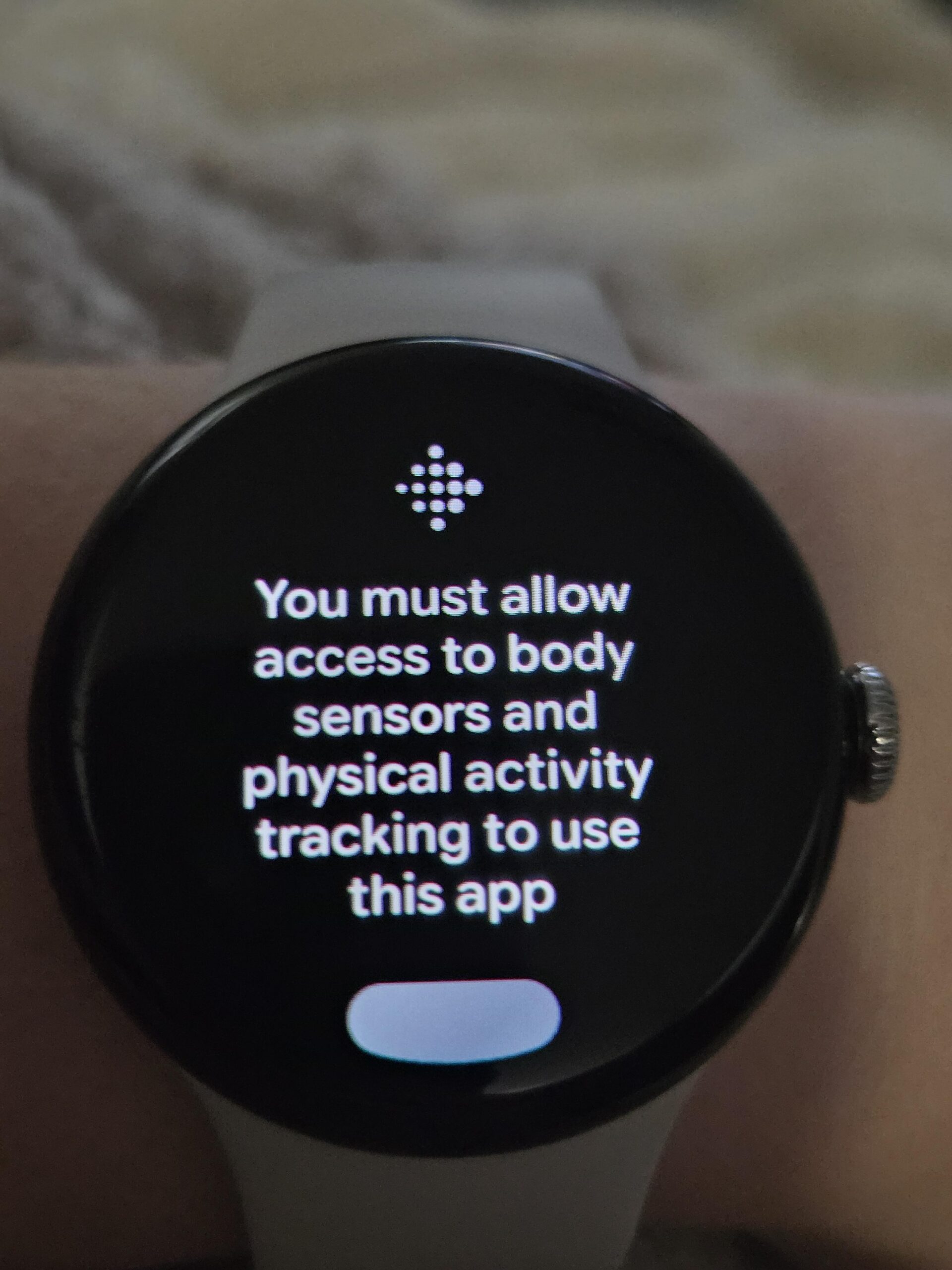
The new health permissions warning reported by some Pixel Watch users should not be treated as just another pop-up to dismiss. Android Authority reports a Google Health issue where the watch asks for sensor access, but some users cannot find an obvious way to clear the warning. The practical move is simple: before resetting the watch or blaming Fitbit by instinct, run through the permission chain in order.
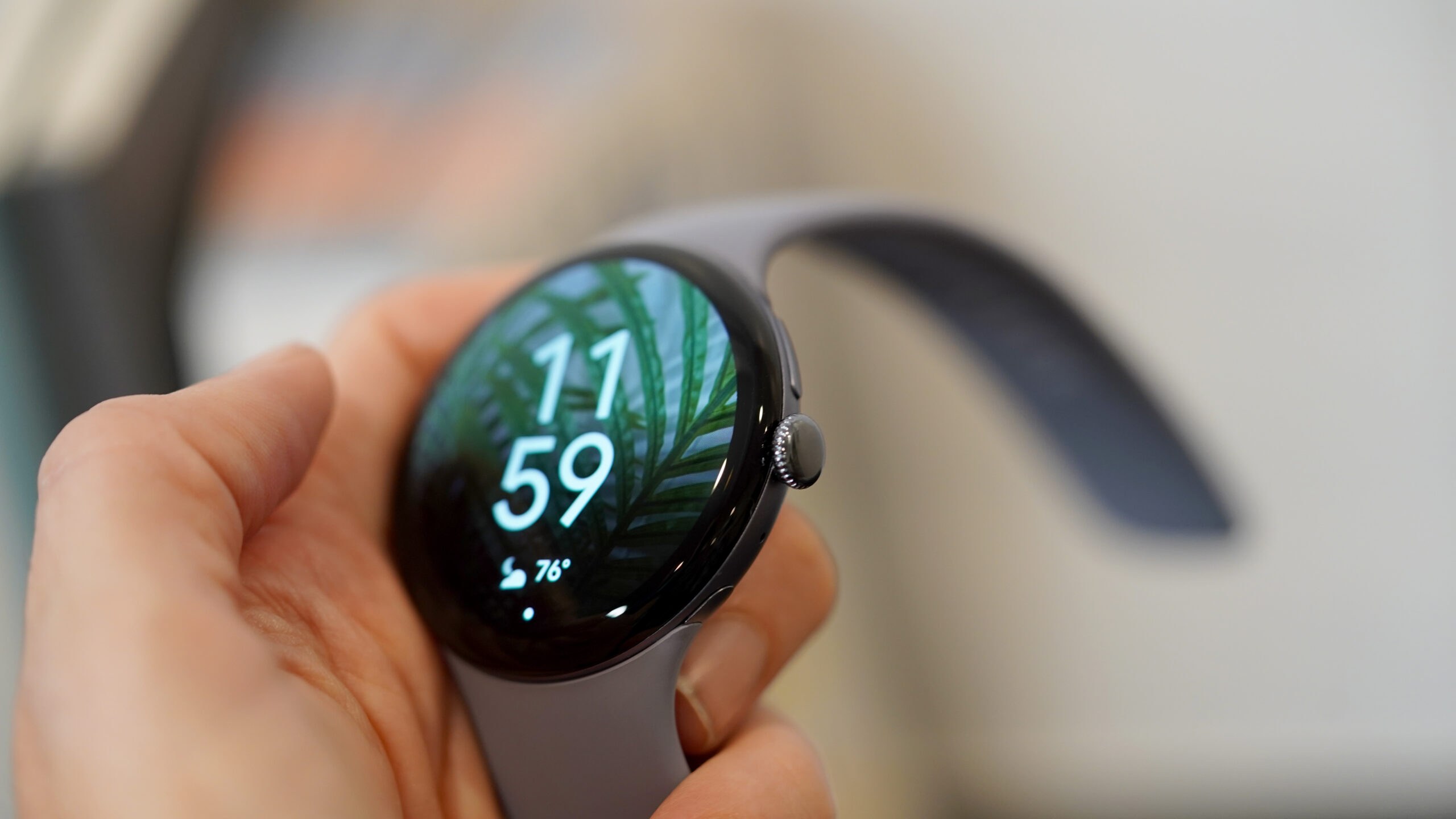
This sits inside Google’s ongoing shift from Fitbit branding toward Google Health. On Google Play, the app is already listed as Google Health (Fitbit), while Android routes part of the data exchange through Health Connect. That layered setup is useful when everything works. When a permission gets stuck, it becomes a software apartment block: watch, phone app, Google services, health data and Android permissions all have to agree.
First check: what error are you actually seeing?
The fresh report is about a sensor permissions message on Pixel Watch, not a generic sync delay. If your steps appear late, sleep data takes time to show up, or the Fitbit screen simply does not refresh, that is a different problem. Here, you need to identify whether the watch is asking for health sensor access, whether the phone app shows denied permissions, or whether Health Connect no longer lists Fitbit as a connected app.
Open the companion app on your phone, then check Android’s permissions for Google Health/Fitbit. The usual path is Settings > Apps > Google Health/Fitbit > Permissions. The wording may vary by phone maker, but the permissions to inspect are tied to physical activity, nearby devices, notifications and, where available, health or sensor data.
Health Connect is the step many users skip
Google’s Health Connect help page explains that apps must be connected and granted access to specific data categories. On Android, installing Fitbit is not enough: you also need to check App permissions in Health Connect. Open Health Connect, go to App permissions, and verify that Google Health/Fitbit still has access to the data it needs.
If permissions appear enabled but the warning remains, do not jump straight to a reset. Disable and re-enable only the affected permission, restart both phone and watch, then trigger a manual sync from the app. It is boring maintenance, yes, but it helps separate a real Google-side bug from a local permission state left hanging after an update.
Quick checklist
- Update Google Health/Fitbit from the Play Store and check for Pixel Watch system updates.
- Restart both the phone and the watch, because health permissions touch multiple services.
- Review Google Health/Fitbit permissions in Android settings.
- Open Health Connect and verify the data categories granted to the app.
- Start a manual sync and wait a few minutes before changing more settings.
- If the warning returns unchanged, note the app version, Pixel Watch model and Wear OS build before reporting it.
What actually changes
The story matters because it exposes a real Wear OS weakness: health data is becoming central, but the permission chain is still not transparent enough. AndroidLab recently covered Wear OS controls in its guide to Work Profile on Galaxy Watch; the principle is similar here, just more sensitive. When a watch asks for health permissions, users should know whether they are authorizing a local sensor, cloud sync or data exchange between apps. If the interface does not make that clear, this is not just a bug. It is an operational trust problem.
For now, the safest approach is conservative: do not delete health data, do not unlink your Google account, and do not factory reset the watch as the first reaction. If the issue is really in Google Health, the durable fix is more likely to arrive through an app or service update. Until then, the checklist helps you avoid collateral damage, which is the polite name for losing useful history while chasing a warning you may not be able to fix locally.
In brief
- Android Authority reports a fresh sensor permissions warning affecting some Pixel Watch users.
- Check Google Health/Fitbit, Android app permissions and Health Connect before resetting anything.
- A factory reset should be the last option, not the first nervous tap.
- If the warning persists, collect app version, watch model and Wear OS build before filing a report.
Sources
- Android Authority — July 13, 2026
- Google Android Help / Health Connect — checked July 13, 2026
- Google Play / Google Health (Fitbit) — checked July 13, 2026