WhatsApp has opened username reservations. This is not the end of phone numbers inside the app, but it is the first concrete step toward using them less as universal contact cards. WhatsApp’s official blog says reservations are opening this week and the feature will launch later in 2026; TechCrunch, The Verge and Android Central all point to the same practical shift: usernames will let people reach you without receiving your phone number first.
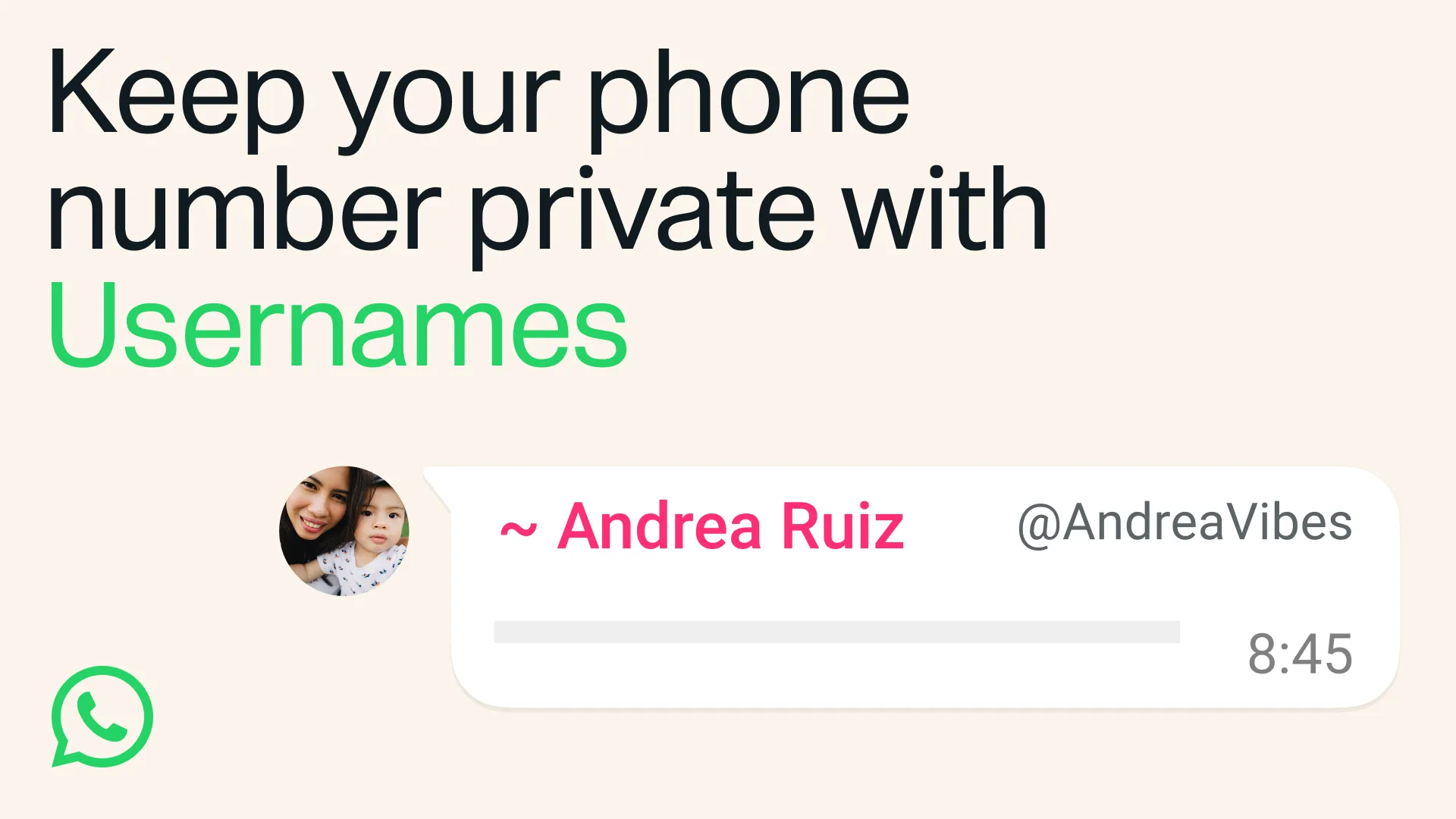

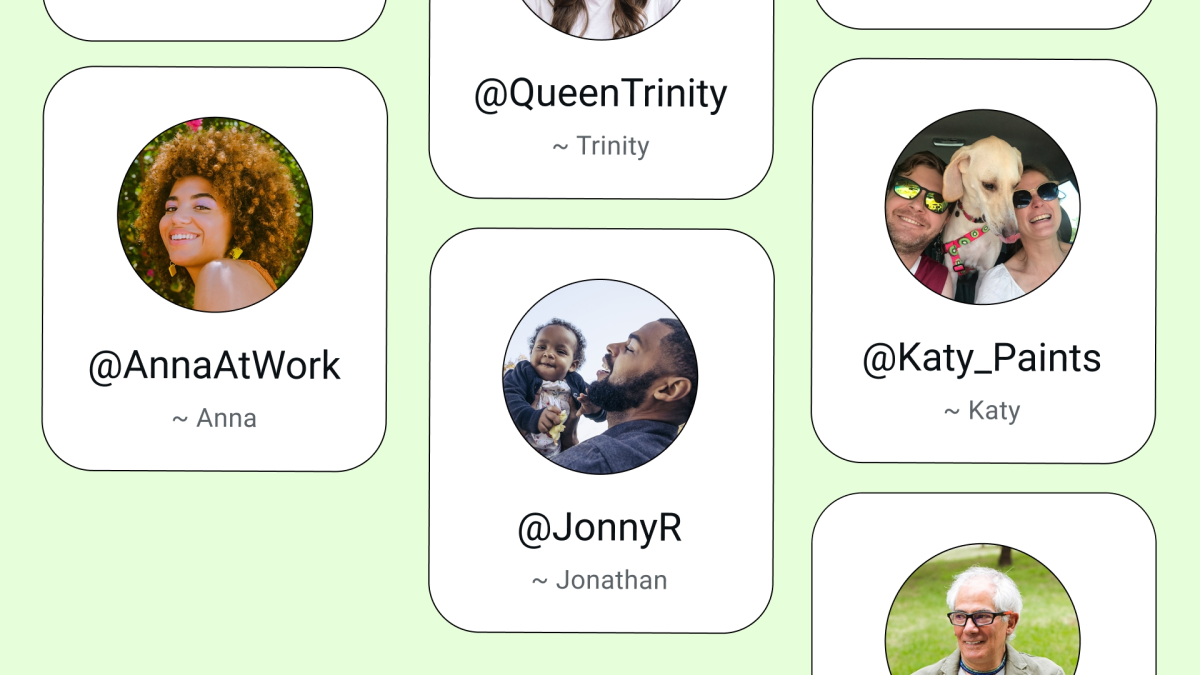
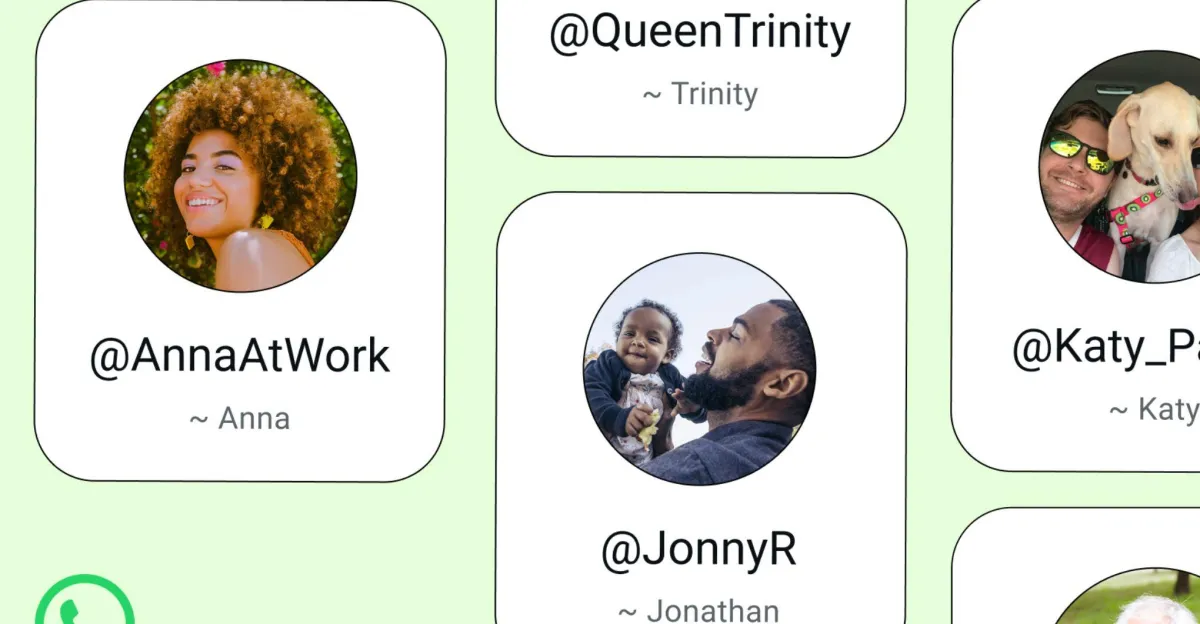
This guide is not about grabbing the first funny handle as if it were a 1999 startup domain. It is about choosing one carefully, understanding the limits and checking what changes on Android when the feature actually reaches your account. The lab rule is simple: reserving early makes sense, but only if you know which identity you want to keep stable.
Requirements and availability
The first requirement is an updated WhatsApp app from the official channel. On Android, that means WhatsApp Messenger on Google Play; if you cannot see the username reservation option yet, do not go hunting for random APK mirrors. WhatsApp is describing this as a gradual rollout, so a missing menu can simply depend on your account, country or app version.
According to the available sources, usernames can be reserved now for use later this year. The logic is sensible: with more than three billion users, opening the race only on launch day would create a miniature DNS war, with more family group confusion attached. WhatsApp also says there will be no public directory to browse: for someone to contact you for the first time, they will need to know your exact username.
How to reserve a WhatsApp username
When the feature is available on your account, open WhatsApp on Android and check your profile settings. The exact path may change during rollout, but the expected flow is: open WhatsApp, go to Settings, tap your profile and look for the username option. If it appears, try a name you would still want to use in six months, not a five-minute experiment.
Before confirming, check three things. The name should be recognizable enough for people who need to find you, but it should not reveal information you do not want to hand out widely. Avoid birth dates, full surnames if you do not need them, and work references if you use the same account for private life and occasional groups. If you run a business or a public profile, consistency with Instagram, Facebook or your official site may matter more. WhatsApp has also mentioned a path for creators, small businesses and organizations that want to claim an existing presence.
Checklist before choosing the name
- Choose a username that is easy to read aloud, because someone will eventually spell it badly.
- Avoid variants that are too close to public accounts or brands.
- Do not include unnecessary personal data: the point is to protect your phone number, not replace it with another revealing identifier.
- If you use WhatsApp for work too, decide whether you want a personal or professional handle before locking it in.
- After reservation, keep a screenshot or internal note until the rollout is complete.
Common problems and fixes
If the menu does not appear, update WhatsApp from Google Play, restart the app and check again after a few days. The sources describe progressive availability: sideloading external builds will not speed up a server-side rollout. If your preferred name is already taken, try a clean and memorable variation instead of adding random numbers. A username should reduce friction, not become an unreadable license plate.
If privacy is your concern, the important distinction is reachability versus anonymity. A username does not make your identity disappear: it makes it possible to start a conversation without sharing your number first. In existing chats and groups, different information may remain visible depending on settings and on how the feature evolves. It is worth reviewing your profile photo, about text, last seen settings and group controls as well. AndroidLab has related Italian coverage on account-side checks in our WhatsApp backup guide for Android.
What actually changes
This is more than a cosmetic tweak. WhatsApp has always been built around the phone number, a convenient but heavy design choice: every new chat carried a stable personal identifier that is difficult to change and often tied to banking, work, family and public services. With WhatsApp usernames, Meta is trying to separate contact identity from the real number at least partially.
The limit is just as clear: until the full rollout lands, this should not be treated as a definitive privacy shield. It is another control, not an invisible mode. The practical conclusion is simple: reserve a sensible name when you can, update WhatsApp only from official sources, then review your privacy settings before putting the username into groups, social profiles or public bios.
In brief
- WhatsApp has opened username reservations and expects the feature to launch later in 2026.
- Usernames will let people contact you without immediately receiving your phone number.
- On Android, use the updated app from Google Play and wait for account-side rollout.
- There will be no public directory: people will need your exact username.
- Choosing the name is a privacy and identity decision, not just a cosmetic one.