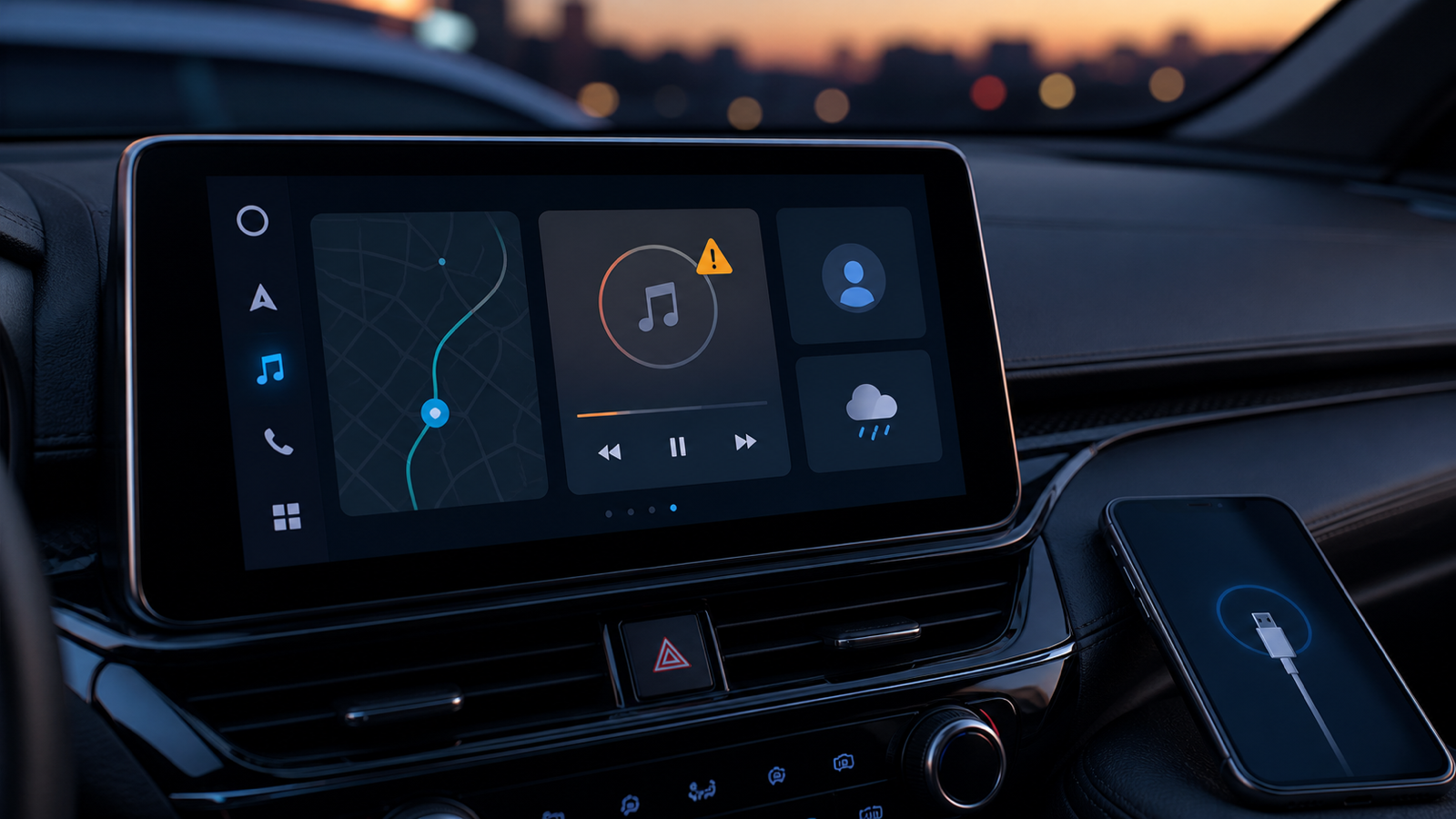
If Android Auto has started showing “Spotify isn’t responding”, the useful news is that a fix is now rolling out. Google’s Android Auto team told Android Authority on August 26 that the rollout had begun. It did not name a build number or promise that every car would receive it at the same moment, so this is a case for a short, disciplined checklist—not a factory-reset ritual.
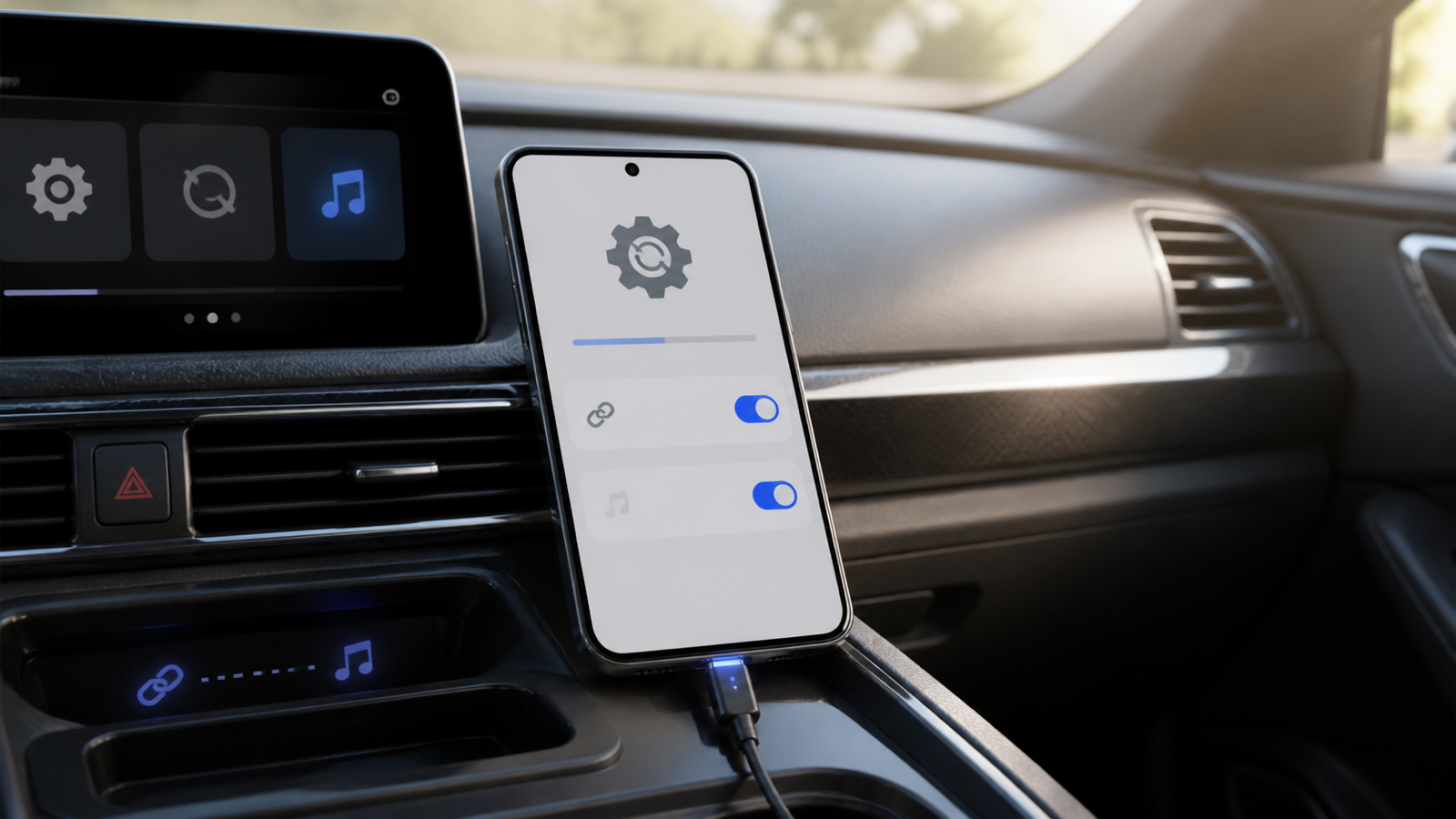
Start with the checks that do not make things worse
- Update Android Auto from Google Play. Open Android Auto’s official Android page, then install any pending update from the phone’s Play Store page. The team’s August 26 statement did not tie the Spotify fix to a particular version; an update is sensible, not proof that the fix is entirely client-side.
- Update Spotify from Google Play as well. The affected screen is inside the media app, so install its current official Spotify release before troubleshooting the car.
- Restart the phone, then reconnect Android Auto. For a wired car, disconnect the cable, restart the phone, and reconnect only after Android has fully started. For wireless Android Auto, end the car session and reconnect after the phone is back online.
- Check the physical link if the problem is wired. Test a known-good data cable before blaming Spotify. A cable that only supplies power cannot establish an Android Auto data connection.
What this rollout does—and does not—mean
The reported failure is specific: Spotify opens in Android Auto, then presents the message “Spotify isn’t responding” with options to wait or exit. According to Android Authority’s report, some people temporarily recovered by leaving the Android Auto beta or clearing Spotify’s cache. Those are workarounds reported by users, not the official fix. Do not clear Spotify storage, erase downloads, or reset the car head unit as a first response: those actions can create a second problem while the actual fix is still propagating.
The practical implication of Google saying a fix is beginning to roll out is that there may be no single download to chase. Give the update path some time after completing the checks above. If Spotify works normally on the phone but not on the car display, that also narrows the fault to the Android Auto session rather than to the Spotify account itself.
If Spotify still will not open
- Confirm that both apps are current, then try one fresh connection after a phone restart.
- If you use an Android Auto beta, consider returning to the stable channel before collecting more evidence; beta builds add another moving part.
- Try a different data cable or a wireless session if your car supports both. This separates a media-app failure from a connection failure.
- Note the phone model, Android version, Android Auto version, Spotify version, car/head-unit model, and whether the connection is wired or wireless before contacting support. That is more useful than “it stopped working.”
For a broader connection checklist, see AndroidLab’s Italian coverage of Android Auto disconnects and freezes. It is related, but it is not evidence that every Spotify error is caused by a cable: keep the symptom separate from the diagnosis.
In brief
- Google says a fix for the Android Auto Spotify error began rolling out on August 26.
- No public build number was named, so update Android Auto and Spotify without assuming a single APK is the cure.
- Restart and test the connection first; avoid clearing storage or resetting the car head unit prematurely.
- For wired setups, test a known-good data cable, not just a cable that can charge the phone.
Sources
- Android Authority: Google says an Android Auto fix for Spotify is rolling out (August 26, 2026).
- Android: Android Auto (official product page, checked August 26, 2026).
- Spotify AB: Spotify on Google Play (official listing, checked August 26, 2026).