The SiriusXM problem on Google Home appears to be fixed, but the useful part is not the headline itself. The useful part is knowing what to check before resetting your whole smart home. Android Central reported on June 27, 2026 that Google is rolling out a fix for a bug that stopped some Google Home speakers from playing SiriusXM. Android Authority had already documented the issue on June 24, based on user reports and a response from the Google Nest account.
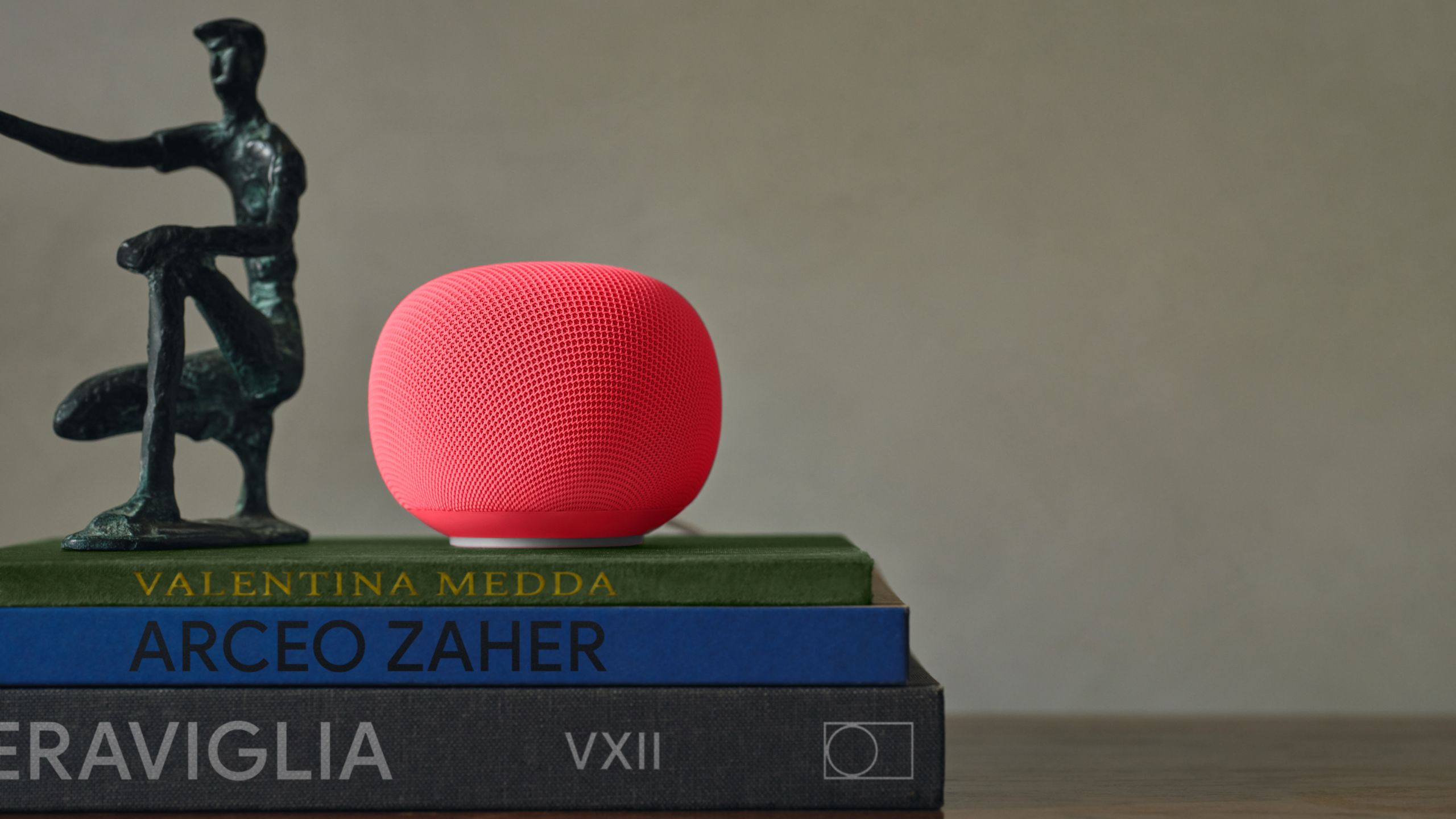
The symptom was specific enough: the SiriusXM subscription looked linked, the SiriusXM app worked, but the speaker answered that the content was not available or could not be played. That is the classic ecosystem failure mode: every individual component looks healthy, then the full chain collapses exactly when you ask the device to do its most basic job.
First check: is this still Google’s bug?
Start by separating an account problem from a speaker problem. If SiriusXM plays correctly in the mobile app but fails only through Google Home, do not jump straight to factory resets, Wi-Fi changes or rebuilding your device list. Check these items first:
- open the SiriusXM app and confirm playback works from your phone;
- open the Google Home app and check that the speaker is online and assigned to the right home;
- try a simple voice command with another radio station or a music service that already works.
If the phone can play SiriusXM and the speaker responds to other commands, the issue is probably not your local network. Treat it as an integration or rollout problem before you blame the hardware.
Quick procedure: what to do now
A fix being announced does not mean every account receives it at the same minute. The sensible checklist is:
- update the Google Home app from the Play Store or App Store;
- power-cycle the speaker by unplugging it for about 30 seconds;
- open Google Home, enter the speaker settings and confirm it is on the expected Wi-Fi network;
- check the SiriusXM link in Google Home and, if needed, unlink and link the account again;
- try an explicit voice command that includes both the service name and the requested content;
- if it still fails, cast from the SiriusXM app to the speaker as a temporary workaround.
The technical point is to avoid confusing an account relink with a full reset. Relinking SiriusXM can make sense. Deleting your Google Home setup, rebuilding Matter devices or changing your network because one stream does not start is a very expensive hammer for a very small nail.
Requirements and compatibility
You need three things for this guide: a compatible Google Home or Nest speaker/display, a valid SiriusXM account, and an updated Google Home app on your phone. Google Play describes Google Home as the official app for setting up and controlling Nest, Chromecast and Google Home devices. SiriusXM’s own support page says the linking process is handled from the mobile app, not from a desktop computer.
Regional availability matters too. SiriusXM is not global in the same way as Spotify or YouTube Music. If the account, country or content catalog does not match, the failure can look similar but have a different cause. The practical test is simple: if the SiriusXM app cannot play that content on your phone, the speaker will not magically fix it.
What Actually Changes
The AndroidLab angle is that smart speakers are no longer just microphones attached to small speakers. They are endpoints in a chain made of Android apps, cloud accounts, regional catalogs, permissions and voice assistants in transition. As Gemini for Home expands and Google Assistant is gradually replaced, incidents like this show how fragile the “ordinary” part of the experience can be: asking for a radio station and hearing it play.
This is closely related to our previous coverage of the Google TV Streamer and Home Speaker update: before judging a smart home product, check updates, accounts, fallbacks and real behavior. Specifications matter, but service continuity matters more.
When to wait and when to act
If you are still affected, wait for one more Google Home app update cycle, restart the speaker and try again. If the issue persists for several days only on your account, collect useful details before contacting support: speaker model, Google Home app version, Wi-Fi network, exact voice command, SiriusXM app result and account country.
The practical conclusion is simple: do not perform destructive resets while the service works in the app and other voice commands work on the speaker. In that case you are looking at an integration issue, not a smart home that needs to be rebuilt from scratch.
In Brief
- Google has indicated a fix for the SiriusXM bug affecting some Google Home speakers in late June 2026.
- If SiriusXM works in the app but not on the speaker, check app updates, account linking and a speaker restart first.
- SiriusXM linking must be handled from the mobile app, not a desktop browser.
- Casting from the SiriusXM app can be the cleanest temporary workaround.
- The case shows the real smart home risk: the device may be online, but the service chain still has to hold.