The Nothing Phone 1 has reached the end of its official software support. Nothing published its end-of-lifecycle note on July 2, 2026, and the final update brings the July 2026 security patch, general fixes and system stability improvements. The useful question is not whether a 2022 phone deserves a farewell speech. The useful question is what you should do now if you still use it every day.
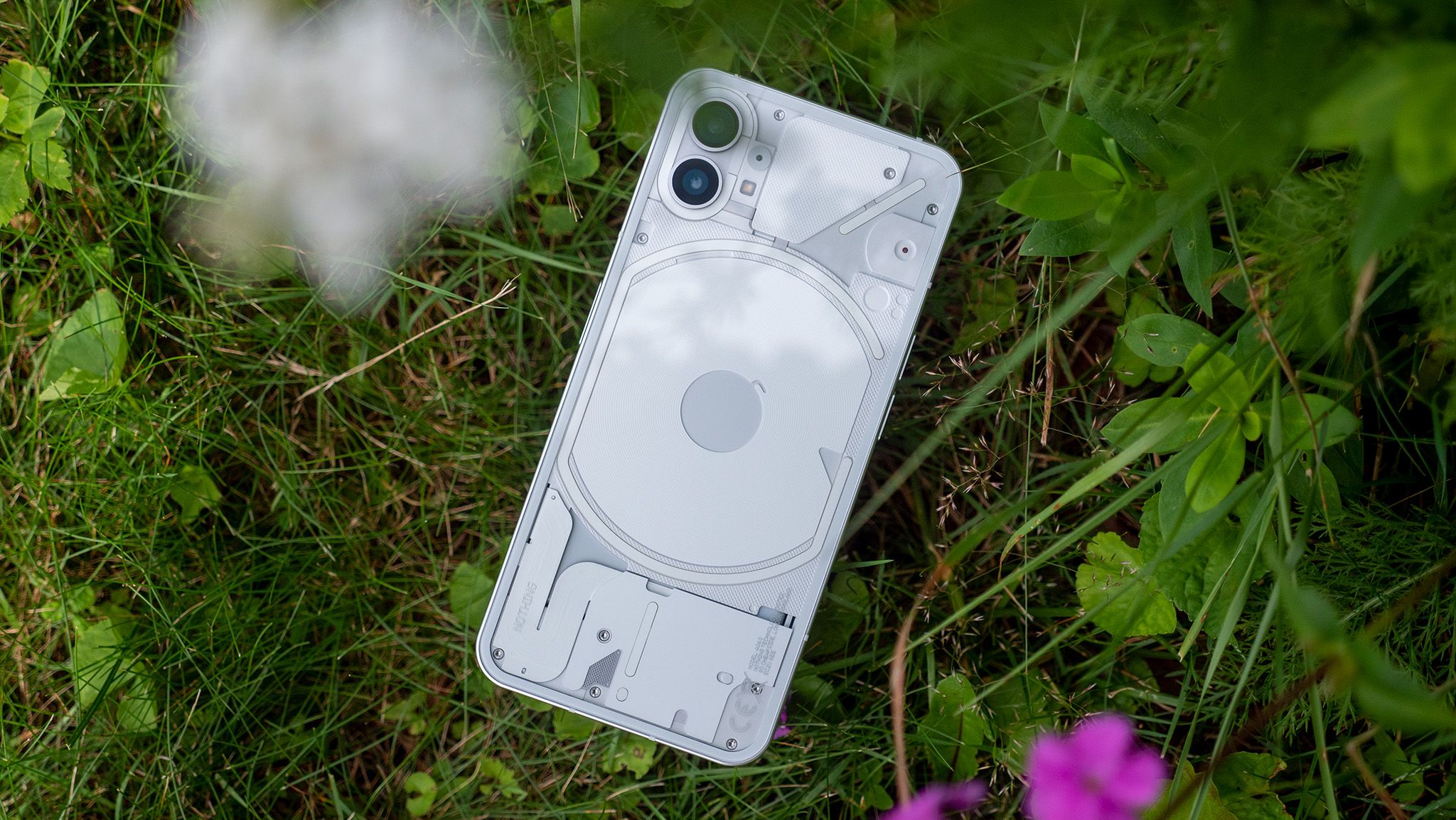
Nothing appears to have delivered the original promise: the Phone 1 launched with Android 12, received its final major upgrade with Android 15, and closes with three major Android updates and four years of security patches. Android Central and Android Authority both covered the end of support within the last 48 hours, while Nothing’s own community post is the key source because it says the device’s software lifecycle is now over. In practical terms, the phone does not become useless overnight, but your maintenance model changes.
Related: the same risk logic applies when installing fresh Pixel beta builds. AndroidLab has an English guide to Android 17 QPR1 Beta 6 on Pixel: different scenario, same basic rule, which is not to update, downgrade or stay behind without knowing what you are accepting.
What To Check First On The Nothing Phone 1
Before deciding whether to keep it, sell it or turn it into a secondary device, do a clean check. Open Settings > System > Software update and make sure the last available package is installed. After updating, wait a few hours before judging battery life or temperature: Nothing warns that the device may use more power and feel warmer during installation, with performance returning to normal once the update is complete. Boring, yes. Still better than diagnosing a false problem five minutes after rebooting.
- Check that the security patch level shows July 2026 or the latest build available in your market.
- Keep enough free storage: once Android gets tight on space, slowdowns and aggressive cleanup become more likely.
- Update apps from the Play Store, especially browser, banking apps, messaging, wallet and password manager.
- Open Google security settings and review Play Protect, signed-in devices and account recovery methods.
- Make a full backup before trying resets, modding or alternative ROMs.
When Keeping It Still Makes Sense
If the Phone 1 stays at home, works as a spare phone, media player, travel device or testing handset, it can remain useful. The hardware is still modern enough to avoid feeling ancient, and Nothing OS is usable. The limit is different: without future patches, every month increases the gap between the phone and the current Android security baseline. This is not panic. It is risk inventory.
For serious daily use, the question becomes sharper: do you keep banking apps, wallet, private photos, your main email account and two-factor authentication on it? If yes, the Phone 1 should be treated as a phone in a controlled exit phase. That does not mean throwing it away tomorrow, but it does mean planning a replacement or reducing what can hurt if something goes wrong.
Practical Problems And Fixes
If battery life looks worse after the final update, first check per-app usage and let Android finish indexing and optimization. If a critical app fails, update it from the Play Store and clear only that app’s cache before jumping to a full reset. If the phone keeps getting warm, check mobile signal, hotspot usage, sync loops and background apps: updates are often blamed even when the culprit is an app quietly chewing through resources in the corner.
Custom ROMs can extend the technical life of the device, but they are not a universal fix. You need an unlockable bootloader, a reliable build, real project maintenance, a clean recovery path and the awareness that some banking apps, wallet services or protected apps may stop trusting the device. If you use the phone for work or payments, modding is not free. It simply moves the cost from the spec sheet to your time.
What Actually Changes
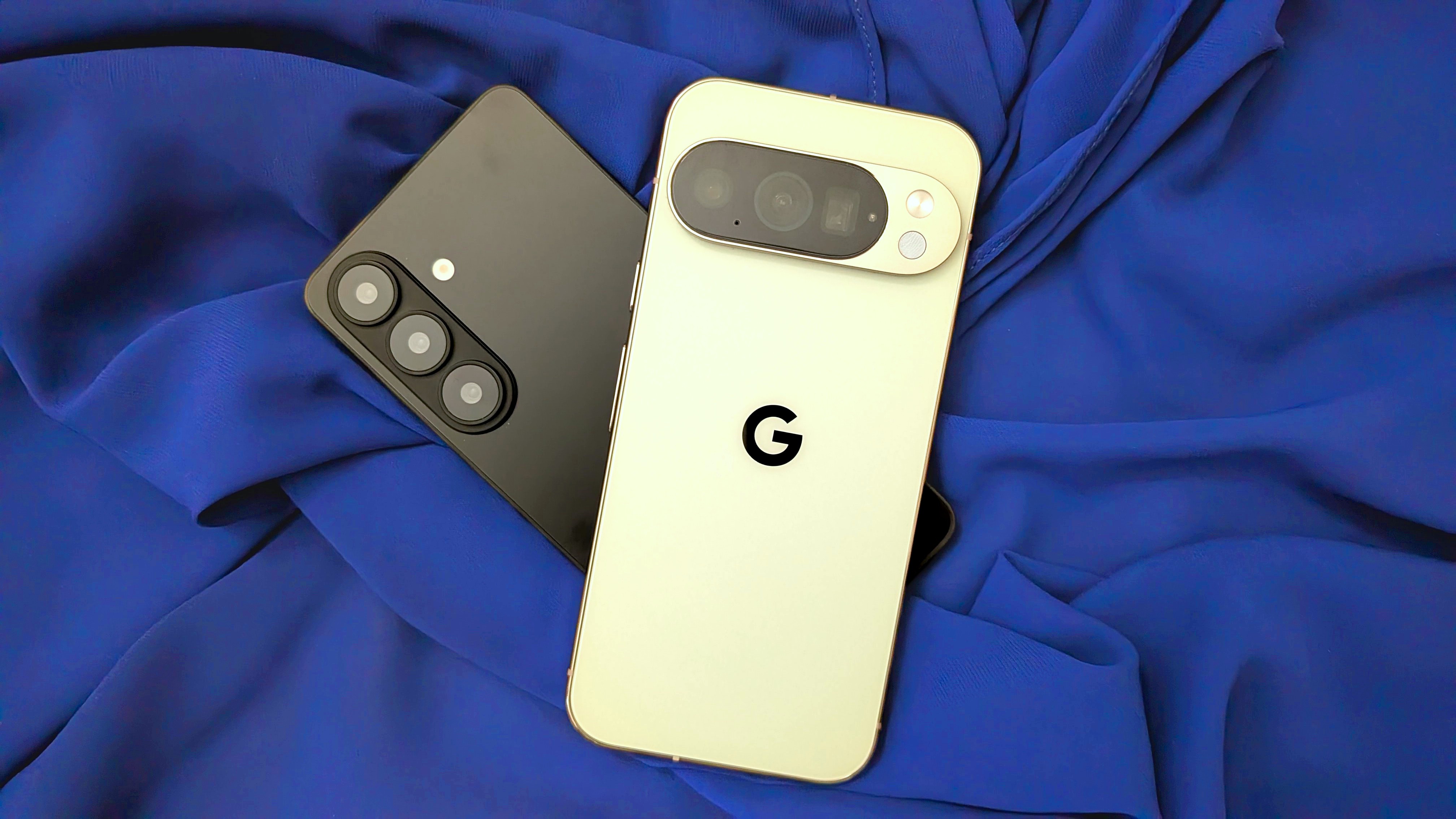
The Phone 1 end-of-support moment is a useful reminder for the Android market as a whole: four years sounded strong when the phone launched, but in 2026 it feels closer to the baseline users now expect. Google and Samsung have raised the bar on several recent models, which makes older update policies look more expensive in hindsight. When buying a phone now, specs are not enough. You also need to check the update policy, launch date and how much support is really left.
The practical conclusion is simple: install the final update, back up the phone, reduce sensitive usage if it holds important accounts, and decide within the next few months whether it becomes a secondary device or gets replaced. You can keep using it. You should not keep treating it as a fully supported primary phone.
In Short
- Nothing has ended the Phone 1 software lifecycle with the July 2026 update.
- The phone received three major Android updates and four years of security patches.
- Before keeping it in daily use, install the final update and check backups, critical apps and Google account security.
- For banking apps, wallet and authentication, plan a replacement or reduce sensitive usage.
- Alternative ROMs may help only if you understand bootloader, compatibility and protected-app limits.