Android 17 QPR1 Beta 6 is now rolling out to compatible Pixel phones, and the useful part is not “yet another beta build.” The practical signal is Platform Stability: developers can treat the main APIs and behavior as locked, while Pixel power users can consider testing it with less chaos than the earliest previews. Less chaos, to be clear, is not the same thing as stable-channel calm.
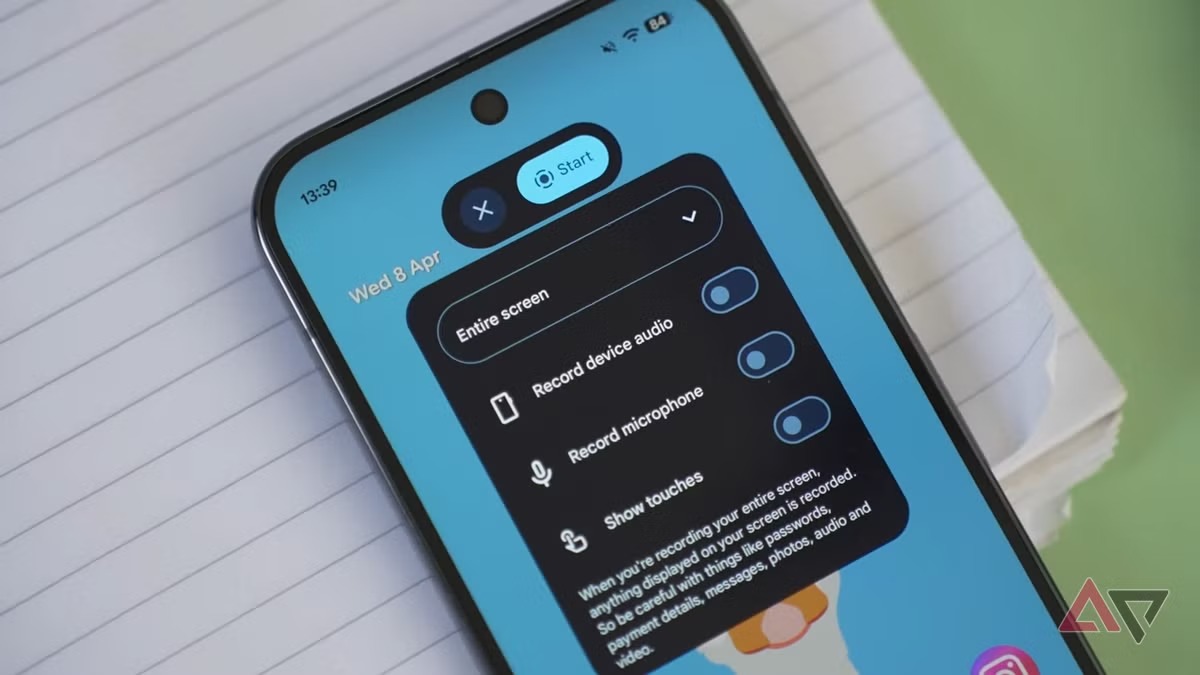
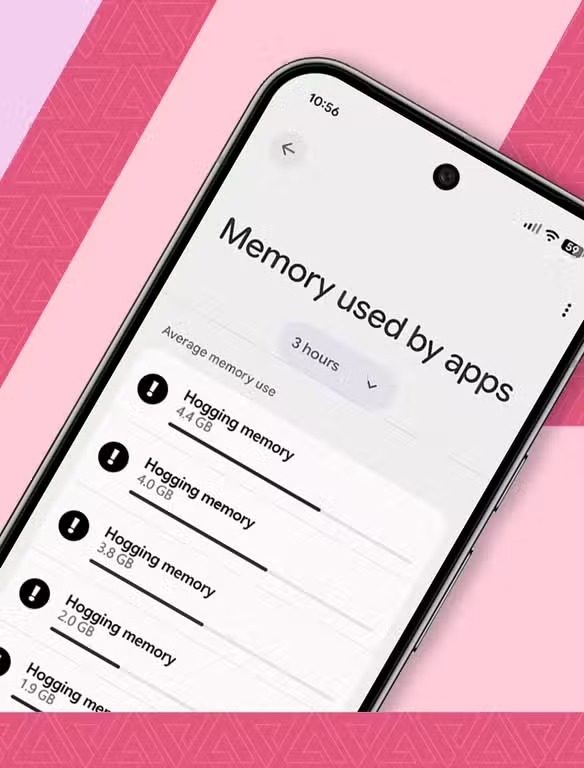
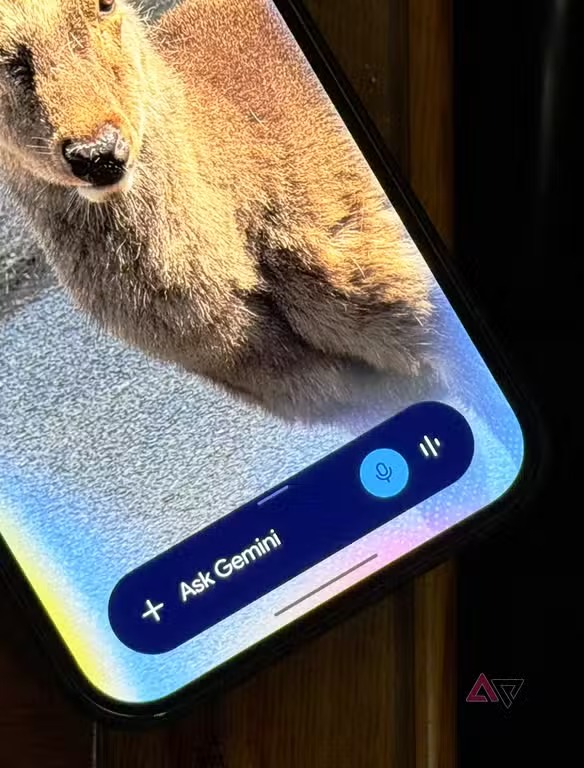
Android Police reported the Beta 6 rollout, Android Authority highlighted the Platform Stability milestone and the new desktop windowing work, while 9to5Google refreshed the Pixel installation path. The AndroidLab version is simple: install it only if you have a recent backup, know which apps matter to you, and already understand how you would leave the beta if something breaks.
Compatible Pixel phones and basic requirements
Before opening the beta page, check the basics. You need a supported Pixel, the Google Account used on that phone, enough free storage for the OTA package, and a device that is not blocked by work-profile or MDM policy. If the phone is managed by your employer, do not treat the beta as a casual lunch-break experiment.
The cleanest route is Google’s official Android Beta Program. Sign in with the same account used on the Pixel, confirm that the device appears, opt in, then check Settings > System > Software update. The OTA may take a while to appear, so there is no technical glory in hammering the refresh button every seven seconds.
Checklist before installing
- Charge the phone to at least 50%, preferably while plugged in.
- Open Settings > Google > Backup and verify the date of the latest backup.
- Update critical apps first: banking, authentication, work apps, messaging and car apps.
- Copy important local files, photos or documents somewhere outside the phone.
- Enroll the Pixel through the Android Beta site, then install the OTA from system settings.
- After rebooting, test mobile network, Wi-Fi, Bluetooth, NFC payments, Android Auto and notifications.
If the Pixel is your only phone, the real question is not whether you can install Android 17 QPR1 Beta 6. The question is whether you can tolerate a couple of days of odd behavior. Beta 6 is safer than an early preview, but apps tied to banking, strong authentication, enterprise profiles and device security deserve a check before you rely on them.
What actually changes
The most interesting practical work is around desktop windowing, which makes Android behave more convincingly on large screens, external monitors and PC-like setups. This does not magically turn a Pixel into a laptop, but it shows where Google is pushing Android: phones, tablets, foldables and docked devices need a more coherent multitasking model.
For developers, Platform Stability means app compatibility work can be done with fewer moving parts. For users, it means this is a better moment for a controlled test. It is still not the stable channel, so do not install it on someone else’s everyday phone just because the version number looks shiny. Android labs are useful; surprise family tech support is not.
What to test after the update
Do not stop at “the home screen loads.” Make a short test pass: incoming call, outgoing call, mobile data, Wi-Fi, Bluetooth in the car, Android Auto, hotspot, notifications from messaging apps, biometric unlock and any payment or authentication app you depend on. If you use the Pixel for work, also test VPN, work profile apps and two-factor authentication.
If something misbehaves, start with conservative fixes: reboot, update apps from the Play Store, clear the affected app cache, review permissions and temporarily relax aggressive battery optimization. A factory reset should be the last lever, not the first tool you grab.
Leaving the beta
Google lets you unenroll a device from the Android Beta Program, but returning to the stable channel can trigger a data wipe, especially when you are moving back to an older stable build. Before leaving, verify backups, recovery codes, authenticator apps, local photos and anything that does not automatically sync to the cloud. Do not hit unenroll unless you are ready to rebuild the phone if needed.
The short verdict: Android 17 QPR1 Beta 6 makes sense for developers, testers and Pixel users who can follow a checklist. It makes much less sense for anyone who simply wants the newest Android label while expecting stable-channel reliability. The difference between a lab and a mess is doing the boring checks first.
In brief
- Android 17 QPR1 Beta 6 is available for compatible Pixel phones and has reached Platform Stability.
- Install only after a verified backup and a check of your critical apps.
- Desktop windowing is the most relevant change for tablets, foldables and large-screen Android workflows.
- Leaving the beta may wipe the phone, so prepare before unenrolling.