The useful question is not “which chatbot is best,” because that changes constantly and mostly feeds benchmark theater. On Android, the practical question is narrower: which AI assistant can you actually use instead of Gemini, what can be set as the default assistant, which functions remain tied to Google, and where should you stop before your phone becomes a stack of overlapping AI apps fighting for microphone, files and notifications.
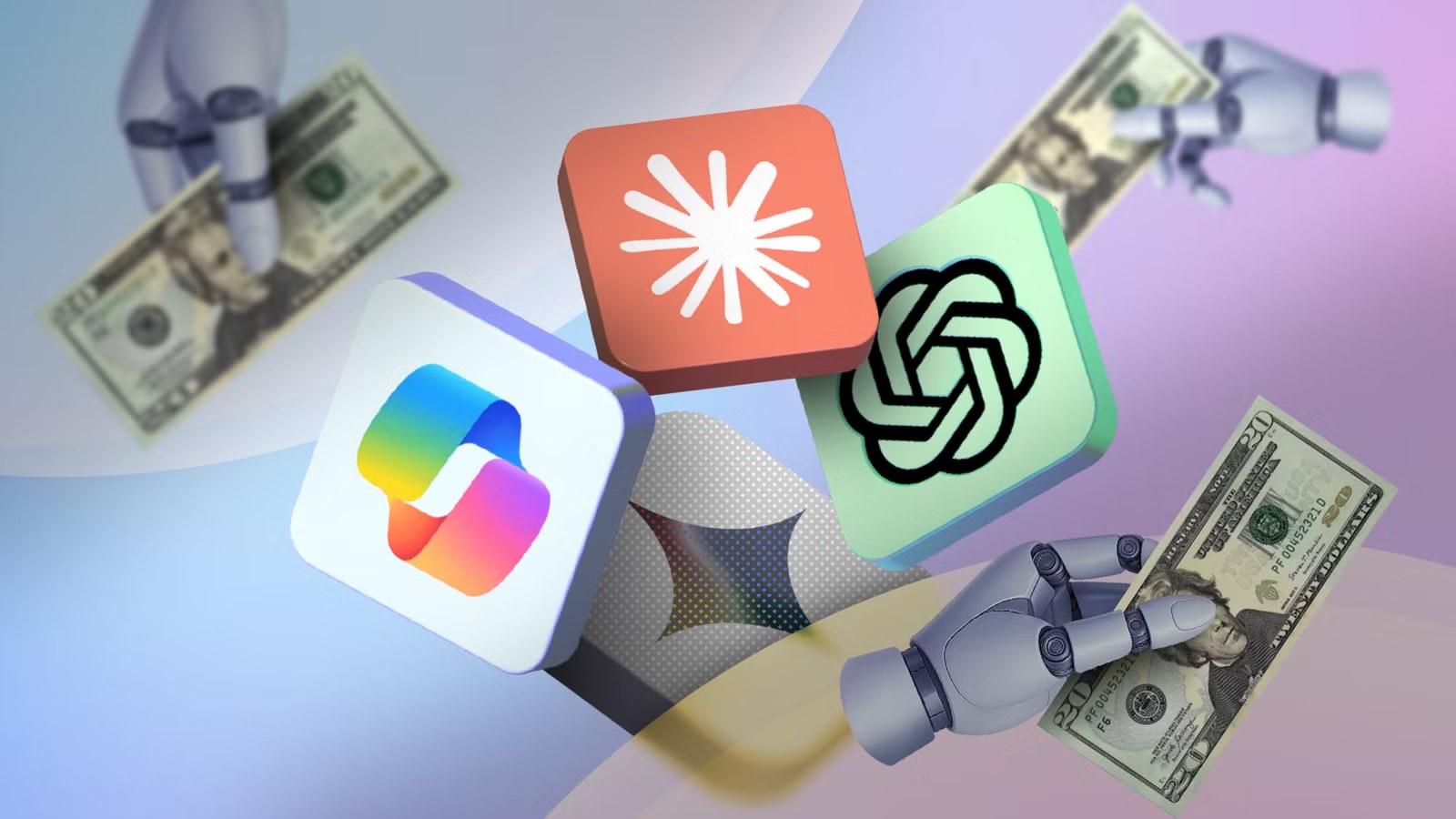
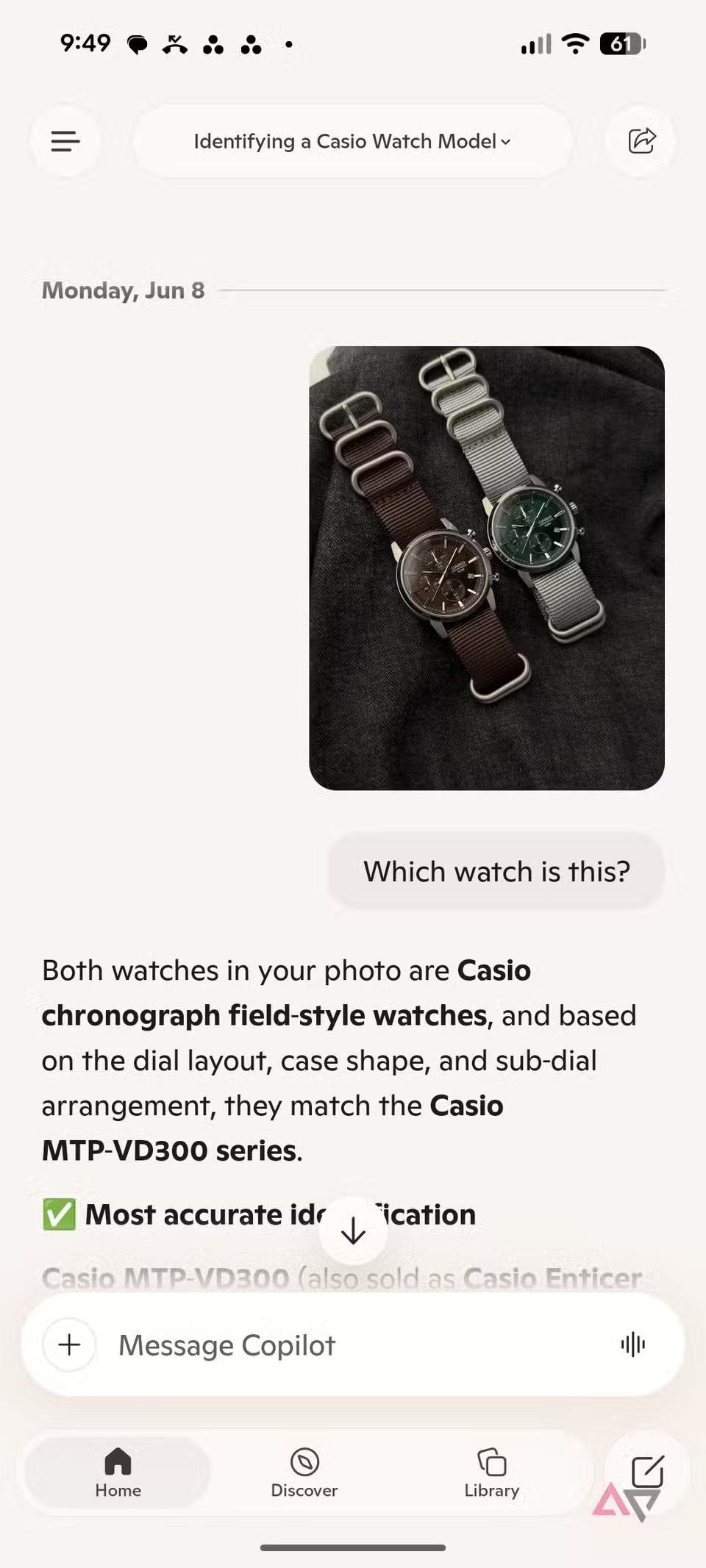
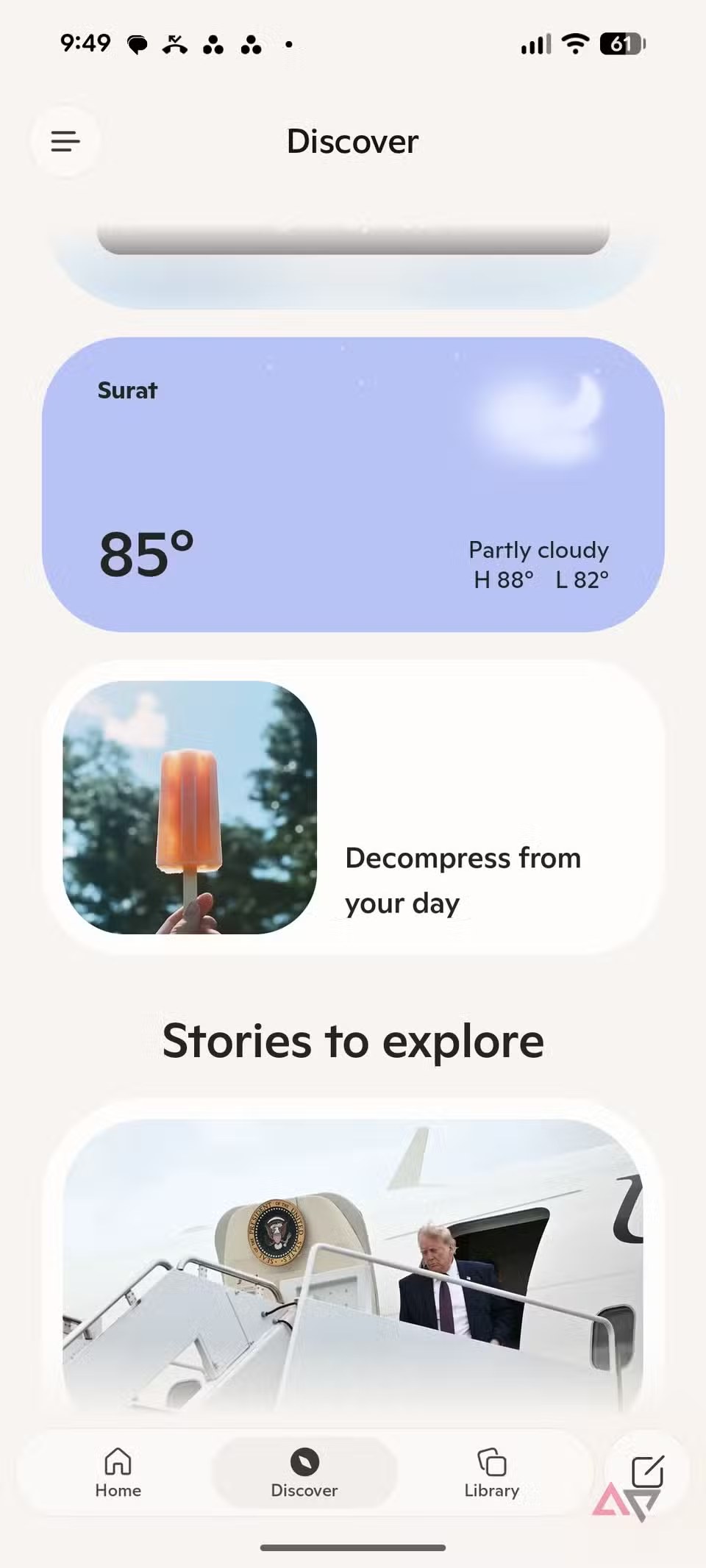
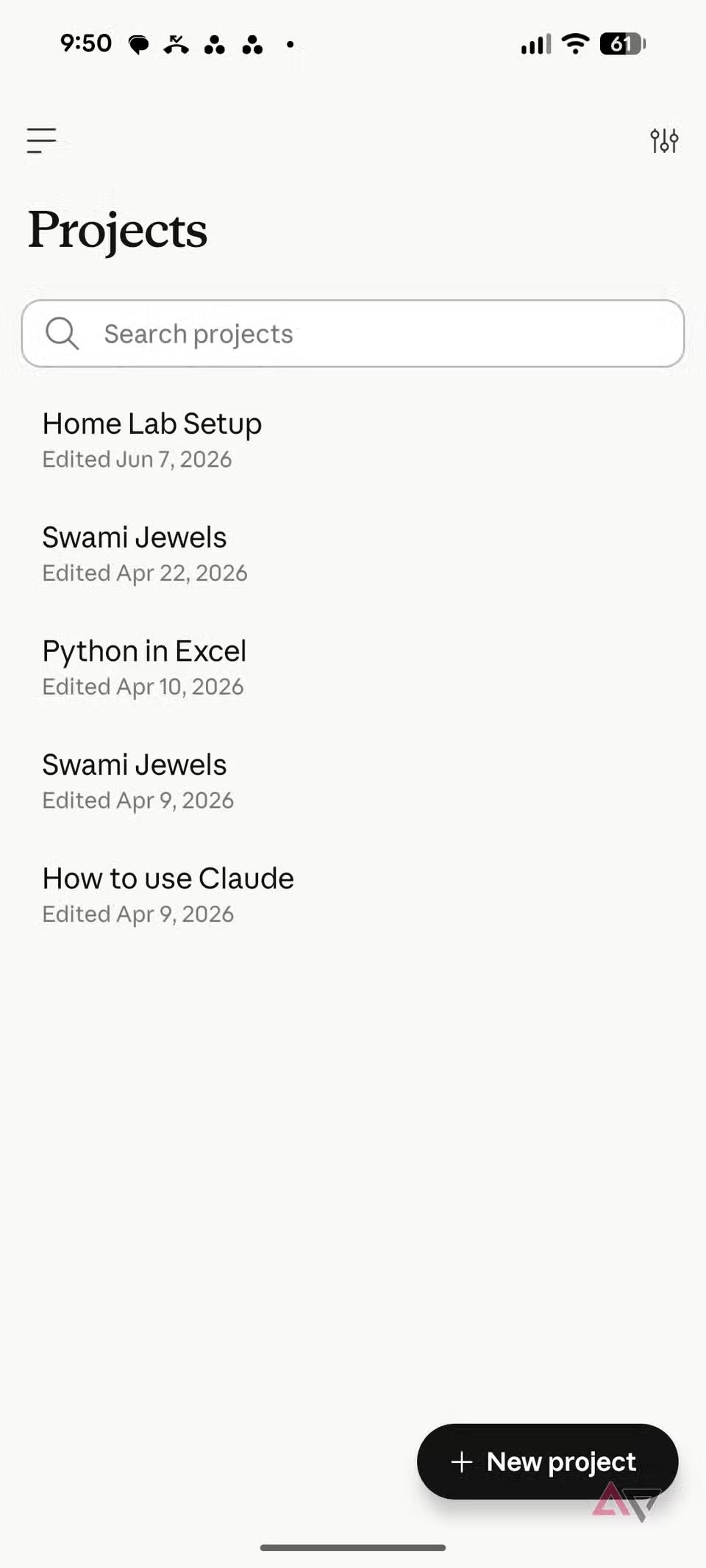
The fresh hook is an Android Police comparison published today, testing Claude, ChatGPT and Copilot as real Gemini alternatives on Android. The important part is not crowning a universal winner. It is the reminder that an assistant on a phone is only useful if it fits voice input, sharing, screenshots, files, shortcuts and privacy controls. The smartest model in a chat window can feel clumsy if using it takes five taps every time.
Before switching: what Gemini still owns
Gemini and Google Assistant have a structural advantage: they are part of Google’s Android ecosystem. That means deeper hooks into Search, your Google account, voice actions, system surfaces and, on some devices, integrations that third-party apps cannot fully reproduce. Switching assistants does not replace Android’s central machinery. In practice, you are choosing your main AI app for writing, reasoning, image analysis, dictation or assisted research.
The first check is simple: open Android settings and search for “digital assistant app,” or go through Settings > Apps > Default apps. On Samsung Galaxy phones, Samsung documents the path as Settings, Apps, Choose default apps, Digital assistant app. From there you can see which installed apps offer themselves as assistants. If an app does not appear, that is not necessarily your fault: the developer may not support that role, or the option may be limited to certain builds.
Requirements and official downloads
The first rule is boring because it works: install only from official stores or developer pages. OpenAI points Android users to the official ChatGPT app on Google Play and lists Android 7.0 or newer as the minimum requirement. Anthropic offers Claude for Android on Google Play, and its Play listing was updated on June 26, 2026, which keeps this guide anchored to a fresh source. Copilot should likewise come from Microsoft’s official Play Store listing. Avoid random APK mirrors: installing a fake AI assistant with access to microphone, files and notifications is an impressively efficient way to create your own support ticket.
Quick pre-flight checklist:
- update the Play Store and Google Play Services;
- install only the official app from the real developer;
- check whether the app appears under digital assistant defaults;
- grant microphone, notification, file and photo permissions only when needed;
- test one main AI app for a few days instead of rotating between three at once.
How to change the default assistant
On stock Android or Pixel phones, the common route is:
- install and open the AI app you want to test;
- sign in and complete the first-run setup;
- open Settings > Apps > Default apps;
- tap Digital assistant app or the equivalent entry;
- select the alternative app, if it is listed;
- test the trigger gesture, button or long press configured on your phone.
On Samsung Galaxy phones the path is similar, but there is one extra trap: even if you change the digital assistant app, the Side button may still launch Bixby if it is configured that way. Treat those as two different settings: default assistant and hardware shortcut. If pressing the button still opens Bixby, you may need to change the Side button action too.
ChatGPT, Claude or Copilot: the practical choice
ChatGPT is the safest general-purpose choice if you want a mature app, solid voice features, quick responses, a usable history and a broad feature set. OpenAI also documents Android requirements, data controls and troubleshooting steps, which makes it easier to know what you installed and where to look when login or app behavior breaks.
Claude makes sense when your phone becomes a pocket workstation: PDFs, screenshots, long drafts, visual analysis, code and structured reasoning. The Play listing emphasizes writing, research, programming and image analysis. The operational limit is usage: plans, caps and availability can matter more than raw model quality. A brilliant assistant that is frequently out of messages is impressive, but not very helpful on the move.
Copilot is strongest if you already live inside Microsoft 365, Edge, Windows and Microsoft services. As a pure Android assistant it may feel less native than Gemini or ChatGPT, but for users who work with Microsoft accounts and Office documents, it can be the least disruptive option. Judge it inside its ecosystem, not only as a generic chatbot.
What actually changes
Changing your AI assistant on Android does not magically remove Google from the phone. It changes your daily workflow: where you dictate notes, which app receives screenshots and documents, where your chat history lives, and which service listens when you ask for help. The benefit is choosing the right tool for the task. The risk is multiplying accounts, permissions and subscriptions without a plan.
The cleanest setup is usually Gemini for system-level actions when needed, plus one main AI app for actual work. ChatGPT for conversation and voice, Claude for documents and long reasoning, Copilot for Microsoft-heavy workflows. If you try to make every assistant do everything, Android does not become smarter. It just becomes louder.
Common problems and checks
If the app does not appear under default assistants, update it and reboot the phone. If it still does not appear, it probably does not support that role on your current build. If voice triggering fails, check microphone access, background battery limits and manufacturer restrictions. On Galaxy phones, also check that the Side button is not still mapped to Bixby. If ChatGPT login fails, OpenAI notes that an outdated Play Store version can cause a “Something went wrong” error.
Before granting broad access, open the app’s Play Store data safety section and review what the developer declares. Modern AI apps may work with text, voice, images, files and location. Permissions are not automatically suspicious, but granting them by habit is. The minimum lab method is simple: enable one permission, test the feature, then remove what you do not use.
In brief
- To replace Gemini as an assistant, use Android default apps, not just a chatbot install.
- On Samsung Galaxy phones, check the Side button separately because it may still launch Bixby.
- ChatGPT is the generalist pick; Claude is strong for documents and long reasoning; Copilot makes sense in Microsoft workflows.
- Download only official apps from Google Play or developer help pages.
- Some deep Gemini functions remain tied to Google and the device.
- The healthiest setup is one main AI app plus Gemini for system tasks, not four assistants competing on the same phone.