NotebookLM is getting a new output format called Short Video Overviews: vertical videos of about 60 seconds that turn uploaded sources into a visual explanation. For Android users, the useful part is not the usual “AI video” sparkle. It is knowing when the feature is worth using, which requirements matter and where a polished summary can become too confident for its own good. The marketing lights are already on; the real work is still source control.
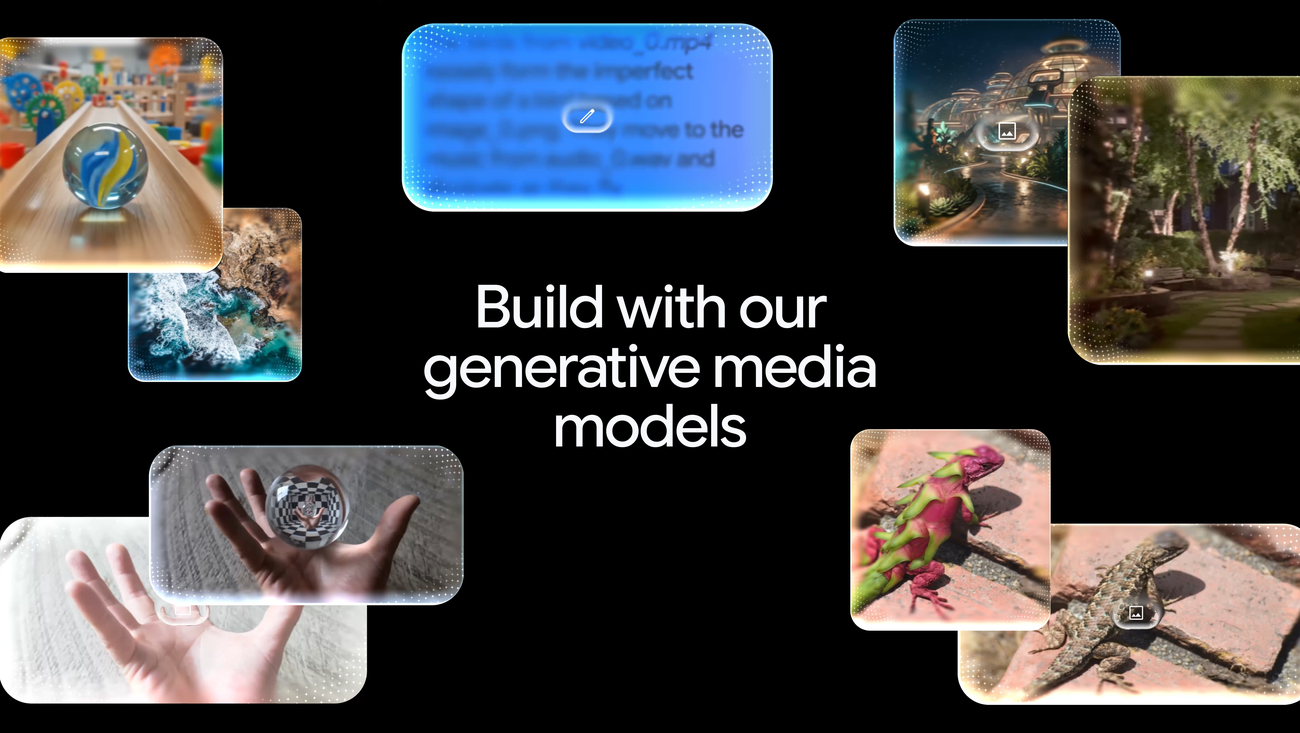
Google ties the feature to Nano Banana 2 Lite, the new Gemini 3.1 Flash-Lite Image model built for faster, lower-cost image generation, alongside Gemini Omni Flash for video workflows. Android Central and 9to5Google report that NotebookLM will use Nano Banana 2 Lite to create portrait videos with narrative explanations and educational animations. Availability is not instant for everyone: the rollout starts over the coming weeks, in English, for users aged 18 and older, on the web, Android and iOS.
The practical point is simple: Short Video Overviews do not replace reading the sources, and they do not turn NotebookLM into an automatic fact checker. They are useful for moving from a pile of material to a first visual map. If you use them for study notes, work PDFs, manuals or technical documentation, they can help you get oriented. If you feed them messy, incomplete or contradictory sources, they may produce a video that looks more coherent than the underlying material deserves.
Requirements to check first
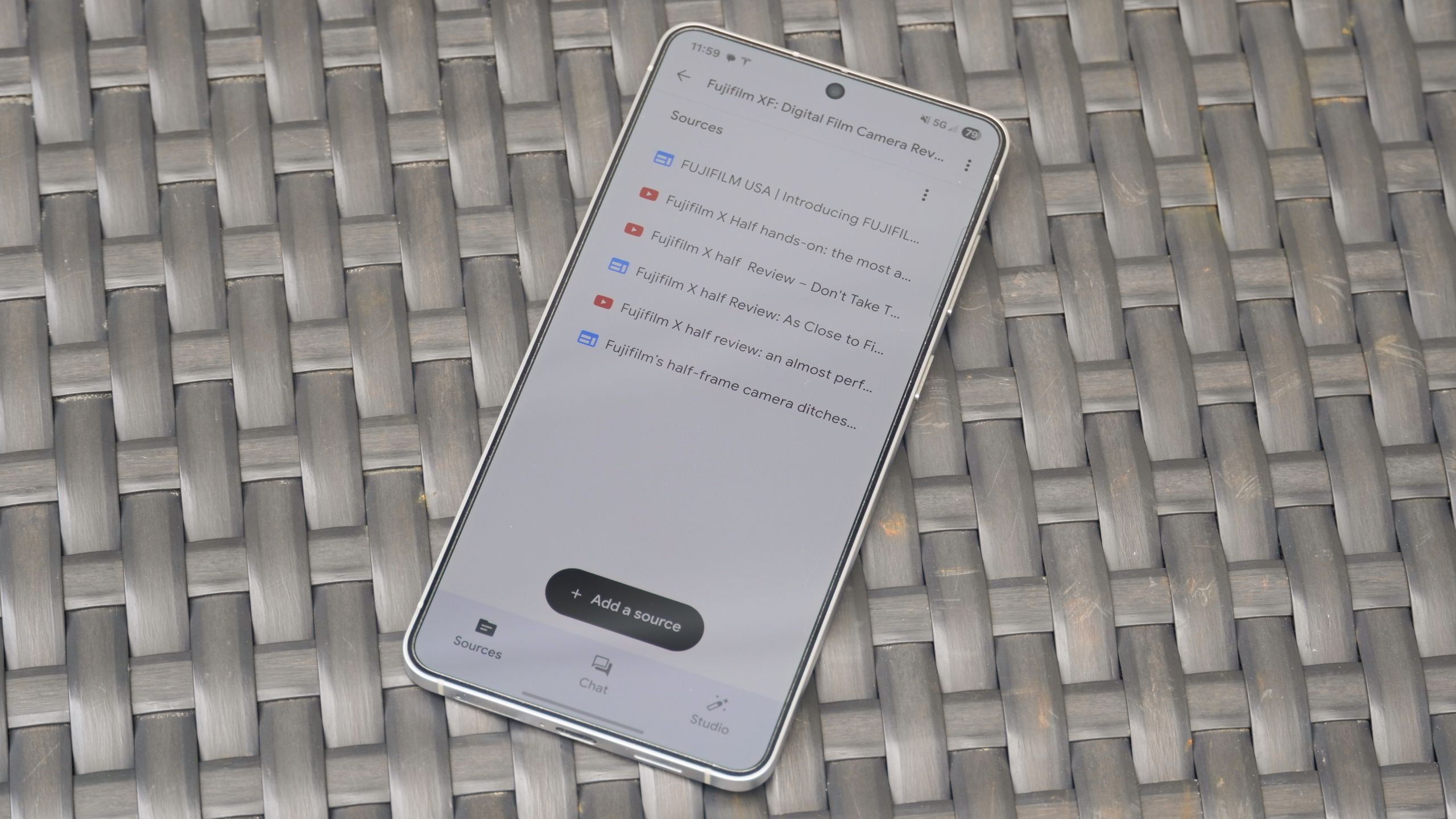
Before hunting for the new button in the Android app, check three things. Your account must be eligible for the rollout, the feature must be available for your language and region, and your uploaded sources must be suitable for summarization. Google’s rollout is aimed at users 18 and older; Android Central describes it as arriving over the coming weeks. If you do not see it today, your phone is not necessarily broken. It may simply be a server-side rollout.
It is also worth separating NotebookLM from the Gemini app. NotebookLM works on the materials you provide: documents, notes, links and files. Gemini can answer more broadly. Here, output quality mostly depends on source selection. For a useful video, a small set of strong documents beats a digital drawer full of PDFs, screenshots and half-written notes from a battlefield of tabs.
Recommended Android workflow
- Open NotebookLM from the Android app or mobile browser and choose the right notebook.
- Check the source list: remove duplicates, old versions and documents that are off-topic.
- If the feature is already enabled, open the available outputs and choose the Short or Short Video Overview format.
- Select only the sources you actually want summarized, not the entire notebook archive.
- Use a narrow focus prompt: “explain the practical steps”, “summarize risks and limits”, or “compare requirements and compatibility”.
- Watch the video, then return to the original sources to verify numbers, dates, quotes and technical claims.
The last check matters most. A 60-second video compresses uncertainty and nuance by design. If you are preparing a presentation, it can work as a quick preview. If you are making a procedure, a purchase decision, a configuration choice or something you plan to publish, go back to the text. A summary is an accelerator, not a digital signature on truth.
Common problems and fixes
If the video option is missing, update NotebookLM from the Play Store, try the mobile web version and check which account you are using. If it appears on the web but not in the Android app, use the browser temporarily: Google features often stabilize on the web first and then land cleanly in the app. If the video is too generic, reduce the source set and make the prompt more specific. If it invents weak connections, split the material into separate notebooks.
If you use NotebookLM as a study or work tool, this fits naturally with our earlier AndroidLab guide to Gemini extensions and Android permissions: the principle is the same. Useful automation is still a partial delegation. First decide what the tool can see, then judge what it produces.
What really changes
Short Video Overviews make NotebookLM more mobile-friendly: a vertical video is easier to consume on a phone than a long text summary. But the risk also moves with the format. The smoother the output, the more authoritative it feels. AndroidLab’s rule is blunt: use it to orient yourself, review material and build an outline; do not use it as the only source when accuracy, responsibility or technical decisions matter.
In brief
- NotebookLM is introducing Short Video Overviews of about 60 seconds.
- The feature is tied to Nano Banana 2 Lite and is rolling out on web, Android and iOS.
- Initial availability: English, users aged 18 and older, and not immediate for every account.
- Source quality matters: fewer, cleaner documents beat a noisy archive.
- The generated video should be checked against the original sources before study, work or publication use.