Latest English guides
Pixel 10a at $599: 5 Checks Before You Buy
Pixel 10a now starts at $599. Check local pricing, storage, update value and carrier terms before deciding whether it is still worth buying.
Chrome Tests Biometric Password Fill on Android
Google is testing biometric authentication for Chrome password autofill on Android. Here's how to enable it in Canary and what it means for security.
Android Auto Calls Fail on Foldables: What to Try
Outgoing calls may fail when some flip phones are closed. Here is how to confirm the Android Auto bug, update safely, and report it.
Google Play Usage-Based Billing: What to Check
Google Play is testing metered subscriptions for AI apps. See how auto top-ups, mixed carts and retention offers could affect Android users.
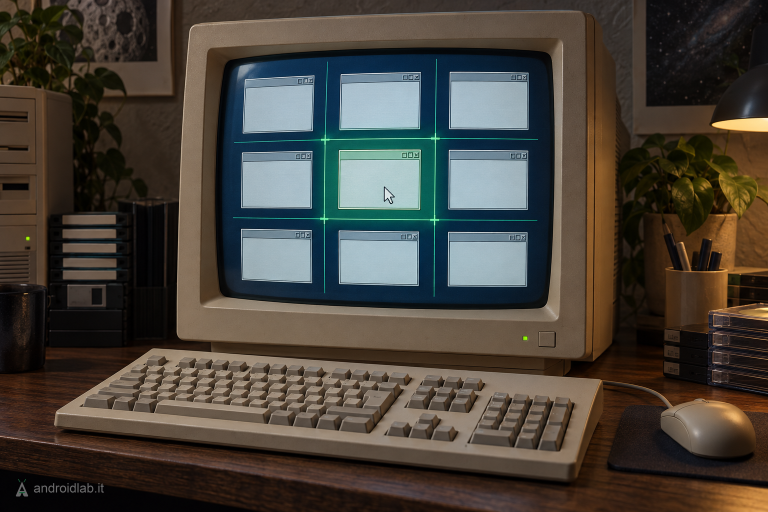
EdgeSnap 0.4 adds new Amiga snapping zones
EdgeSnap 0.4 beta adds new snapping zones, glide animation and library API 2.17 for AmigaOS 4, MorphOS and AROS x86_64.
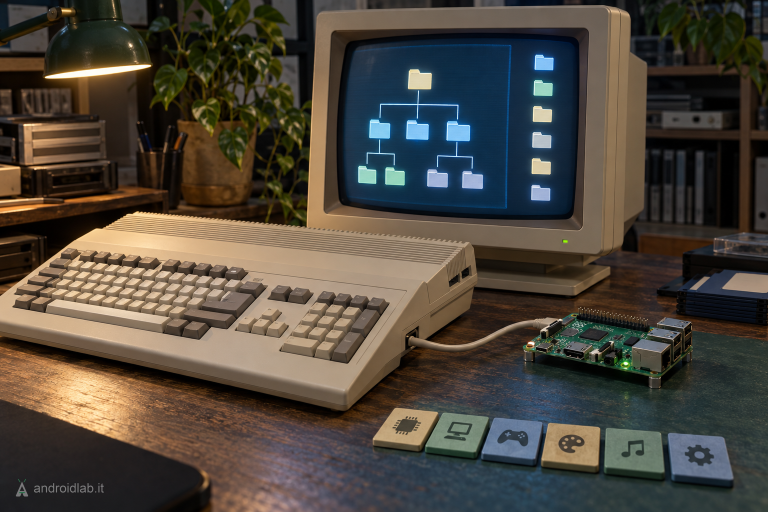
Telegram Amiga 0.0.94: AROS ARM64, FAT and six platforms
Telegram Amiga 0.0.94 adds AROS ARM64 and concrete fixes for FAT storage, downloads, stack usage and packaging across six platforms.
Motorola Signature 27 and GrapheneOS: What to Check
GrapheneOS support for Motorola's Signature 27 is confirmed, but timing and installation details are not. Here is what buyers should verify.
Chrome Tab Handoff: Keep Scroll and Form Progress
Chrome now preserves scroll position and partially filled forms across devices. Here is how to use tab handoff and what to check.
Googlebook Apps: 7 Adaptive UI Checks
Build Android apps for Googlebook with seven checks for adaptive layouts, resizable windows, keyboard input, multiple instances and testing.
Google Home MCP: 7 Checks Before Connecting AI
Google Home MCP gives AI agents device control and home history access. Check subscription, OAuth, permissions and safety before connecting.
Pixel September 2026 Update: 5 Checks Before You Install
Pixel September 2026 security patch: check beta channel, build, backup, storage and power before installing Android 17 QPR1.
One UI Killing Background Apps? Fix Battery Settings
Samsung One UI stops background apps and games to save battery. Here is how to keep essential apps running when minimized.