Android 17 QPR1 Beta 5 is the kind of Pixel update that looks boring until it lands on the phone you actually rely on. Google’s release notes list build CP31.260608.007, the June 2026 security patch level and a set of fixes for Game Dashboard, camera startup stutter, Always-On Display wake glitches, downloads and charging estimates. That is useful news, but it is not a magic “install now” stamp.

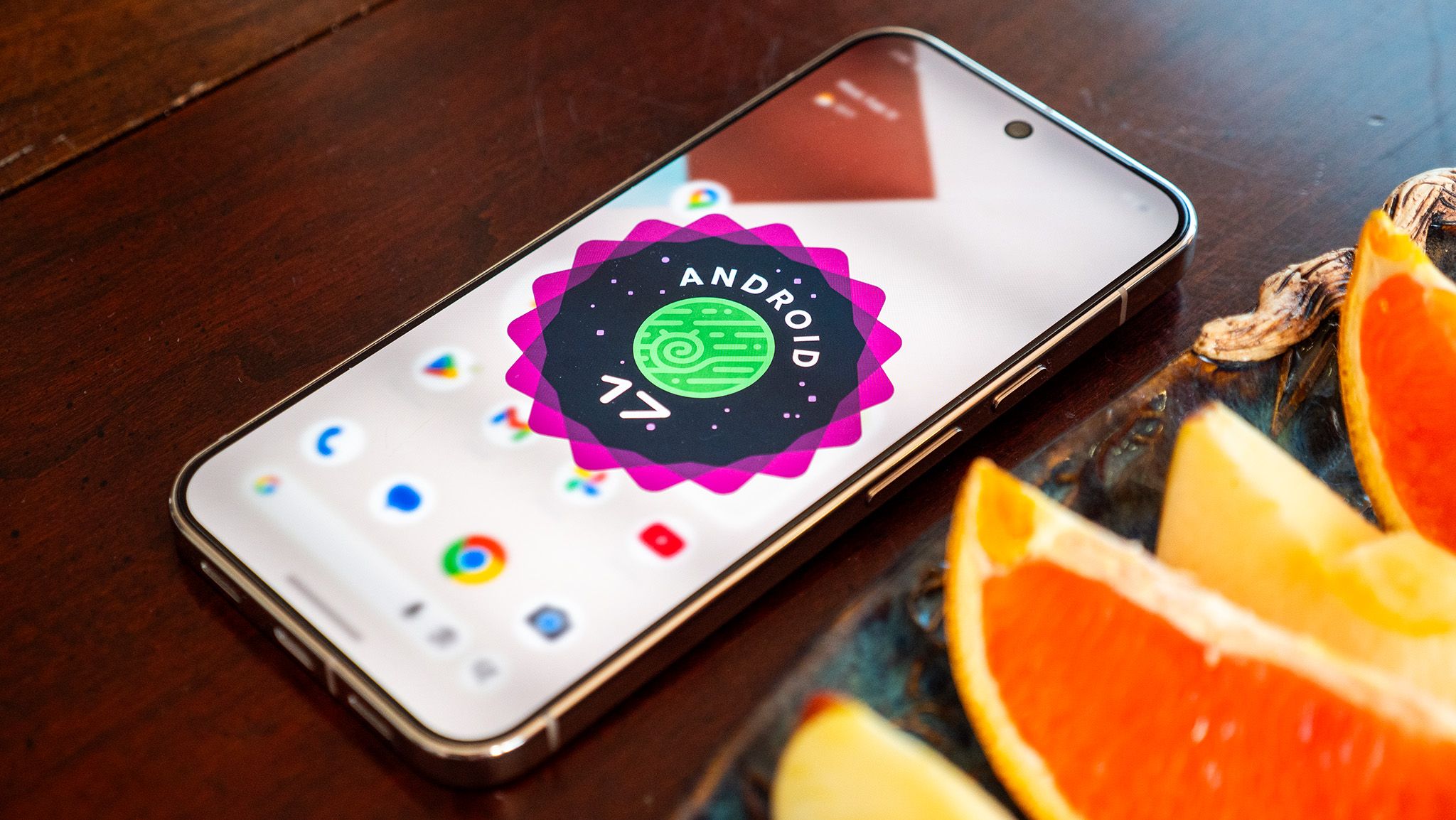
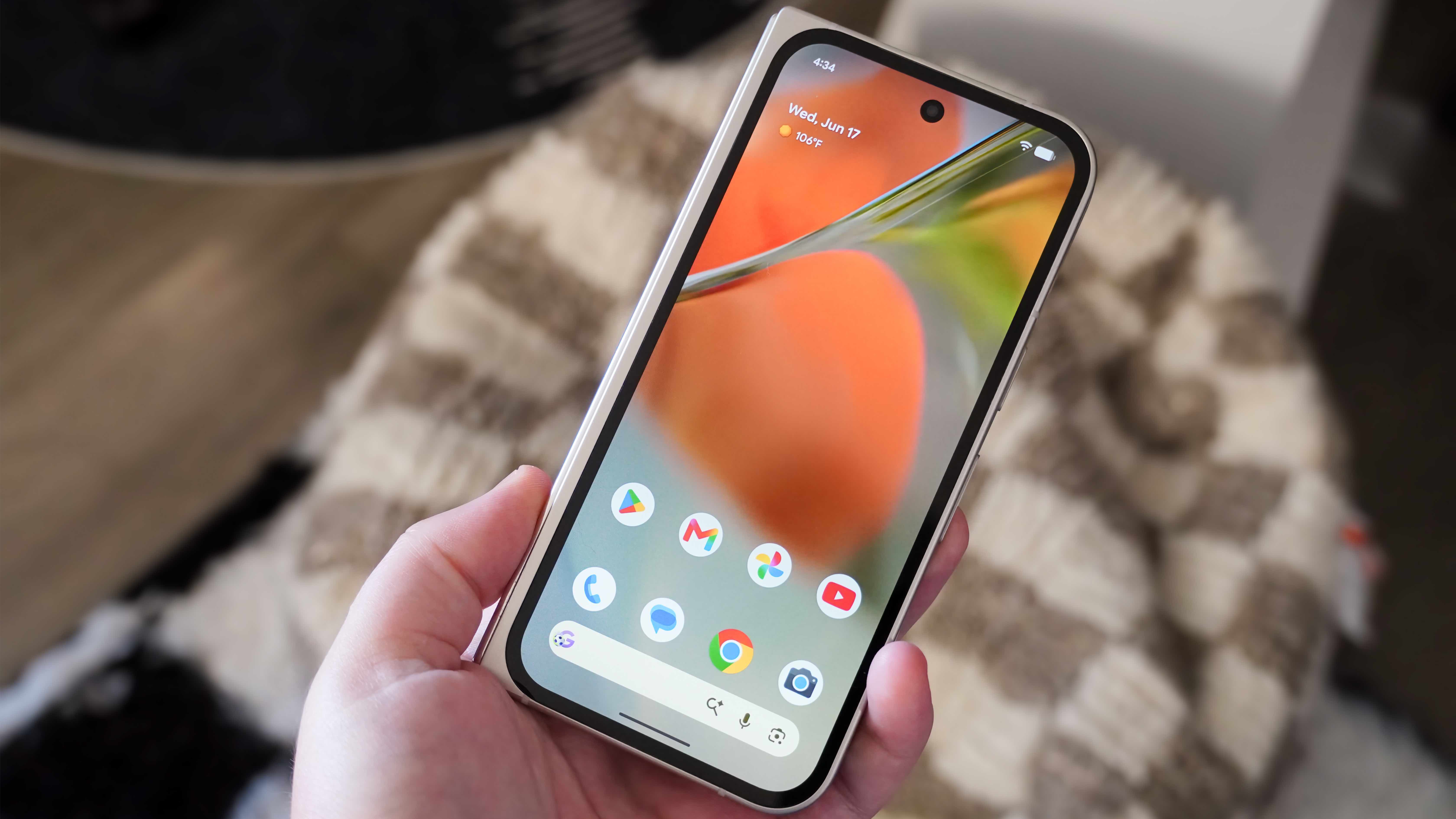
The practical reading is simple: this beta is no longer a first developer preview, and Google says QPR beta builds are generally suitable for everyday use. Still, the Android Beta Program page is very clear that beta updates are pre-release software and can contain defects that affect normal device behavior. In other words, it is reasonable for a spare Pixel or a power user device; it is still a calculated risk on the only phone that handles banking, travel, work chats and two-factor codes.
What Beta 5 actually fixes
The most visible fixes are around reliability rather than shiny features. Google lists a Game Dashboard issue where users could not stop screen recordings or save video files, a camera freeze or stutter shortly after opening the camera from idle, a screen freeze with a pixelated bottom bar when waking from Always-On Display, and a Download Manager timeout when downloads were excluded from an active VPN connection. Android Central also highlights the widget picker fix, game-download hangs and the same Game Dashboard problems as the useful part of this build.
That matters because QPR builds are where Pixel owners often get the next Feature Drop groundwork before it becomes ordinary stable software. They are not just developer curiosities. They can change daily behavior, especially around system UI, lock screen, games, camera and connectivity. The dull fixes are usually the important ones. Nobody buys a phone for a changelog bullet about Download Manager timeouts, but everybody notices when a large game download or a VPN rule breaks at the wrong moment.
Before you install it on a Pixel
Start with the boring checks, because they are the ones that save the evening. Open Settings > System > System update and write down your current build. Back up photos, authenticator recovery options, chat history and any local files that are not already synced. Confirm that your Pixel is eligible in the Android Beta Program, and remember that switching tracks is not always painless: Google says opt-out and program switching can trigger a wipe in some cases, and beta updates may take up to 24 hours to arrive after enrollment.
If you already installed Android 17 QPR1 Beta 5, watch the areas touched by the changelog first: launch the camera from an idle phone, wake the device from Always-On Display, try a normal and VPN-excluded download, test Game Dashboard recording, and reboot once to check whether widgets remain available. This is a better post-update check than scrolling through settings hoping to “feel” stability. The phone either passes the practical path or it does not.
What really changes
The real change is not that Pixel owners have one more beta badge to chase. It is that Android 17’s first quarterly branch is now close enough to daily-driver territory that users must decide like operators, not fans. If your current stable build is behaving badly and one of the listed fixes matches your problem, Beta 5 may be worth testing after a proper backup. If your Pixel is stable, there is no medal for absorbing beta risk early. Wait for the stable QPR or use a secondary device.
AndroidLab’s take: this is a good beta to evaluate, not a build to install automatically because the word “fix” appears several times. The release notes are useful, the issues are concrete, and the sources are fresh. The responsible move is to match the changelog against your actual pain points before volunteering your main phone as a small production environment with a wallpaper.
Related AndroidLab coverage: Android 17 Foldable Gaming Mode: virtual gamepad requirements and limits.
In brief
- Android 17 QPR1 Beta 5 for Pixel is build CP31.260608.007 with the June 2026 security patch level.
- Google lists fixes for Game Dashboard recording, camera stutter, Always-On Display wake freezes, downloads and charging estimates.
- The Android Beta Program still warns that beta builds can affect normal device behavior.
- Install it mainly if the listed fixes match a real problem, or if you have a secondary Pixel for testing.
Sources
- Android Developers: Android 17 QPR1 Beta release notes — Beta 5 release date June 23, 2026.
- Android Central: Pixel testers are getting Android 17 QPR1 Beta 5 — published June 24, 2026.
- 9to5Google: Android 17 QPR1 Beta 5 rolling out for Pixel — published June 23, 2026.
- Google Android Beta Program FAQ — enrollment and opt-out guidance, consulted June 26, 2026.