Editorial update – 17 July 2026. Tap to Share remains a rollout and app-version story, not a feature that every Android phone must already show. The July 2026 reporting and earlier Android sharing preview describe the direction; screens, devices and availability can differ between Pixel, Galaxy and other Android builds.
What to check before acting
- Separate confirmed product documentation from reports, previews and leaks.
- Check device, account, region, firmware and app version before assuming the feature is available.
- Use official update and download channels, and keep a reversible backup before changing data or integrations.
Google Contacts is preparing for Android’s upcoming Tap to Share flow, and the interesting part is not the animation. It is the contact card behind it. Android Authority found new work in Google Contacts 4.82.29 that moves “Your info” closer to the main profile area and ties it to Tap to Share. 9to5Google previously uncovered the broader Android flow for sharing contacts, files, links, location and media by holding two phones together. Put the two pieces together and the practical question is simple: before Android makes sharing your details feel effortless, what exactly are you comfortable handing over?
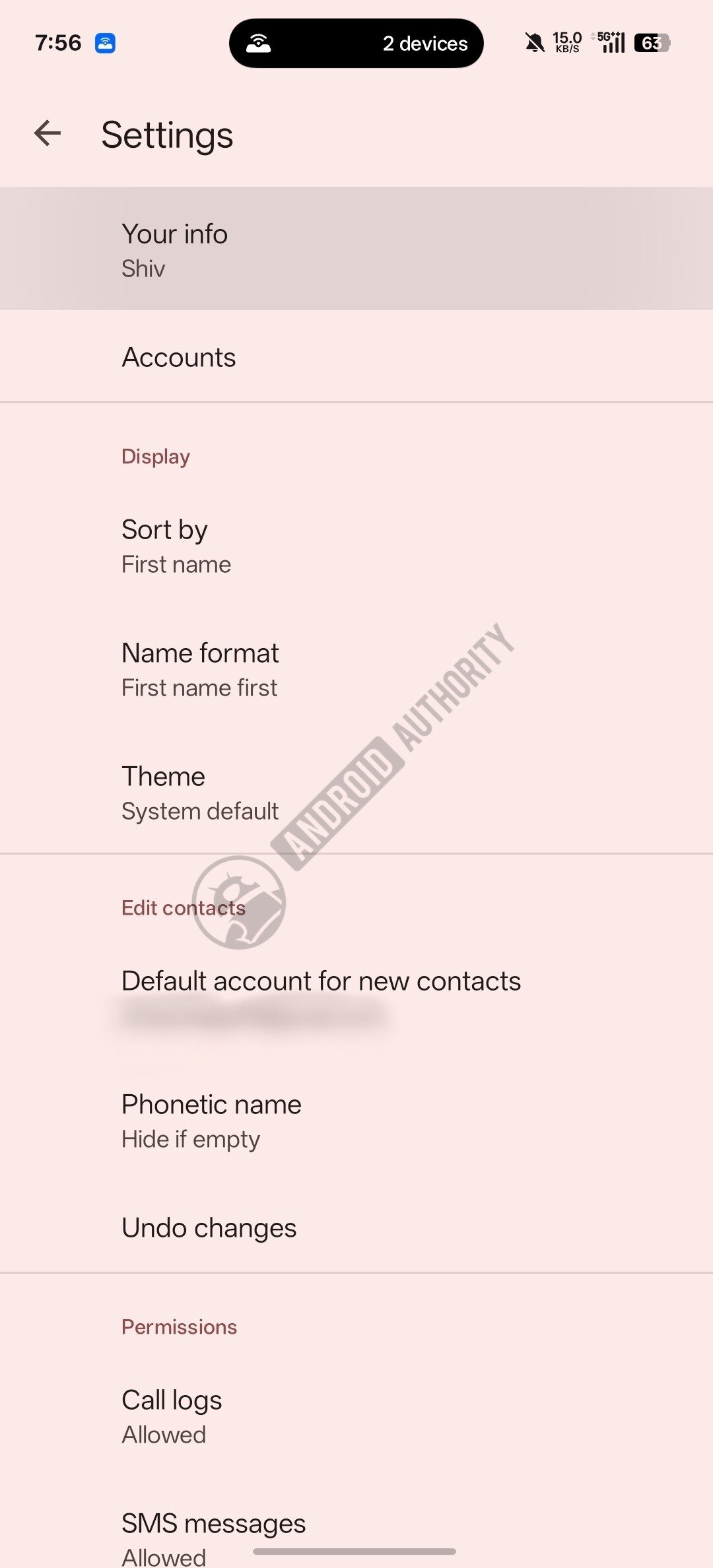
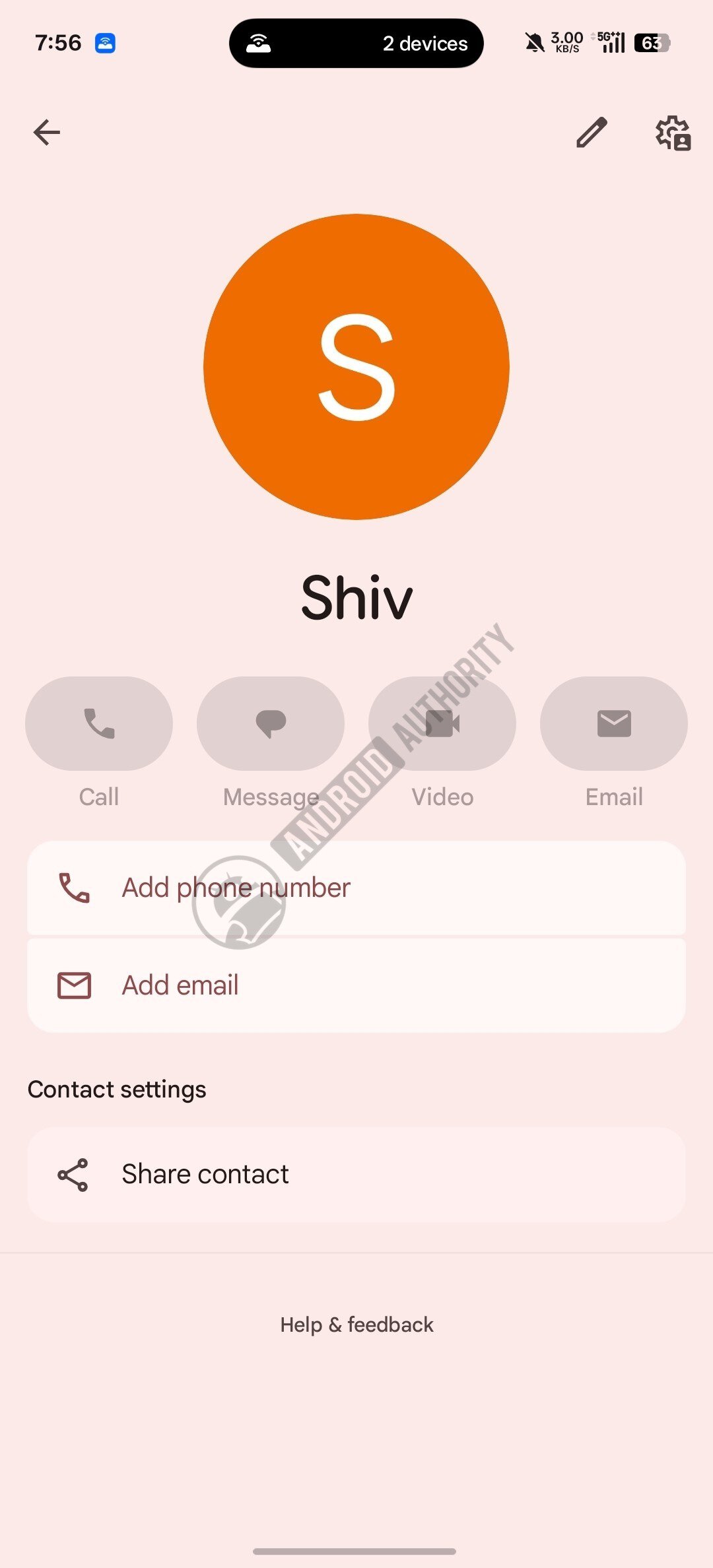
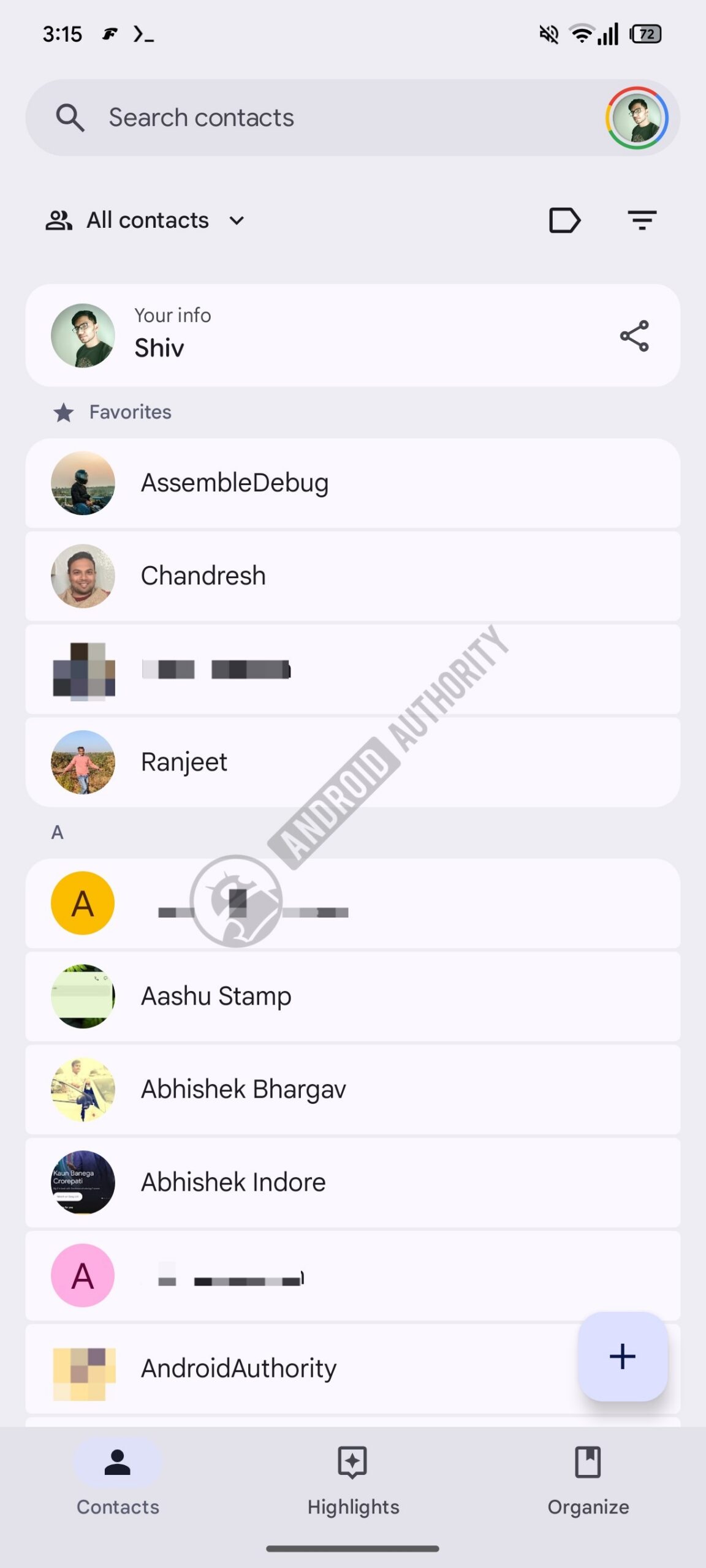
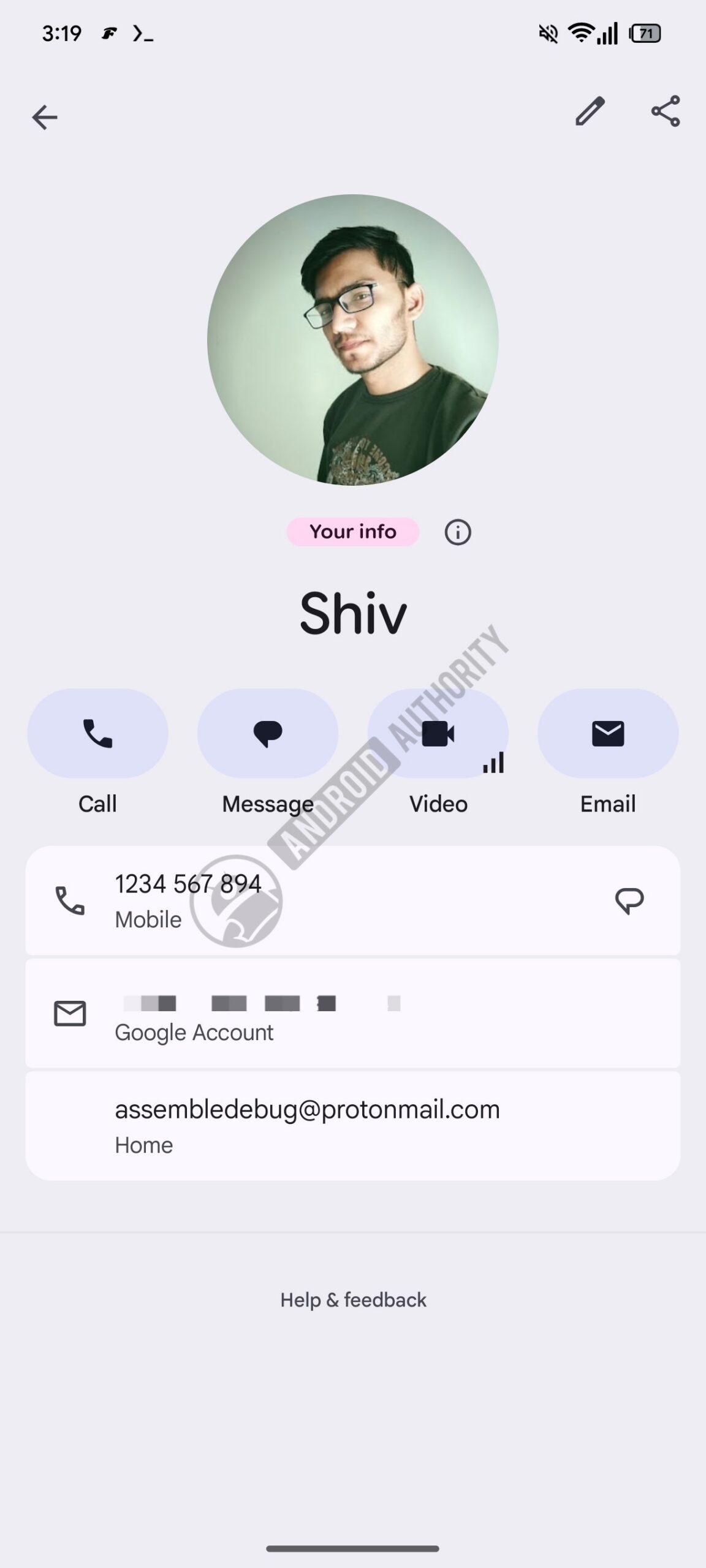
This is still an unreleased feature, so there is no switch to hunt for on every phone today. The code and UI previews point to a future where your own contact profile becomes easier to prepare and send, closer to Apple NameDrop than to the old Android Beam nostalgia shelf. That can be genuinely useful at events, work meetings, school contexts, support desks, conferences and travel. It can also make oversharing absurdly frictionless, which is usually where convenience starts quietly eating privacy for breakfast.
The safest way to read this rollout is not “new Android trick, tap phones, done.” It is “Android may soon make my contact card a shareable object.” That card can contain much more than a name and phone number: email addresses, job title, company, photo, postal address, birthday, notes and sometimes fields added by sync services. If your Google account has been around for years, there is a non-zero chance that “Your info” contains archaeological material from another era of your life. The cloud keeps receipts. Very polite, very terrifying.
Google Contacts is available from the official Google Play Store listing. If Tap to Share appears in your region or beta channel, keep it boring: update Contacts from Play Store, update Google Play services and Android system components normally, and avoid random APK mirrors promising to unlock the feature early. A contact-sharing feature is exactly the kind of thing you do not want to test through an untrusted package.
What changes in practice
The practical change is that contact sharing may move from a deliberate sequence of menus to a quick proximity gesture. That is good UX when you actually intend to share a minimal contact card. It is less good if your card is messy, overfilled or synced from places you forgot existed. A faster sharing gesture makes the preparation step more important, not less.
There is also a social angle. When a feature feels like a handshake, people may use it in situations where they would not normally dictate a phone number or type an email. That means the default card should be treated like a public business card, not like a dump of everything Google Contacts knows about you. The feature may eventually offer confirmation screens and field selection, but until the final rollout is visible, assume nothing and prepare the data first.
Privacy checklist before using Tap to Share
Open Google Contacts and review your own profile before the feature ships widely. Look for the fields you would be fine sharing with a colleague, a shop, a conference contact or someone you just met. If a field only belongs in your private address book, remove it from your personal card or move it somewhere that will not be exposed through quick sharing.
- Keep the card minimal: name, one phone number and one email address are usually enough.
- Remove stale work data: old company names, abandoned email addresses and legacy numbers are common contact-card fossils.
- Check the photo: a profile image can reveal more context than you think, especially in professional settings.
- Avoid home addresses: unless there is a very specific reason, your public contact card does not need one.
- Watch account sync: if multiple Google accounts or corporate profiles are involved, make sure you are editing the right identity.
- Wait for the final UI: APK teardown previews are useful, but the shipping confirmation flow is what matters.
If you use a Galaxy phone, keep an eye on Samsung’s implementation too. 9to5Google’s earlier preview suggested Samsung-specific contact-card UI in the Tap to Share work, while Android Authority’s newer Contacts teardown focuses on Google’s own “Your info” changes. The end result may not look identical on Pixel, Galaxy and other Android devices, especially if OEMs add their own sharing screens.
For people who already care about nearby sharing, this sits next to the same family of choices covered in our Quick Share and AirDrop security guide: visibility, proximity, confirmation and the data being exchanged. The transport layer is only half the story. The payload is the part that follows you around afterward.
In brief
- Google Contacts is preparing “Your info” changes linked to Android’s upcoming Tap to Share flow.
- The feature is not broadly live yet, so treat current screenshots and strings as pre-release evidence.
- Before using it, clean your own contact card and remove fields you would not share in person.
- Use the official Google Contacts app from Play Store, not APK mirrors promising early access.
- The real privacy control is not the tap gesture: it is deciding what your shareable card contains.
Sources
- Android Authority — July 3, 2026
- 9to5Google — April 10, 2026
- Google Play: Google Contacts — checked July 3, 2026